To test the Accept-Language header on its own, send it by hand with curl or a request tool and read what the server returns. That answers one question: does the server pick the right language. It does not tell you what a visitor sees, because the page's script reads the language a second way, navigator.languages, and formats dates and numbers a third way, through Intl. Change only the header and you get a page that disagrees with itself: German text, American dates.
So there are four things to move, and they move separately.
The four places a language lives
- The
Accept-Languageheader. Sent with every request. The server reads it to choose a translation or a store front. navigator.languageandnavigator.languages. The same list, read by the page's script. Single-page apps often decide the language here instead of on the server.Intland everytoLocale*call.Intl.DateTimeFormat,NumberFormat,Collator,ListFormat,RelativeTimeFormat, plustoLocaleDateStringand the month and weekday names. These take their default from ICU, the library underneath, not from the language list.- The browser's own interface language. Menus, error pages and permission prompts. A site cannot read it directly, but a tester sees it in every screenshot.
A real visitor from Vienna has all four on Austrian German. A test that moves one of them describes nobody.
How to test the Accept-Language header on its own
For the server half, a request tool is the right instrument:
curl -s -H "Accept-Language: de-AT,de;q=0.9,en;q=0.8" https://example.com/ | head
Try a list with a language the site does not have first, a list with q-values in an unusual order, and an empty header. That covers the negotiation code. Then stop using curl, because from here on the questions are about the browser.
Everything the window does, from a script on your own computerIn Mosaic: REST API. Everything the window does, from your own scripts. Free holds 3 profiles. Pro is $49 a month for any number.
Mosaic is a desktop app
Email yourself the link and open it on your computer.
What changes when you switch the language in Chrome
Chrome's language list (in settings, or the --accept-lang switch at launch) moves the header and navigator.languages together. That is better than an extension that edits the header, which leaves the page's script reading your real list. It still leaves Intl where it was.
We measured this on a stock Chrome while chasing a different bug. With --accept-lang set to de-AT, navigator.language said de-AT and Intl.DateTimeFormat().resolvedOptions().locale said en-US. We then tried --lang, and the environment variables LANG and LC_ALL, and the macOS preferences AppleLocale and AppleLanguages. All four left Intl on en-US.
The one thing that moved it was the DevTools protocol's setLocaleOverride call. Same Chrome, same page, one extra call:
before   navigator.language de-AT   Intl en-US   1/1/1970   1,234.5   January
after    navigator.language de-AT   Intl de-AT   1.1.1970   1 234,5   Jänner
"Jänner" is the Austrian name for January, and it is the kind of detail a translation review catches and a header test never reaches. For manual testing, the Sensors panel in DevTools exposes the same override as a locale field. Playwright and Puppeteer can send it for you; Playwright's locale option on a browser context covers the header, navigator.language and Intl together.
The interface language is the odd one. On Windows and Linux it is a Chrome setting; on a Mac, stock Chrome follows the system language. If your screenshots must show German menus on a Mac, that is a separate change from everything above.
Check the worker as well as the page
Pages are not the only script on a site. A service worker reads navigator.languages too, and it can disagree with the window. Our launcher passes --accept-lang a plain comma-separated list, and the reason is written beside that line. Chromium turns the switch into both the header and the navigator list, and it adds the q-values to the header itself. Hand it a list that already carries q-values and the header still comes out fine, but a service worker's navigator.languages reads ["he-IL", "he;q=0.9", …] while the page says ["he-IL", "he", …].
The general test: in the page and in a worker, log navigator.languages, Intl.DateTimeFormat().resolvedOptions().locale and new Date(0).toLocaleDateString(). All three should name the same locale in both places, and the header should lead with the same tag.
How a Mosaic profile carries a language
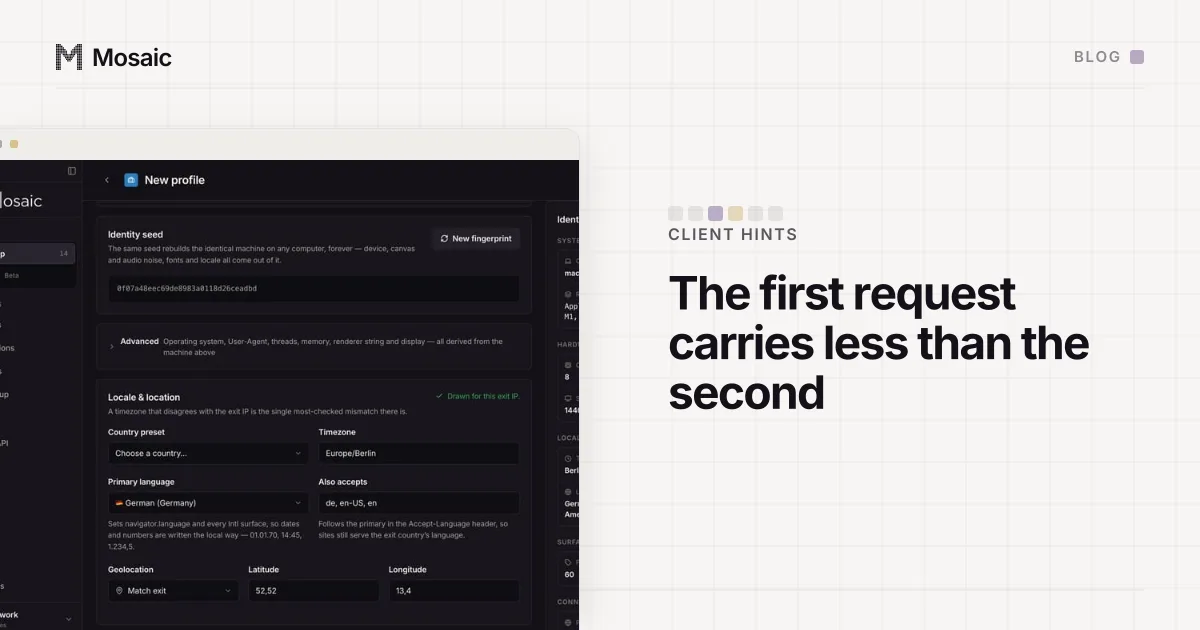
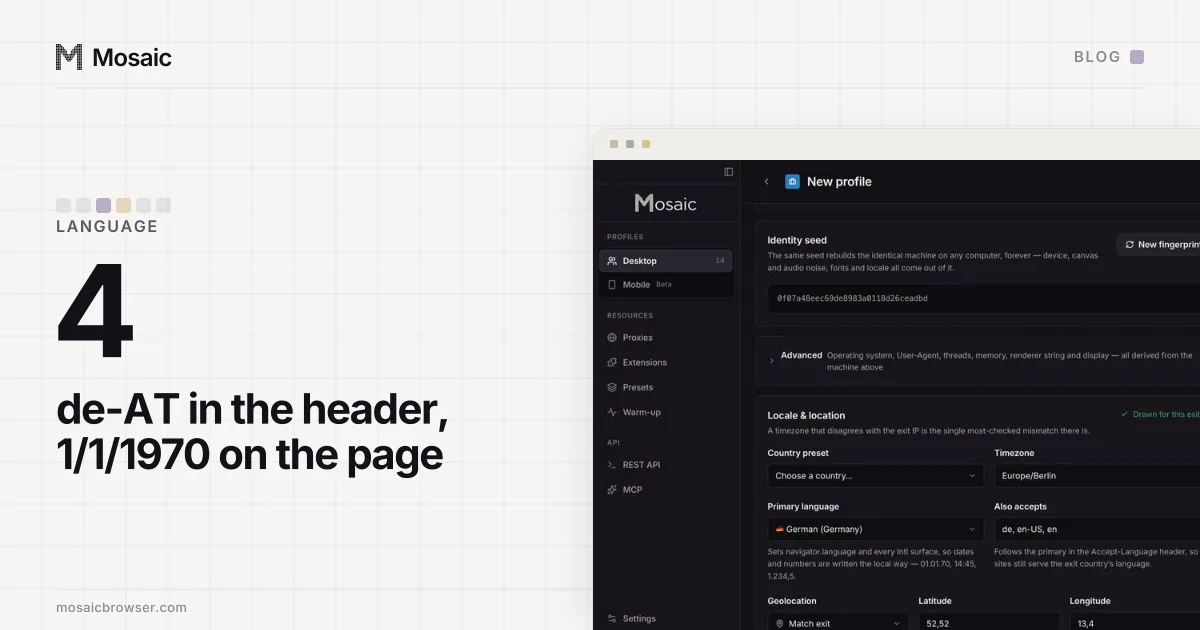
In Mosaic the language comes from the profile, and by default from the country its proxy exits in. Tesseract Chrome, Mosaic's own Chromium, launches each profile with --lang for its interface, --accept-lang with a plain list for the header and navigator.languages, and its own switch that sets ICU's default locale in every renderer process. Patch 0102 does that last part: the call already existed in Chromium, behind a ChromeOS-only fence, and running it before Blink starts means workers and fresh frames format dates the same way the page does. It is in C++ rather than page script for the reasons in why we change fingerprints in C++, not JavaScript.
When the exit's country has no row in our locale table, the language is left alone and the profile says so, rather than guessing. That gap, and why we report it instead of hiding it, is the story of a Russian exit and a profile speaking Mexican Spanish. If you are testing a store front by country, the same setup gives you the currency and shipping half of the check as well, which we walked through in checking what Shopify Markets shows a buyer in each country.