You can have multiple stores on Shopify. Section 2.1 of Shopify's Terms of Service, which we read on 2 November 2026, says it in two sentences: "Your Shopify Store can only be associated with one Store Owner. A Store Owner may have multiple Shopify Stores" (Shopify Terms of Service). So one person or one company can own as many stores as it wants to pay for, and each store has exactly one owner.
Shopify's terms allow one owner to run several stores, each with a single named owner. Mosaic keeps accounts you are entitled to run apart; it does not change what a platform allows.
What having multiple Shopify stores costs
Every store is its own subscription. Shopify manages the plan from each store's Settings > Plan page, where "your pricing plan determines which Shopify features and tools are available to your store, and your monthly cost" (Managing pricing plans). When you create a store inside an organization, the form asks you to select a plan or skip and decide later (Creating stores).
Two smaller costs catch people out. A theme bought from the Theme Store is licensed "for a single Store only", and the terms say "Multiple Stores require multiple downloads and each download is subject to the applicable fee." Apps bill per store as well: Shopify's organization page notes that recurring app charges "are attached to the store, not the organization".
Write the recipe once, then make forty profiles from itIn Mosaic: Presets and extensions. One recipe, forty profiles, forty exits. Free holds 3 profiles. Pro is $49 a month for any number.
Mosaic is a desktop app
Email yourself the link and open it on your computer.
How it works: Presets and extensions
Can you have multiple stores on Shopify under one login?
Yes, if they share an email address. Shopify's store switcher "contains the Shopify stores where you have an account with the same email address", with the most recent first and a searchable list behind View all (Switching between stores). Frozen, paused and closed stores drop out of the list until they are reactivated.
That is the cheapest way to run two or three stores you own, and it needs nothing installed. The limit is the email. On a desktop browser, Shopify says, "You can't log in to multiple accounts on a desktop device, you can only switch between different accounts" (Log in and out of your Shopify account). A store you work in under a different address, such as a client's store where you are staff, sits outside the switcher.
Organizations: Shopify's own way to group stores
On plans other than Shopify Plus, an owner of two or more stores can group them into an organization from Settings > General, under Transfer store. Grouped stores share users and settings, and billing moves to the organization owner. Shopify sets four conditions (Group a store to an organization):
- You need at least two stores.
- You must be the store owner of every store you group.
- All stores need the same billing currency, and it cannot be changed later.
- Stores billed in Indian rupees cannot be grouped.
Shopify says there is "no specific limit on the number of stores you can group into an organization" outside Plus. Plus merchants use expansion stores instead, created inside the organization or added through Shopify Plus Support.
What Shopify does not expect you to hide
The same terms ask the opposite of secrecy. The Store Owner is "responsible for ensuring that the name of the Store Owner (including the legal name of the company that owns the Store, if applicable) is clearly visible on the Store's website." Several stores under one owner are normal on Shopify, and the owner is meant to be visible on each of them.
What the rules do restrict is ownership. A store has one owner, and if you sign up for your employer, the terms make your employer the owner and require an employer-issued email. Whether running several accounts is allowed at all differs a lot between platforms; is it legal to have multiple accounts compares the rules site by site.
When separate browser profiles help
With the switcher, most owners never need more than one browser. Separate profiles start to pay off when your stores live on different email addresses: stores belonging to separate companies, stores you run for clients, or a store where you are staff rather than owner. Signing out and in between them every hour is where a reply meant for one store's customer goes out from another, and where three stores' order exports end up in one downloads folder.
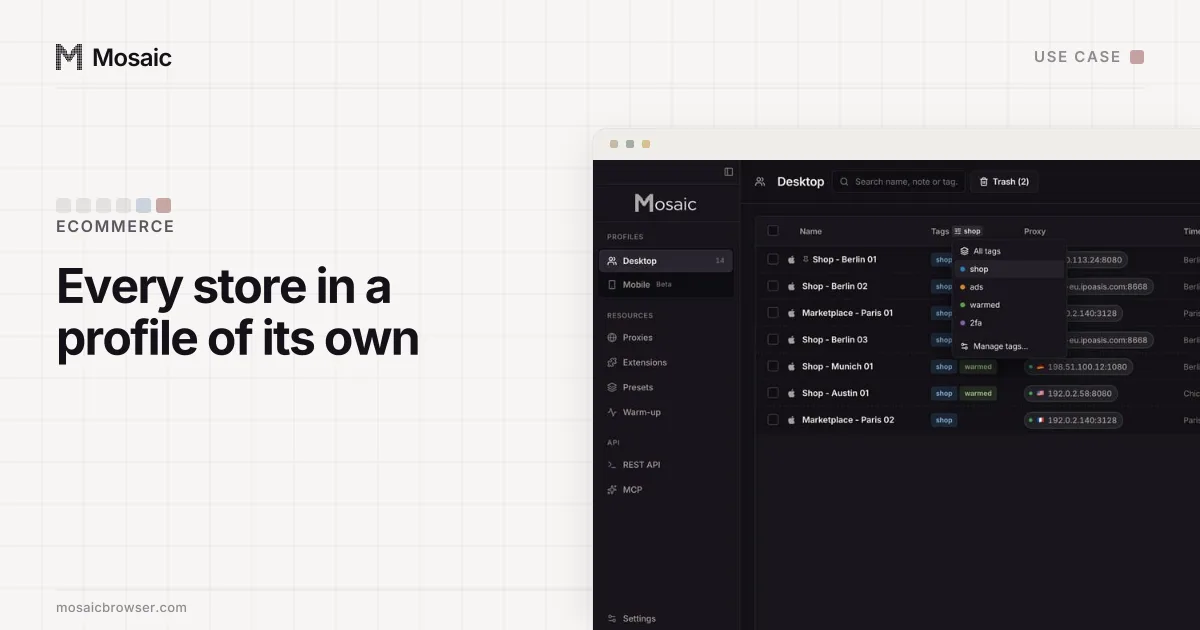
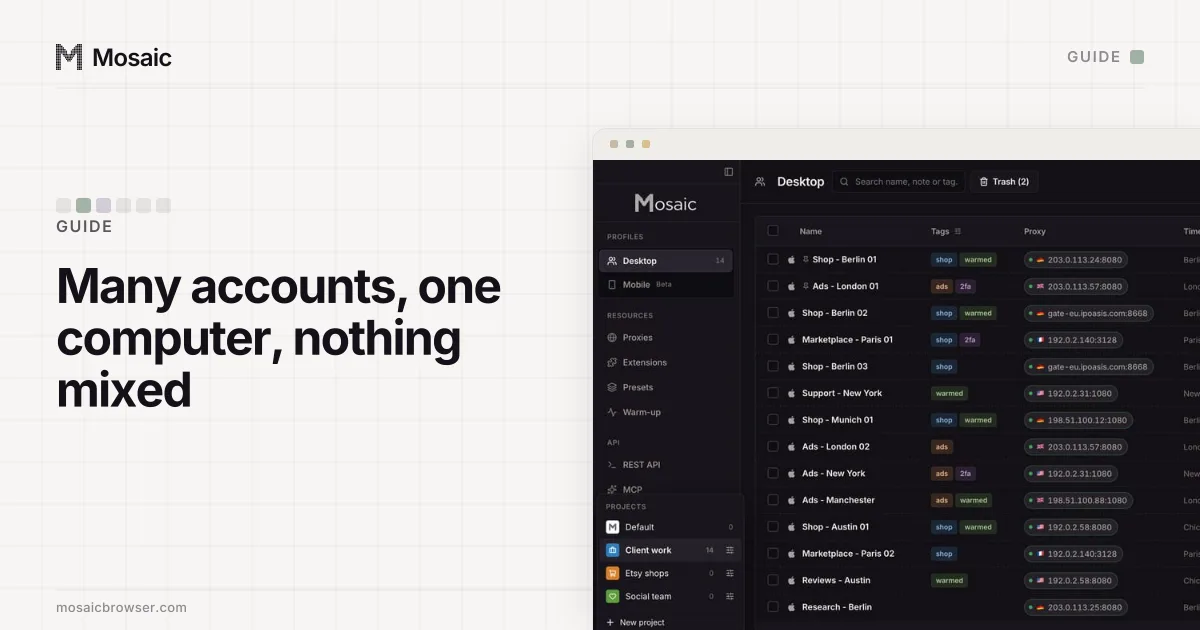
We built Mosaic for that case. Each store gets its own profile with its own cookies, saved logins and two-factor codes, and its own downloads folder, kept out of Spotlight and deleted with the profile. A tag such as "shopify" filters the table down to your stores.
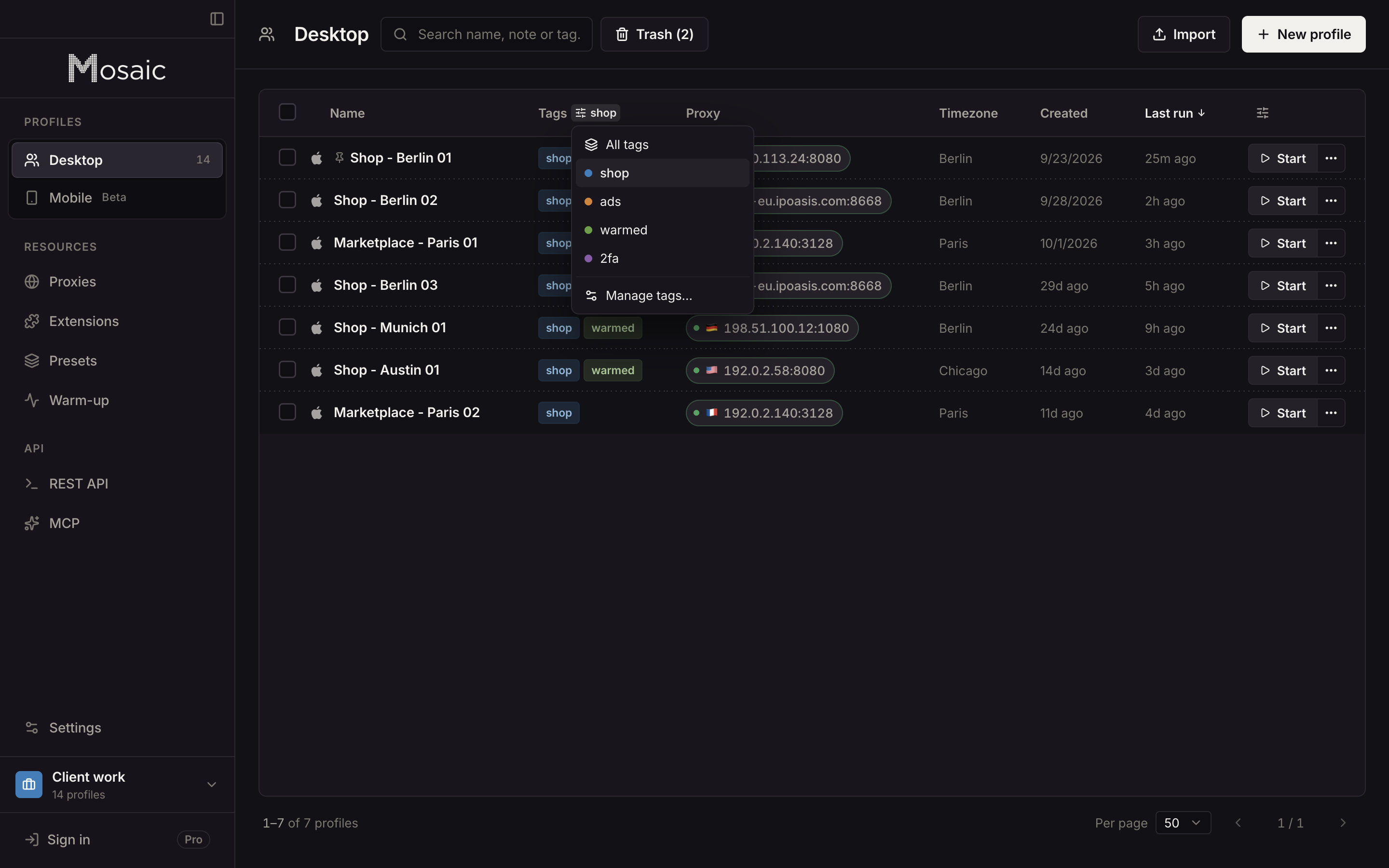
Setting that up store by store, alongside the switcher and organizations, is the subject of how to manage multiple Shopify stores. For running many logins on one machine more generally, see how to manage multiple accounts on one computer. Free is 3 profiles and 10 profile creations, and the plans for sellers with more stores are on pricing.
Sources
- Shopify Terms of Service, read November 2, 2026
- Shopify Help Center: Switching between stores, read November 2, 2026
- Shopify Help Center: Group a store to an organization, read November 2, 2026
- Shopify Help Center: Creating stores, read November 2, 2026
- Shopify Help Center: Managing pricing plans, read November 2, 2026
- Shopify Help Center: Log in and out of your Shopify account, read November 2, 2026