Managing multiple social media accounts is three jobs that most advice folds into one. Publishing is the one schedulers solve. The rules decide how many accounts you may hold at all. The third is the login layer: which session is open in which window, whose two-factor code you are pasting, and whether a reply goes out from the right brand. Most mistakes happen there.
Each platform sets its own limit on accounts, and they differ more than people expect; the table below links each rule, read on 2 November 2026. Mosaic keeps accounts you are entitled to run apart; it does not change what a platform allows.
How many accounts each platform lets you run
| Platform | The rule | What to use for more |
|---|---|---|
| One personal profile, your own (Terms, 3.1) | Pages and a business portfolio, from that one profile | |
| "Only one LinkedIn account", in your real name (User Agreement) | Page admin roles on company pages | |
| Several accounts per person, added and switched in the app (Help Center) | The account switcher; Meta Business Suite for brands | |
| X | Several accounts with distinct identities or purposes, within its limits on account creation (Authenticity) | Separate accounts per purpose; Delegate for shared ones |
| TikTok | Business accounts gathered in a Business Center with per-member permissions (Business Center) | Business Center |
| YouTube | Channel roles for other people without your Google Account (channel permissions) | Channel permissions |
Two rows deserve a second look. LinkedIn and Facebook personal profiles are one per person, so "managing multiple accounts" there means managing pages, not profiles. And X's policy forbids using several accounts together to push the same content, so a brand account and a support account are fine where two accounts posting the same thing are not.
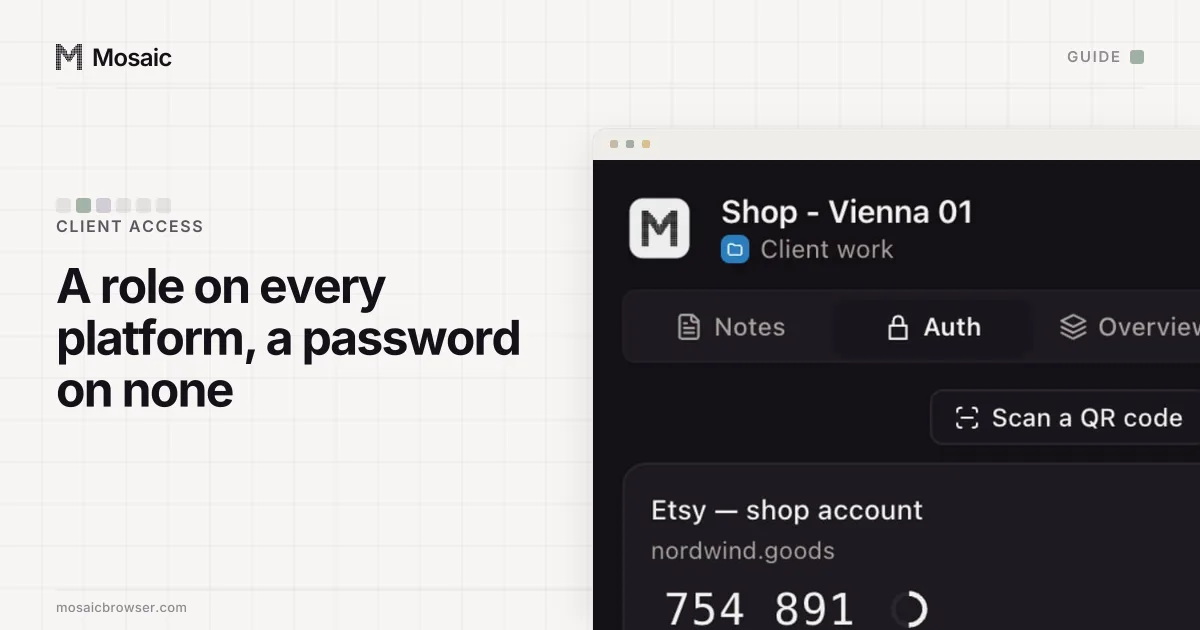
Each profile keeps its own passwords and its own 2FA codesIn Mosaic: Logins and 2FA codes. A password vault and TOTP codes for each profile. Free holds 3 profiles. Pro is $49 a month for any number.
Mosaic is a desktop app
Email yourself the link and open it on your computer.
How it works: Logins and 2FA codes
Step 1: switch inside the platform where it lets you
Before any tool, use what the platform built. Instagram's app holds several accounts and switches between them from the profile screen. Facebook Pages are run from your one profile, and every Page you manage sits in Meta Business Suite. TikTok's Business Center lists every linked TikTok account in one place, and gives each member "Deliver ads" or "Manage account" on each. YouTube lets the owner invite a manager in YouTube Studio under Settings › Permissions.
If the accounts belong to clients, the same tools are how you get in without passwords; the per-platform steps are in how to access client social media accounts.
Step 2: publish from one scheduler
A scheduler connects to each platform through the platform's own sign-in and posts on your behalf, so a content calendar covers every account and nobody signs in to ten apps at nine in the morning. For most people with more than three accounts this is the biggest time saving, and we would not tell anyone to skip it.
A scheduler stops at what the platform's connection allows. It cannot change a profile's settings for you, approve a new login, or answer a security check. It does not hold two-factor codes, and it cannot reach the smaller tools around a brand: the link-in-bio page, the newsletter tool, a regional network with no API. Those still mean signing in with a browser.
Step 3: give every login its own browser profile
Signing in to several accounts of one service in a single browser is where cross-posting accidents come from. The service keeps one session per cookie jar, so the account that opens is whichever signed in last.
The free fix is a profile per account in the browser you already use. Chrome profiles and Firefox's containers each give an account its own cookies, which solves the wrong-account problem for most people.
What they share is everything below the cookies. Every Chrome profile on your computer reports the same screen, graphics card, fonts and timezone, and leaves from the same internet address. For your own accounts on a platform that allows several, that rarely matters. For client accounts it can: ten unrelated businesses signing in from one office address and one device look connected, which is the mechanism behind accounts getting linked.
Managing multiple social media accounts in Mosaic
Mosaic is a browser where every account gets its own fingerprint, its own proxy exit and its own cookies, all kept on your computer. It is not a scheduler and has no inbox; it is the login layer.
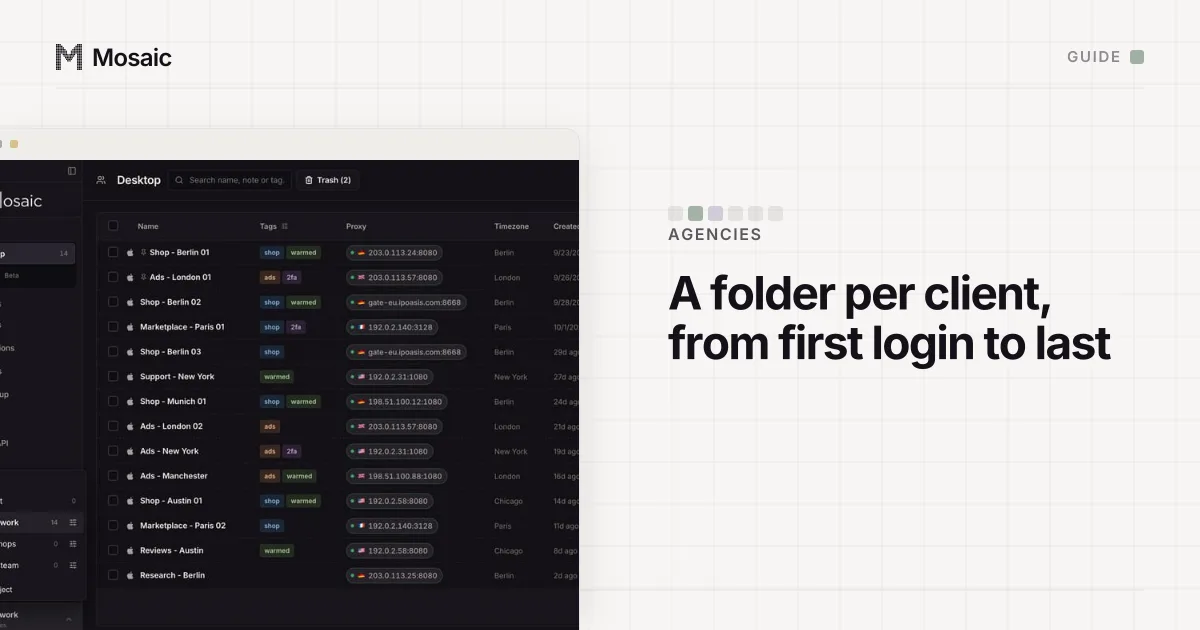
- Group accounts into projects: one per brand or client, each with its own colour.
- Click New profile for each account, named so nobody guesses: "Acme - Instagram", "Acme - X".
- Paste a proxy seller's gateway line once as a provider. Each profile mints its own session, so no two profiles share an exit by accident, and its timezone and language follow the measured exit.
- In Credentials, add the account's login and its Two-factor secret. The companion inside that profile's browser shows that account's codes and no others.
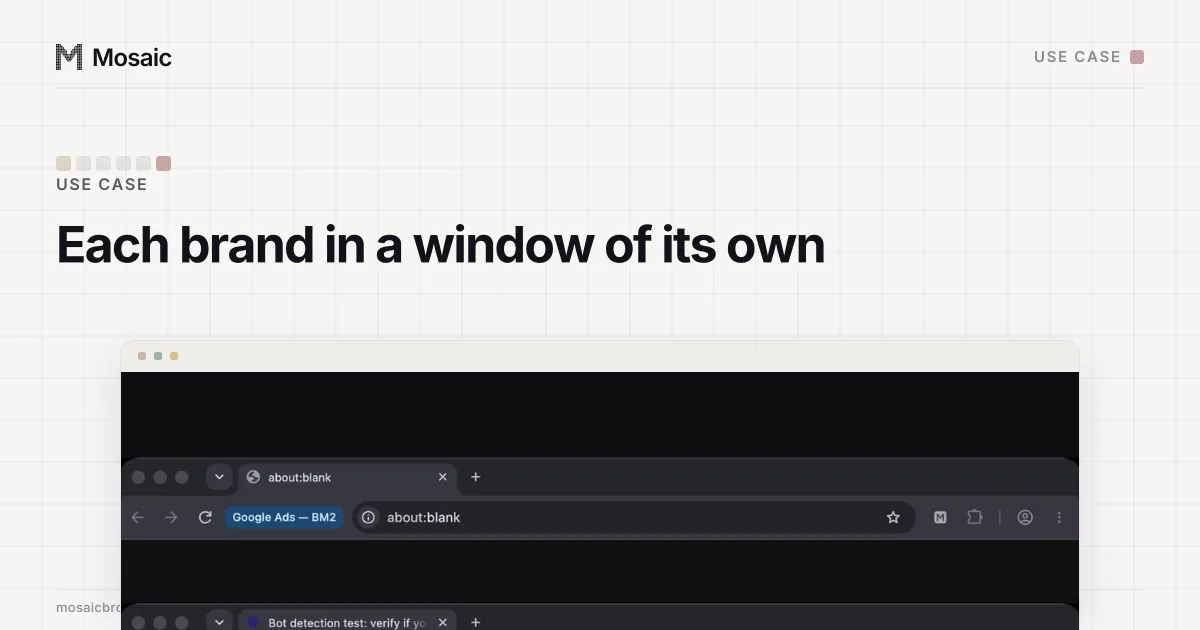
- Start the morning round in one go: select the profiles, start them together and arrange the windows, each showing its profile's name beside the address bar.
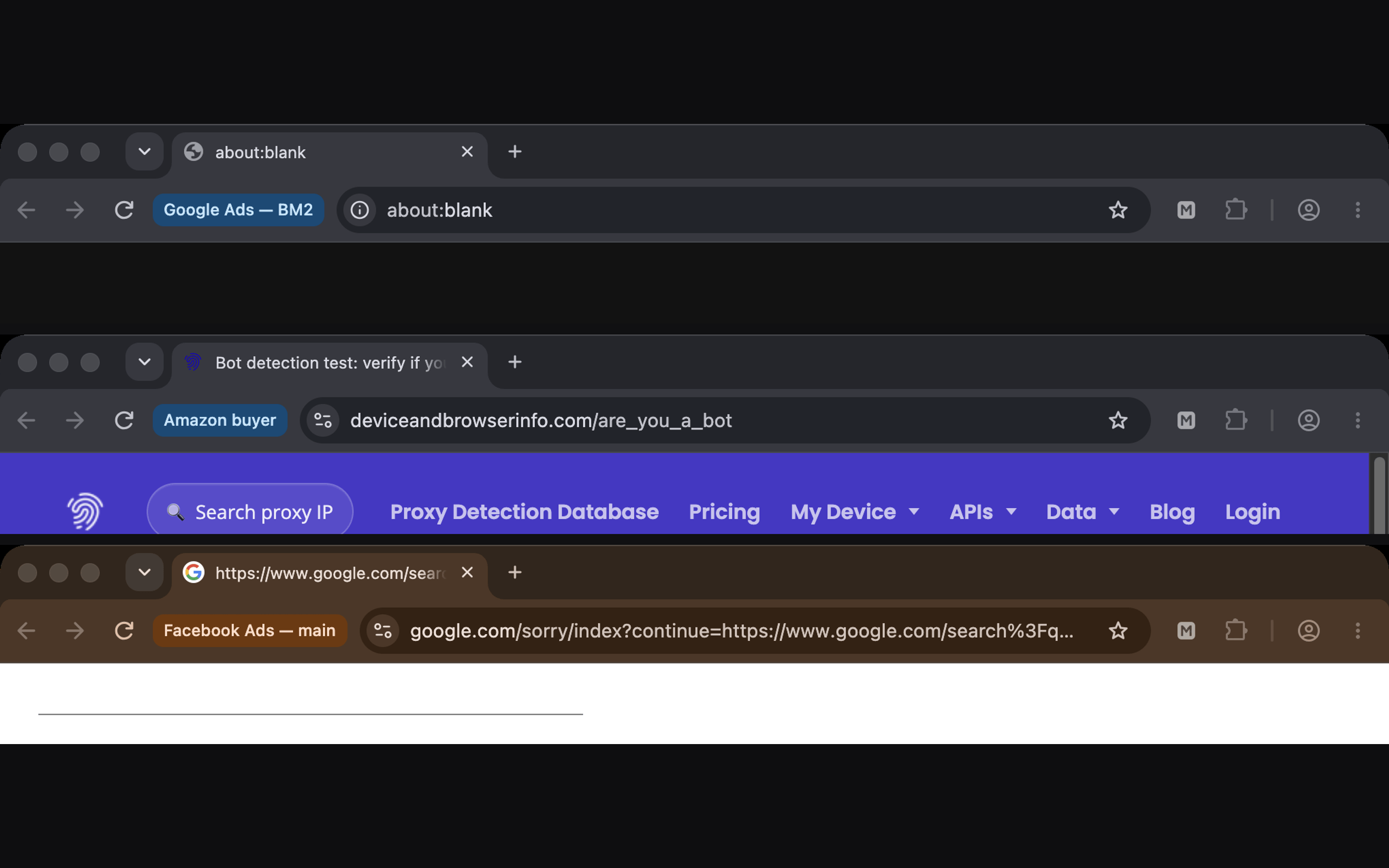
Two limits to know. A Mobile profile is desktop Chromium in device mode, built from a captured Android phone, so it shows a site's mobile web version; it is not a phone and will not run the Instagram or TikTok app. And profiles live on the computer that made them, with no team seats or sync, so a colleague gets their own platform role rather than your profile.
For agency work across a client list, with onboarding and offboarding, see how to manage social media accounts for multiple clients; the brand-account setup is on Mosaic for social media managers running brand accounts. Free covers 3 profiles and 10 profile creations; Pro is $49 a month with a 14-day free trial, on the pricing page.
Sources
- Facebook Terms of Service, 3.1 Who can use Facebook, read November 2, 2026
- Instagram Help Center: Add and switch between multiple accounts, read November 2, 2026
- LinkedIn User Agreement, read November 2, 2026
- X Help Center: Authenticity, read November 2, 2026
- TikTok Business Help Center: About managing TikTok accounts in Business Center, read November 2, 2026
- YouTube Help: Add or remove access to your YouTube channel with channel permissions, read November 2, 2026