How you manage multiple Twitter accounts depends on whose they are. Your own two or three fit in X's account switcher, which works in the apps and on x.com. A client's account does not belong in that switcher, because everything in one app or one browser profile shares a session, and the account that posts is whichever one you touched last. For those, each account gets a browser of its own.
X's Authenticity policy allows it: "X allows users to create and/or operate up to ten (10) accounts for different, non-duplicative purposes", and it lets social media managers control accounts on behalf of others. It forbids accounts that boost each other, post the same content, or stand in for a suspended one. Mosaic keeps accounts you are entitled to run apart; it does not change what a platform allows. The policy row by row is in can you have multiple Twitter accounts.
Manage multiple Twitter accounts with X's switcher
X's help page on creating and managing multiple X accounts covers the iOS and Android apps, desktop, mobile.X.com, X Lite and X for Windows. On x.com:
- In the side menu, click your profile icon.
- Choose the more icon or the plus icon.
- Click Add an existing account and sign in to the second account.
- Switch by clicking your profile icon, then the smaller profile icon of the account you want.
On Android the switcher sits behind the down arrow in the header; on iOS, behind the navigation menu, where you can also create a new account. The page is blunt about one limit: X has no way "to merge multiple accounts into one or migrate data (posts, following, or followers) from one account to another." Decide what each account is for before it has an audience.
The switcher is the right tool for one person with a personal account, a work account and a hobby account. It has no notion of which account is a client's, it keeps every account signed in on the same device, and switching is one click from posting in the wrong voice.
Paste one gateway line. Every profile mints its own exitIn Mosaic: Provider minting. One gateway line, a separate exit for every profile. Free holds 3 profiles. Pro is $49 a month for any number.
Mosaic is a desktop app
Email yourself the link and open it on your computer.
How it works: Provider minting
Why accounts get mixed up on a computer
A browser keeps x.com's cookies in one jar per profile. Every tab in that profile reads the same jar, so two tabs cannot show two different accounts; the switcher simply changes which account the jar speaks for. The free fix is a separate browser profile per account: a Chrome profile each, or Chrome for one account and Firefox for another.
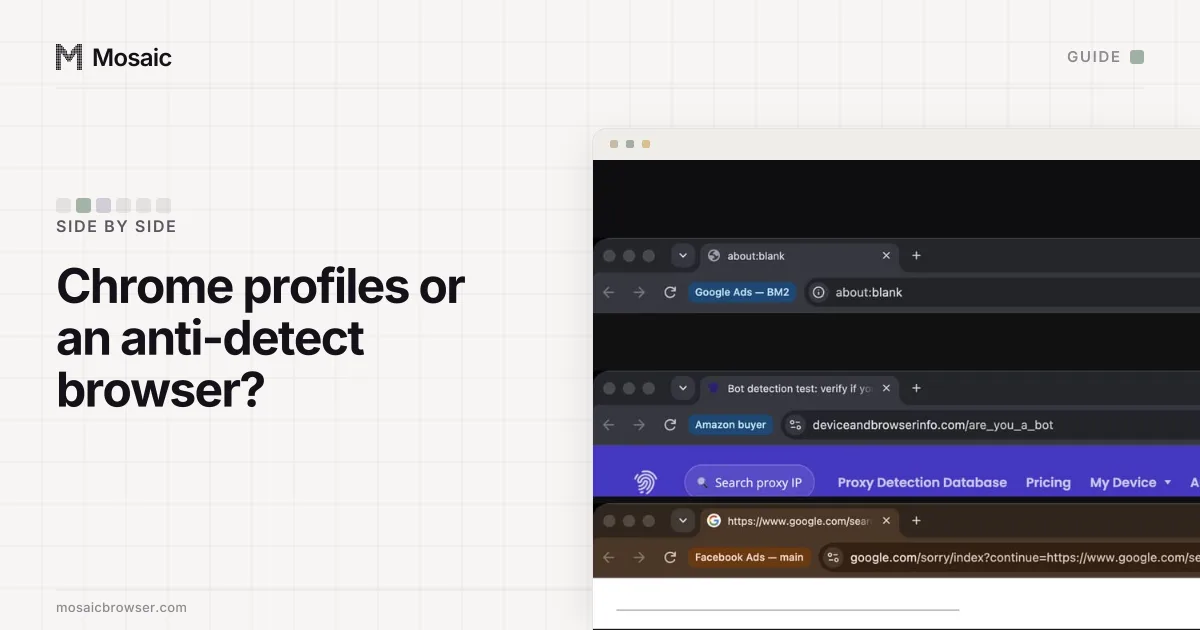
That fixes the cookies and nothing else. X's Privacy Policy (effective 15 January 2026) lists the device information it collects, including "your IP address, browser type" and "operating system, carrier, language, memory", and it says that "When you sign into X on a browser or device, we will associate that browser or device with your account." Every Chrome profile on one computer reports the same machine and the same office address. For your own accounts, that costs nothing, because X allows them. For eight clients, it makes eight unrelated businesses look like they are run from one desk. Where Chrome profiles stop and a separate browser per account starts is in Chrome profiles vs an anti-detect browser.
Habits that keep several X accounts within the rules
Most trouble with several accounts comes from what they do, not from where they sign in. The Authenticity policy names the patterns:
- Do not have your accounts like, reply to or repost the same posts. The policy forbids accounts that "engage with the same posts, accounts, or polls".
- Do not post the same text everywhere. Cross-posted content "localized into another language is permitted"; identical copies are not.
- Do not use one account to lift another. "Amplify one of your own accounts by misusing engagement features" is on the not-allowed list.
- Turn on two-factor authentication on each account. X's Terms of Service (effective 9 October 2026) ask you to "use two-factor authentication via an authenticator app or security key".
The last point needs planning once accounts belong to clients. If every client's codes live in your personal authenticator app, they leave with your phone. Keeping each setup key with the account it belongs to is covered in how to manage 2FA codes for multiple accounts.
How to manage multiple Twitter accounts in Mosaic
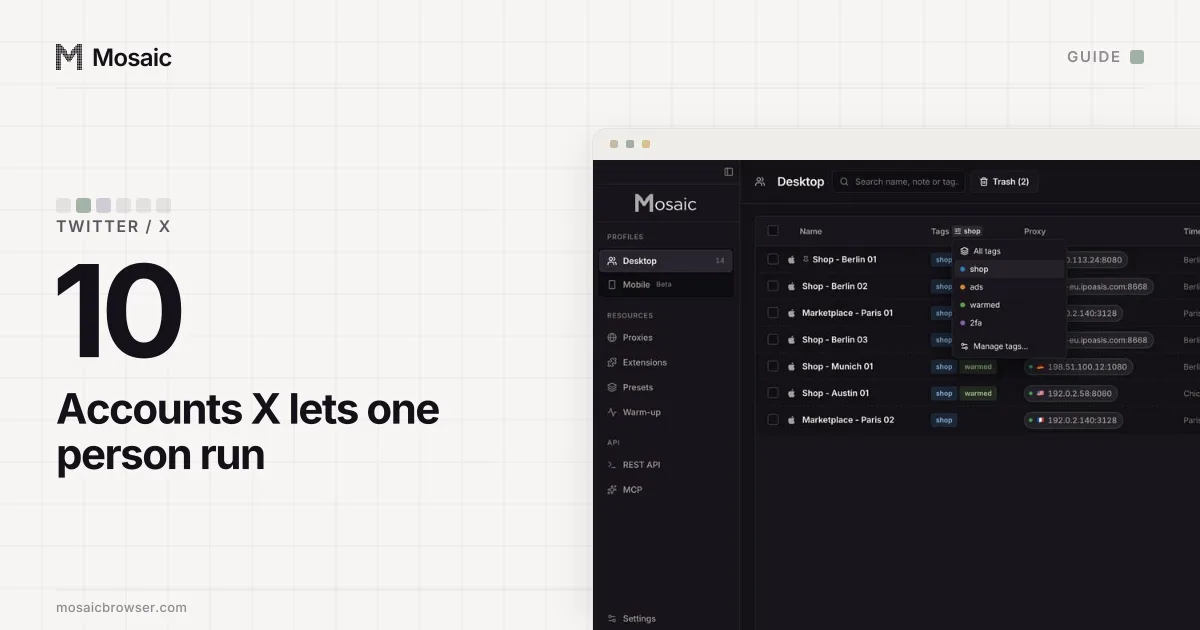
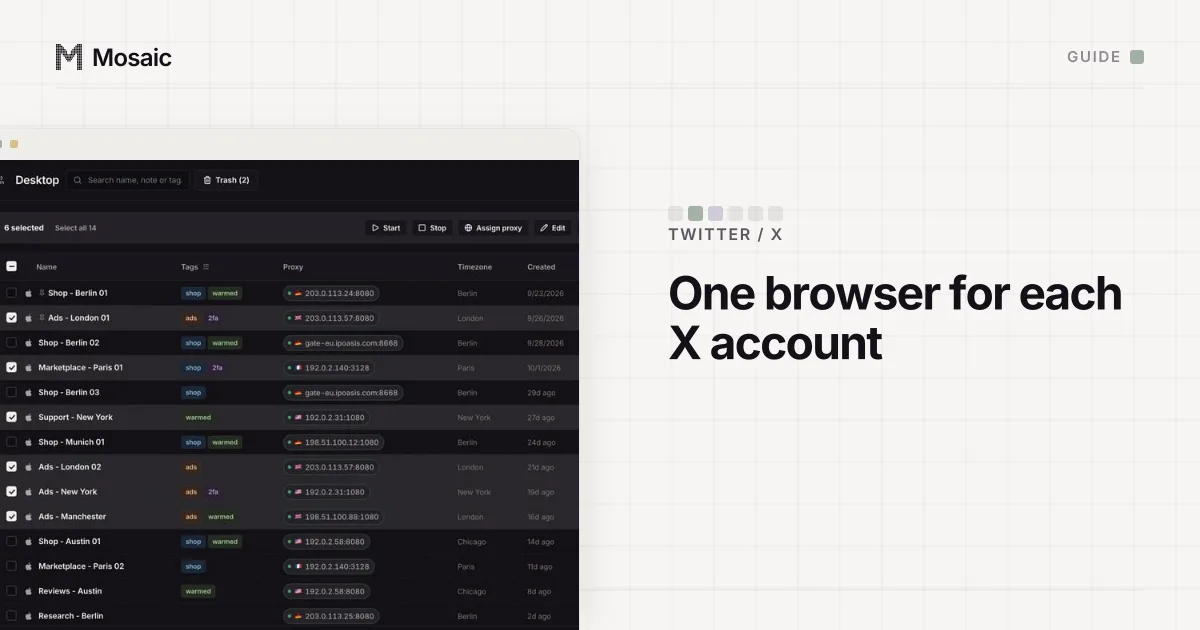
Mosaic gives every account its own browser, with its own fingerprint, its own proxy exit and its own cookies, and keeps all of it on your computer. Profiles can claim any desktop OS or Android, and the OS your own computer runs is the strongest match.
- Make a project for each client or brand, so their profiles never share a list.
- If an account belongs to another country, add a provider in Proxies by pasting one gateway line from your proxy seller. Mosaic mints a separate session for each profile, so no two profiles share an exit.
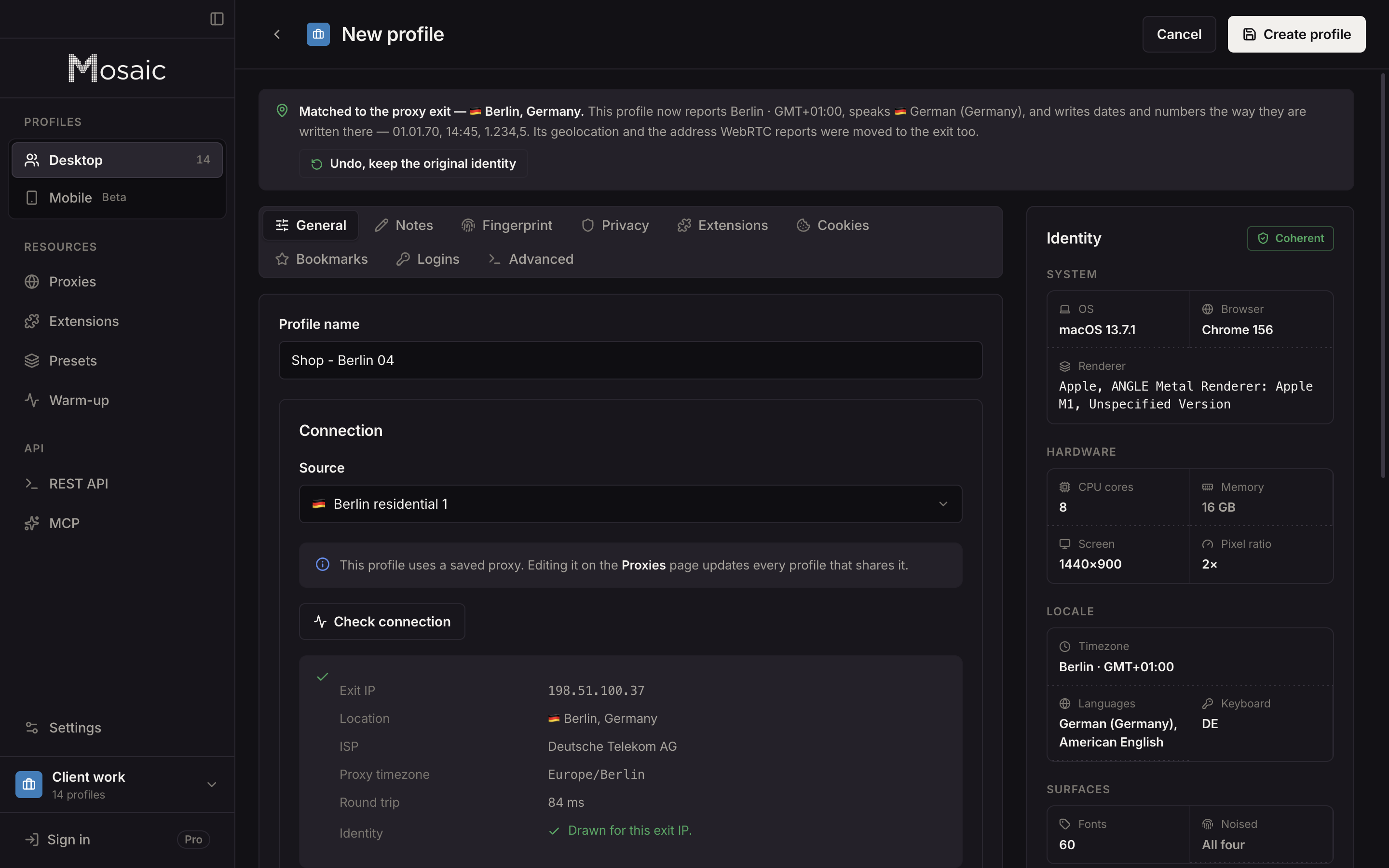
- Create one profile per X account. With a proxy, the profile's timezone, language and location are drawn from the exit Mosaic measures.
- Start the profile. The proxy is checked first, and the browser does not open behind one that has not answered and tunnelled.
- Sign in on x.com once. The cookies stay in that profile, and the next start opens it signed in.
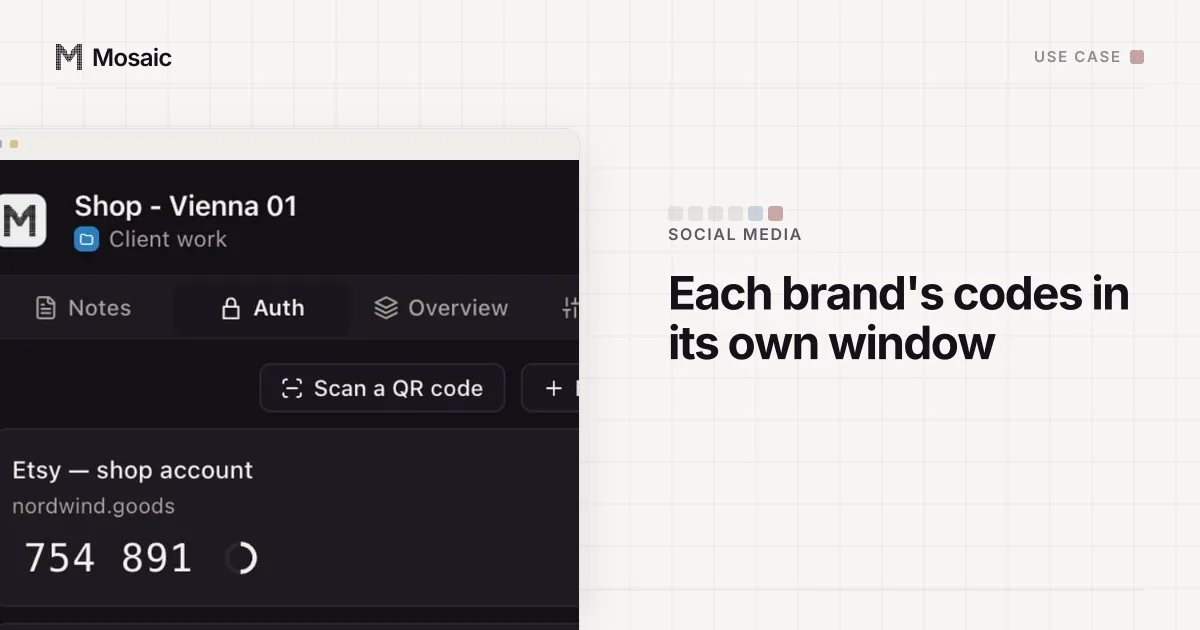
- Save the account's two-factor setup key in the profile's credentials. The companion inside that profile's browser shows the code, for that account only.
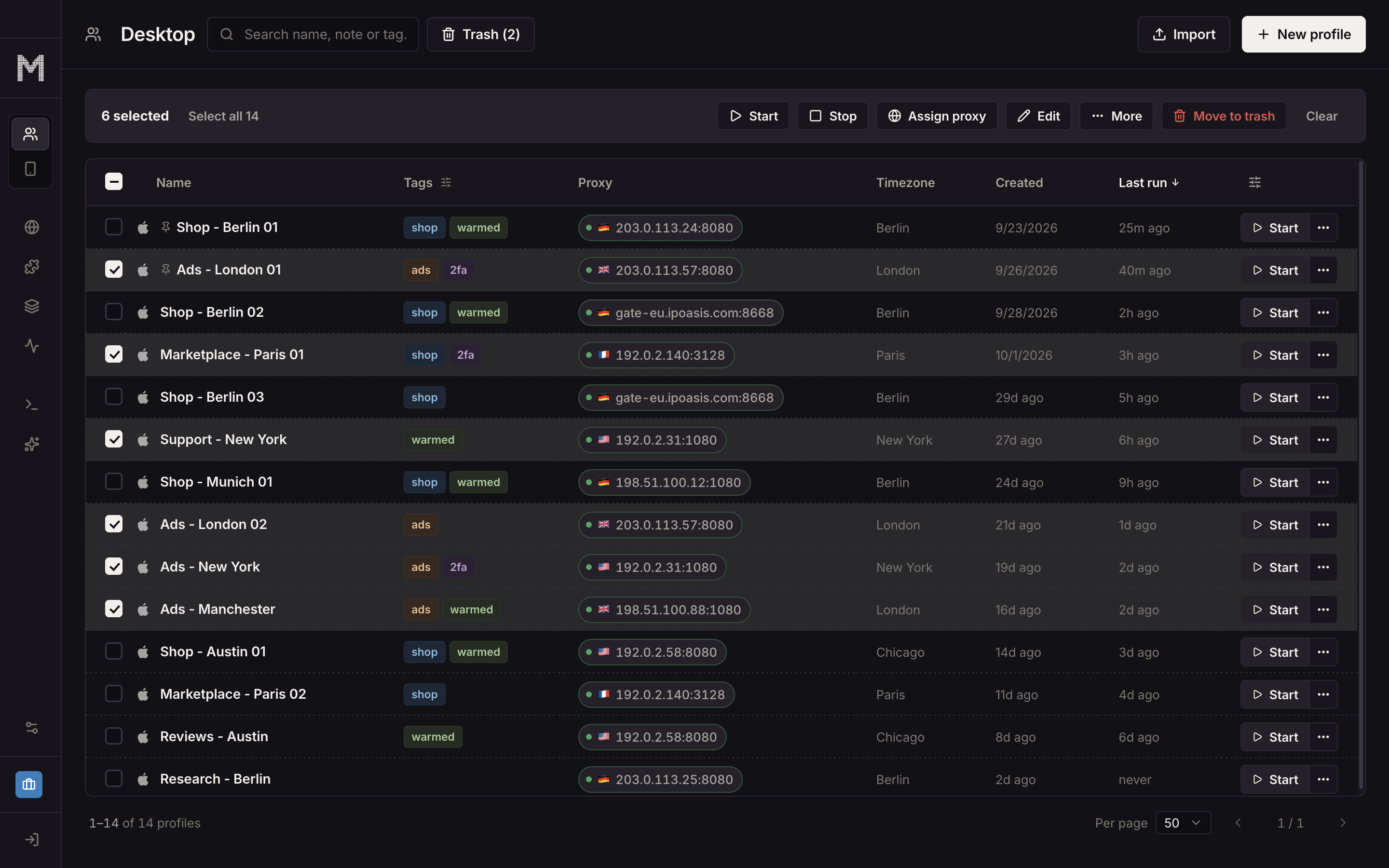
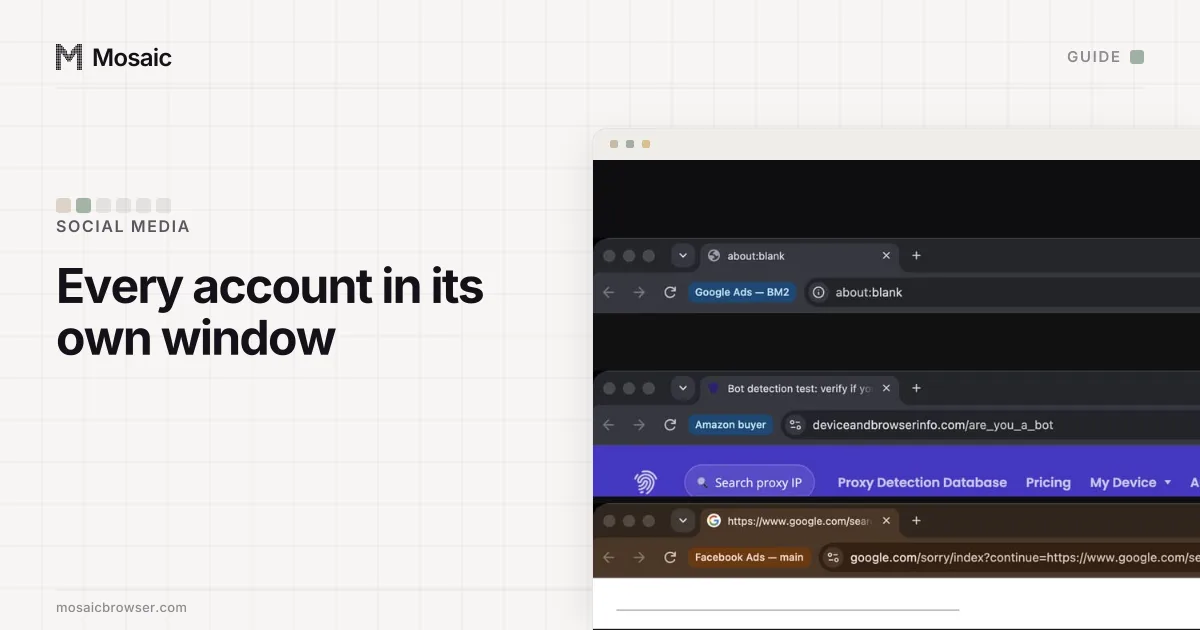
An account you run from home needs no proxy; a profile without one matches your computer's own location. Selecting several profiles lets you start them together or arrange their windows side by side, and each window carries its profile's name. How a provider turns one gateway line into a session per profile is on the proxy providers page.
Mosaic does not post, like, follow or schedule for you, and it will not make accounts act together. That is the part X's policy cares about, and it stays your decision. Free is 3 profiles and 10 profile creations. For a manager with a project per client, Mosaic for social media managers shows the set-up end to end.
Sources
- X Help Center: Creating and managing multiple X accounts, read November 2, 2026
- X Help Center: Authenticity (April 2025 version), read November 2, 2026
- X Terms of Service (effective 9 October 2026), read November 2, 2026
- X Privacy Policy (effective 15 January 2026), read November 2, 2026