You can run multiple TikTok ad accounts, and TikTok's help pages treat it as the normal way to grow. Its article on creating ad accounts opens by calling separate accounts "a powerful way to structure and scale your advertising", with "separate budgets, campaigns, and performance data for each brand, product line, or region" (TikTok Business Help Center, read 2 November 2026). The place they live is Business Center, the workspace above TikTok Ads Manager.
TikTok's terms allow a business to hold several ad accounts inside Business Center, as long as nothing is used to "circumvent, evade, or interfere with" its advertising systems (Advertiser Account Policy, read 2 November 2026). Mosaic keeps accounts you are entitled to run apart; it does not change what a platform allows.
Why one ad account stops being enough
A TikTok ad account is pinned to choices made on the day it is created. TikTok's account setup page says you "won't be able to edit the timezone, region, business name, and currency of your ad account once it's been created" (Required information, read 2 November 2026). A shop that sells in euros and later opens in the UK with pounds needs a second account for that. So does an agency the day it signs a second client, because the client's company name sits on the account.
Inside one ad account there is plenty of room. The limits are 5,000 campaigns, 999 ad groups per campaign and 50 ads per ad group, so nobody opens a second account to get more campaigns. It is always about money, ownership or market.
Each profile keeps its own passwords and its own 2FA codesIn Mosaic: Logins and 2FA codes. A password vault and TOTP codes for each profile. Free holds 3 profiles. Pro is $49 a month for any number.
Mosaic is a desktop app
Email yourself the link and open it on your computer.
How it works: Logins and 2FA codes
How to run multiple TikTok ad accounts in Business Center
Business Center is the workspace above your ad accounts. You sign in once with a TikTok for Business login, and the ad accounts, TikTok accounts, pixels and catalogues it holds are shared out to members and partners from there (How to set up a TikTok Business Center, read 2 November 2026). The steps TikTok gives for an advertiser:
- Go to the TikTok Business Center website and sign up or log in.
- Choose I am an advertiser (or I am an agency if you run ads for other businesses), then your country, your company's full legal name, time zone and currency.
- Click Create. TikTok warns that you "may not be able to change your business information later", so check every field.
- To add an account, go to Accounts › Advertiser accounts › Add advertiser account, pick Create New, fill in the name, time zone and contact details, and confirm.
- For an account that already exists outside Business Center, choose Request Access at step 4 instead and enter its ad account ID. Its admin approves the request in TikTok Ads Manager.
Agencies fill in the client's company instead of their own at step 4. Once a client's first account is approved, TikTok lets you reuse its verified legal entity certificate for the next ones, and accounts created that way "are approved automatically".
How many ad accounts TikTok allows
TikTok publishes some limits and is vague about others, and the pages do not agree with each other.
| What | Limit, per TikTok's help pages |
|---|---|
| Business Centers one TikTok for Business user can create | 30 |
| Ad accounts you can create in one Business Center | a default that "varies depending on the type of Business Center" |
| Ad accounts one Business Center can add (older FAQ, last updated February 2025) | 150 |
| Members of one Business Center | 4,000 in the newest page; the older FAQ says 1,000 |
The 30 comes from the Business Center setup page, which suggests deactivating one before creating a 31st. The 150 comes from the Business Center FAQs. The creation article, updated March 2026, prints no number and sends you to your account manager or support. We would plan around the cautious figure until TikTok confirms yours.
What gets an advertiser in trouble
The Advertiser Account Policy covers what an advertiser does as well as what its ads show. Its examples of what is not allowed include "bypassing moderation procedures" and "submitting falsified or inauthentic documents", and TikTok says enforcement can reach "temporary or permanent suspension from all Bytedance platforms".
The clearest line is a suspension. TikTok's troubleshooting page tells a suspended advertiser to "avoid creating any new ad accounts while your appeal is being reviewed" (How to troubleshoot a suspended ad account, read 2 November 2026). A second account opened to keep spending while the first is suspended is the opposite of running several accounts in Business Center, and no browser makes it otherwise. Mosaic is not for it.
Where a separate browser helps
Business Center solves the ad accounts. It does not solve the logins around them. Business Center has an email domain allowlist that "only lets in approved email domains". When a client approves only its own domain, a media buyer can end up with the agency's TikTok for Business login plus one on each such client's domain. Add the brand's own TikTok account, if the agency also posts for it, and that is three logins competing for one Chrome window and one cookie jar.
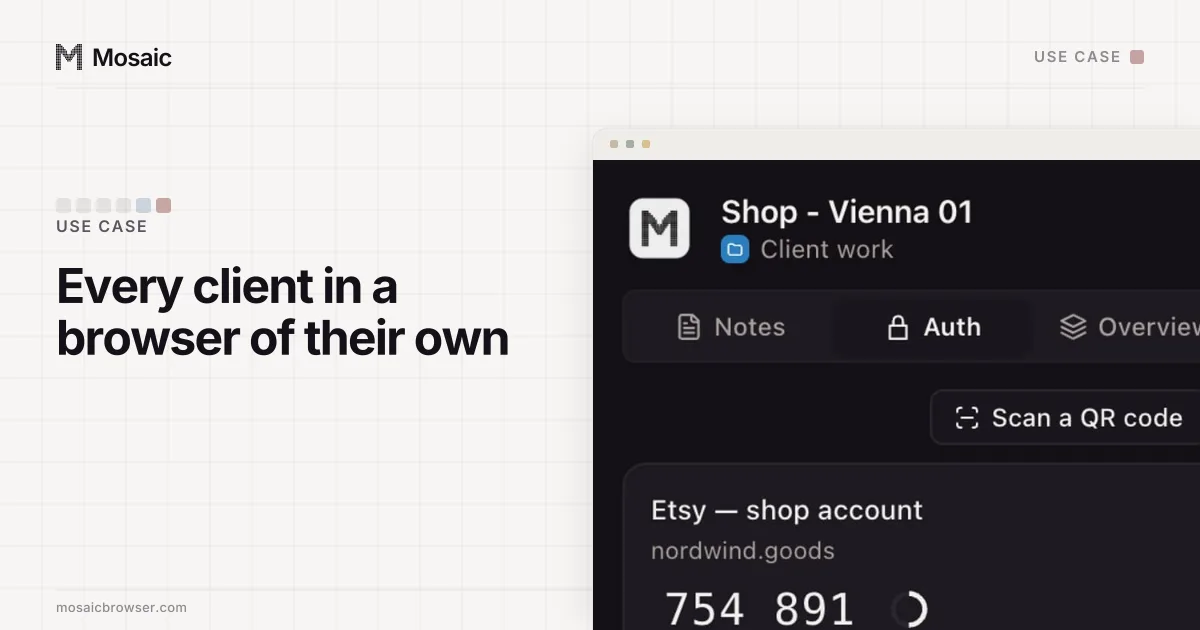
In Mosaic each of those logins gets its own profile, with its own cookies, its own fingerprint and its own proxy:
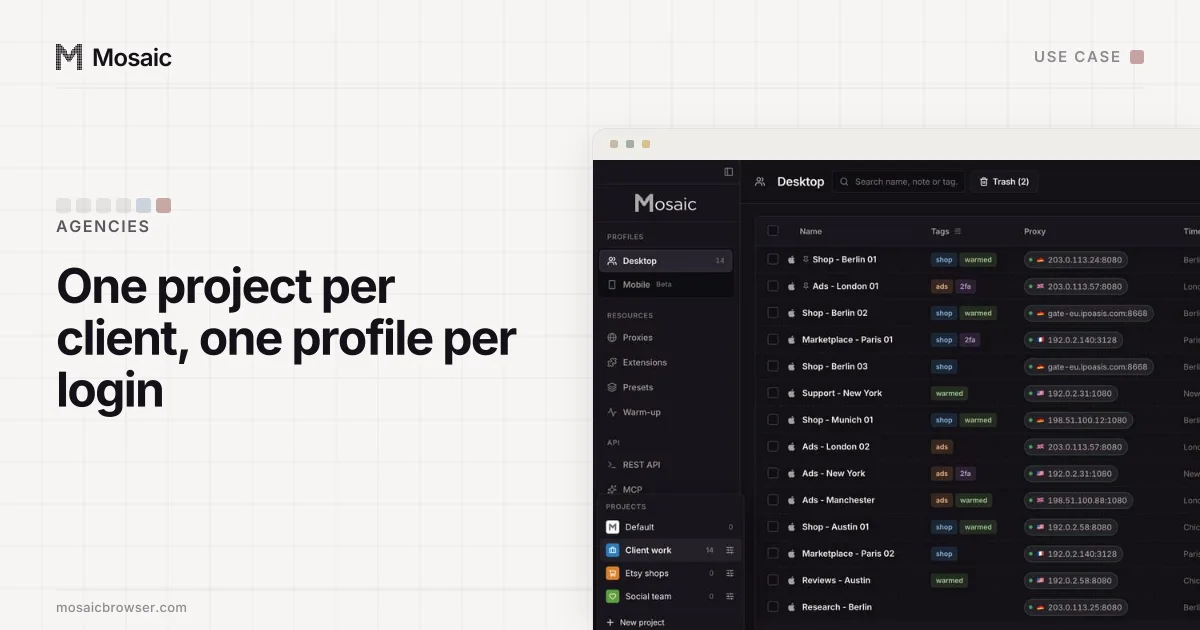
- Make a project per client with New project, so that client's profiles sit together.
- Inside it, click New profile for each TikTok for Business login that should never share a window with another.
- In Credentials, choose Add login for that profile and paste the account's Two-factor secret, so the companion inside that browser shows that client's codes and nobody else's.
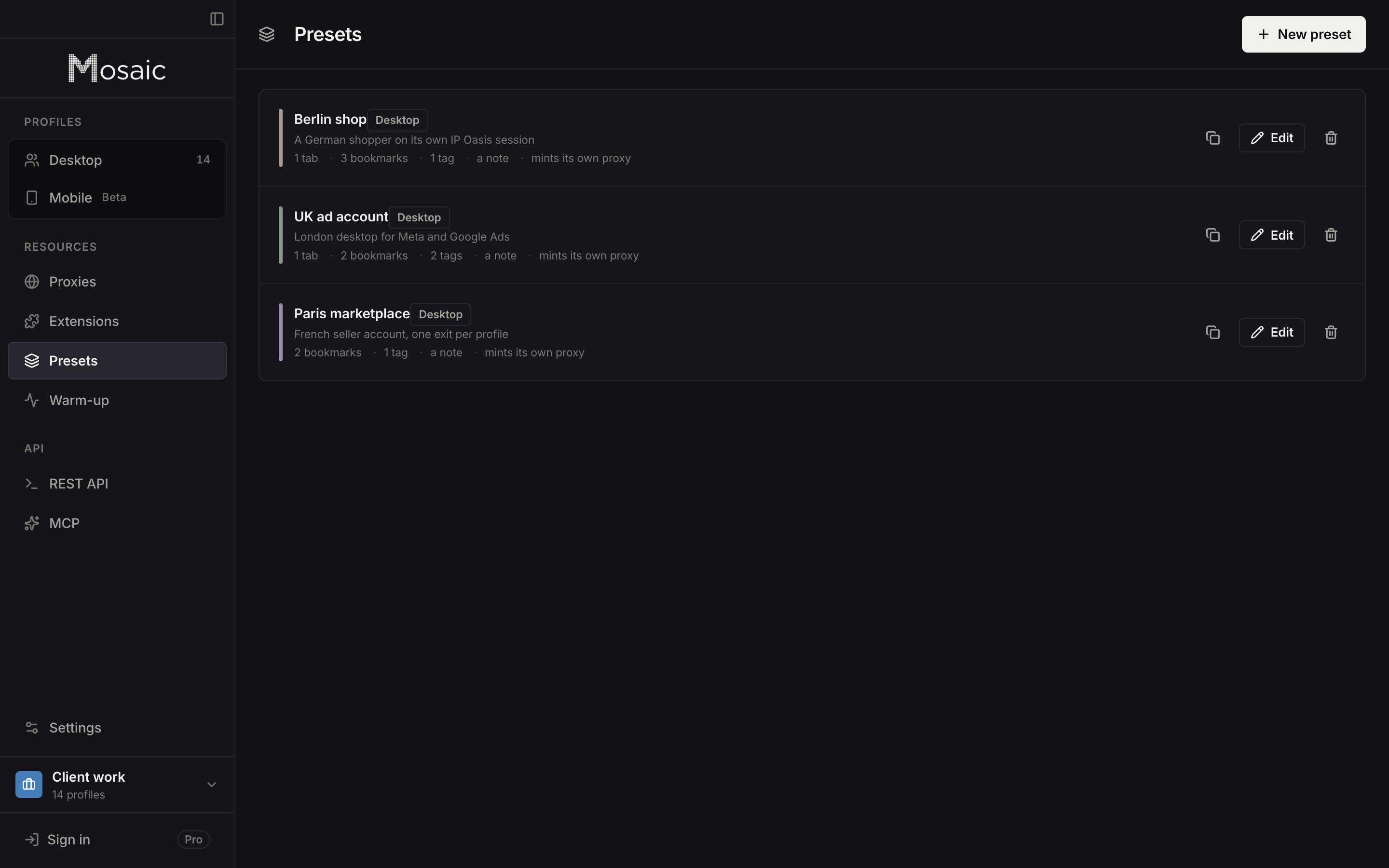
- If a client wants work done from its own market, paste your proxy seller's gateway line once as a provider. Mosaic mints its own session id for each profile, so two profiles do not share an exit by accident.
The same pattern on Meta, with Business portfolios in place of Business Center, is in how to manage multiple Facebook ad accounts; the Google Ads version, with manager accounts and their 50-account threshold, is in how to manage multiple Google Ads accounts.
Free covers 3 profiles and 10 profile creations; Pro is $49 a month with no per-profile pricing. How an agency or a media buyer lays out its clients' ad accounts in Mosaic is in Mosaic for ad account management.
Sources
- TikTok Business Help Center: How to create ad accounts in Business Center, read November 2, 2026
- TikTok Business Help Center: How to set up a TikTok Business Center, read November 2, 2026
- TikTok Business Help Center: Business Center FAQs, read November 2, 2026
- TikTok Business Help Center: About TikTok Business Center, read November 2, 2026
- TikTok Business Help Center: Advertiser Account Policy, read November 2, 2026
- TikTok Business Help Center: Required information to set up an ad account, read November 2, 2026
- TikTok Business Help Center: About ad account limits, read November 2, 2026
- TikTok Business Help Center: How to troubleshoot a suspended ad account, read November 2, 2026