To give an agency access to Google Ads there are two doors, and Google built both for this. The agency's manager account can link to yours, which is how most agencies want it, or you can invite one person from the agency by email. Either way, nobody needs your Google password, and you keep the account.
Google allows a business to let one or more agencies manage its Google Ads account through their manager accounts. Mosaic keeps accounts you are entitled to run apart; it does not change what a platform allows.
Before you give an agency access to Google Ads
Three decisions are easier to make now than to undo later.
Keep the account in your name. If the agency offers to open a new account for you from its manager account, say no and open it yourself. Google's ownership page says a manager that creates an account "will automatically become the owner of that account" (About ownership, read 2 November 2026). An account you open and then link has no owner manager until you choose one.
Keep an Admin of your own. Only Admin users can accept or reject manager link requests, unlink a manager, and give or remove access (access levels, read 2 November 2026). Google's access page also warns that an account with a single administrator can lose access to its tags if that person becomes unavailable, and suggests adding a second one (Manage access, read 2 November 2026). That second Admin should be someone in your business, not the agency.
Decide who pays. Linking an existing account does not change its billing. Google's linking page says your users keep access to billing and your invoicing and payment methods stay as they were, unless you choose to set up consolidated billing (About linking, read 2 November 2026).
Your profiles, cookies and proxies stay on your computerIn Mosaic: Local first. Profiles, cookies and proxies stay on your computer. Free holds 3 profiles. Pro is $49 a month for any number.
Mosaic is a desktop app
Email yourself the link and open it on your computer.
Option 1: accept a link from the agency's manager account
This is the usual way, and the one most agencies will ask for.
- Send the agency your Google Ads Customer ID. It is an account number, not a password, and it gives nobody access on its own.
- The agency signs in to its manager account, opens Accounts › Sub-account settings, presses the plus button, chooses Link existing account, enters your Customer ID and sends the request (Link accounts, read 2 November 2026).
- Everyone with Admin access on your account gets an email. Accept from the email, or in Google Ads go to Admin › Access and security, open the Managers tab, and choose Accept in the Actions column next to the agency's manager account.
Once you accept, the agency's admins can manage your campaigns and receive your account's notification emails. They cannot edit your users, managers or product links unless you also turn on ownership for their manager account, in the Owner column on the same tab. Most agencies do not need it. Google itself recommends making a manager the owner "if and only if the manager account requires these privileges".
Your account can have up to 5 manager accounts directly above it, so an in-house manager account and an agency's can both be linked.
Option 2: invite one person by email
For a freelancer without a manager account, or one specialist at the agency, invite them as a user:
- Go to Admin › Access and security.
- Press the plus button.
- Enter their email and choose an access level.
- Choose Send invitation. They need a Google Account to accept, and you can revoke the invitation from the Actions column until they do.
Pick the lowest level that covers the work. Google's table has five:
| Access level | What it adds |
|---|---|
| Email-only | Notification emails and reports |
| Billing | Billing information and payments |
| Read-only | View campaigns and use planning tools |
| Standard | Edit campaigns and edit billing |
| Admin | Users, managers, product links, Analytics linking, advertiser verification |
Standard is enough to build and run campaigns. Admin is what someone needs to change who else has access, which is the part you want to keep.
If the agency works from a login you hand over
Some clients still give an agency a Google sign-in they created for it, or the logins to tools around Google Ads that have no agency mode: the shop admin, the landing page builder, the call tracking dashboard. That is where the agency side of the work moves into a browser, and where accounts get mixed.
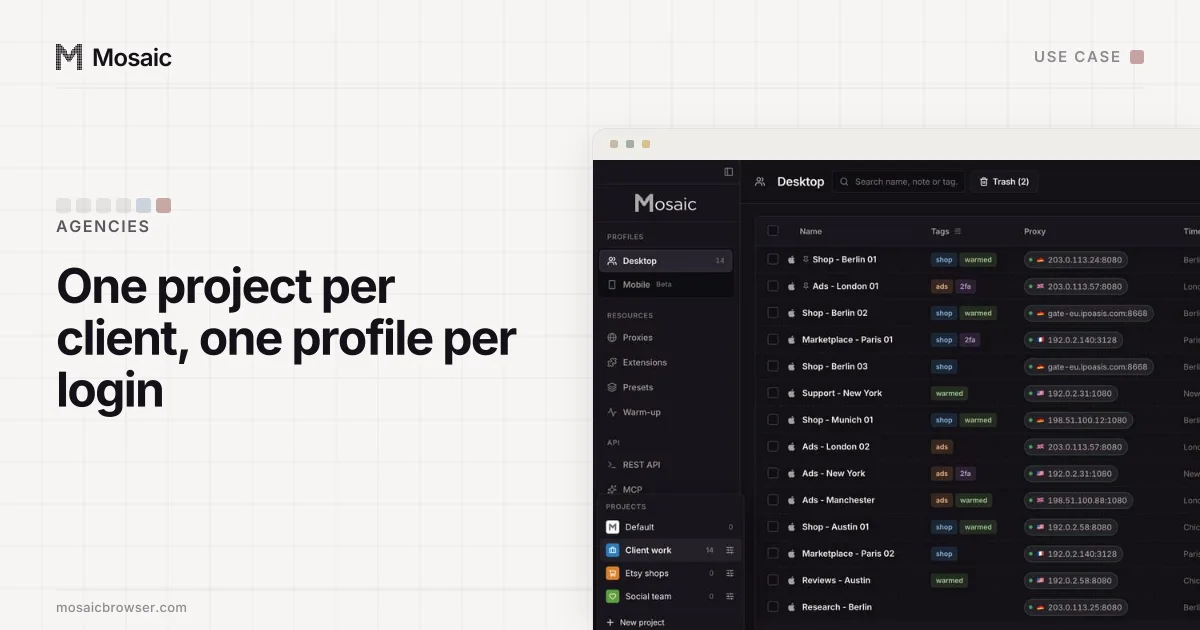
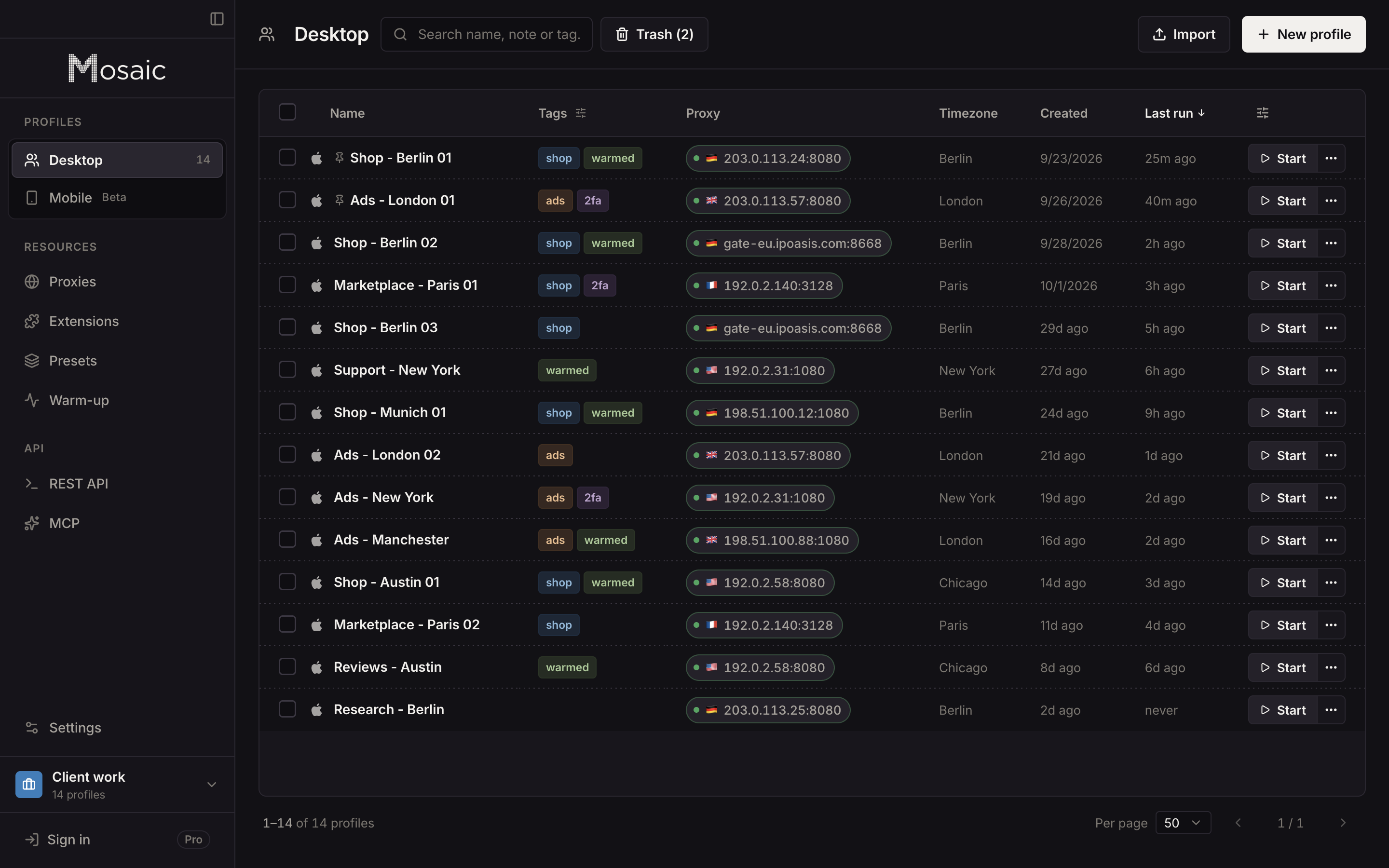
In Mosaic an agency gives each client sign-in its own profile, so that client's cookies, saved logins and two-factor codes live in one browser and nowhere else. The profiles stay on the agency's own computer; Mosaic has no cloud copy of them, as local-first explains.
Even then, a manager link is better than a handed-over login for Google Ads itself, because you can see it, limit it and remove it. Setting up the agency's side, with limits by spend, is in how to manage multiple Google Ads accounts, and the difference between linking and owning is laid out in Google Ads manager account explained. How an agency keeps dozens of clients apart day to day is in Mosaic for agencies.
Sources
- Google Ads Help: Link accounts to your manager accounts, read November 2, 2026
- Google Ads Help: Manage access to your Google Ads account, read November 2, 2026
- Google Ads Help: About access levels in your Google Ads account, read November 2, 2026
- Google Ads Help: About ownership of client accounts, read November 2, 2026
- Google Ads Help: About linking accounts to your manager account, read November 2, 2026