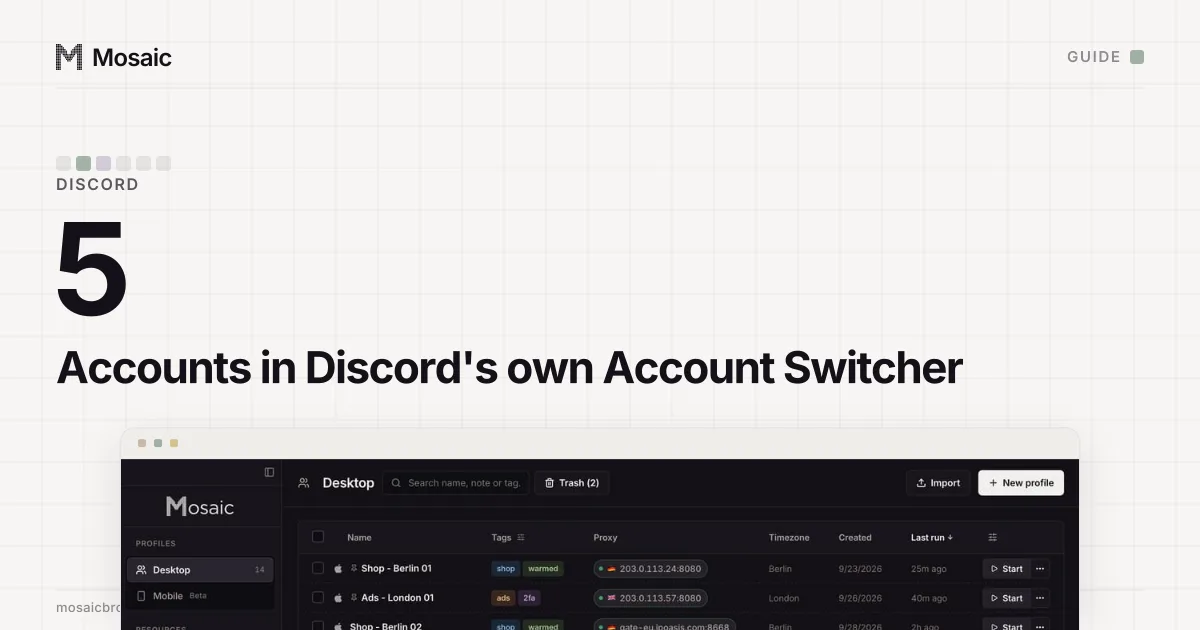
Discord has a feature for people with a second account. The Account Switcher FAQ (read 2 November 2026) describes a feature for "Discord users with multiple accounts" and says you can log into five accounts with it, on desktop. So the answer to "can you have multiple Discord accounts on one device" is yes, and Discord's own app is the first place to do it.
Discord's terms allow several accounts per person, with the Community Guidelines setting what each one may do (Community Guidelines, read 2 November 2026). Mosaic keeps accounts you are entitled to run apart; it does not change what a platform allows.
What Discord's rules say about more than one account
Three lines in the Community Guidelines matter to anyone holding several accounts:
- Rule 1 lists "ban or block evasion" as a form of harassment. Making a second account to message someone who blocked the first is this.
- Rule 14: "Do not use self-bots or user-bots. Each account must be associated with a human, not a bot."
- Rule 19: "Do not evade permanent Discord-level enforcement actions. This includes creating new or using existing accounts or communities after being removed for violating our platform rules."
Rule 16 adds that you may not sell or buy accounts, usernames or servers. The Identity and Authenticity explainer (read 2 November 2026) fills in the rest: "pseudonymous accounts are allowed on Discord", while fake profiles and impersonation are not. A gaming handle next to your real-name work account is fine. An account pretending to be a brand you do not represent is not.
| Allowed by Discord | Not allowed | |
|---|---|---|
| A personal account and a work or community account | Yes | |
| A pseudonymous account | Yes | |
| Up to five accounts in the Account Switcher | Yes | |
| A new account after a platform ban | Rule 19 | |
| A second account to reach someone who blocked you | Rule 1 | |
| An account run by a script | Rule 14 | |
| A bought or sold account | Rule 16 |
Each profile keeps its own passwords and its own 2FA codesIn Mosaic: Logins and 2FA codes. A password vault and TOTP codes for each profile. Free holds 3 profiles. Pro is $49 a month for any number.
Mosaic is a desktop app
Email yourself the link and open it on your computer.
How it works: Logins and 2FA codes
What each account needs
Each account needs its own email address. Try to add one that is already in use and Discord answers "Email is already registered" (Login & Email Troubleshooting Guide, read 2 November 2026). Phone numbers work the same way: when Discord asks for phone verification, "The phone number you use cannot be associated with an existing Discord account", and VOIP, burner and landline numbers are refused (How to Verify Your Discord Account, read 2 November 2026).
So the honest limit is not a number Discord prints. It is how many email addresses and phone numbers you really have, and how many accounts you can keep within the guidelines.
How to have multiple Discord accounts on one device
The Account Switcher
Click your avatar at the bottom left of the desktop app and choose "Switch Accounts". It holds five accounts. One shows at a time, some preferences such as font scaling reset when you switch, and drafted messages are not kept. Discord says the switcher does not show other users which accounts you switch between.
The FAQ also answers the question people hope it won't: if you break the rules, Discord "may take action on any account that we can determine belongs to the user. This could include accounts entered into the Account Switcher." The switcher is a convenience, not a wall.
The app and a browser at once
The desktop app and Discord in a web browser sign in separately, so one account can sit in the app while another is open at discord.com in the browser. That gives you two accounts on screen at the same moment, which the switcher does not.
A browser profile per account
Past two accounts side by side, separate browser profiles are the usual answer. Each Chrome profile has its own cookies and storage, so each holds its own Discord login. They still share the machine underneath, which matters on other sites more than on Discord; managing multiple accounts on one computer compares the options from Chrome profiles to virtual machines.
Does Discord know the accounts are on one device?
Assume it does. Discord's own FAQ is written around being able to "determine" which accounts belong to one user, and a device shared between accounts is the obvious case. For accounts you are allowed to have, that is no problem: the switcher exists because Discord expects one person on one computer with several logins. It only matters if one account breaks a rule, and then a separate browser does not change Discord's answer. How sites tie accounts together in general, from cookies to IP addresses, is in how websites detect multiple accounts, and why one shared home address is usually fine is in multiple accounts on the same IP address.
When five is not enough: one profile per account in Mosaic
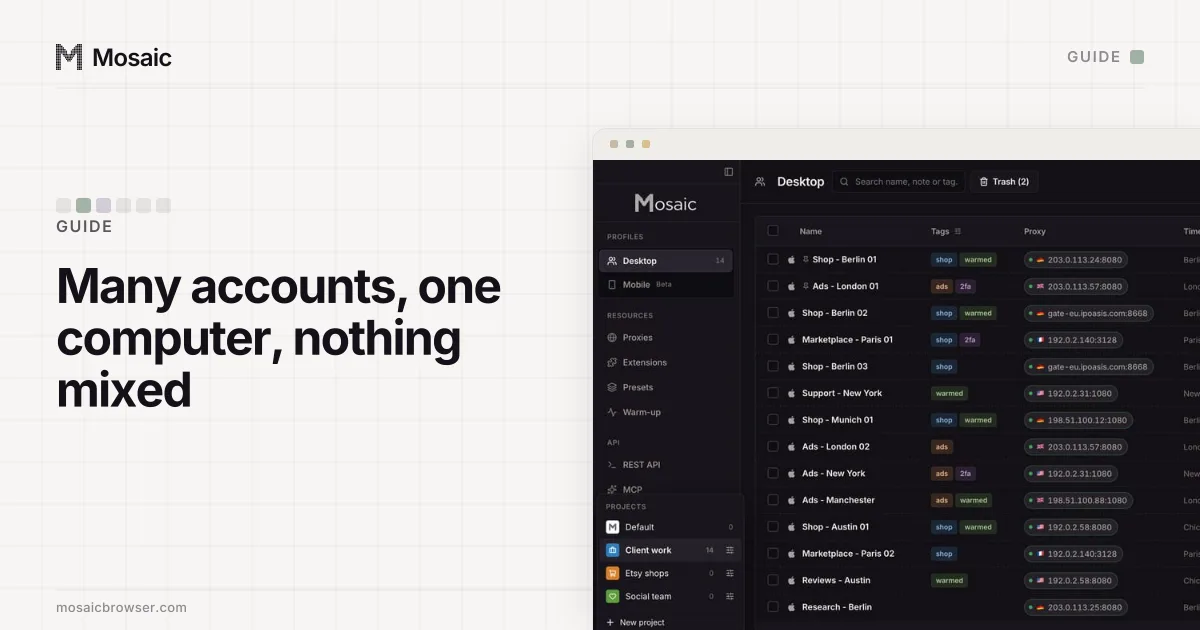
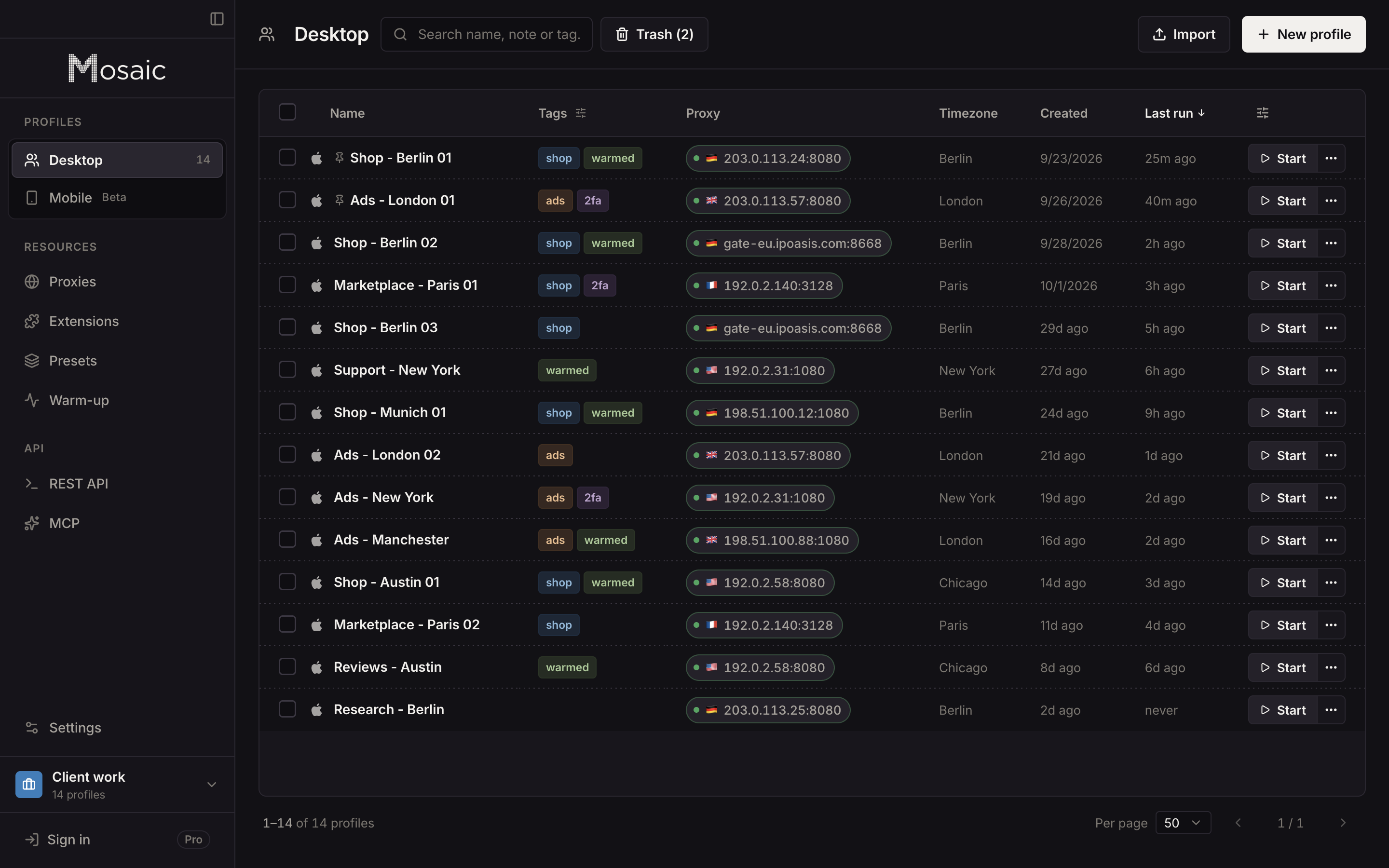
We built Mosaic for people who hold accounts for other people: a community manager with the brand account, two moderator accounts and their own, or a freelancer moderating servers for four clients. In Mosaic each Discord account gets its own profile, which means its own cookies, its own browser fingerprint and, if you want one, its own proxy. Open as many as you need side by side; the switcher's five-account ceiling and its one-at-a-time view do not apply.
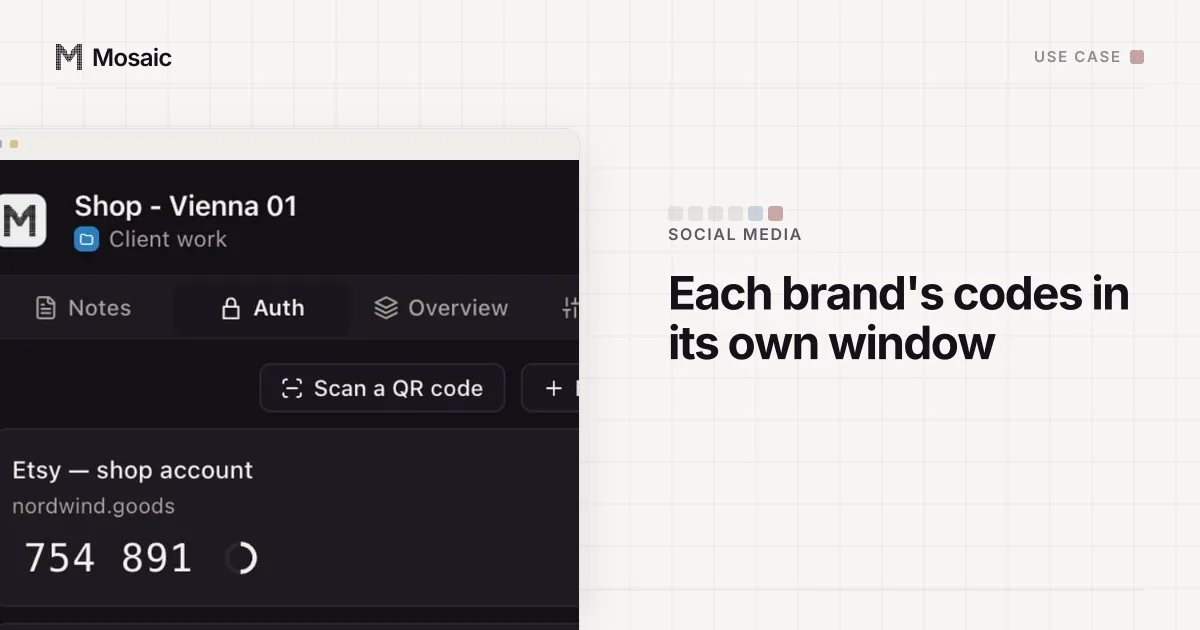
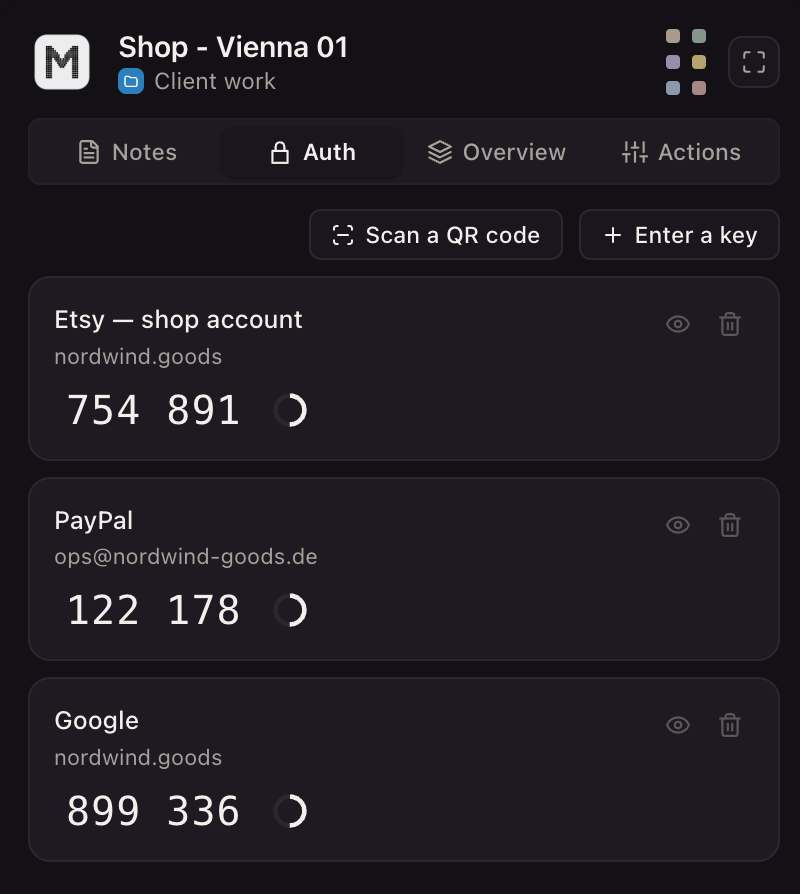
A client's two-factor key can live in that client's profile too. In the profile editor, the Logins tab takes a login with a Two-factor secret, and the companion inside the profile's browser shows that account's current code and no other.
What Mosaic will not do is run a Discord account for you. A script driving a signed-in user account is a self-bot under rule 14 whichever browser it runs in, so Mosaic's API is for your own tools and for sites that allow it, and Discord bots belong on Discord's developer platform as bot accounts. Free covers 3 profiles and 10 profile creations; how agencies and moderators set this up is on the social media managers page.
Sources
- Discord Support: Discord Account Switcher FAQ, read November 2, 2026
- Discord Community Guidelines, read November 2, 2026
- Discord Identity and Authenticity Policy Explainer, read November 2, 2026
- Discord Support: How to Verify Your Discord Account, read November 2, 2026
- Discord Support: Discord Login & Email Troubleshooting Guide, read November 2, 2026