You can't have two personal Facebook accounts. Section 3.1 of Facebook's terms tells every user to "create only one account (your own) and use it for personal purposes" (Facebook Terms, read 2 November 2026). Meta's Help Center says the same thing from the other side: "It's against our Community Standards to maintain more than one personal account" (Can I create multiple Facebook accounts?, read 2 November 2026).
Mosaic keeps accounts you are entitled to run apart; it does not change what a platform allows. On Facebook that means one personal account per person, and this page is about what Meta offers in place of a second one.
Why you can't have two Facebook accounts
The terms give the reason in one line: "When people stand behind their opinions and actions, our community is safer and more accountable." The same section asks for the name you use in everyday life and accurate information about yourself, and forbids sharing your password or handing your account to someone else.
There is a harder edge too. If Meta disables an account for a violation, the user agrees "not to create another account without our permission". A second account opened after a ban is not a grey area under these terms.
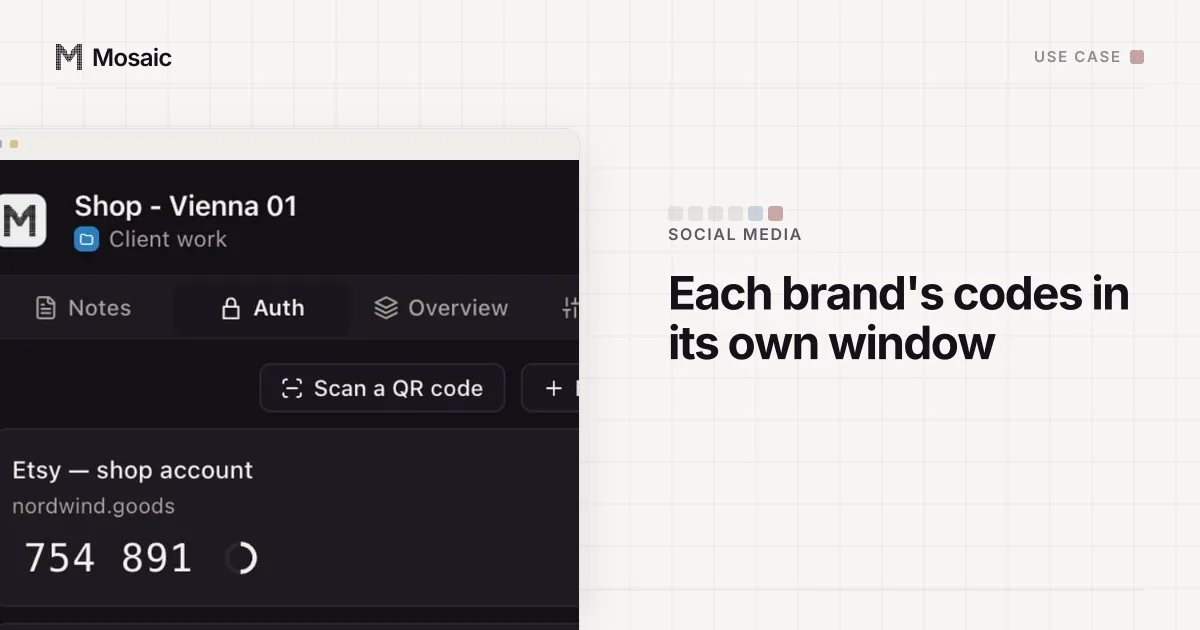
Each profile keeps its own passwords and its own 2FA codesIn Mosaic: Logins and 2FA codes. A password vault and TOTP codes for each profile. Free holds 3 profiles. Pro is $49 a month for any number.
Mosaic is a desktop app
Email yourself the link and open it on your computer.
How it works: Logins and 2FA codes
What to use instead of a second account
Most people who search for a second account want one of five things, and Meta has a sanctioned answer for each.
| What you want | What Meta offers |
|---|---|
| A presence for a business, brand or hobby | A Facebook Page, created from your account |
| To keep work posts away from friends | A Page, or audience settings on your own posts |
| Ads, a team, or an agency on your side | A business portfolio in Meta Business Suite |
| To go by a nickname or maiden name too | "Add another name" on your one account |
| Two people on one laptop | Each their own account, and the account switcher |
A Page for anything that is not you
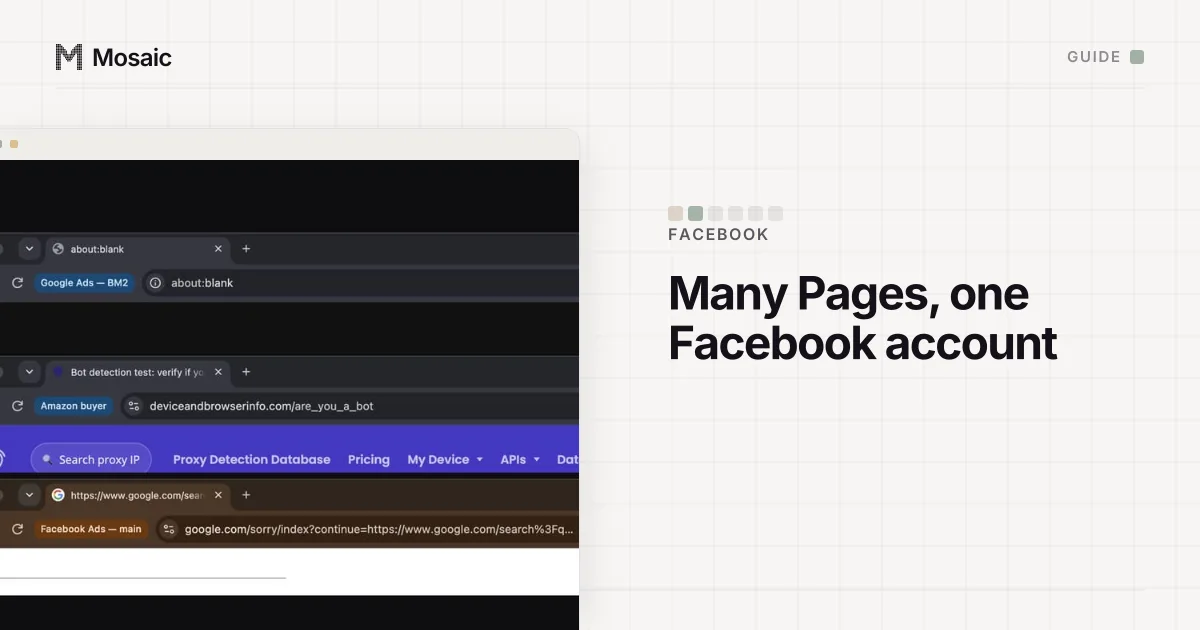
Meta's Page help says Pages "are for businesses, brands, organizations and public figures", and that anyone with a Facebook account can create one (Create a Facebook Page, read 2 November 2026). A Page has its own name, followers, inbox and insights. You switch into it from your profile picture, under See all profiles, and post as the Page rather than as yourself. There is no cap in that help text on how many Pages one person can run, which is why "I need a second account for my shop" almost always ends at a Page. Running several of them day to day is in how to manage multiple Facebook Pages.
Additional profiles: closed to new ones
For a while Facebook let one account hold extra profiles, each with its own friends list and Feed, all under one login. Meta's page now opens with: "You are no longer able to create additional Facebook profiles. Existing additional profiles have not been affected" (About additional Facebook profiles, read 2 November 2026). Plenty of older guides still tell readers to make one. If you already have one, it keeps working. If you don't, a Page is the remaining route.
The same page draws a line worth reading twice: "If you created a new Facebook account it is separate from your primary account." A second sign-up is not an additional profile, whatever you call it.
A business portfolio for ads and staff
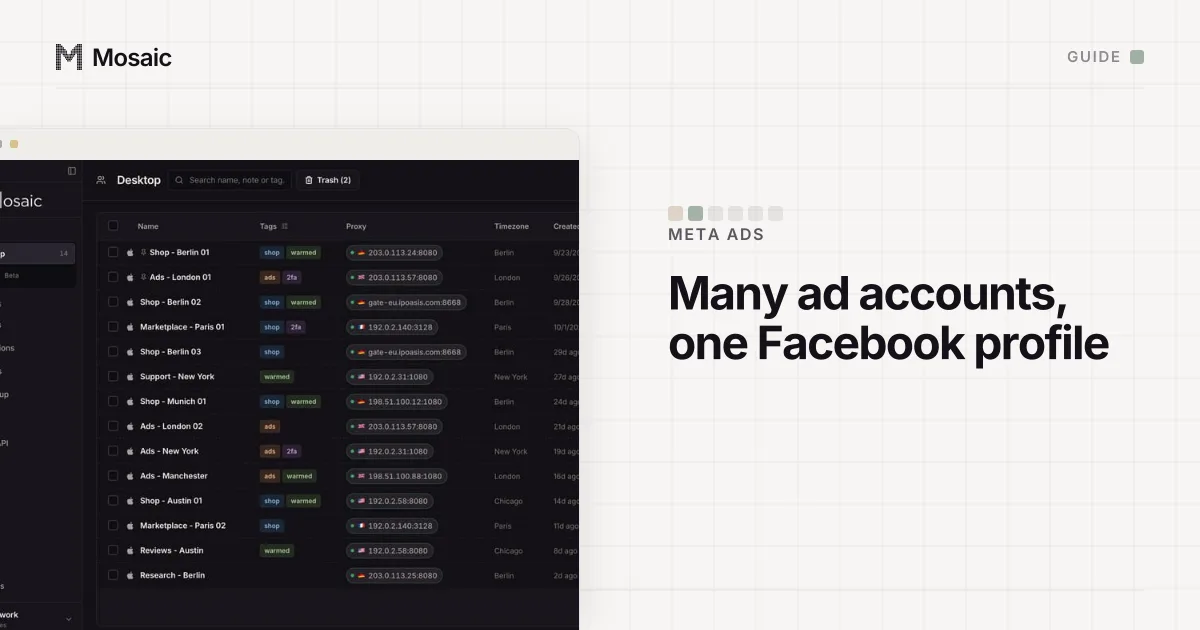
Ads, ad accounts and the people who work on them belong in a business portfolio at business.facebook.com. You sign in with your own Facebook profile, and Meta says you can personally create up to 2 portfolios and belong to any number (Create a business portfolio, read 2 November 2026). How one profile reaches many ad accounts is in how to manage multiple Facebook ad accounts.
Two people, one computer
Sharing a laptop is not a reason for anyone to share an account. Meta's account switcher lets people change accounts on a computer without logging out, as long as each has logged in from that browser, and it can store information for up to 10 accounts (Switch between accounts, read 2 November 2026).
If you already have two accounts
Meta's answer is to merge: the multiple-accounts page links people with 2 or more accounts to its instructions for moving information into a single account. Keep the one under your real name with the history you care about, move what you can, and close the other. Leaving both open is the situation the Community Standards line above describes.
An account that gets disabled is a different problem with its own steps, and a new account is not one of them. The causes Meta lists and the 180-day appeal window are in why did Facebook disable my account.
Where a separate browser fits
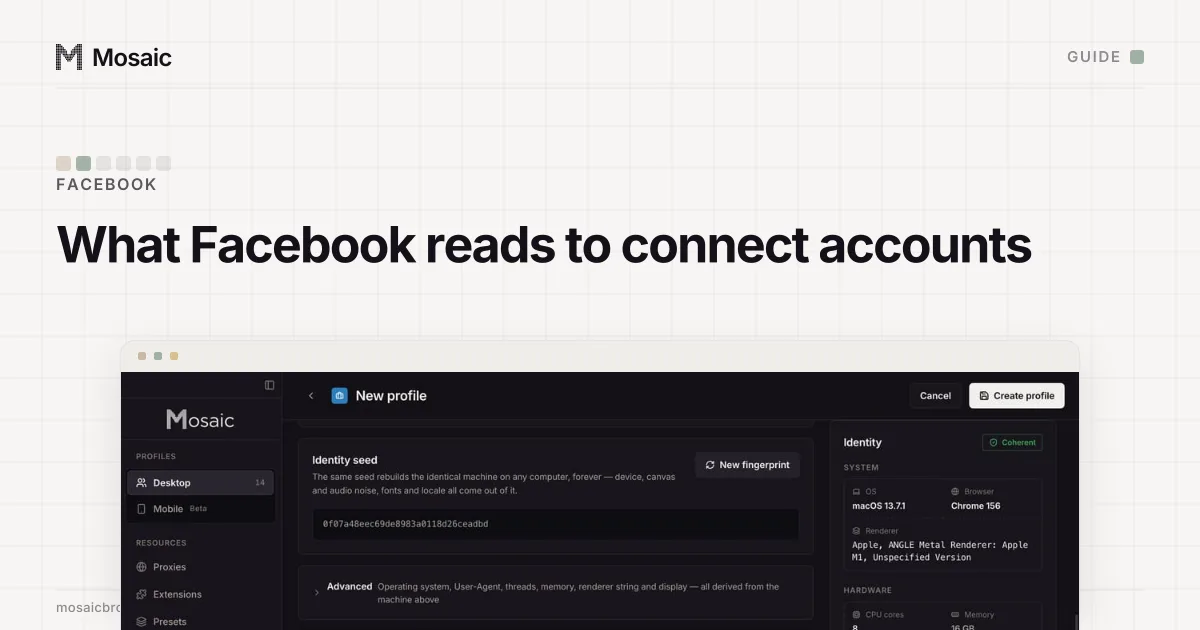
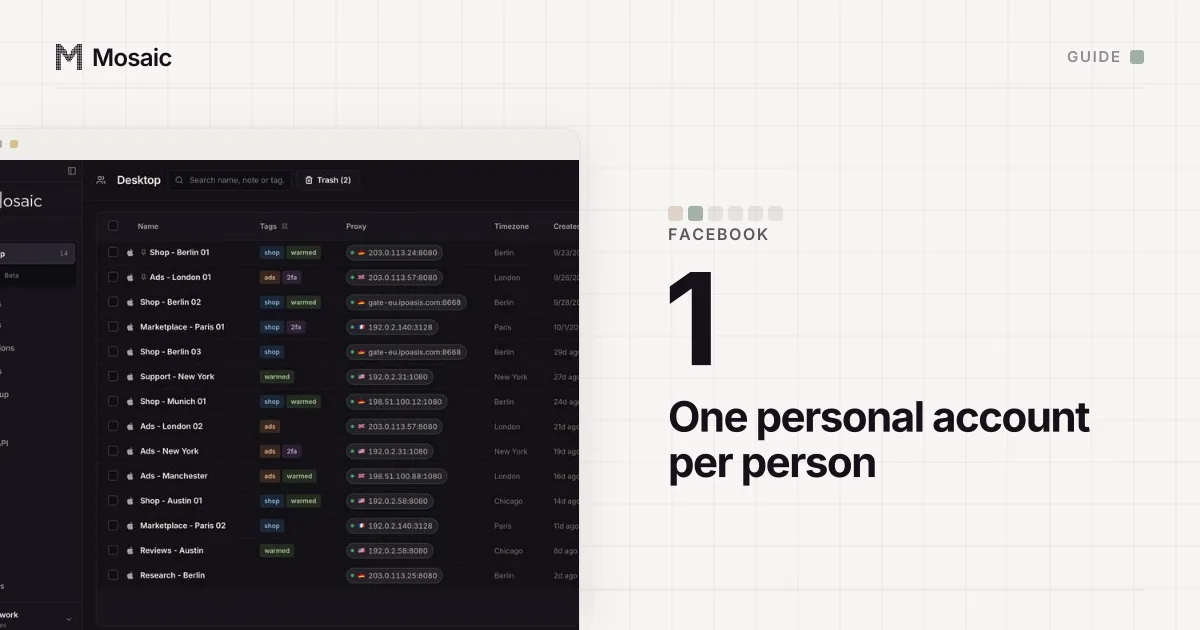
We make Mosaic, a browser that gives each account its own profile with its own cookies, fingerprint and proxy. It does not make a second personal Facebook account allowed, and we would not set one up. What it is for around Facebook is the work that is allowed: a social media manager keeping their own Facebook profile in one browser profile and each client's shop admin, analytics and email logins in others, so a session never opens under the wrong client. How Meta can tell two accounts belong to one person anyway is in how does Facebook link accounts.
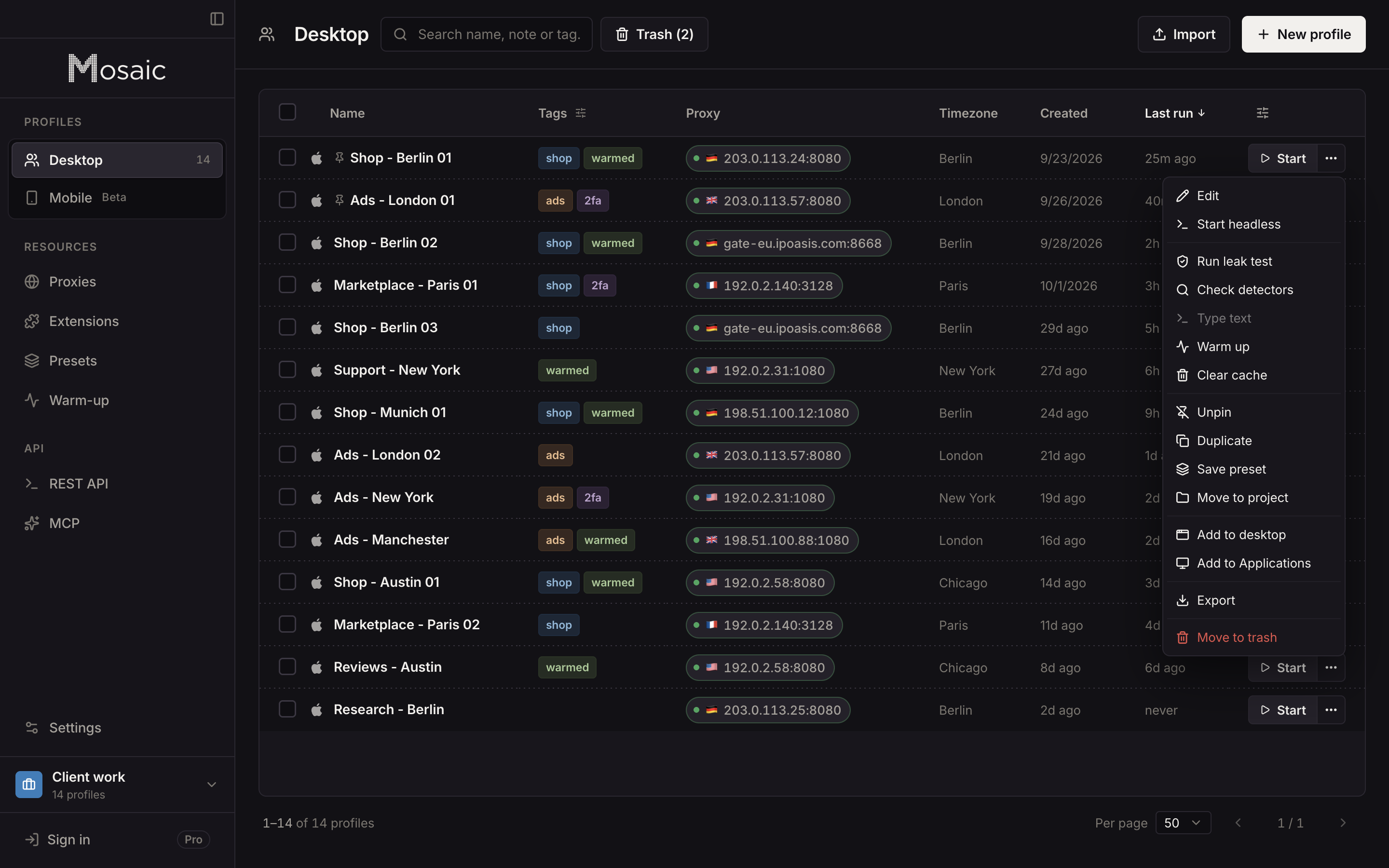
The day-to-day set-up for client work, one profile per login with that client's two-factor codes beside it, is in Mosaic for social media managers.
Sources
- Facebook Terms of Service, 3.1 Who can use Facebook, read November 2, 2026
- Facebook Help Center: Can I create multiple Facebook accounts?, read November 2, 2026
- Facebook Help Center: About additional Facebook profiles, read November 2, 2026
- Facebook Help Center: Switch between different Facebook accounts, read November 2, 2026
- Facebook Help Center: Create a Facebook Page, read November 2, 2026
- Meta Business Help Center: Create a business portfolio in Meta Business Suite, read November 2, 2026