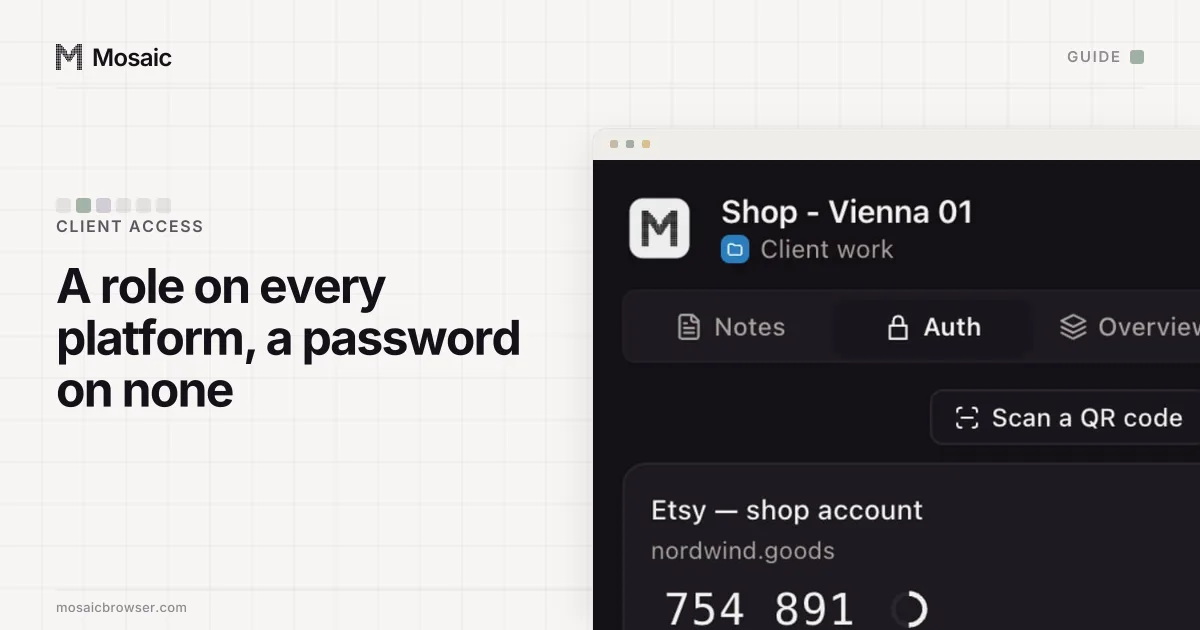
The way to access client social media accounts as a social media manager is a role, not a password: every large platform now has a way for an owner to let a manager in without giving away the login. The client stays the owner, you get a role with your own sign-in, and when the contract ends the client removes you from one screen. Passwords are left for the tools that never built roles (a link-in-bio page, a newsletter tool on a one-seat plan), and those take more care than Meta or YouTube.
We read every platform's help page for this on 2 November 2026, and each section links the one it quotes. Mosaic keeps accounts you are entitled to run apart; it does not change what a platform allows. A client's personal profile is the client's: none of these platforms lets you sign in as another person.
How to access client social media accounts: what to ask each client for
| Platform | What the client gives you | Where the client does it |
|---|---|---|
| Facebook Page, Instagram | Partner access to its business portfolio's assets | Meta Business Suite › Settings |
| TikTok | A permission on the TikTok account in Business Center | TikTok Business Center |
| YouTube | A channel permission role, such as Manager or Editor | YouTube Studio › Settings › Permissions |
| LinkedIn company page | A Page admin role | Page super admin view › Settings › Manage admins |
| X | A Delegate role, admin or contributor | Settings › Security and account access › X Delegate |
Facebook and Instagram: partner access in Meta Business Suite
Meta works business to business. You need your own business portfolio in Meta Business Suite, and the client needs theirs, with their Page and their professional Instagram account in it. Then either side can start. You can ask: in Settings, open Partners under Users, choose Add, then Ask a partner to assign you their assets, and enter the client's email and business portfolio ID (Ask a partner). Or the client shares from its own side and picks exactly which assets and permissions you get (Give a partner access).
Either way you work from your own Facebook login. Do not make a second Facebook profile for client work. Meta's terms ask each person to create only one account, their own, and the portfolio makes a second one unnecessary. The ad-account side of the same setup is in how to manage multiple Facebook ad accounts.
Each profile keeps its own passwords and its own 2FA codesIn Mosaic: Logins and 2FA codes. A password vault and TOTP codes for each profile. Free holds 3 profiles. Pro is $49 a month for any number.
Mosaic is a desktop app
Email yourself the link and open it on your computer.
How it works: Logins and 2FA codes
TikTok: Business Center permissions
TikTok's Business Center keeps a list of TikTok accounts linked to a business, and gives members a permission on each one. Its help page names two. "Deliver ads" lets a person or ad account use the TikTok account's identity and posts in paid campaigns, such as Spark Ads. "Manage account" adds the organic side: replying to comments, sending direct messages and managing profile details (About managing TikTok accounts in Business Center). The page's own example is an agency that links several clients' TikTok accounts to its Business Center and gives the media buyers one permission and the social team the other.
For a social media manager, "Manage account" is the one to ask for. A media buyer who only runs Spark Ads needs less.
YouTube: channel permissions
YouTube's channel permissions give "people access to your channel data, tools, and features in YouTube and YouTube Studio" without "access to your Google Account", in the help page's words (channel permissions). The owner signs in to YouTube Studio, clicks Settings, then Permissions, then Invite, enters your email and picks a role. An invite expires after 30 days, so accept it the day it arrives.
The roles run from Manager, who can manage permissions and publish and delete content but cannot delete the channel, through Editor and Editor (Limited), to Viewer. Editor (Limited) and Viewer (Limited) hide revenue data, which is the sensible default for a manager who does not handle the client's money. Channel permissions do not reach YouTube Music, the YouTube Kids app or the YouTube APIs.
LinkedIn: Page admin, never the client's own profile
LinkedIn is the platform where the line is sharpest. The User Agreement says each member "will only have one LinkedIn account, which must be in your real name" (User Agreement), and it forbids using someone else's. So a founder's personal profile is not something an agency signs in to.
Company pages are different. A super admin of the client's page opens the super admin view, clicks Settings, then Manage admins, then Add admin, finds you and picks a role (Add admins). LinkedIn adds conditions people trip on: you must be within three degrees of the super admin and follow the page first. Each person holds one Page admin role, plus any number of paid media roles.
X: Delegate
On x.com the owner goes to Security and account access › X Delegate and invites you as an admin or a contributor. Nothing works until you accept (How to use the Delegate feature; we could not load that page ourselves on 2 November, so these steps come from its indexed text). Admins can add and remove other delegates. If you only post, contributor is plenty, and the client keeps control of who else gets in.
When there is no role: passwords, kept apart
Meta, TikTok, YouTube, LinkedIn and X cover the feeds. The rest of a brand's presence often does not have roles at all: a link-in-bio page, a newsletter tool on a plan with a single seat, a regional network with one login per company. Here you will hold a password, so set it up the way you would want it if you were the client:
- Create the account on the client's address (marketing@client.com, not yours@agency.com), so leaving never means a transfer.
- Send passwords through 1Password or Bitwarden sharing. A password pasted into Slack lives in Slack's search for years.
- Leave two-factor on. Put the setup key somewhere both of you can read it, not on one employee's phone.
That moves the problem into your browser. Log in to the same newsletter tool for client A and then for client B in the same Chrome and the second login replaces the first, because both use one cookie jar. A Chrome profile per client fixes the cookies. It does not change the screen size, graphics card, fonts or office IP that every one of those profiles reports, which is how sites link accounts across a session boundary.
Keeping each client's logins in its own profile in Mosaic
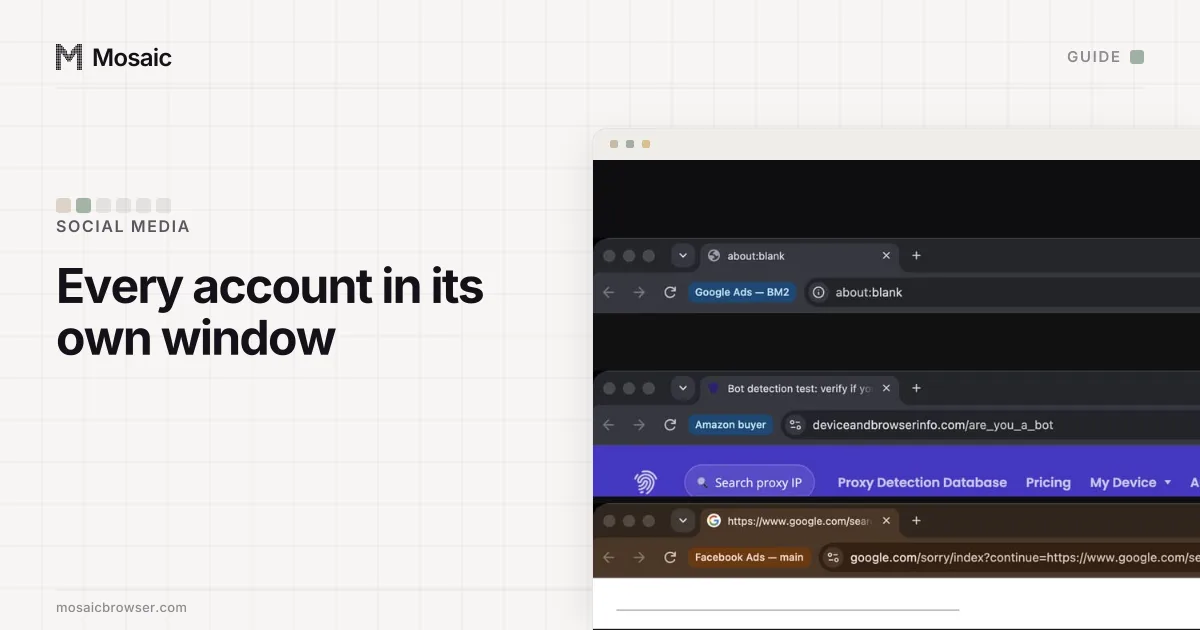
Mosaic gives every account its own browser, with its own fingerprint, its own proxy exit and its own cookies, and keeps all of it on your computer. For client work that comes down to four steps:
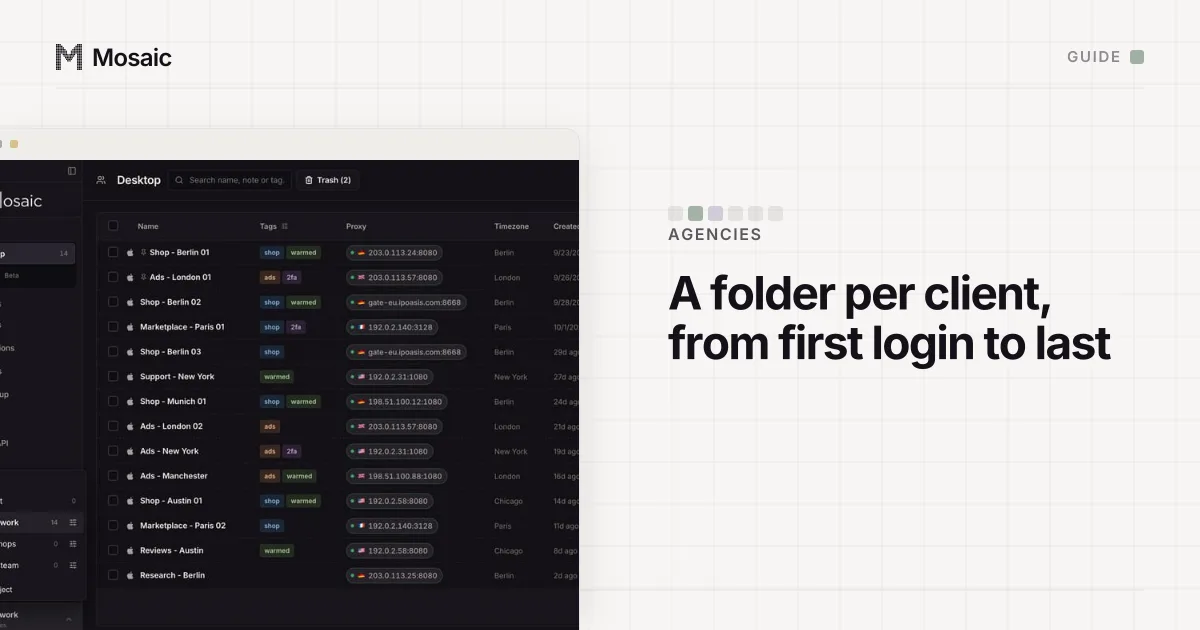
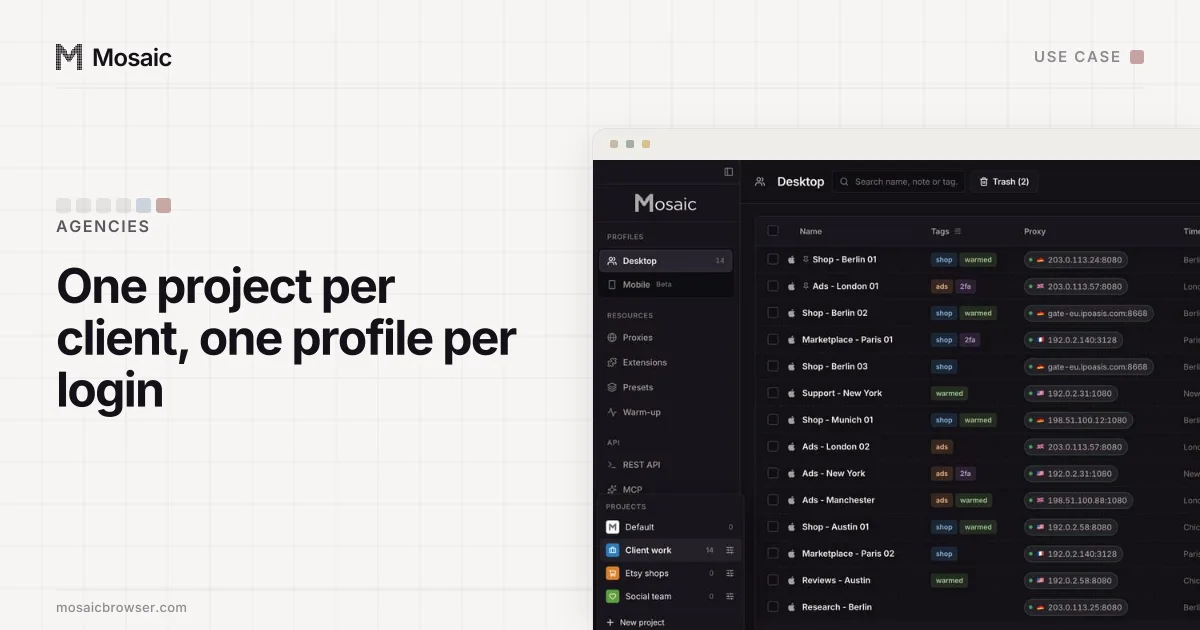
- Click New project for the client, so its profiles sit together under one colour.
- Click New profile for each login that has no role, and name it after both: "Acme - Newsletter".
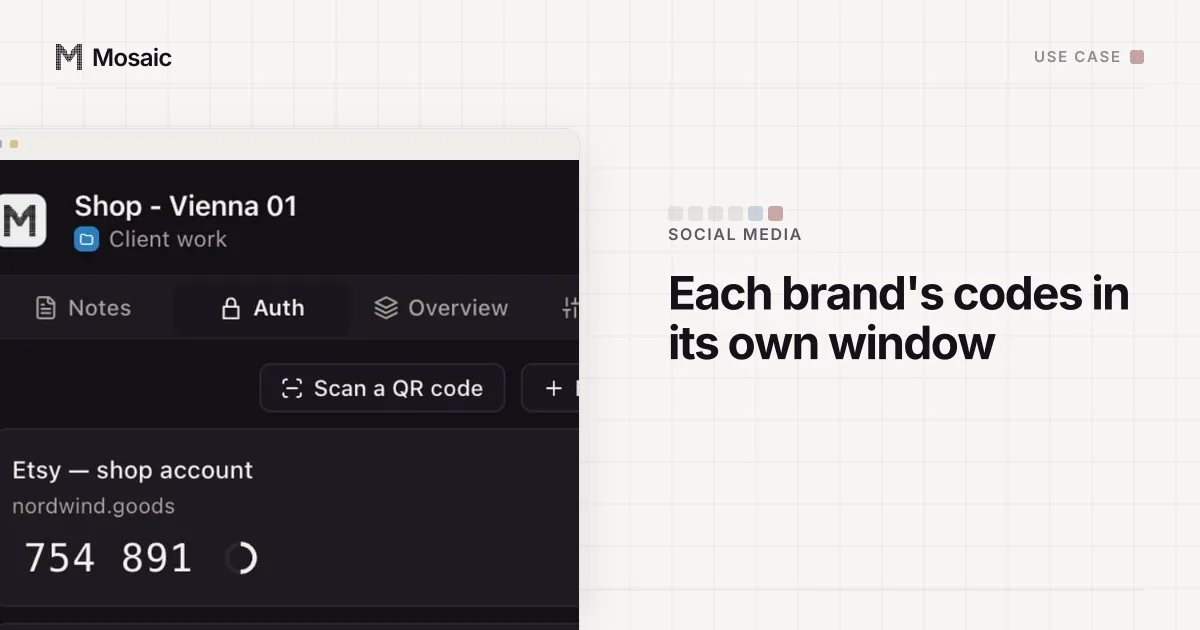
- In Credentials, choose Add login for that profile and paste the Two-factor secret the client shared. The companion inside that profile's browser then shows that client's logins and codes, and nobody else's.
- If you post for a client in another market, give the profile an exit there. Paste your proxy seller's gateway line once as a provider, and each profile mints its own session.
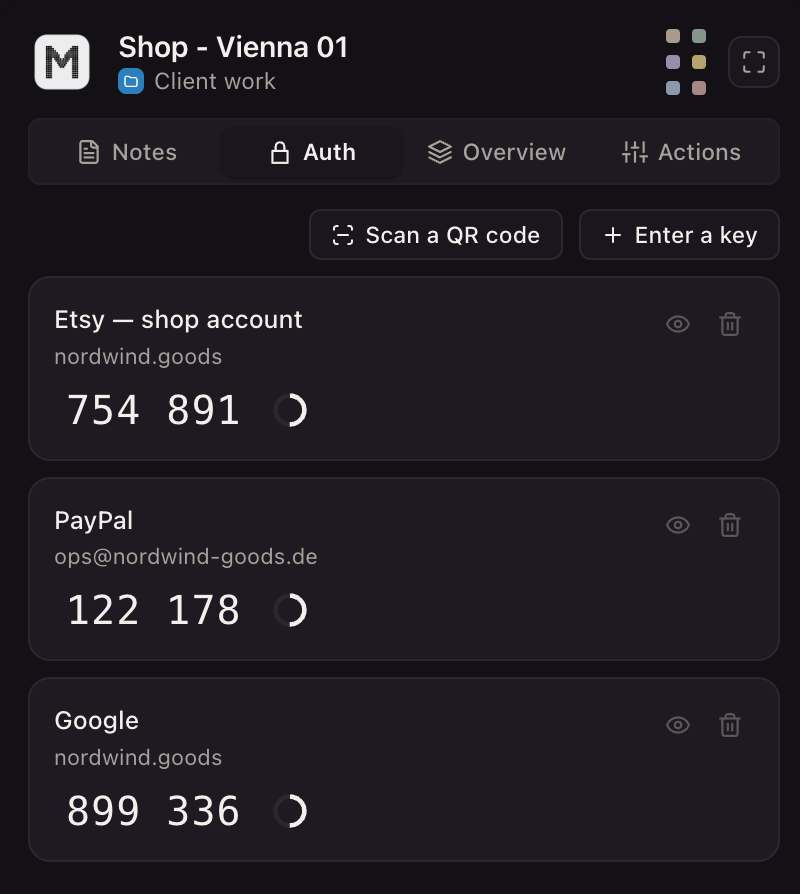
A chip left of the address bar carries the profile's name, "Acme - Newsletter", so a reply typed in that window is visibly Acme's. Mosaic has no scheduler, no shared inbox, no team seats and no cloud copy of profiles. A colleague on another laptop asks the client for their own role; they cannot open your profile.
The offboarding checklist, and why a Meta ad account made in your portfolio can never be handed to the client, are in how to manage social media accounts for multiple clients. (Setup for a single brand: Mosaic for social media managers.)
Sources
- Meta Business Help Center: Ask a partner to share assets with your business, read November 2, 2026
- Meta Business Help Center: Give a partner access to business assets in your business portfolio, read November 2, 2026
- TikTok Business Help Center: About managing TikTok accounts in Business Center, read November 2, 2026
- YouTube Help: Add or remove access to your YouTube channel with channel permissions, read November 2, 2026
- LinkedIn Help: Add admins on your LinkedIn Page, read November 2, 2026
- LinkedIn User Agreement, read November 2, 2026
- Facebook Terms of Service, 3.1 Who can use Facebook, read November 2, 2026
- X Help Center: How to use the Delegate feature, read November 2, 2026