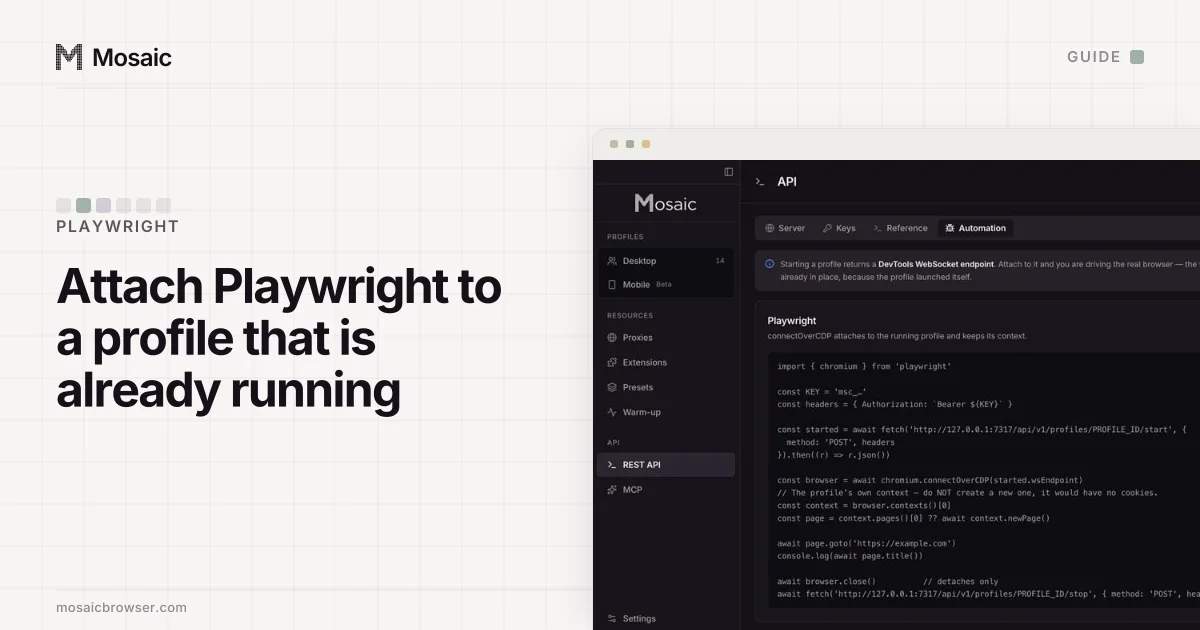
The mistake almost everyone makes the first time they use Playwright with an anti-detect browser is launching the browser from Playwright. chromium.launch() starts a Chromium of Playwright's choosing with Playwright's arguments, and none of the profile comes with it: not the fingerprint, not the proxy, not the cookies. With an anti-detect browser the order is the other way round. The browser starts itself, and Playwright attaches to it.
Using Playwright with an anti-detect browser: why connectOverCDP
Every Chromium-based anti-detect browser can expose the Chrome DevTools Protocol, and Playwright's connectOverCDP "attaches Playwright to an existing browser instance" through it (Playwright docs, read 2 November 2026). The same page carries two warnings worth reading before you rely on it. The connection is "significantly lower fidelity" than Playwright's own protocol, and if the browser was launched without Playwright's curated arguments, "some of Playwright functionality may be broken". In practice the core of a script (pages, locators, clicks, waits) works; some tracing and context features do not.
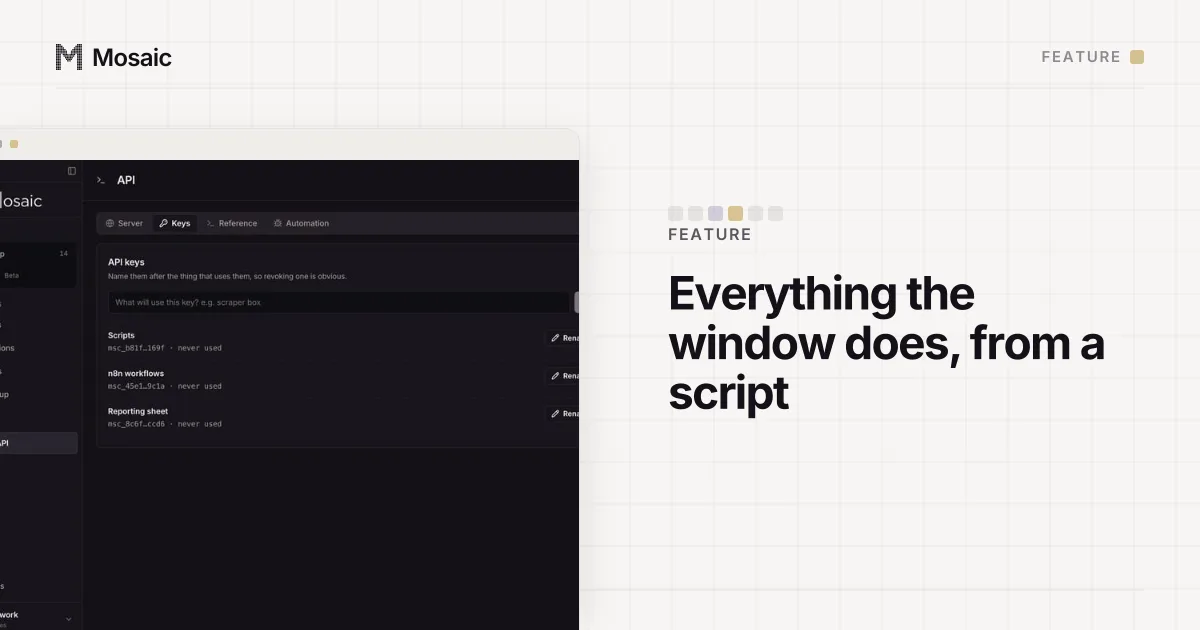
Everything the window does, from a script on your own computerIn Mosaic: REST API. Everything the window does, from your own scripts. Free holds 3 profiles. Pro is $49 a month for any number.
Mosaic is a desktop app
Email yourself the link and open it on your computer.
Step by step in Mosaic
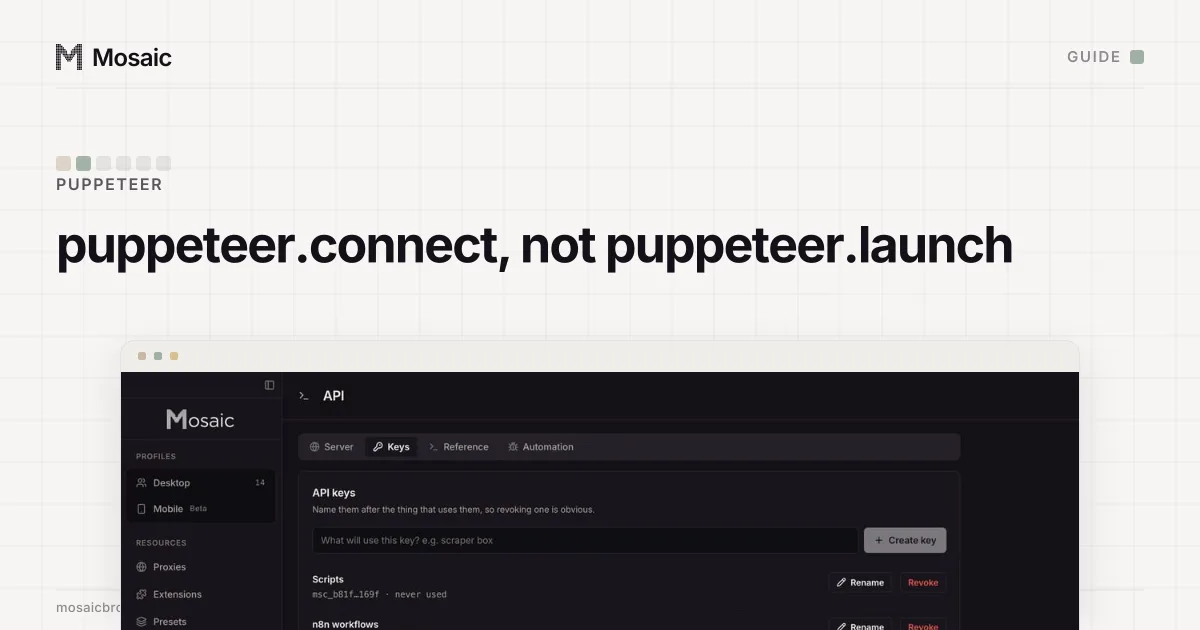
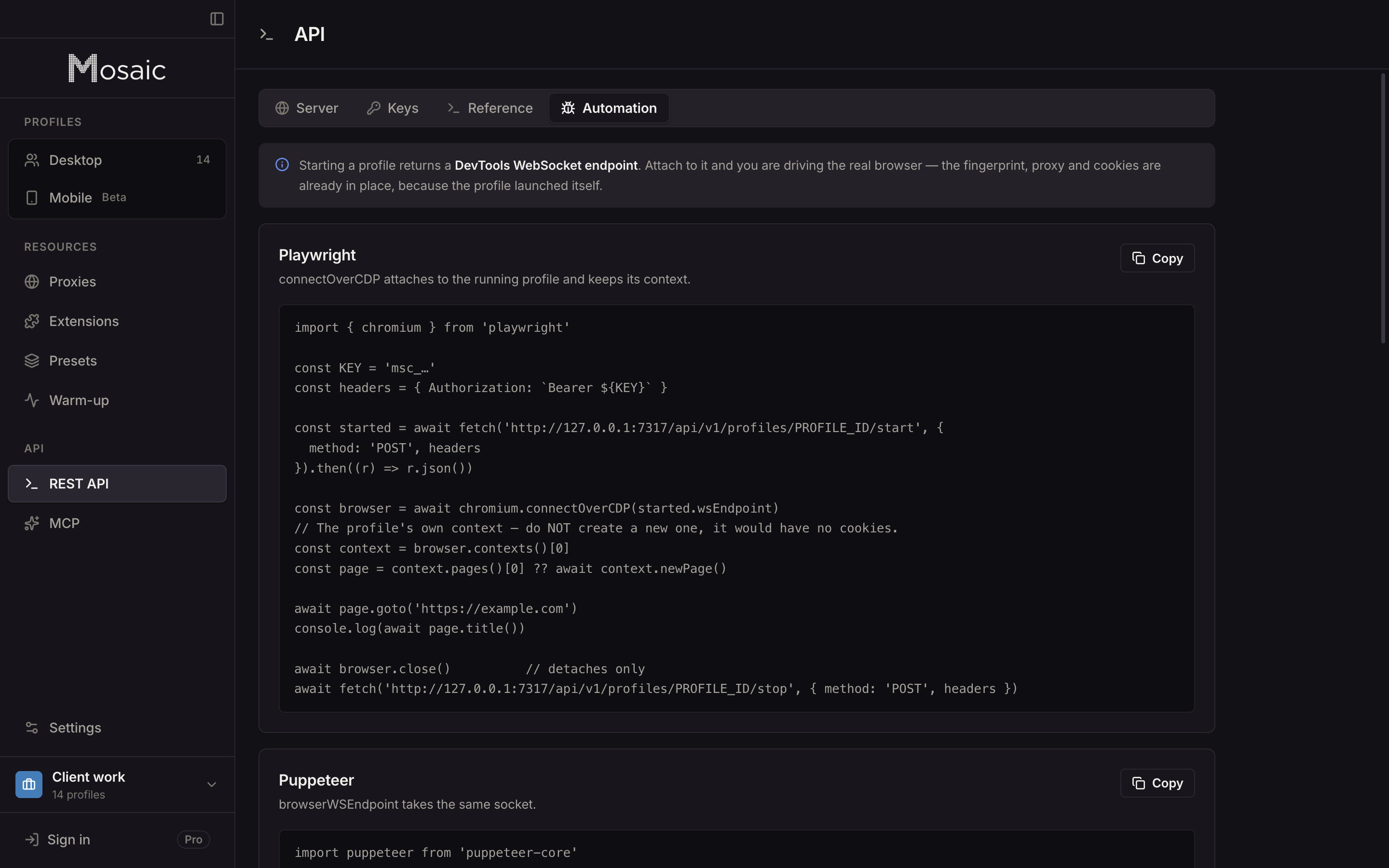
Mosaic's local REST API starts profiles and hands back the endpoint. Make a key on the API screen first.
- Start the profile:
POST /profiles/:id/start. The reply carrieswsEndpoint,debugPortandcdpUrl. A profile behind a proxy does not start until that proxy has answered, so a dead gateway is a502naming it, not a browser quietly browsing from your own address. - Attach:
chromium.connectOverCDP(started.wsEndpoint). - Take the profile's own context:
browser.contexts()[0]. Do not callbrowser.newContext(). A new context has no cookies, so the site sees a stranger. - Use the page that is already open, or open one in that context.
- Detach, then stop through the API, so Mosaic closes the browser over DevTools and Chromium writes its cookie jar.
import { chromium } from 'playwright'

const BASE = 'http://127.0.0.1:7317/api/v1'
const headers = { Authorization: `Bearer ${process.env.MOSAIC_KEY}` }

const started = await fetch(`${BASE}/profiles/${id}/start`, {
  method: 'POST', headers
}).then((r) => r.json())

const browser = await chromium.connectOverCDP(started.wsEndpoint)
const context = browser.contexts()[0]
const page = context.pages()[0] ?? await context.newPage()

await page.goto('https://example.com/account')
console.log(await page.title())

await browser.close()   // on a connected browser: detaches, clears contexts it created
await fetch(`${BASE}/profiles/${id}/stop`, { method: 'POST', headers })
For a browser Playwright connected to, browser.close() "clears all created contexts belonging to this browser and disconnects from the browser server" (Playwright docs, read 2 November 2026). It does not shut Mosaic's browser down; the stop call does.
Leave the fingerprint to the browser
Playwright has options that look harmless: viewport, userAgent, locale, timezoneId, geolocation. On an attached anti-detect browser each one is a second spoof of a value the profile already set, applied through DevTools emulation on top of the engine's own. Two descriptions of one value compose into something neither side predicted, which is the kind of contradiction a consistency scanner looks for.
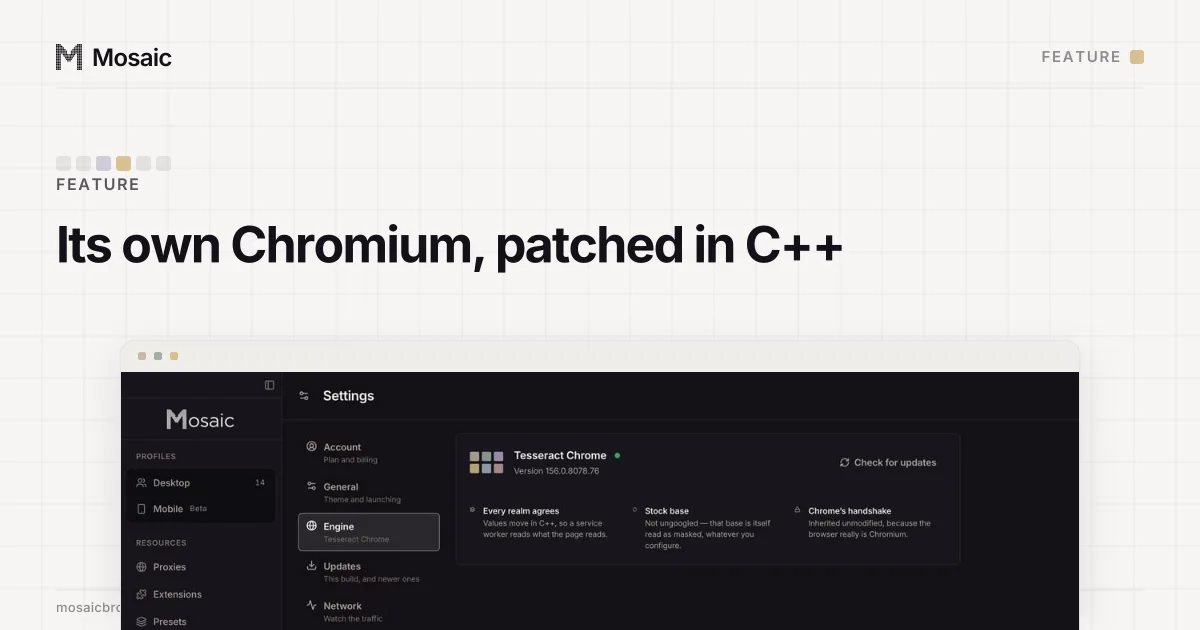
In Mosaic these values are changed inside the engine, in C++, so every page, frame and worker sees one machine (why we built our own Chromium has the measurements behind that choice). The timezone, languages and geolocation are drawn for the exit the proxy really comes out of. Set none of them from Playwright. If a script needs a different locale, give it a profile that has one.
The one thing Playwright cannot help sending
Playwright tracks execution contexts by enabling the DevTools Runtime domain on each page, and some detectors read that. The rebrowser project describes the technique: "a few lines of JavaScript on the page that are automatically called if Runtime.Enable was used", and says major anti-bot vendors use it (rebrowser-patches, read 2 November 2026).
We measured it on our own engine against deviceandbrowserinfo, one fresh profile per row. Page.enable, Runtime.evaluate and Input.dispatchKeyEvent left it at isBot=false. Runtime.enable flipped it to isBot=true. When we later kept Runtime.enable as a deliberate control in our check, it fired in two of four consecutive runs, so it is a signal some pages see some of the time, not a constant.
Two ways round it if your target checks:
- Mosaic's page routes (
/profiles/:id/page/snapshot,/page/click,/page/typeand the rest) read and act in an isolated world the page cannot see, and never enableRuntime. Clicks travel along a human path and typing has human timing. - Third-party patches such as rebrowser's change how Playwright gets its execution contexts. We have not measured them, so we only point at them.
Running many profiles
Start each profile, attach, work, detach and stop, one profile at a time or a few at once, within the concurrency cap in Settings. For work nobody will watch, pass "offscreen": true to the start call: the window goes off the screen and the browser stays headed, so it keeps the real GPU and a User-Agent without HeadlessChrome in it. The guide to automating several profiles covers batches, bulk start and the { ok, skipped, failures } answer.
The REST API is part of Pro, $49 a month with a 14-day free trial, on the pricing page.
Sources
- Playwright docs: BrowserType.connectOverCDP, read November 2, 2026
- Playwright docs: Browser.close, read November 2, 2026
- rebrowser-patches: Runtime.Enable leak (GitHub), read November 2, 2026