You open the app and, before the feed loads, there it is: "We suspect automated behavior on your account". Instagram puts that in front of you when something has been liking, following, commenting or signing in for you faster, or on a steadier clock, than a thumb manages. Can you tap past it and keep scrolling? Then nothing has been disabled yet. Treat it as a yellow card. What you do over the next few days is what decides whether a red one follows.
Instagram keeps its thresholds to itself. The rule the notice enforces is public, though, and reading it tells you what to switch off.
What Instagram's rules say about automation
Instagram's Terms of Use say "You can't attempt to create accounts or access or collect information in unauthorized ways. This includes creating accounts or collecting information in an automated way without our express permission." The same list forbids attempts to "solicit, collect, or use login credentials or badges of other users" (Instagram Terms of Use, read 2 November 2026).
People skim past that second sentence, and it is the one that bites. A growth service asking for your password is, by those terms, collecting another user's login, however politely it promises to behave. So don't ask yourself "did I use a bot?" Ask whether anything besides you, Instagram's own apps and Meta's business tools ever had your login.
Meta's Account Integrity policy is what stands behind repeat cases. It lists accounts Meta "may restrict or disable", including those "created or repurposed to evade a previous account or entity removal" (Account Integrity, read 2 November 2026). Opening a fresh account to carry on what got the warning is the path that policy was written for.
What causes "we suspect automated behavior on your account"
Most cases come down to one of four things. The terms name the first two outright. The other two follow from what Meta says it collects.
- A service holding your password. Follower growth, auto-like, "who unfollowed me" trackers and a few older scheduling services sign in as you from their own servers: a device you never owned, in a city you have never visited, acting on a timer.
- An extension or script doing the clicking. A Chrome extension that mass-follows counts. So does a Playwright or Puppeteer script, and pacing it at one follow a minute does not change what it is.
- Bursts. Forty follows in four minutes, or the same comment pasted under twenty posts, looks mechanical even when you did every tap yourself.
- Somebody else with your login. The agency you parted with in March, a freelancer who kept the password, or a phishing page you typed it into. From Instagram's side it all looks the same: activity you did not do, from somewhere you are not.
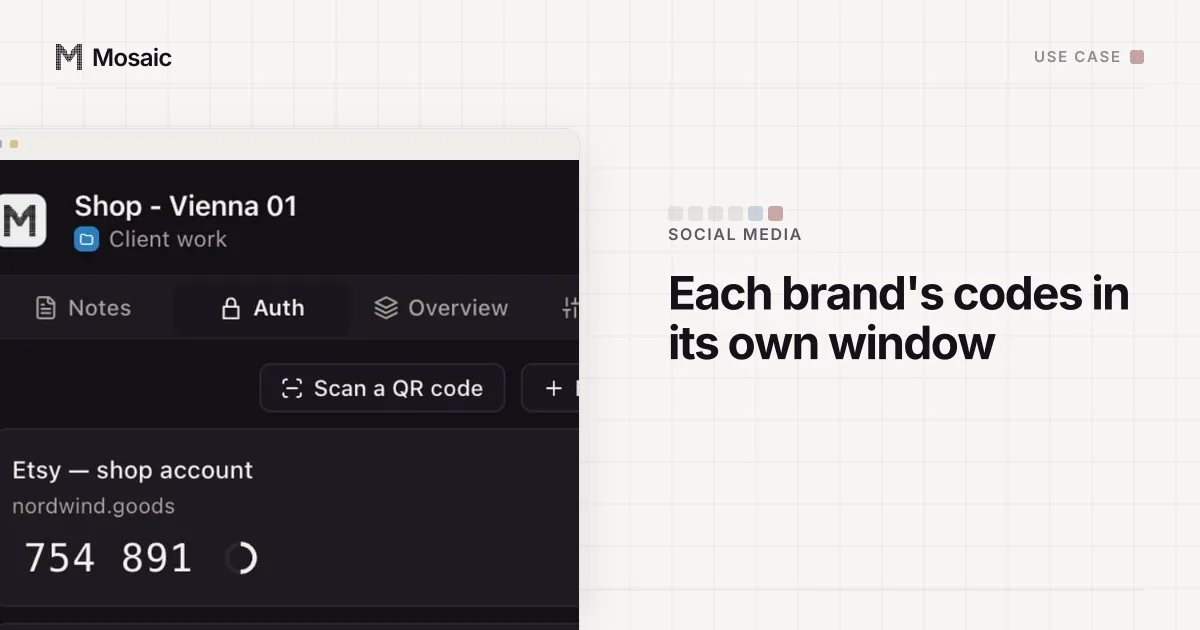
Each profile keeps its own passwords and its own 2FA codesIn Mosaic: Logins and 2FA codes. A password vault and TOTP codes for each profile. Free holds 3 profiles. Pro is $49 a month for any number.
Mosaic is a desktop app
Email yourself the link and open it on your computer.
How it works: Logins and 2FA codes
How Instagram can tell software from a person
Meta's privacy policy, which covers Instagram, lists among the things it collects "what you're doing on your device, such as whether our app is in the foreground or if your mouse is moving (which can help tell humans from bots)". It also lists device characteristics, identifiers that tell your device apart, cookies, and "information about the network you connect your device to", including the IP address (Meta Privacy Policy, effective 23 July 2026, read 2 November 2026).
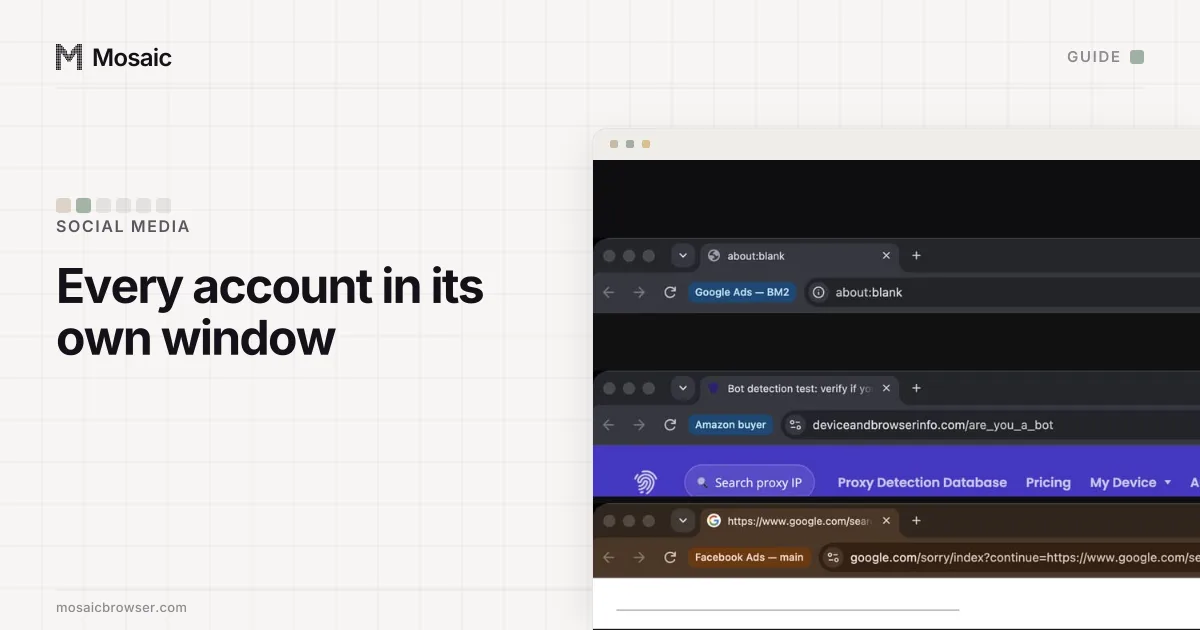
We build a browser, so we have measured the browser half of this ourselves. A page script can read whether the browser is being driven over Chrome's developer protocol: one command that Playwright sends when it attaches, Runtime.enable, flipped a public bot detector to "bot" in our tests, with nothing else changed. A script that pauses between clicks still announces itself that way. The device values a page reads are the browser fingerprint, and a growth service running hundreds of customers' accounts from a handful of servers can show the same one on all of them.
None of that is a reason to make a script harder to spot. It is the reason the fix below starts by removing the tool.
The fix, step by step
- Stop the tool. Cancel the growth service, switch off the extension, kill the script. Skip this and nothing below lasts.
- Cut off its access. In the Instagram app, go into settings, find Website permissions and open Apps and websites. Anything you no longer use, or cannot place, comes off the list.
- Look at where you are logged in. Accounts Center › Password and security › Where you're logged in shows each session with its device and rough location. A Windows laptop in Jakarta that isn't yours? Log it out.
- Change the password. A service that saved it will keep signing in until you do. Pick one you have never used on any other site.
- Turn on two-factor authentication, in that same Password and security screen. After that, a saved password by itself gets nobody in.
- Be boringly yourself for a week or two. Post, like and follow at your usual pace from your usual phone. Resist the urge to tidy up with a mass unfollow; that is one more burst.
If Instagram asks you to prove it is you, with a code or a video selfie, do it from your own phone. Passing those checks is how the account goes back to normal.
What does not fix it
People reach for a VPN, a new proxy, a new phone or a clean browser. None of them help, because the notice is about what happened on the account, not the address it happened from. A tool that is still running just carries on from the new address, and the warning returns with a longer history behind it.
A second account is worse. Opening one to keep doing what the first was warned for is exactly the case the Account Integrity policy describes.
If you run several brands' accounts
Agencies and social media managers tend to get into trouble through something duller: one person signing in to eight clients' accounts in the same browser, one after another, with a shared password manager and a scheduler that holds every login. A cleaner set-up gives each client's account its own browser and leaves scheduling and shared access to Meta's own tools. Managing several social media accounts lists which tool each platform offers.
We make Mosaic, a browser in which every profile has its own cookie jar, its own fingerprint drawn from real hardware and its own proxy exit. You paste one gateway line from your proxy seller and Mosaic mints a separate session for each profile, so two clients never end up on one exit by accident.
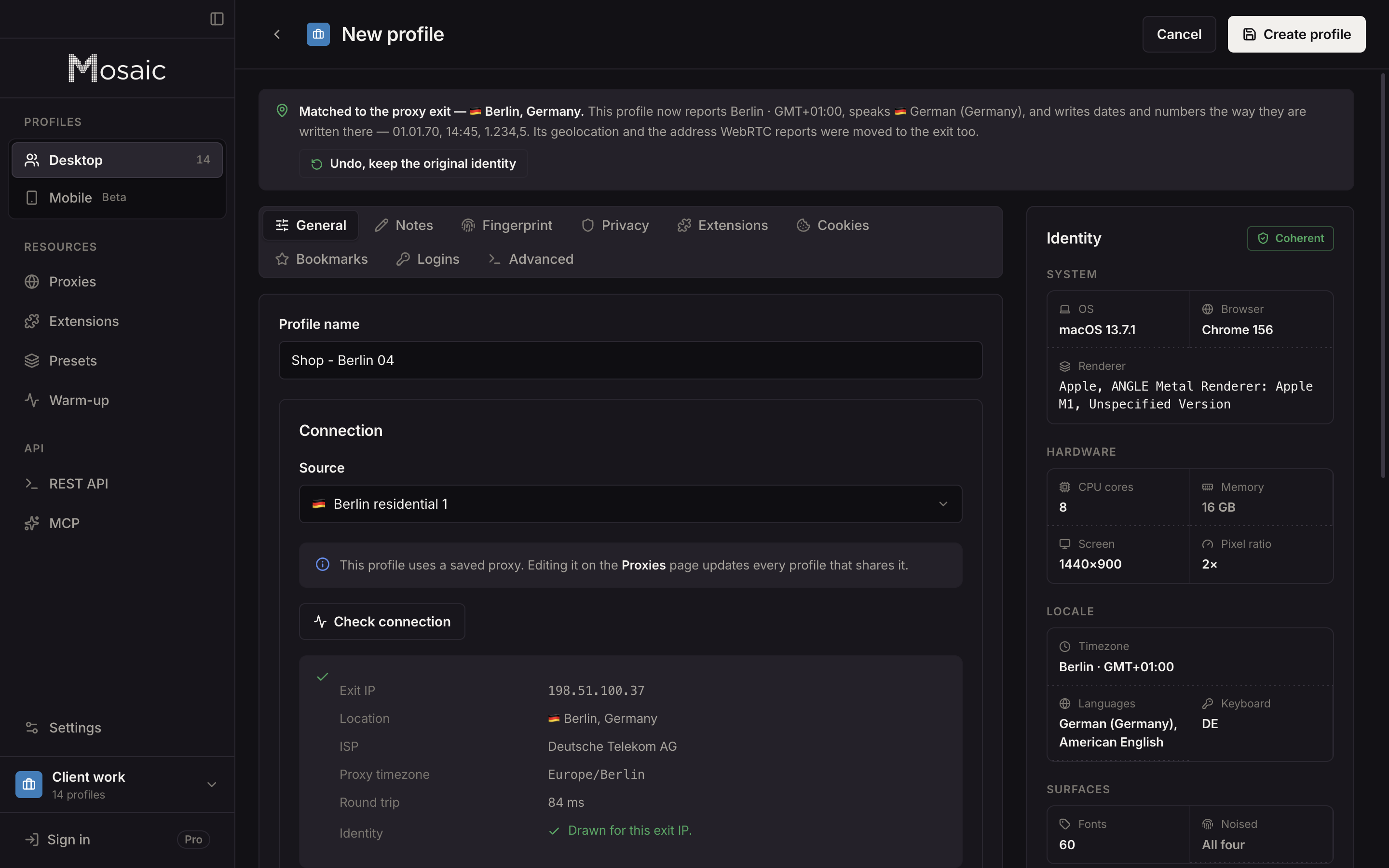
Each client's two-factor codes live in that client's profile. Press Fill and Mosaic types the code into the page with real keystrokes. That keeps logins from crossing over. It automates nothing on Instagram. Mosaic does have a REST API and an MCP server for driving profiles, meant for sites whose terms allow it, and Instagram's terms, quoted above, don't allow automated access without permission. Where we draw that line for scripts is in automating browser profiles.
For one person with a personal account and a brand account, Instagram's built-in account switcher is enough. Once you need a browser per brand, our comparison of anti-detect browsers for Instagram covers which ones suit brand work on the web, and when a cloud phone is the better fit.
Sources
- Instagram Help Center: Terms of Use, read November 2, 2026
- Meta Privacy Policy (effective 23 July 2026): App, browser and device information, read November 2, 2026
- Meta Transparency Center: Account Integrity, read November 2, 2026