We make Mosaic. We tried to be fair; corrections to hello@mosaicbrowser.com.
Before you choose the best anti-detect browser for Instagram, check whether you need one. Instagram's own app adds several accounts and switches between them without logging out, and for a person with a personal account and one brand, that is the whole answer. A separate browser earns its place when the work is on the web, the brands are many, and each one comes with a login, a two-factor code and often a market of its own.
What Instagram's rules say
Instagram's Help Center describes adding multiple accounts and switching between them from your profile. Its Terms of Use set the limits around that: "You can't attempt to create accounts or access or collect information in unauthorized ways", which includes creating accounts in an automated way without permission, and "You can't sell, license, or purchase any account". (Both read on 2 November 2026.)
Mosaic keeps accounts you are entitled to run apart; it does not change what a platform allows. That means brand accounts you manage, your own accounts, and client accounts you have been given access to. It does not mean scripted sign-ups, bought accounts, or follower and engagement schemes, which the same Terms rule out.
Web or app: the question that decides it
Most anti-detect browsers are desktop Chromium. They open instagram.com, in a desktop or mobile layout, and that covers posting from the web, replying to comments and messages, reviewing insights and running a brand's account from a laptop. They do not run the Instagram app, so Reels editing tools and anything app-only are out of reach.
If the brand's work lives in the app, look at a product with cloud phones. Multilogin's home page leads with cloud Android phones, real Android environments for app-based accounts, and its plans include mobile minutes for them. That is a different machine from a browser profile, and for app-first work it is the honest recommendation.
For web work, these are the criteria we would use:
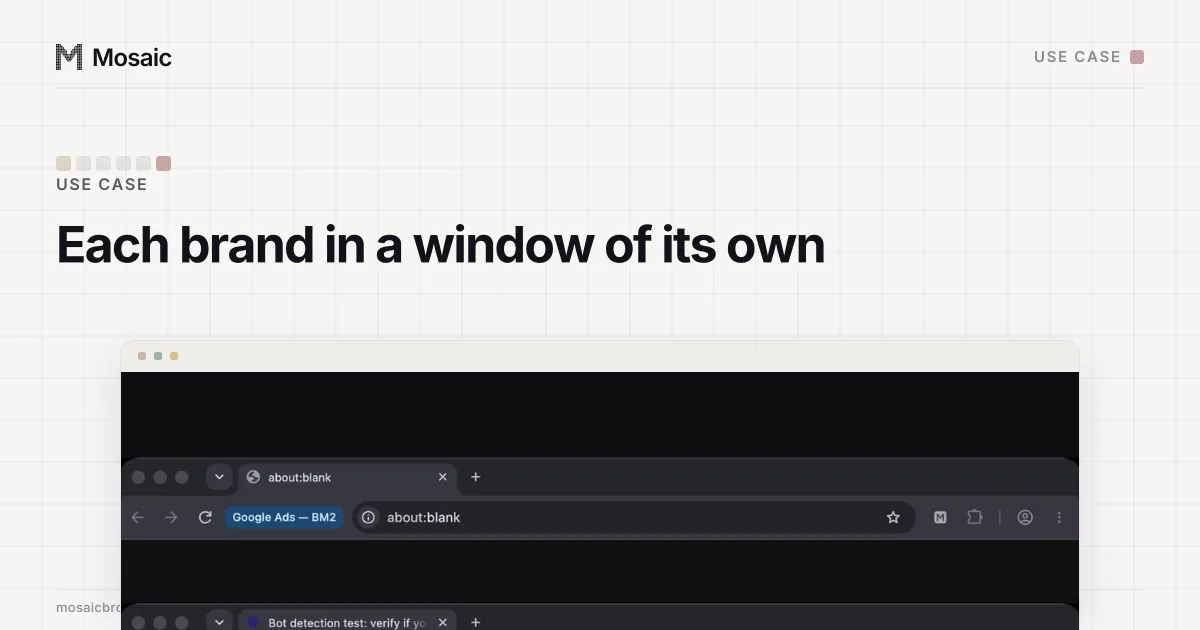
- One profile per brand, with its own cookies and storage, so a post never goes out from the brand in the next tab.
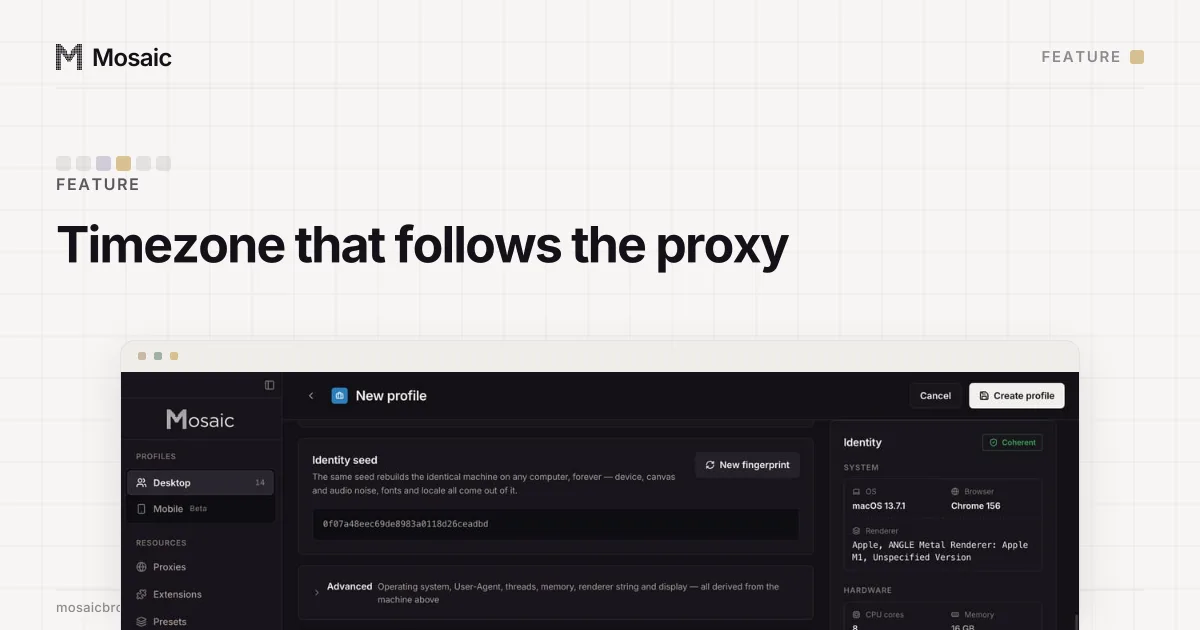
- An exit per brand in that brand's market, with the timezone and language following it.
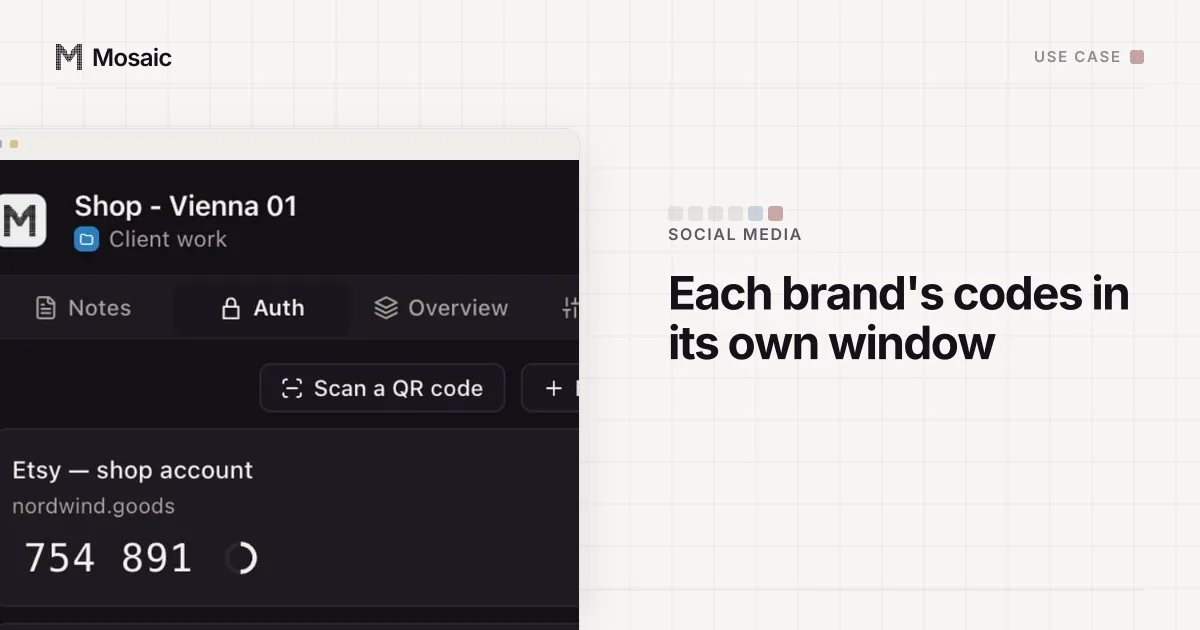
- Two-factor codes stored with the brand they belong to, filled into the right window.
- Windows you can tell apart at a glance.
- A price that holds when the roster grows from 8 brands to 40.
Timezone, language and location come from where the proxy comes outIn Mosaic: Matched to the exit. Timezone, language and location follow the proxy. Free holds 3 profiles. Pro is $49 a month for any number.
Mosaic is a desktop app
Email yourself the link and open it on your computer.
How it works: Matched to the exit
The best anti-detect browser for Instagram, compared
From each vendor's own pages on 2 November 2026.
| Free plan | Paid entry | Phone apps | Team members | |
|---|---|---|---|---|
| Mosaic | 3 profiles, 10 creations | $49/mo, unlimited | No; Android profiles open the mobile web | No |
| Multilogin | 5 cloud profiles | $11/mo, 10 profiles | Cloud Android phones | Yes |
| Dolphin{anty} | Up to 3 profiles | $10/mo, 20 profiles | See vendor | Yes |
| GoLogin | 3 profiles | $9/mo, 10 profiles | Cloud Android listed | Yes |
| AdsPower | 2 profiles | Priced by profile count | See vendor | Yes |
Multilogin is the pick when the app matters. GoLogin's menu lists a cloud Android product next to its browser, so it is worth a look for the same reason, with a lower entry price. Dolphin{anty} and AdsPower are browser-first and strongest on team permissions and automation; AdsPower's RPA draws repeated click-paths without code. Remember that Instagram's Terms forbid creating accounts in an automated way, so keep any automation to work on accounts that already exist and that you run.
Where Mosaic fits for Instagram
Mosaic is for a social media manager or a small agency running brand accounts on the web from one computer.
Every profile is a full browser on Tesseract Chrome, our own Chromium, with its fingerprint changed inside the engine rather than by an injected script. Each brand gets its own exit: paste your proxy seller's gateway line once as a provider, and each profile mints its own session. The profile's timezone, language and location then follow the exit Mosaic measured, so a German brand's account reads like it is being run from Germany (exit matching has the details). With no proxy, a profile uses your own location, which is fine for brands in your own country.
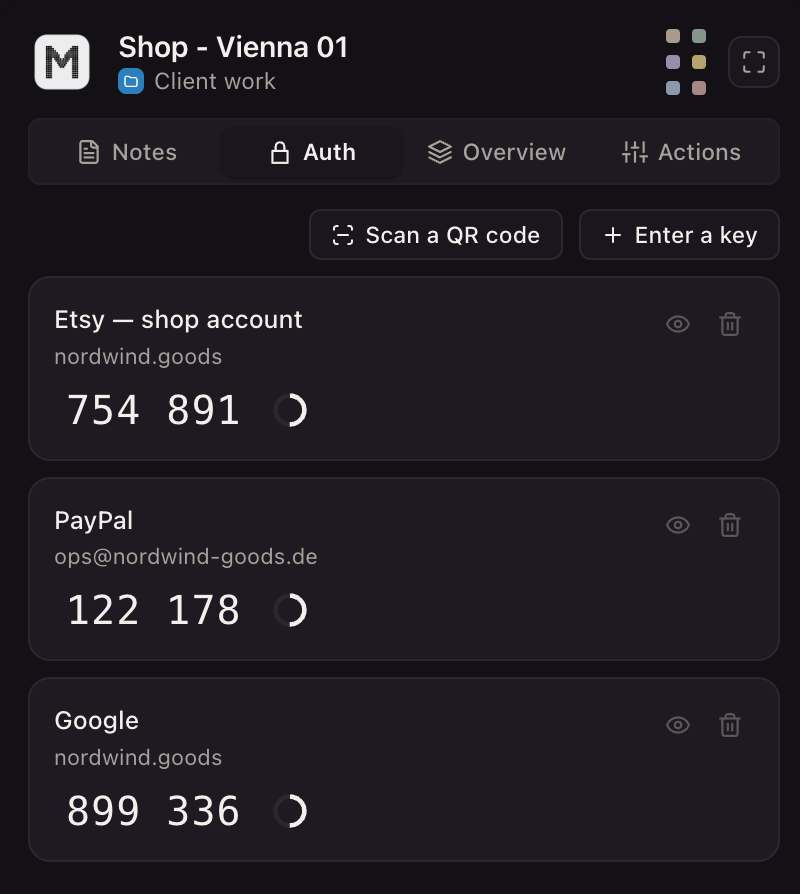
The companion inside each profile's browser holds that brand's notes, saved logins and TOTP codes, and only that brand's, so the six-digit code you copy is the right one. Every window carries its profile's name next to the address bar. A Mobile profile, drawn from one of three captured Android phones, opens Instagram's mobile web layout when you need to see a post the way most followers will; it is still a browser, not a phone.
What Mosaic does not have for Instagram: post scheduling, a shared inbox, team seats, cloud phones, or a way to open the same profile from a second laptop. If two managers need the same brand at once, Instagram's own account access through Meta's tools is the answer. The full brand-account setup is in Mosaic for social media managers, and the mechanics of how two accounts get tied together are in how to manage multiple accounts without getting linked.
Pricing
On 2 November 2026, in US dollars, billed monthly: Mosaic Free is 3 profiles and 10 profile creations, and Pro is $49 a month, one plan, everything unlimited, with a 14-day free trial. Multilogin Pro starts at $11 for 10 profiles. Dolphin{anty} Starter is $10 for 20 profiles. GoLogin Professional starts at $9 for 10. AdsPower lists Professional and Business by profile count.
Which to pick
- Two or three accounts of your own: Instagram's own switcher, no new browser.
- Brands whose work is in the app: Multilogin's cloud phones.
- A team splitting brands between people: Dolphin{anty} or AdsPower.
- Many brands on the web, one manager, one machine, a flat price: Mosaic.
The best anti-detect browsers puts these and two more side by side on general criteria, and the plans are on the pricing page.
Sources
- Instagram Help Center: Add and switch between multiple accounts, read November 2, 2026
- Instagram Terms of Use, read November 2, 2026
- Multilogin home page, read November 2, 2026
- Multilogin pricing, read November 2, 2026
- Dolphin{anty} pricing, read November 2, 2026
- GoLogin pricing, read November 2, 2026
- AdsPower pricing, read November 2, 2026