To give an agency access to Facebook ads, use the door Meta built for agencies, which is not your password. An agency with its own business portfolio becomes a partner of yours, and you choose which assets it can work on and how far. You can take it away again in a few clicks, which you cannot do with a password you have handed over.
Facebook's terms ask every user not to "share your password, give access to your Facebook account to others, or transfer your account to anyone else" without Meta's permission (Facebook Terms, 3.1, read 2 November 2026). Mosaic keeps accounts you are entitled to run apart; it does not change what a platform allows.
Before you give an agency access to Facebook ads
Three things are easier to settle now than to fix later.
Own the ad account. If the agency offers to open one for you inside its own portfolio, decline and create it in yours. Meta's billing help says that "once an ad account is created in your business portfolio, it can't be transferred to the portfolio of another business" (Share legal entity, read 2 November 2026). An account the agency owns, with all its history, leaves when the agency does.
Keep full control on your side. Only people with full control of your portfolio can add partners, and only the owner of an asset can share it onward (Give a partner access, read 2 November 2026). That person should work for you, and two of them are safer than one.
Turn on two-factor authentication for your portfolio. Meta lists it under "Before you begin" for sharing with a partner.
Your profiles, cookies and proxies stay on your computerIn Mosaic: Local first. Profiles, cookies and proxies stay on your computer. Free holds 3 profiles. Pro is $49 a month for any number.
Mosaic is a desktop app
Email yourself the link and open it on your computer.
Option 1: you share the ad account with the agency
This is the usual order. You need the agency's business portfolio ID, a long number it finds in its own Settings under Business portfolio info (Find your business portfolio ID, read 2 November 2026). Then:
- Go to Settings in Meta Business Suite for your portfolio.
- Click Partners in the Users section of the left menu. If it is not there, you do not have full control.
- Click Add, then Give a partner access to your assets.
- Enter the agency's business portfolio ID and click Next.
- Choose the ad account (and the Page, if it will run ads from your Page), and the level of access.
- Click Assign assets. Someone else with full control of your portfolio may need to approve it.
Both of you then see the shared assets in your own Settings.
Full control or partial access
Meta offers two levels. Full control lets the partner "manage everything but they cannot share the business asset with another business". Partial access is a set of named tasks, such as creating content, managing ads and responding to messages.
For an agency that builds and runs campaigns, partial access with ad management is usually enough. It also limits the agency inside its own house: Meta says a partner with partial access "can only assign people in their business portfolio permission to complete the specific tasks that you have assigned the partner". So a junior at the agency cannot end up with more than you gave the agency.
Option 2: the agency asks, and you approve
Some agencies send the request themselves. From their portfolio they choose Add, then Ask a partner to assign you their assets, enter your email and your business portfolio ID, and name the asset types and permissions they want (Ask a partner, read 2 November 2026). You then approve, deny, or change which assets and permissions to share. Read the request before you approve it: you can give less than was asked.
If the agency runs ads from its own account
Some agencies prefer to advertise for you from an ad account in their portfolio, using your Page. Meta supports this through an on-behalf-of setting that names you as the business the account advertises for, so your name appears in "Why am I seeing this ad?" rather than the agency's. Meta allows it once per ad account, "because an ad account should only run ads for a single client" (Advertise on behalf of another business, read 2 November 2026). The trade-off is the one above: the account and its history stay with the agency.
The logins Meta's partner system does not cover
Partner access handles Facebook and Instagram. The agency will often still want the logins around them: the shop admin, the landing page builder, the email tool. Give those through each tool's own user invites where they exist, rather than a shared password.
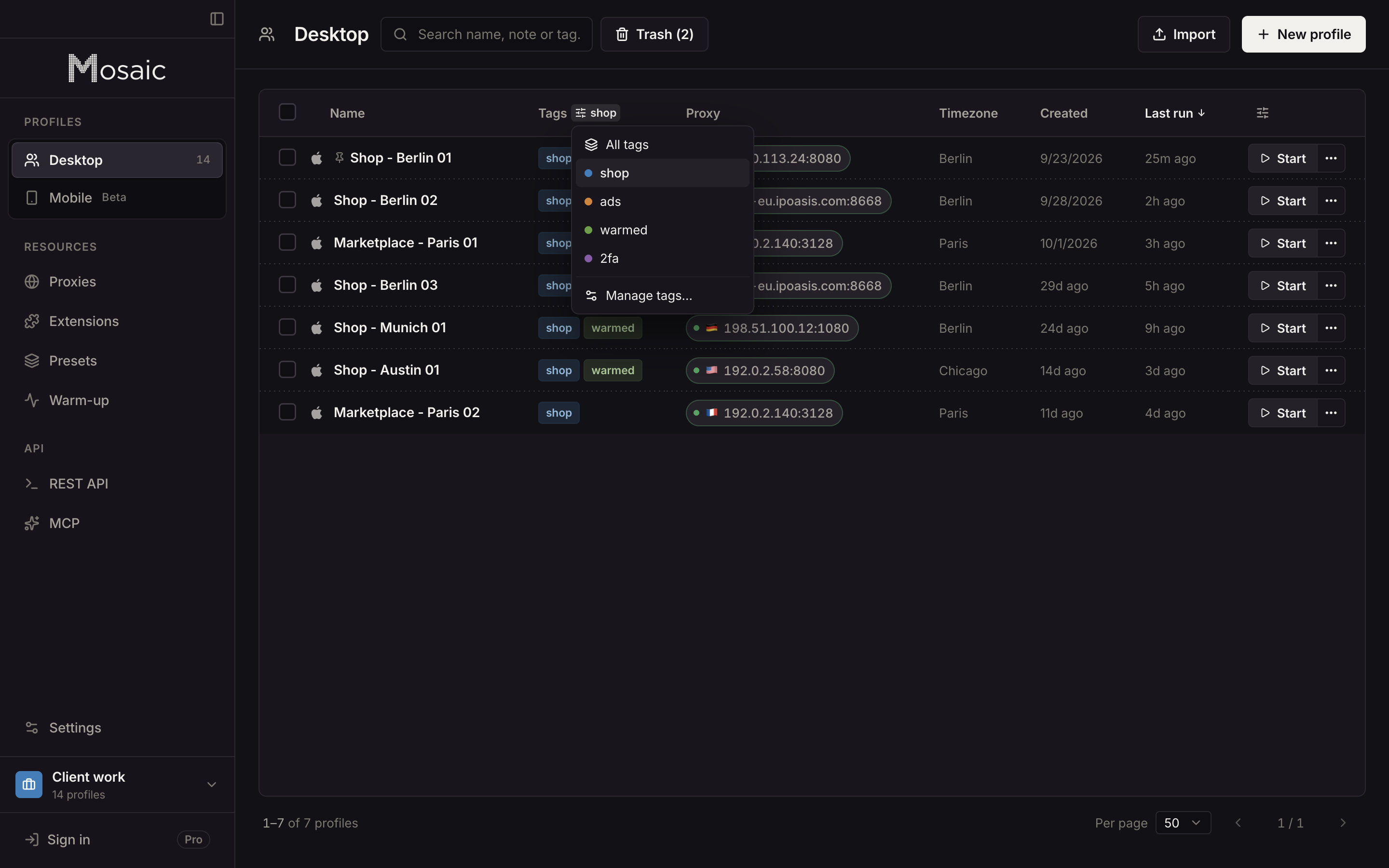
On the agency's side, those client logins are where accounts get mixed, because they all end up in one browser. In Mosaic an agency gives each client sign-in its own profile, so that client's cookies, saved logins and two-factor codes live in one browser and nowhere else. The profiles stay on the agency's own computer; Mosaic has no cloud copy of them, as local-first explains.
The agency's half of the set-up, with every client's ad account in one portfolio, is in how to manage multiple Facebook ad accounts, and the meaning of people, partners and access levels is in Facebook Business Manager explained. Google's version of this, through a manager account link, is in how to give an agency access to Google Ads. How agencies arrange clients and profiles in Mosaic is in Mosaic for agencies.
Sources
- Meta Business Help Center: Give a partner access to business assets in your business portfolio, read November 2, 2026
- Meta Business Help Center: Ask a partner to share assets with your business, read November 2, 2026
- Meta Business Help Center: Share legal entity with partner business, read November 2, 2026
- Meta Business Help Center: Advertise on behalf of another business in Meta Business Suite, read November 2, 2026
- Meta Business Help Center: Find your business portfolio ID, read November 2, 2026
- Facebook Terms of Service, 3.1 Who can use Facebook, read November 2, 2026