How many Instagram accounts can you have? More than the number people quote. That number, 5, is not a cap on owning accounts. It is how many the Instagram app keeps signed in at once. Instagram's Help Center page on adding and switching between multiple accounts (read 2 November 2026) says you can add up to 5 accounts and move between them without logging out. Nothing on that page, or in the Terms of Use, puts a ceiling on how many accounts one person may own.
So the honest answer is two numbers: as many as you have a real use for, and 5 at a time in one app. Mosaic keeps accounts you are entitled to run apart; it does not change what a platform allows.
What Instagram's rules say about having several accounts
Instagram's Terms of Use (read 2 November 2026) do not count accounts. They govern how accounts come into being and who uses them. One line reads: "You can't attempt to create accounts or access or collect information in unauthorized ways. This includes creating accounts or collecting information in an automated way without our express permission." The same list forbids attempts to "solicit, collect, or use login credentials or badges of other users".
Two things follow from those sentences. A personal account, a brand account and a side-project account, each made by hand by the person who runs it, are fine. A batch of accounts made by a script, or a pile of logins bought from somebody else, is not, however many it is.
Meta's Account Integrity policy (read 2 November 2026) adds the other limit. Meta "may restrict or disable" accounts "created or repurposed to evade a previous account or entity removal". A new account opened to carry on after one was disabled is outside the rules on the first account, not the sixth.
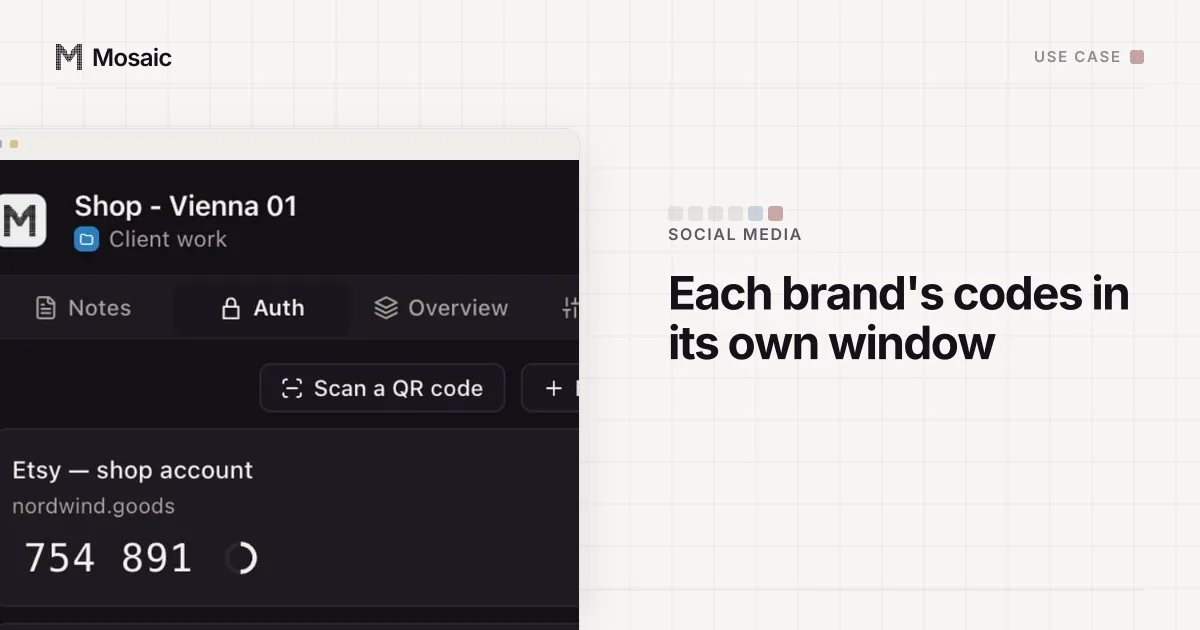
Each profile keeps its own passwords and its own 2FA codesIn Mosaic: Logins and 2FA codes. A password vault and TOTP codes for each profile. Free holds 3 profiles. Pro is $49 a month for any number.
Mosaic is a desktop app
Email yourself the link and open it on your computer.
How it works: Logins and 2FA codes
How many Instagram accounts fit in the app at once
Five. When all five are in, adding a new one means taking one out of the switcher first. The account you remove is not deleted: it still exists, and you can sign back in to it later from the login screen.
On a computer the count works differently. instagram.com keeps its session in the browser's cookies, and one browser profile has one set of them. The web switcher holds several accounts in that one cookie jar, so clearing cookies, closing a private window or a clean-on-exit setting signs out all of them together.
| Where | How many signed in at once | Where the sessions live |
|---|---|---|
| Instagram app, one phone | 5 | the app's storage on that phone |
| instagram.com, one browser profile | several, one cookie jar | that profile's cookies |
| Several browser profiles | one or more per profile | each profile's own cookies |
Do the accounts have to be separate?
Not for Instagram's sake. If you add your accounts to one Accounts Center, Meta treats them as yours, because you told it so. Meta's privacy policy (effective 23 July 2026, read 2 November 2026) lists what it collects from a device, including "identifiers that tell your device apart from other users'", "information from cookies and similar technologies" and "your IP address". Five accounts on one phone share every one of those, and that is how the app was built to be used.
Separation matters for a different reason: who the account belongs to. A creator with a personal and a brand account has no use for it. A freelancer holding three clients' accounts does, because a client's login should not sit in the same browser as another client's, and a client who ends the contract should be able to take their account back without touching yours. How Meta connects accounts, signal by signal, with the policy lines that use the link, is in how Facebook links accounts; Instagram sits under the same privacy policy.
When you need more than 5 accounts open
Most people who hit the limit are managing accounts for other people. Meta's answer for business accounts is a business portfolio, where a client shares its professional Instagram account with your portfolio instead of handing you a password. The by-hand set-up for several accounts, app and web, is in how to manage multiple Instagram accounts.
On a computer, the other answer is one browser profile per account, so each has its own cookie jar and stays signed in no matter what happens to the others. Chrome profiles do that for cookies, but every Chrome profile on one machine reports the same device to the page.
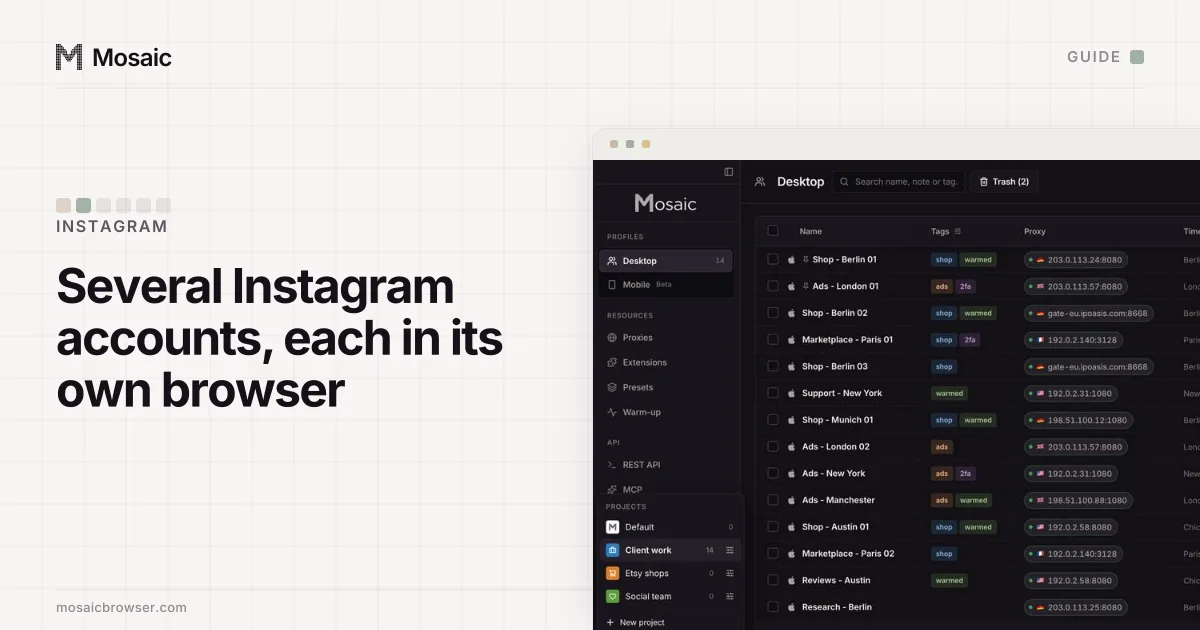
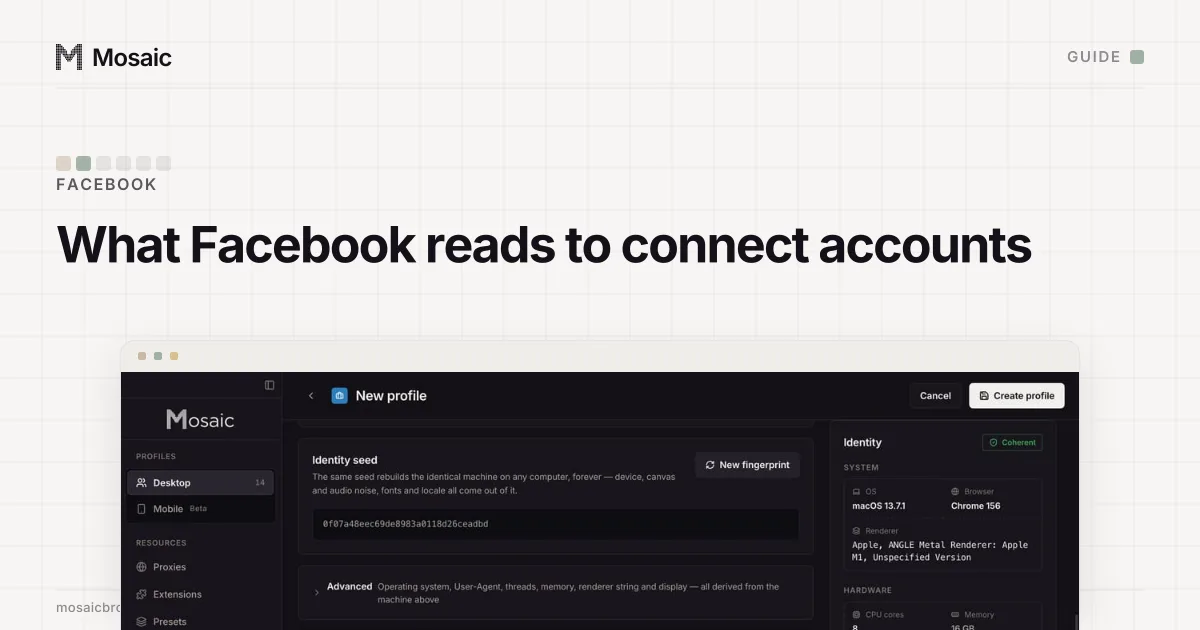
We make Mosaic for the case where those accounts are clients' and should not share anything. Each profile is its own browser: its own cookies, its own fingerprint drawn from real hardware, and its own proxy if you give it one, with timezone and language matched to that exit. A profile with no proxy matches your computer's own location, which is right for an account you run from home.
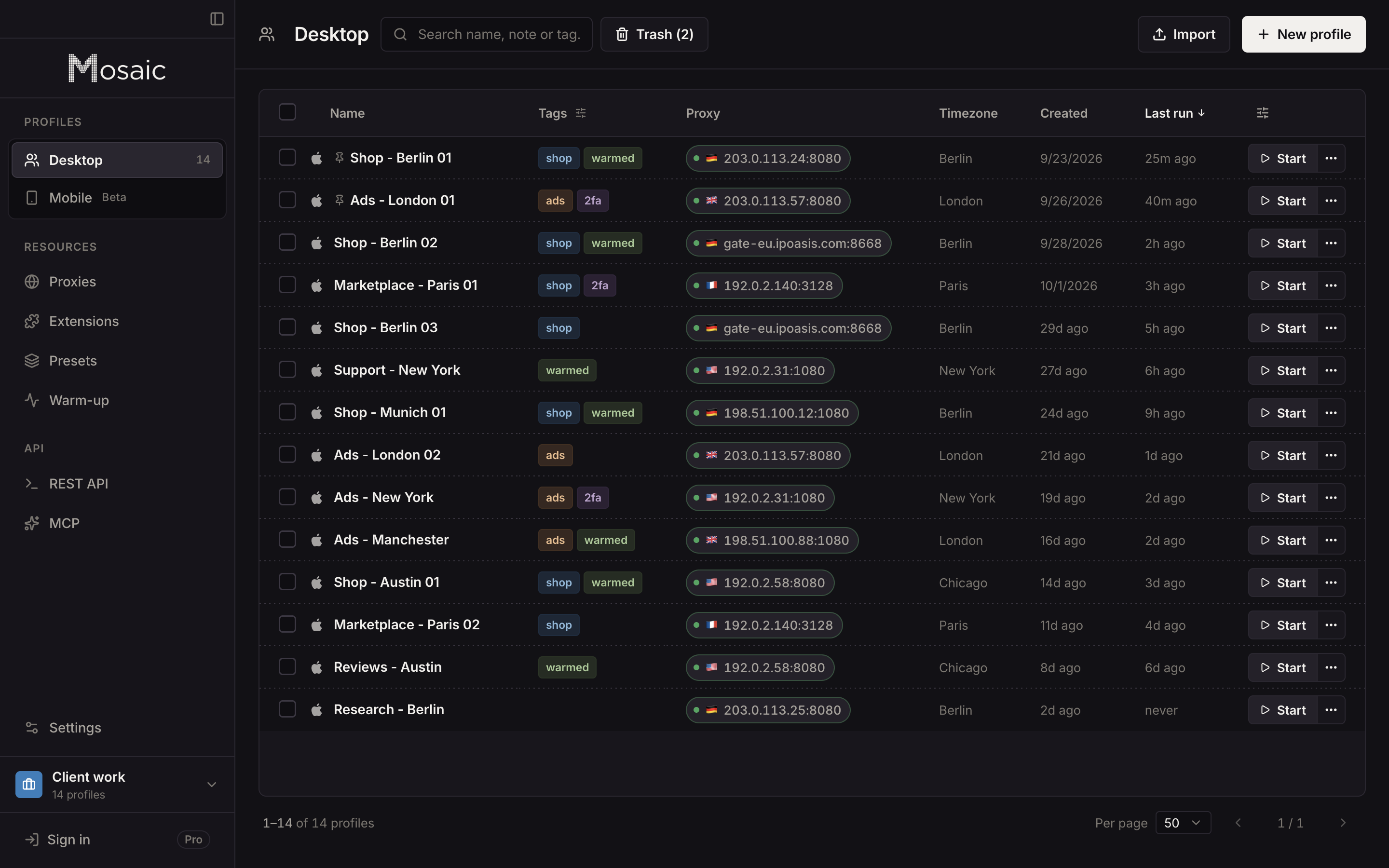
A Mosaic profile opens instagram.com, not the Instagram app. Posting Reels from your phone stays on your phone. Free covers 3 profiles and 10 profile creations, the same 5 accounts the app's switcher holds but each in its own browser, and a comparison of browsers for Instagram lists the other tools people use for the same job. If someone has asked you for your Instagram password to "grow" an account, read what Instagram's automated-behaviour notice means first.
Sources
- Instagram Help Center: Add and switch between multiple accounts, read November 2, 2026
- Instagram Help Center: Terms of Use, read November 2, 2026
- Meta Transparency Center: Account Integrity, read November 2, 2026
- Meta Privacy Policy (effective 23 July 2026): App, browser and device information, read November 2, 2026