There are three places to manage multiple Instagram accounts, and they suit different people. A creator with a personal and a brand account needs only the app's switcher. A business with a few people posting needs Meta's business tools. Anyone running several accounts from a laptop needs each account in its own browser, because that is where accounts quietly end up sharing a session.
Instagram allows one person several accounts: its Help Center shows how to add and switch between them, and the Terms of Use (both read 2 November 2026) forbid accounts created "in an automated way without our express permission" and using "login credentials or badges of other users". Mosaic keeps accounts you are entitled to run apart; it does not change what a platform allows. The full rule, and why 5 keeps coming up, is in how many Instagram accounts you can have.
Manage multiple Instagram accounts in the app
The switcher is the right tool for up to 5 accounts on one phone.
- Open your profile and tap your username at the top.
- Choose Add Instagram account, then sign in to an existing account or create a new one.
- Switch by tapping the username again, or by pressing and holding your profile picture in the bottom bar.
- Turn on notifications per account in each account's settings, so a brand account's comments do not reach you as noise from the personal one.
Each account in the switcher still needs its own password and its own two-factor authentication. Set up 2FA with an authenticator app on every account before you need it; a recovery code sent to the wrong person's phone is how shared accounts get lost.
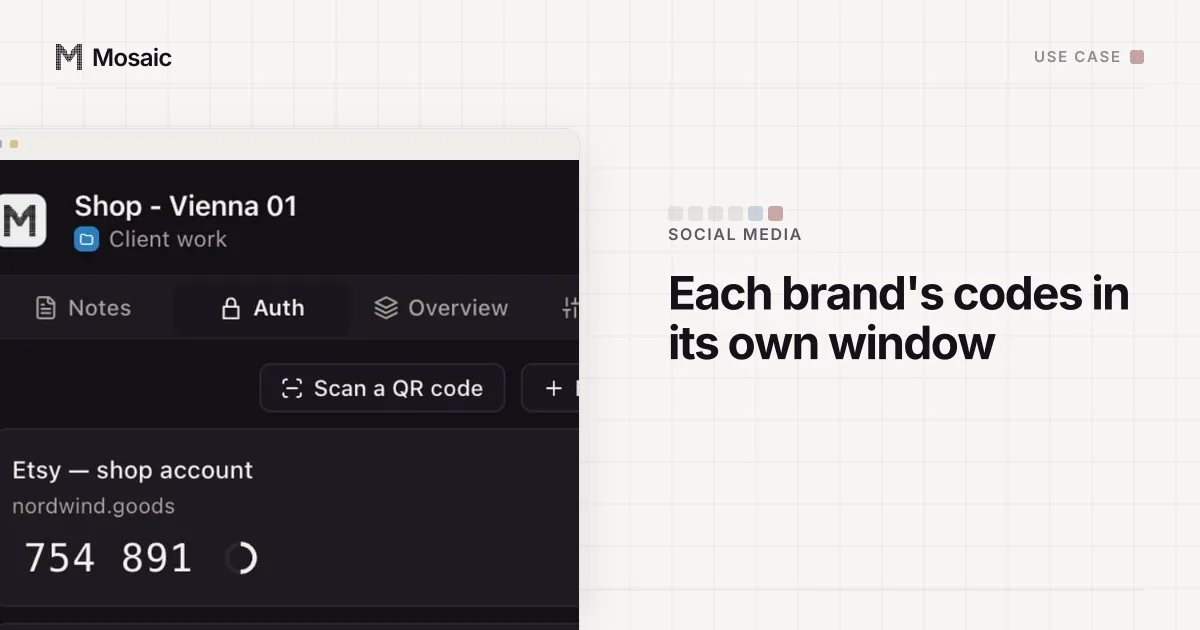
Each profile keeps its own passwords and its own 2FA codesIn Mosaic: Logins and 2FA codes. A password vault and TOTP codes for each profile. Free holds 3 profiles. Pro is $49 a month for any number.
Mosaic is a desktop app
Email yourself the link and open it on your computer.
How it works: Logins and 2FA codes
Manage business accounts through a business portfolio
When more than one person posts, stop sharing the password. Meta's business portfolio (read 2 November 2026) is the place that brings a business's "Facebook Pages, Instagram accounts, Threads accounts, ad accounts, catalogs and other business assets together", and it decides who can do what with each.
For an agency or freelancer, the client shares its Page and professional Instagram account with your portfolio as a partner, choosing the permissions. Only someone with full control of the client's portfolio can share, and they need your business portfolio ID (Give a partner access, read 2 November 2026). Access given that way can be taken back without anyone changing a password, which is the whole point when a contract ends.
| Situation | Use |
|---|---|
| You and your own 2 to 5 accounts, on a phone | the app's switcher |
| A business with staff who post | a business portfolio, people added with their own logins |
| A freelancer or agency with client accounts | partner access from each client's portfolio |
| Accounts that must stay signed in on a computer | one browser profile per account |
Manage multiple Instagram accounts on a computer
instagram.com has a switcher too, and it is weaker than the app's. The web session lives in the browser's cookies, and one browser profile has one cookie jar. Every account you add sits in it, so a private window that closes, a clear-on-exit setting or a cleaning extension signs out all of them at once. Two tabs in one browser are not two sessions; they share whatever the switcher holds.
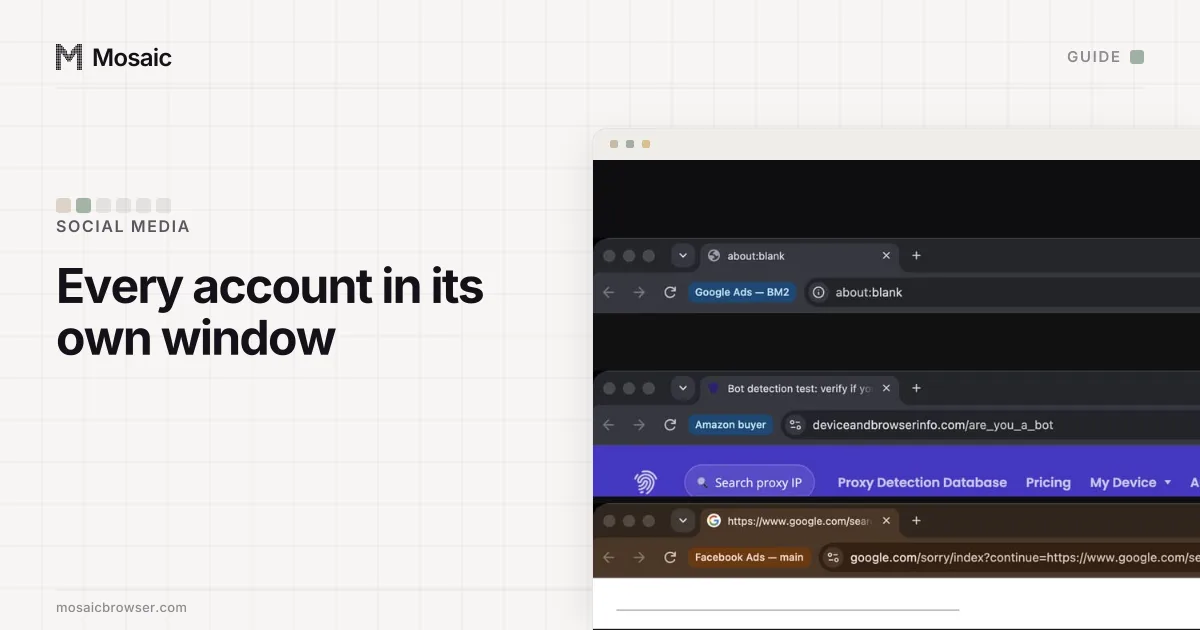
The fix is one browser profile per account. Chrome's own profiles give each account its own cookies, which solves the sign-out problem. They do not change what the page reads about the machine: every Chrome profile on one computer reports the same screen, GPU, fonts and timezone. For your own accounts that does not matter. For several clients' accounts it means one browser carries traces of every client.
How to do it in Mosaic
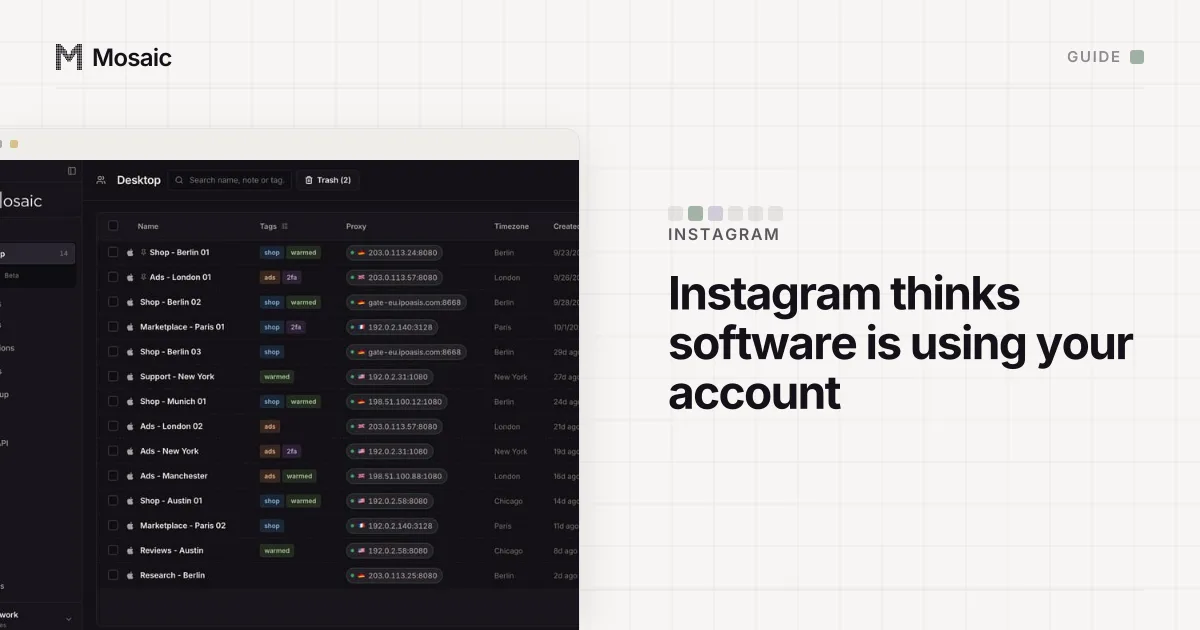
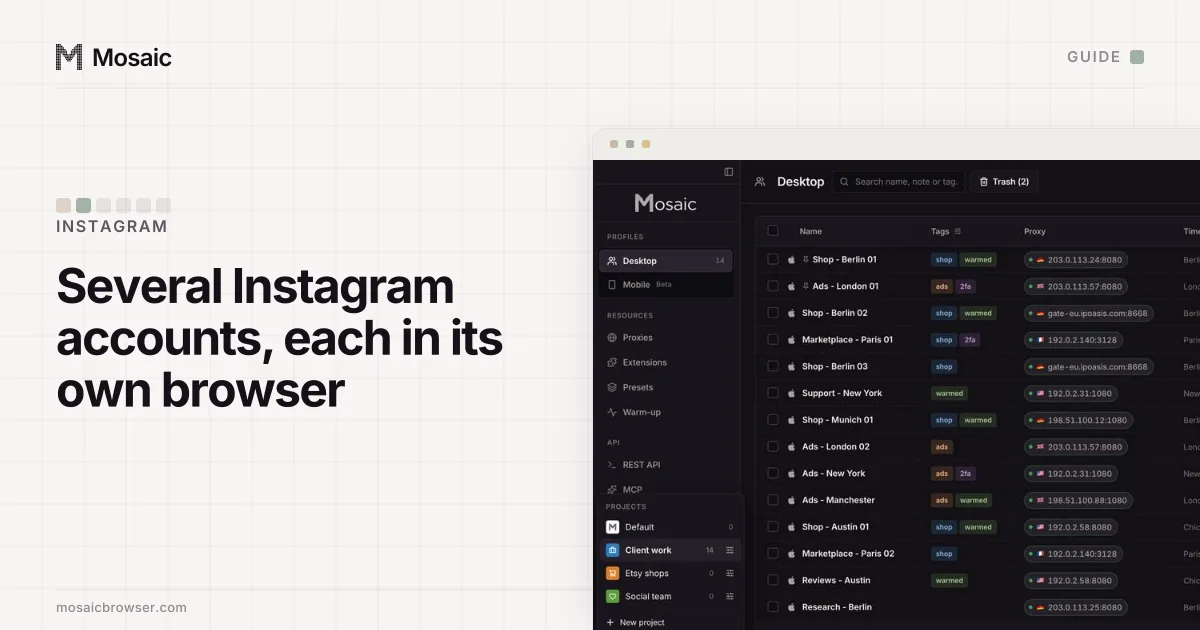
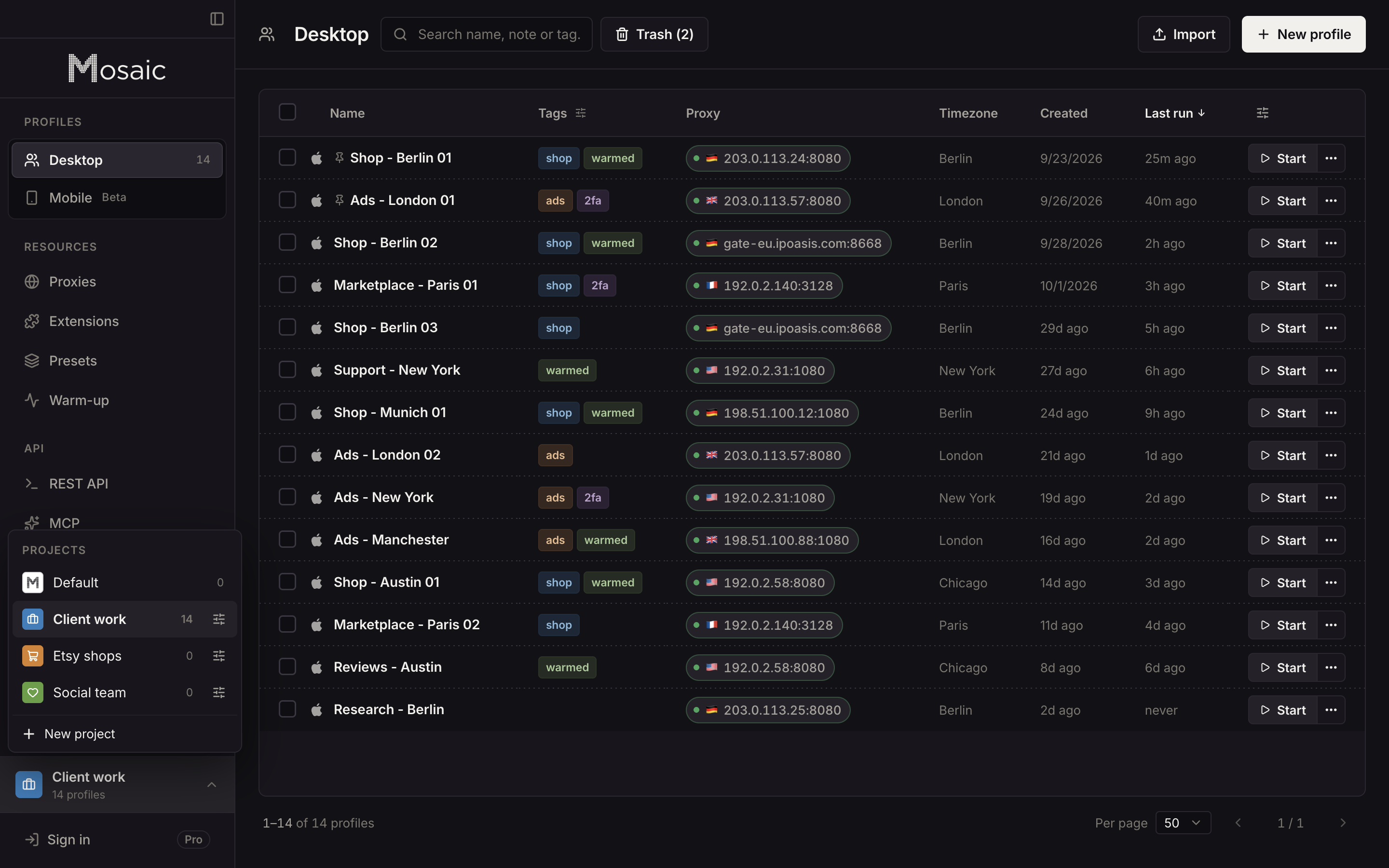
We built Mosaic for the third row of that table and the fourth. Each profile is a separate browser with its own cookie jar, its own fingerprint drawn from real hardware, and its own proxy exit if you give it one.
- Create a project for each client, or one for your own brands.
- Create a profile per Instagram account. Leave the proxy empty for accounts you run from home; the profile then matches your computer's own location. For a client in another country, add a proxy there, and the timezone and language are drawn from the exit Mosaic measured.
- Start the profile and sign in to instagram.com once. The cookies stay in that profile between launches, encrypted on disk.
- Save the account's password and its 2FA setup key in the profile's credentials. When Instagram asks for a code, Mosaic fills the current one into the page with real keystrokes.
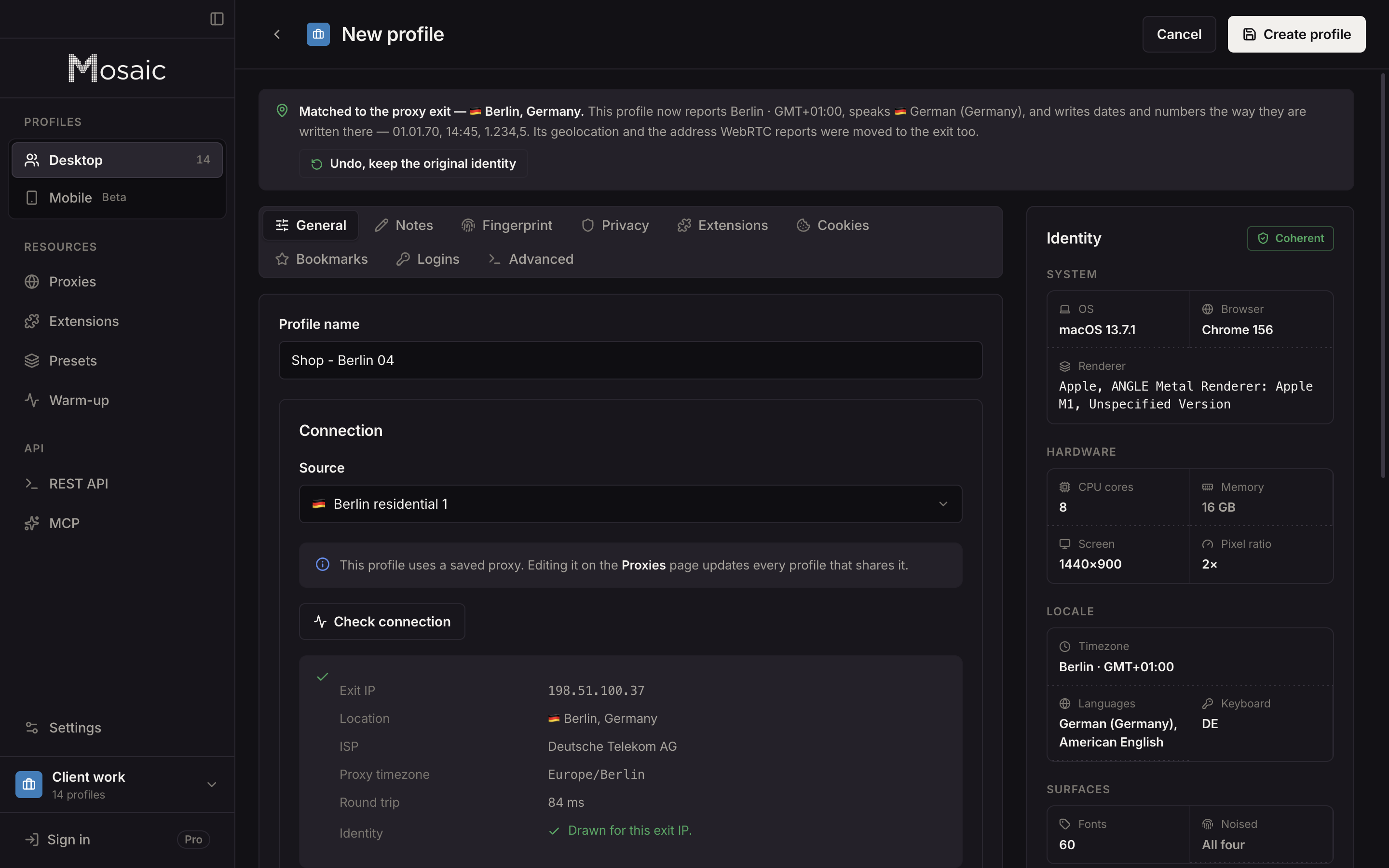
Two limits. A Mosaic profile opens Instagram's website, not the app, so anything only the app can do still happens on a phone. And nothing in Mosaic is built to grow an account: the warm-up robot never signs in or posts, and automating Instagram without its permission breaks its terms whichever browser does it. Where the codes for every account live, and why they should not all be on one phone, is in managing 2FA codes for multiple accounts. The same set-up across Facebook, TikTok and LinkedIn is in how to manage multiple social media accounts, and the agency version is on Mosaic for social media managers.
Sources
- Instagram Help Center: Add and switch between multiple accounts, read November 2, 2026
- Instagram Help Center: Terms of Use, read November 2, 2026
- Meta Business Help Center: About business portfolios, read November 2, 2026
- Meta Business Help Center: Give a partner access to business assets in your business portfolio, read November 2, 2026