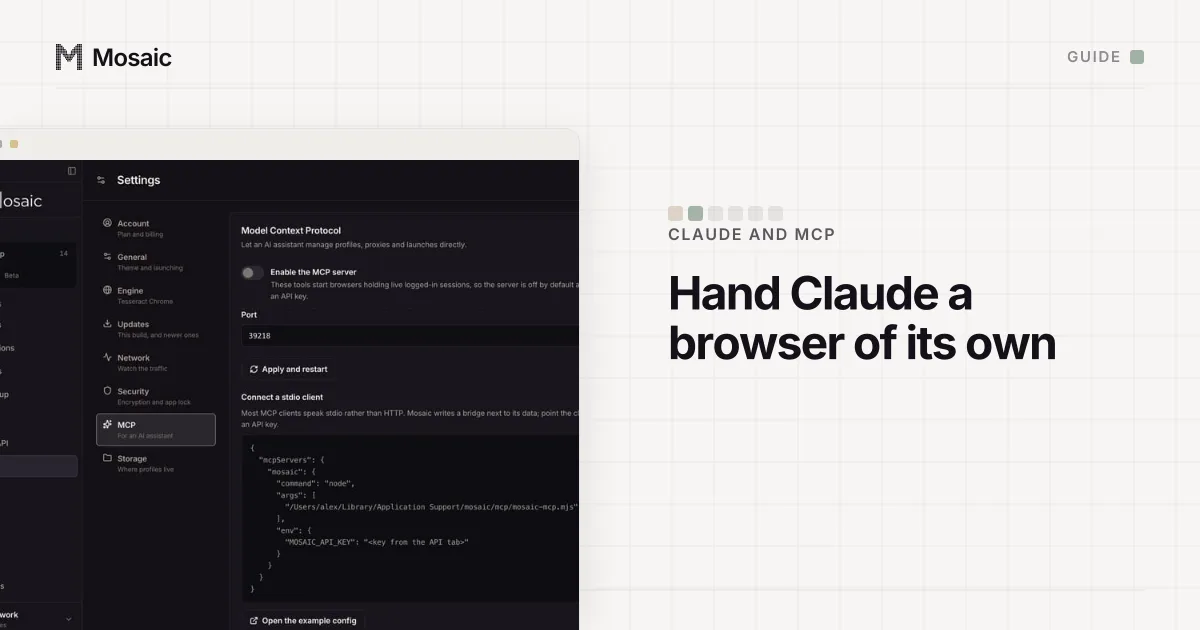
There are two honest ways to let Claude control a browser, and they differ in whose browser Claude ends up driving. The extension route puts Claude inside the Chrome you already use, signed in as you. The MCP route hands Claude a browser that a server controls, which can be a throwaway, a persistent profile, or one of several profiles kept apart from each other. Pick by what Claude should be allowed to touch.
Option 1: Claude in Chrome, inside your own browser
Claude in Chrome is Anthropic's extension. Its help page describes it as an extension "that allows Claude to read, click, and navigate websites alongside you", available on paid plans, from the Chrome side panel and from Claude Cowork and Claude Code (Claude Help Center, read 2 November 2026). To use it from Claude Desktop, the same page says to open Settings, then Customize, then Connectors, find Claude in Chrome and click Configure.
The trade is in that first sentence: it works alongside you, in your browser. Every account you are signed in to is in reach, and Anthropic's own page says the extension "is still risky" and asks you to read its safety guidance first. For tasks on your own accounts while you watch, it is the shortest path.
Option 2: an MCP server that drives a browser
The Model Context Protocol lets Claude Desktop and Claude Code call tools a local program offers. A browser MCP server turns "open this page and press Sign in" into tool calls. Microsoft's Playwright MCP is the common one: it reads pages as accessibility snapshots, keeps a persistent profile by default, and takes --user-data-dir for a different folder (Playwright MCP, read 2 November 2026).
That gives Claude one browser, separate from yours. It is still one machine, one address and one set of cookies. When the work spans several accounts, one browser is where they meet.
An AI assistant can make, start and drive your profilesIn Mosaic: MCP server. Let an AI assistant create, launch and drive profiles. Free holds 3 profiles. Pro is $49 a month for any number.
Mosaic is a desktop app
Email yourself the link and open it on your computer.
How to let Claude control a browser with separate profiles
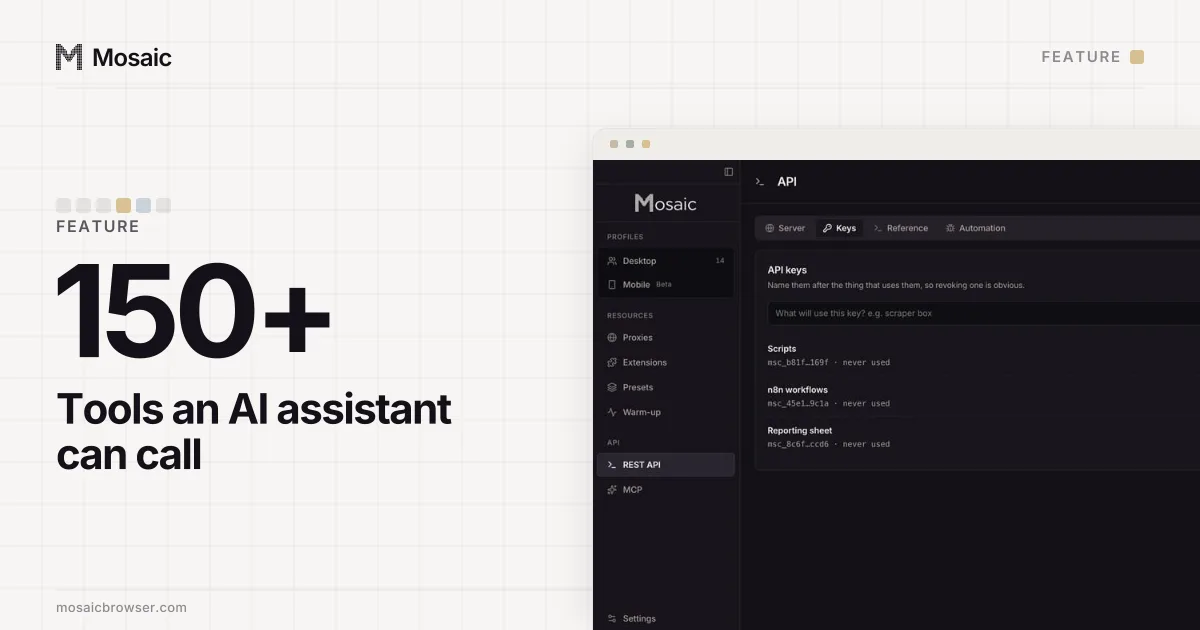
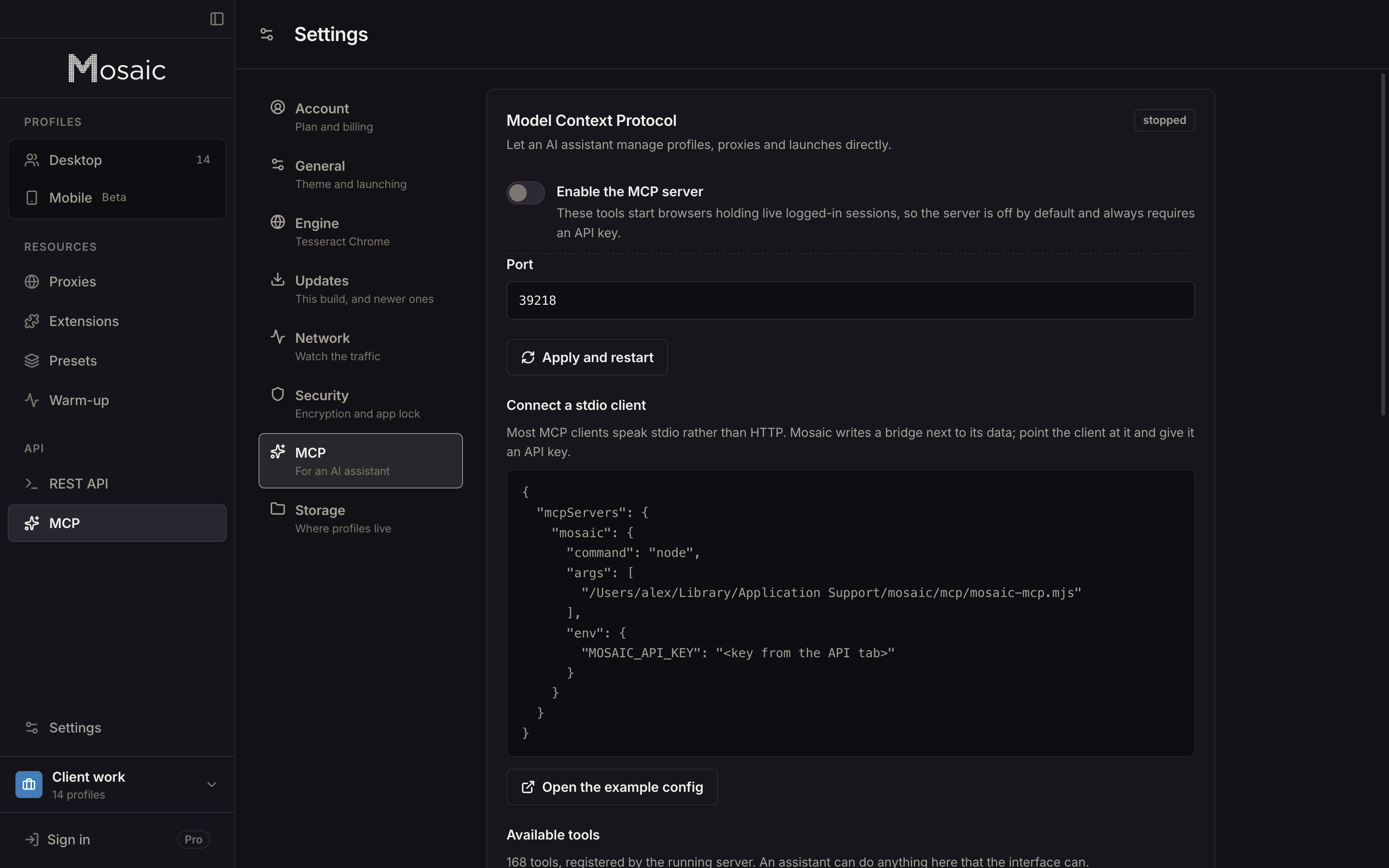
Mosaic's MCP server is built into the app and drives Mosaic profiles. Each profile has its own fingerprint, its own proxy exit and its own cookie jar, kept on your computer. Claude can create profiles, start them, read the page in front of each and click through it, from more than 150 tools.
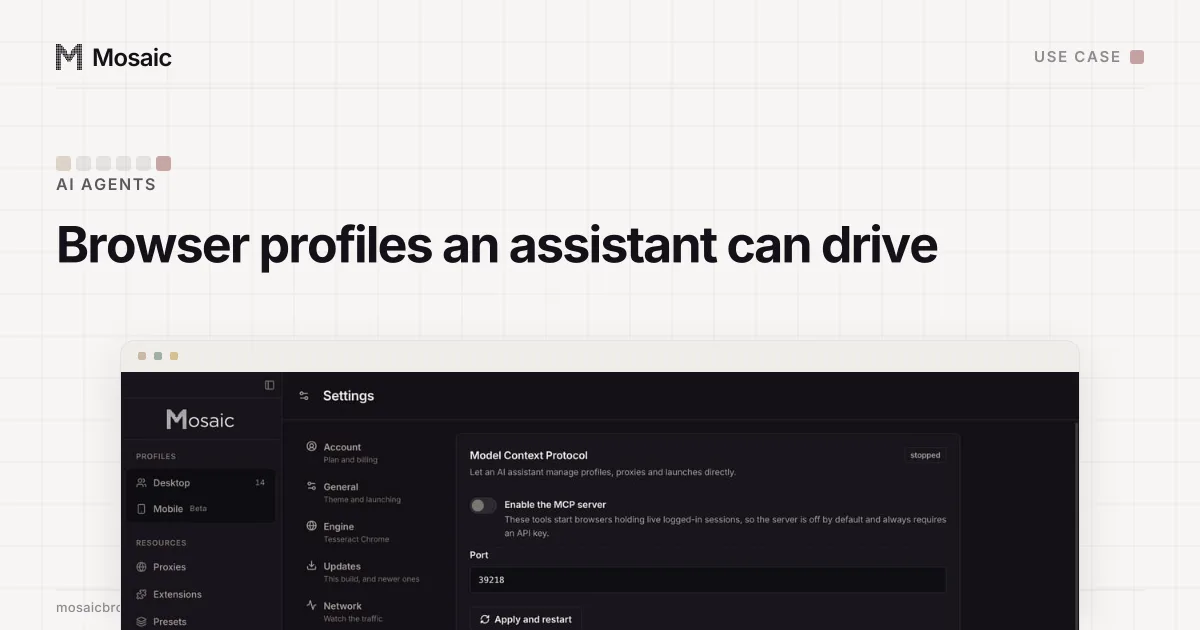
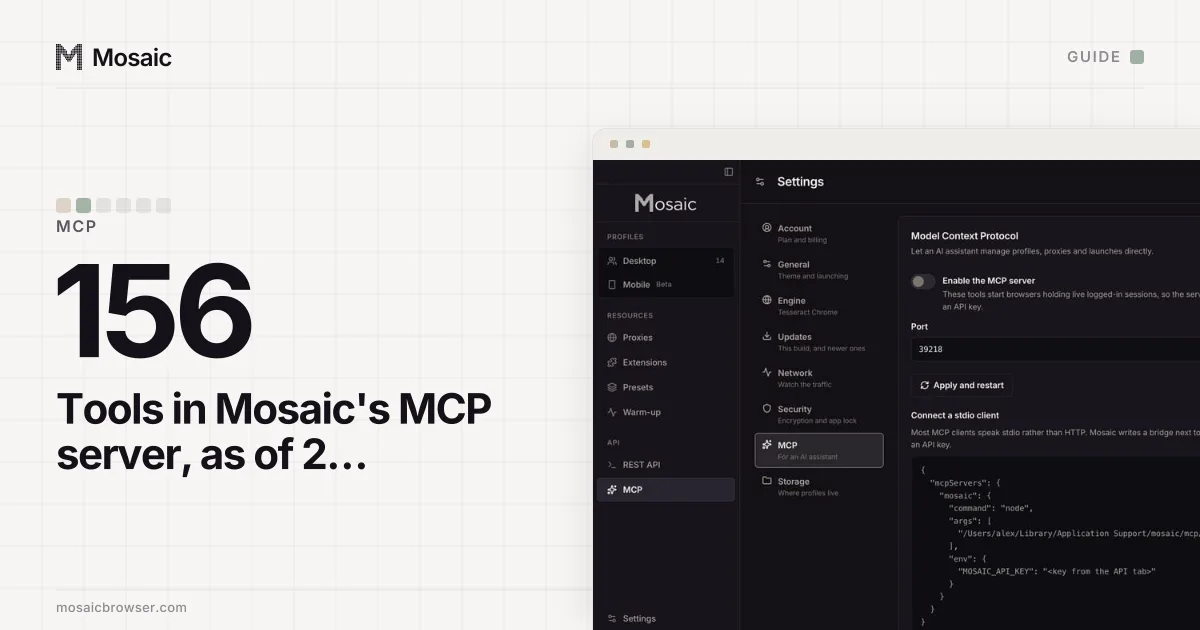
- In Mosaic, open Settings › MCP and turn on the server. It listens on
127.0.0.1, port 39218 by default. - Open the API screen, go to Keys and make a key for Claude. Name it after what uses it, so you can revoke it alone.
- Copy the config block Settings › MCP prints. It points at a small bridge script,
mosaic-mcp.mjs, that Mosaic writes next to its data, because most clients launch a local command instead of calling HTTP. - For Claude Desktop, open its Settings, then Developer, then Edit Config, and paste the block into
claude_desktop_config.jsonwith your key. Quit Claude Desktop completely and open it again (MCP docs, read 2 November 2026). - For Claude Code, add the same bridge from a terminal (Claude Code docs, read 2 November 2026):
claude mcp add --env MOSAIC_API_KEY=msc_… --transport stdio mosaic \
  -- node "<path shown in Settings › MCP>/mosaic-mcp.mjs"
The bridge needs Node on the machine. If the key is wrong, or the plan does not include MCP, Claude gets Mosaic's sentence back as an error instead of a reply it cannot read.
What to ask for first
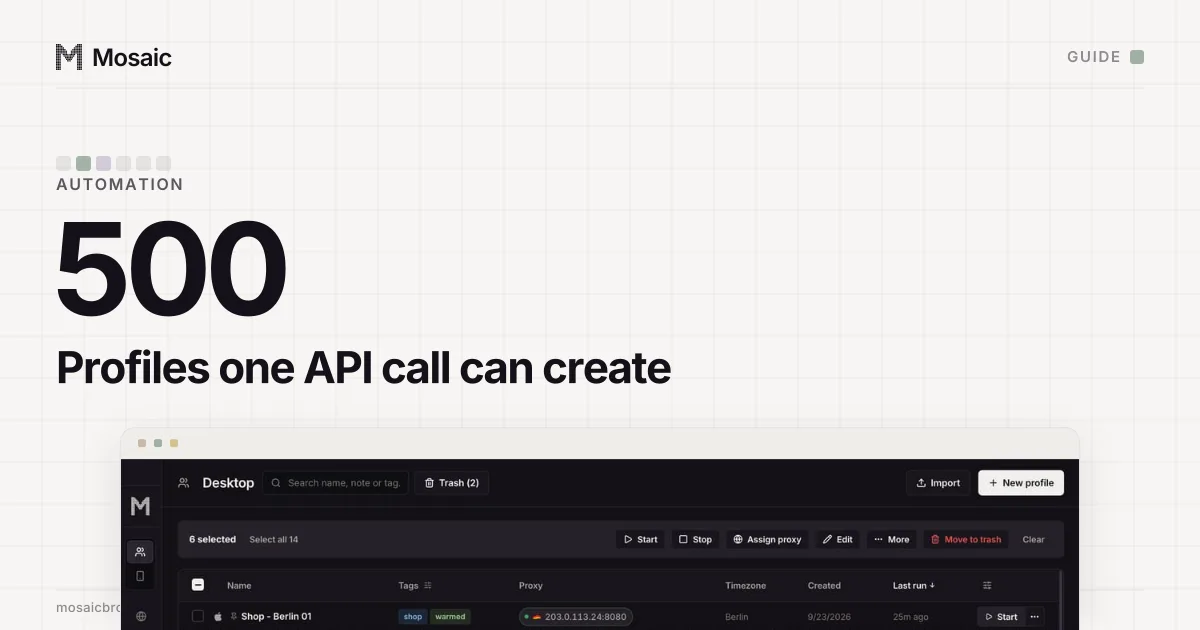
Start with something you can check by eye: "list my profiles in the Client work project", then "start Shop - Berlin 01 and take a snapshot of the page". page_snapshot returns the page as a tree of roles and names with a ref on everything Claude can press, a few hundred lines where the HTML runs to tens of thousands. A ref belongs to the snapshot that made it, so after a navigation an old one is refused by name instead of landing on whatever moved into its place.
Clicks travel to the element along a human path and keys go in with human timing. None of the page tools enable the DevTools Runtime domain, because we measured that one call flipping deviceandbrowserinfo's verdict to isBot=true.
Keep Claude's reach narrow
The tools act without asking per call, so the limits sit around them. The server is off until you switch it on. Every request needs an API key, and the API activity screen shows what each key did. A destructive call with no scope, such as emptying the trash without naming what to empty, is refused instead of read as "all of it". A key reaches the whole library, not one project, so name the project Claude should work in when you ask, and revoke its key when the job is done.
Sites still set their own rules about automated use, and an assistant clicking for you is automation. The AI agents page covers that, and the guide to automating several profiles does the same jobs from a script. The MCP server is part of Pro, $49 a month with a 14-day free trial, on the pricing page.
Sources
- Claude Help Center: Get started with Claude in Chrome, read November 2, 2026
- Claude Code docs: Connect Claude Code to tools via MCP, read November 2, 2026
- Model Context Protocol: Connect to local MCP servers, read November 2, 2026
- Playwright MCP (GitHub), read November 2, 2026