Twenty browser profiles signed in to twenty accounts do not need a harder Playwright script than one. The code that logs in and clicks through the orders page stays the same. What grows is the bookkeeping around it: which folder holds shop-de's cookies, which proxy belongs to shop-fr, and what the loop does with the other nineteen when shop-uk will not start because its proxy is down.
What the sites allow
Each site sets its own rule on automation. Instagram's Terms of Use say "You can't attempt to create accounts or access or collect information in unauthorized ways", and that sentence covers a script doing it without permission (Instagram Help Center, read 2 November 2026). Check the rule of the site your script will sign in to before its first run. Mosaic keeps accounts you are entitled to run apart; it does not change what a platform allows.
Why a fresh browser per run is the wrong default
Nearly every Playwright example calls chromium.launch() and gets an empty browser on each run. For a signed-in account that goes wrong three ways. With no cookies, the site meets a new device every morning and asks for a code. With no proxy, all twenty accounts leave from your home connection's one address. And all twenty report this computer's GPU, screen and fonts, because this is the computer they run on.
So each profile needs three things that survive between runs: a folder of cookies and storage, a fingerprint that does not change, and a proxy no other profile uses. Drop any one and twenty accounts share something a site can compare.
The free way: Playwright with a folder per account
launchPersistentContext keeps cookies and local storage in a user data directory you name (Playwright docs, read 2 November 2026). One folder per account covers the first of the three:
import { chromium } from 'playwright'

for (const account of ['shop-de', 'shop-fr', 'shop-uk']) {
  const context = await chromium.launchPersistentContext(`./profiles/${account}`, {
    headless: false,
    proxy: { server: proxies[account] }
  })
  const page = context.pages()[0] ?? await context.newPage()
  await page.goto('https://example.com/dashboard')
  // ... the work ...
  await context.close()
}
For testing your own site as three users, that is enough. For accounts a platform should not join, it stops short. shop-de, shop-fr and shop-uk run the same Chrome build on the same machine, with one GPU string, one screen size, one font list, and the machine's own timezone unless you pass timezoneId by hand. The fields a site compares, and which ones it reads first, are listed in the guide to keeping accounts from being linked.
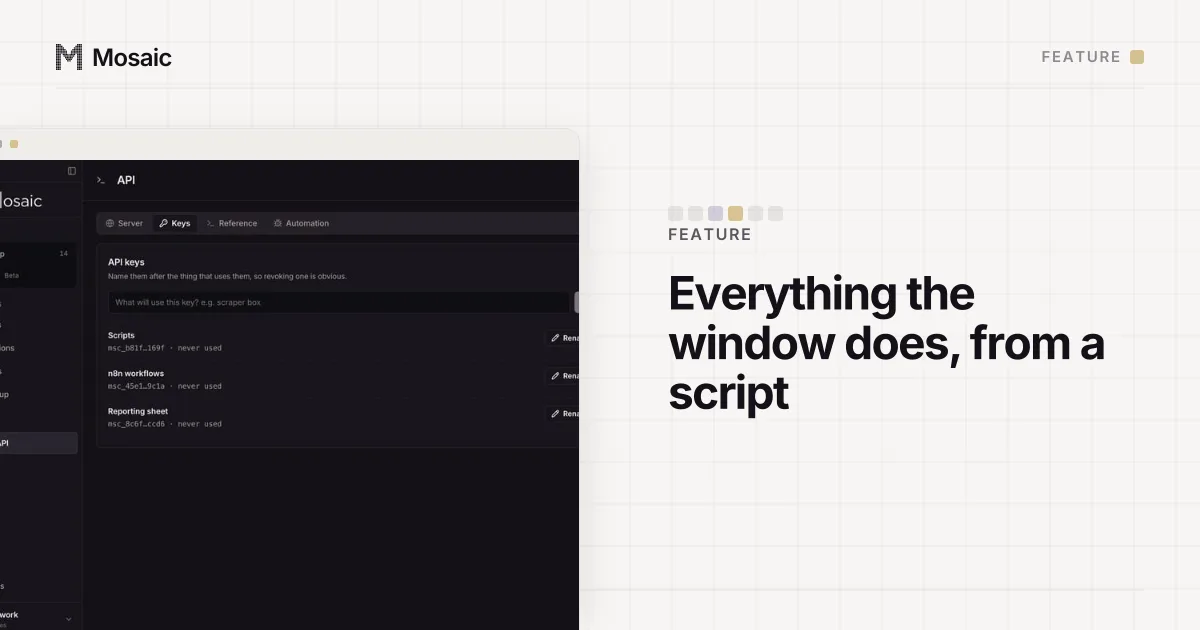
Everything the window does, from a script on your own computerIn Mosaic: REST API. Everything the window does, from your own scripts. Free holds 3 profiles. Pro is $49 a month for any number.
Mosaic is a desktop app
Email yourself the link and open it on your computer.
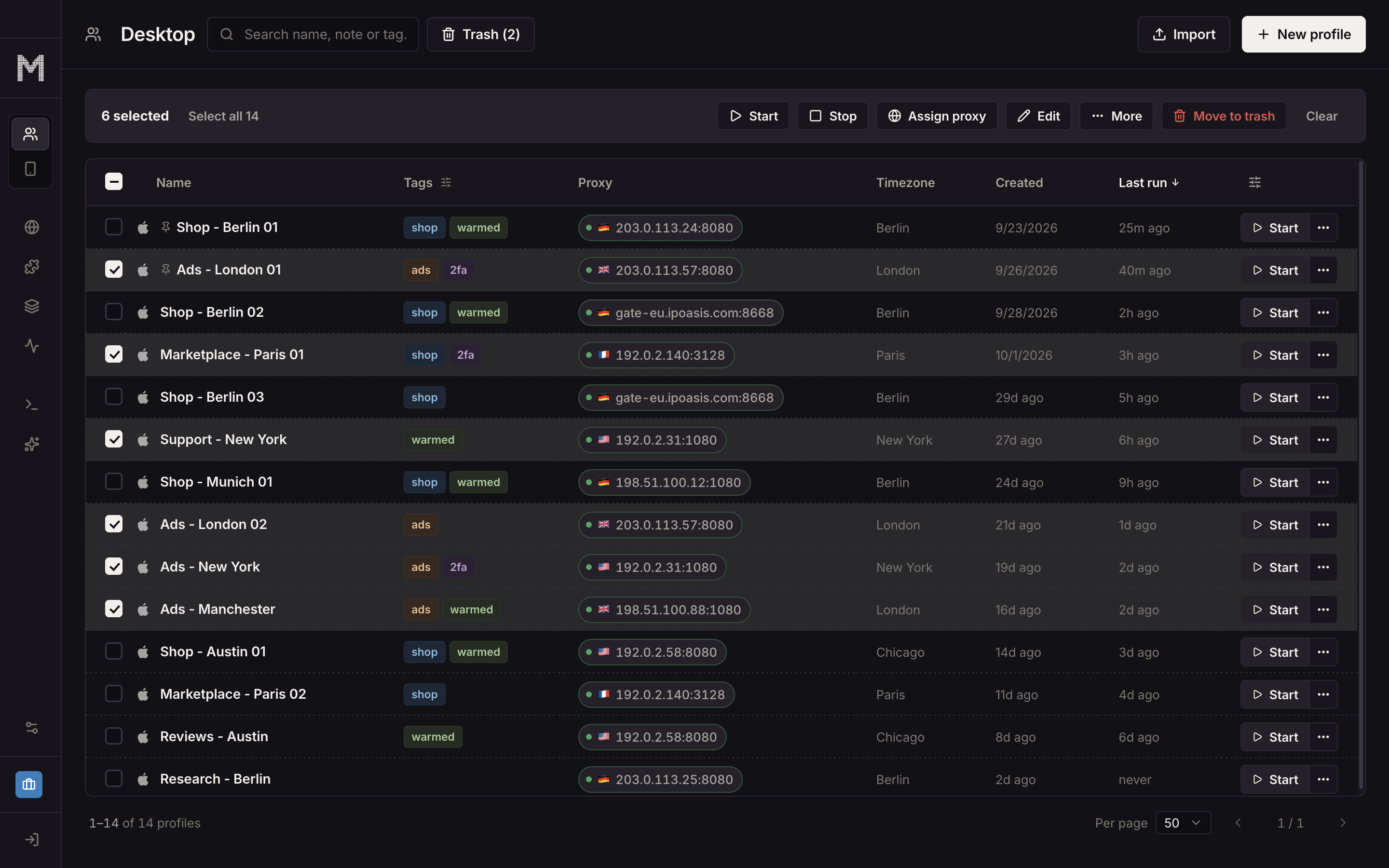
How to automate multiple browser profiles in Mosaic
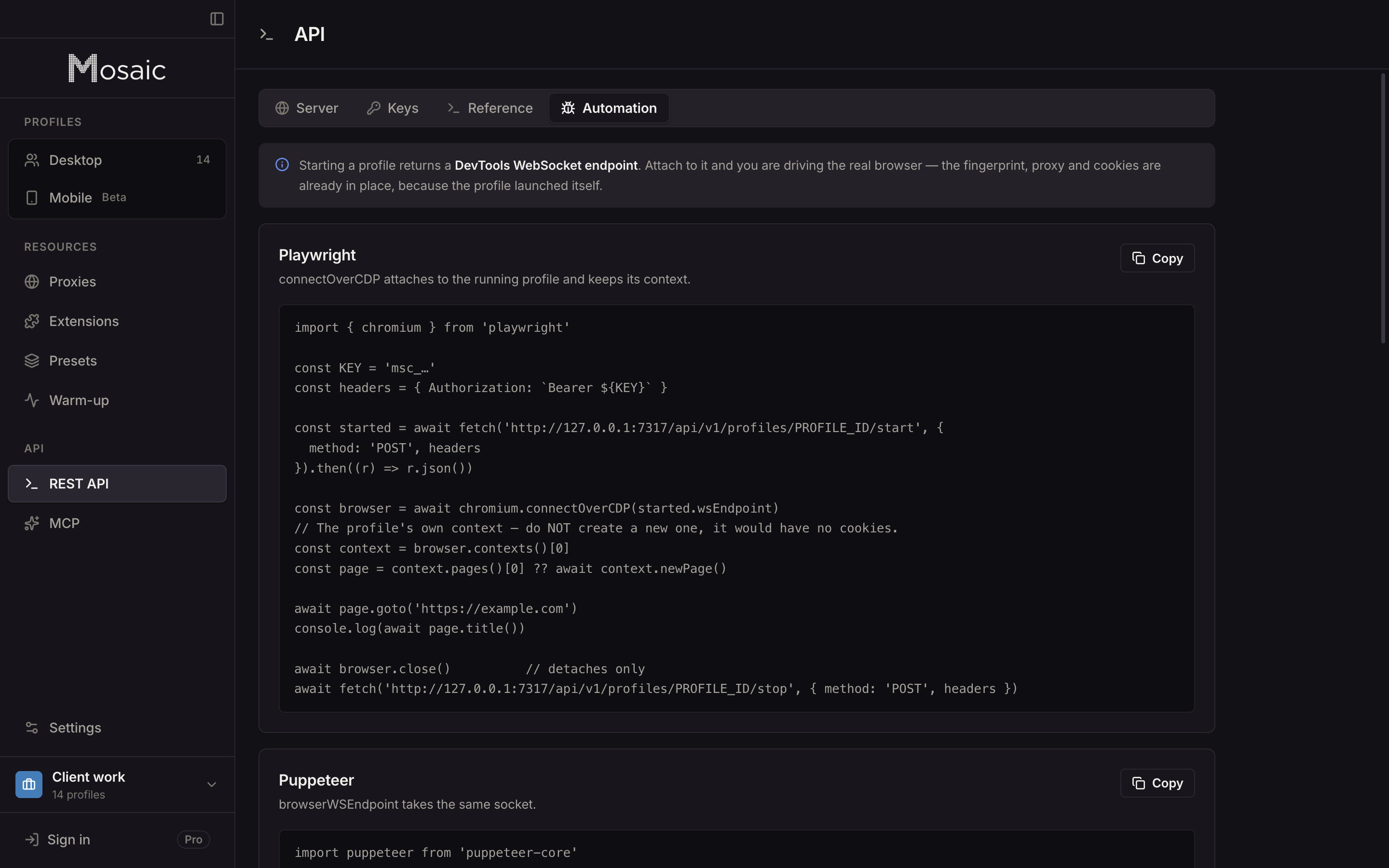
In Mosaic the profile is the unit, and the local REST API does to it everything the window does. It runs at http://127.0.0.1:7317/api/v1 and every call needs a key from the API screen.
- Make the profiles.
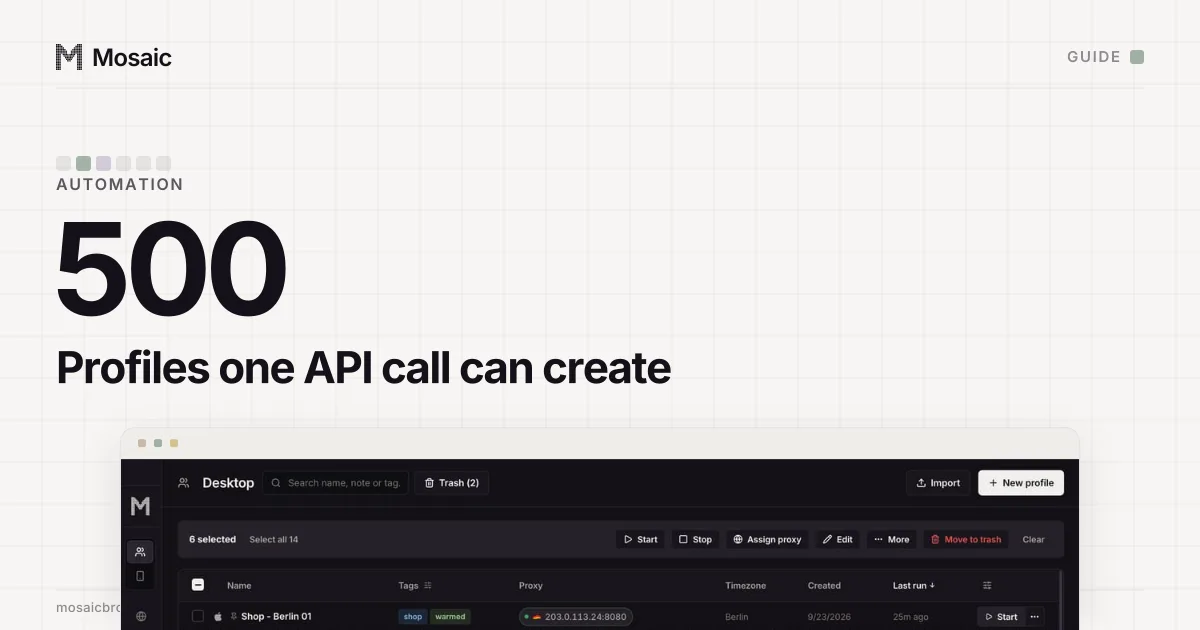
POST /profileswith"count": 20creates twenty in one call, numbered, each with its own fingerprint drawn from real hardware. Up to 500 fit in one batch. - Give each its own exit. Pass
proxyas{ "providerId": "…", "country": "DE" }and every profile mints its own session from the provider, so the twenty come out on twenty exits. Timezone and language are drawn for the address each one really exits from (proxy providers has the line formats). - Start them.
POST /profiles/bulk/startwith the ids and astaggerMsgap launches them one after another. It answers{ ok, skipped, failures }, with a reason for each profile that did not start. - Drive them. Each started profile has a
wsEndpoint, whichGET /profiles/:id/statusreturns. Playwright'sconnectOverCDPor Puppeteer'sconnectattaches to it, with the fingerprint, proxy and cookies already in place. - Stop them.
POST /profiles/bulk/stopcloses each browser over DevTools, so Chromium writes its cookie jar instead of being killed halfway through.
Why the start is sequential
We made bulk start sequential because of the cap in Settings › General, "Limit how many profiles run at once". The cap counts profiles that are still starting, so forty start requests sent in parallel would each read the count before any had registered, all pass, and open browsers past the limit. Waiting for each launch is what makes the cap hold. The staggerMs gap, 1000 ms unless you set it, is for the machine: each launch is a browser with its own renderer, GPU process and network service, and twenty at once is how a laptop stops answering.
A profile behind a proxy does not open until the proxy has answered and tunnelled a connection. When the proxy is dead, that profile goes into failures with a reason that names the proxy, and the batch moves on to the next id.
Work that touches every profile at once
POST /running/navigate sends every running profile in ids to one URL, and opens a new tab in any that has no page. POST /running/type types the same text into whatever is focused in each window, and each window draws its own keystroke timing, since forty sessions typing one password at identical intervals would be a pattern a site can match. POST /running/arrange with "layout": "grid" gives each window an equal cell on the main display; cascade and stack are the other two layouts.
A run nobody watches can start each profile with POST /profiles/:id/start and "offscreen": true. That parks the window past the edge of the screen and leaves the browser headed, so it keeps the real GPU and its User-Agent does not say HeadlessChrome.
Letting an assistant do the bookkeeping
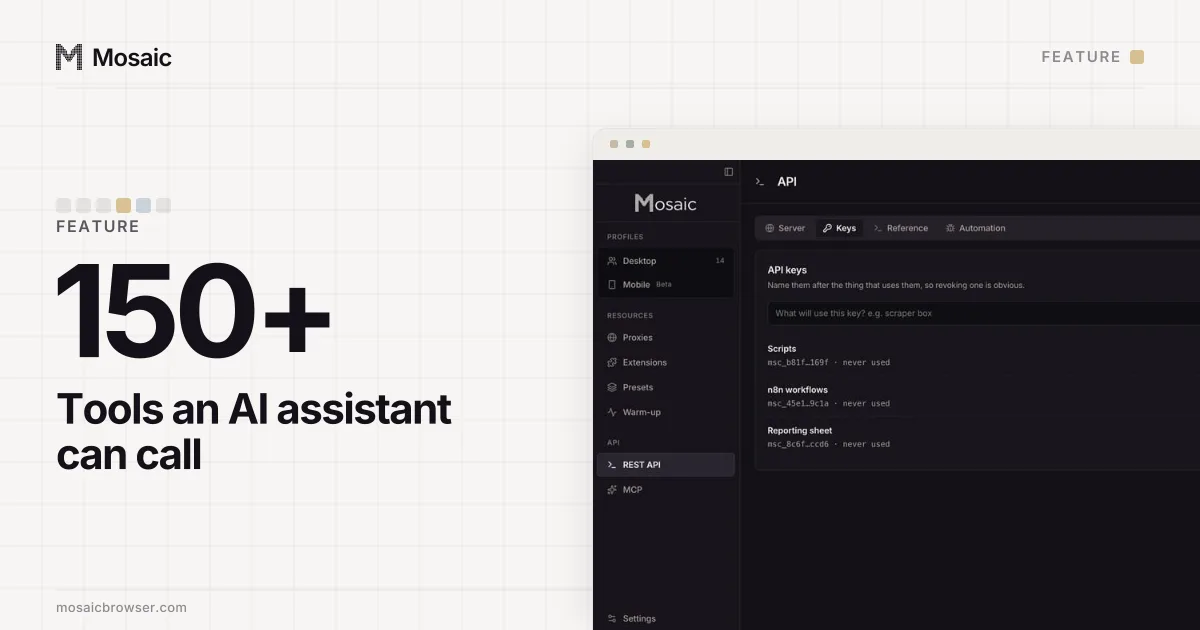
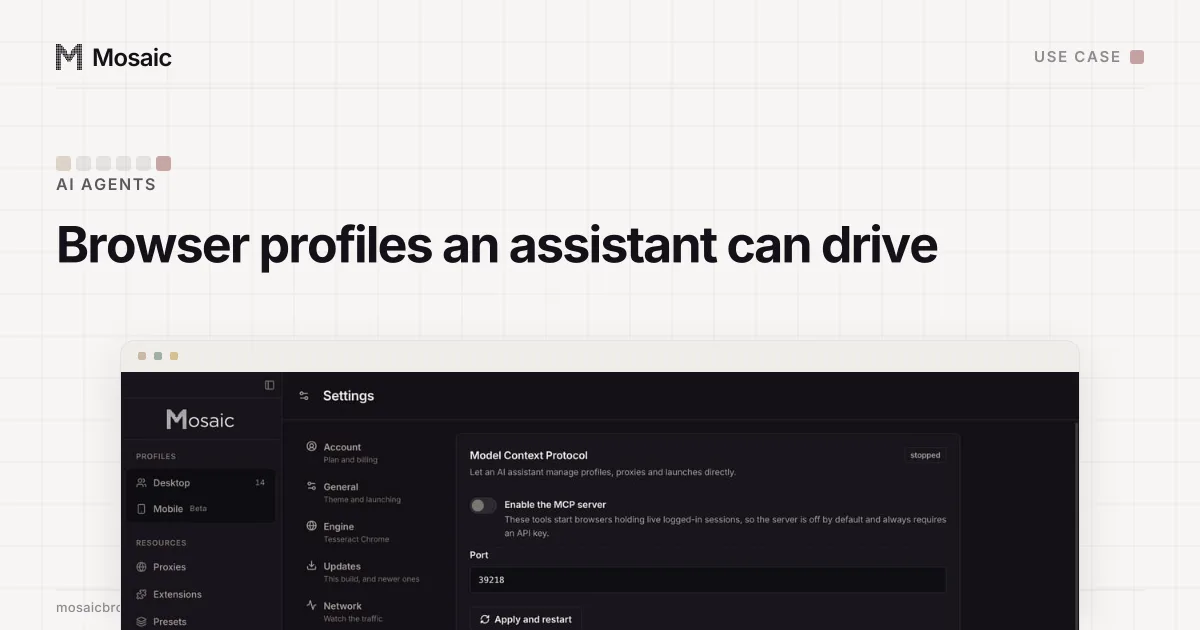
If you would rather say "start the five German profiles and open the seller dashboard in each" than write the loop, the MCP server exposes the same operations to Claude or any MCP client: create_profile, start_profiles, page_snapshot, page_click and more than 150 others. How an agent should treat logged-in sessions, and where it should stop and ask, is on the AI agents page.
Both automation surfaces are part of Pro, $49 a month with a 14-day free trial, and Pro does not charge per profile. The details are on the pricing page.
Sources
- Playwright docs: BrowserType (launchPersistentContext, connectOverCDP), read November 2, 2026
- Instagram Help Center: Terms of Use, read November 2, 2026