Every method a website has for detecting multiple accounts comes down to the same question: what do these two accounts have in common? A site cannot see you. It sees the values each visit carries, and it compares them. There are five groups of those values, numbered here in roughly the order a site can read them, cheapest first.
First, what the platform actually allows
Detection only matters where a rule is being enforced, and the rules differ more than most people expect. On 2 November 2026:
- Reddit's help centre answers "Is it ok to create multiple accounts?" with "Yes! You're more than welcome to create multiple Reddit accounts", and draws the line at using them to vote on the same posts (Reddit Help).
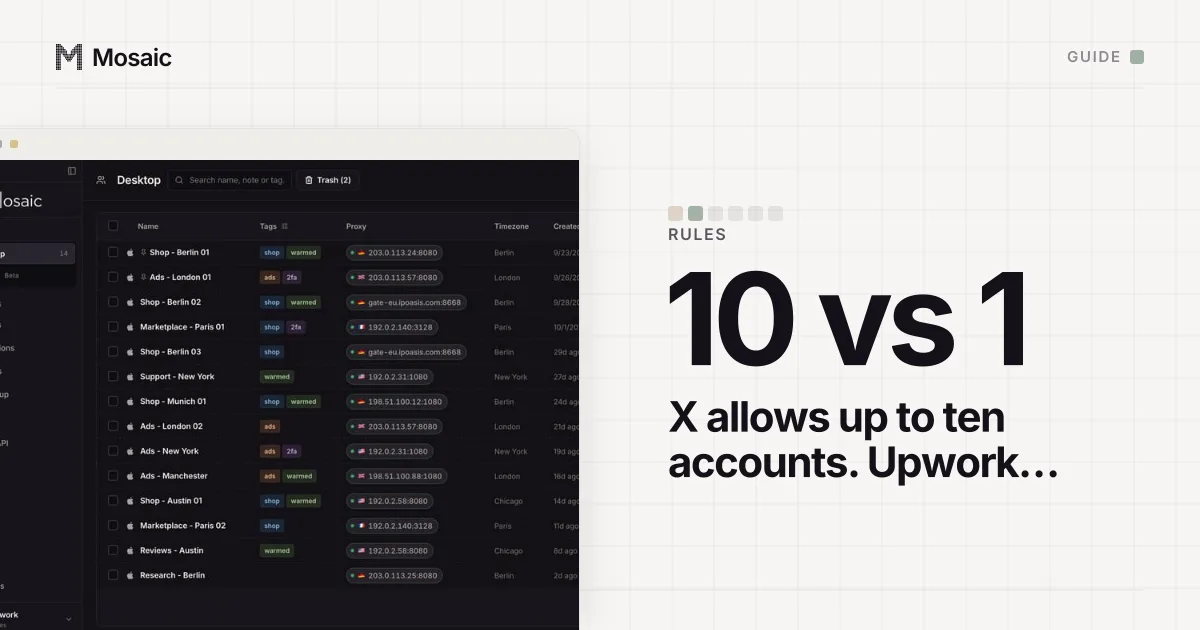
- X's Authenticity policy says "X allows users to create and/or operate up to ten (10) accounts for different, non-duplicative purposes" (X Help Center).
- Facebook's terms ask each person to "create only one account (your own)" for personal use, while businesses run Pages and ad accounts in their own tools (Facebook Terms, 3.1).
- Walmart says sellers "are prohibited from making multiple seller accounts", with exceptions at its sole discretion for a significant business reason (Walmart Marketplace).
So "detected" can mean very different things. On Reddit, two linked accounts are just two accounts. On Walmart, they are a policy question. Mosaic keeps accounts you are entitled to run apart; it does not change what a platform allows. The table of rules per platform, and where the law applies, is in is it legal to have multiple accounts.
1. Cookies and stored IDs
This is the oldest method, and still the most reliable. Signing in leaves an identifier behind: a cookie, a localStorage key, an IndexedDB record, sometimes an entry in a service worker's cache. Signing out removes the session and often leaves the rest. Sign in as somebody else in that browser and the site holds one device ID with two accounts attached to it.
Google is open about this on its own pages: with several accounts signed in to one browser, it says "we aren't sure which account you want to use" and may apply your default account's settings (Sign in to multiple accounts at once). That is a convenience feature, and it only works because the browser is shared.
Wiping storage is no cure either. A browser that comes back with an empty cookie jar and the fingerprint the site saw yesterday is recognised by the fingerprint instead.
Every profile is drawn from one real computer, not from separate listsIn Mosaic: Machines that exist. GPU, screen, CPU and fonts from one real device. Free holds 3 profiles. Pro is $49 a month for any number.
Mosaic is a desktop app
Email yourself the link and open it on your computer.
How it works: Machines that exist
2. The IP address
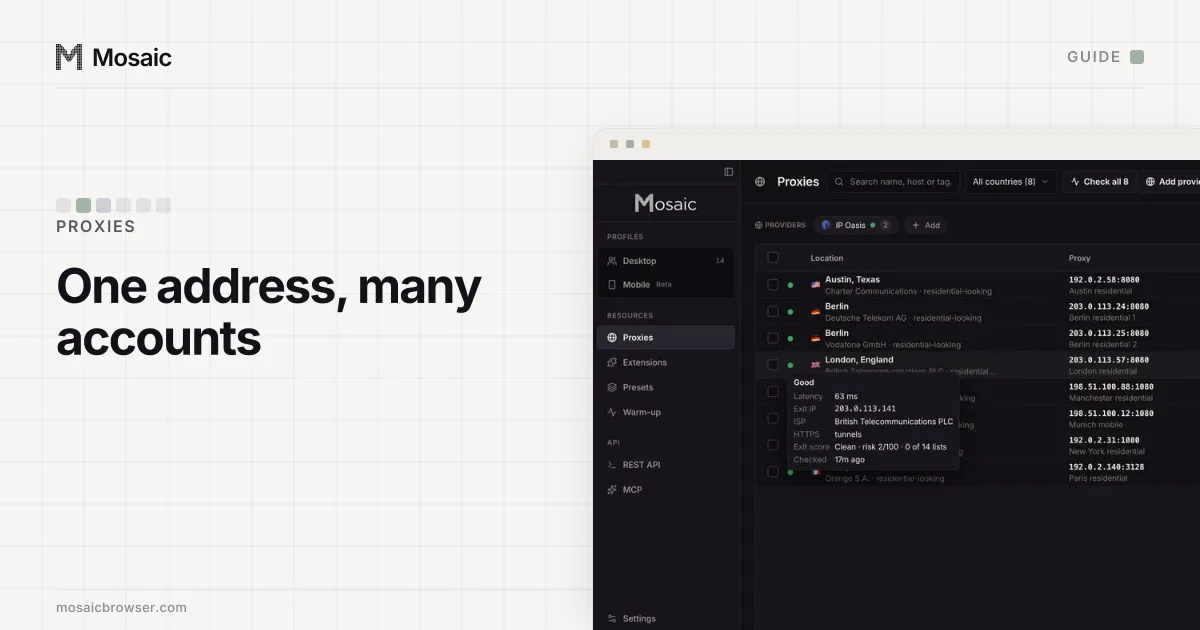
The server reads the public address of every request before a page has even loaded, so this signal costs a site nothing. One sign-in from a shared address means little. Two accounts that sign in from it every weekday at 9:05 are a pattern.
On its own the IP is weak evidence, and platforms know it. A family, an office or a café shares one address, and mobile carriers put thousands of phones behind a few. Google says a sign-in location you do not recognise "usually happens when you use your account on a mobile network, but it can happen on other networks as well" (How IP addresses work on Google). The IP becomes strong when it agrees with the other signals. What a shared address does and does not prove is in multiple accounts on the same IP address.
3. The browser fingerprint
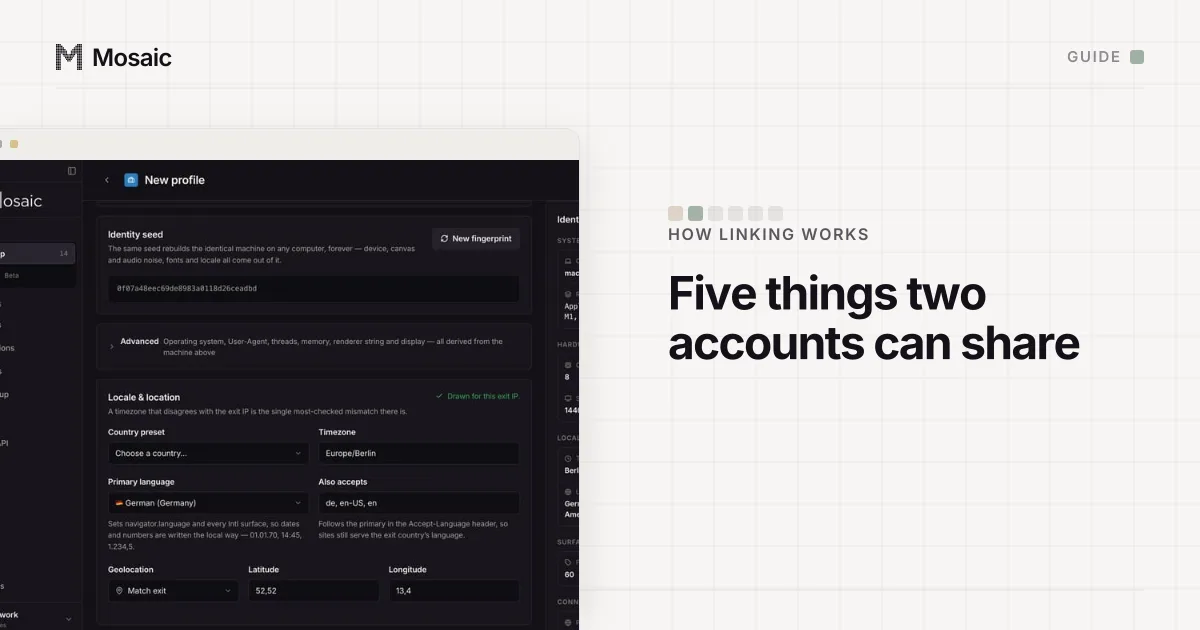
Clearing cookies does not touch this one. A script on the page reads the graphics card's name through WebGL, the screen size, the installed fonts, navigator.hardwareConcurrency, the timezone, the language list, and the exact pixels the machine produces when it draws a canvas or processes audio. None of it shows a permission prompt. The EFF's guide describes the idea plainly: sites combine these characteristics to recognise a browser without storing anything on it (What Is Fingerprinting?).
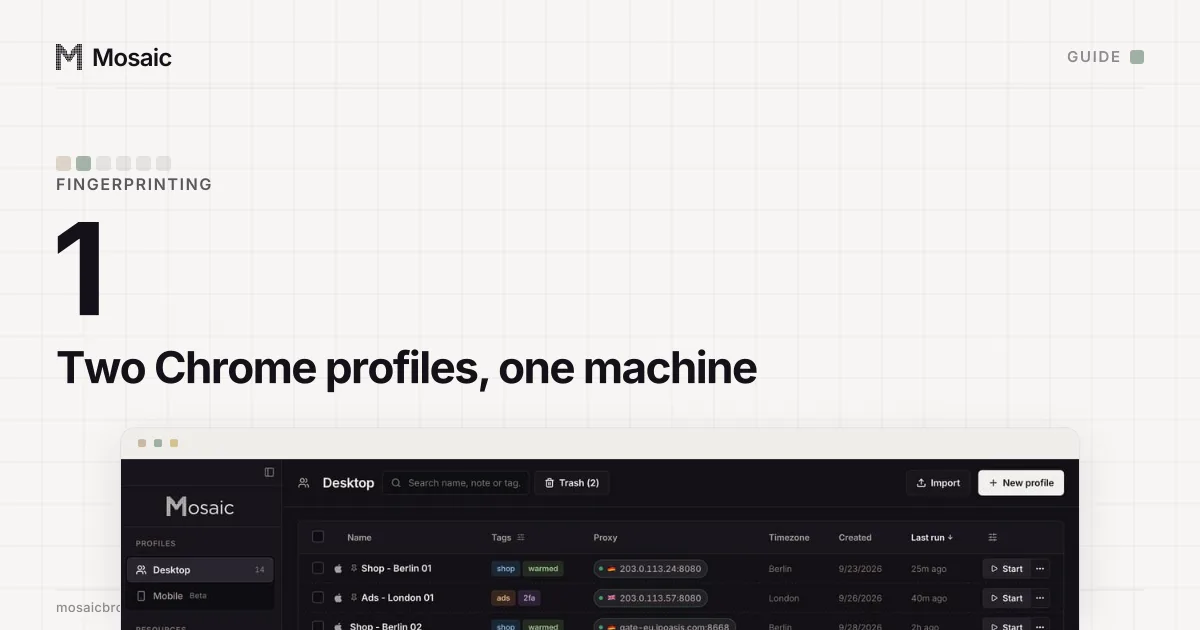
The part that catches people is that separate browser profiles on one computer report the same machine. Chrome profile 1 and Chrome profile 2 have different cookies and an identical GPU, screen, font list and timezone. We ran this comparison on our own app while building it: two profiles drawn fresh, read side by side, with every value identical between them and equal to the host flagged. That one test found dark mode, two accessibility settings, the display's colour gamut, the monitor count and the scrollbar width all being inherited from the computer. Each was a value shared by every profile on the machine. The full list a page reads, and why profiles share it, is in do Chrome profiles have different fingerprints and our browser fingerprint glossary entry.
A fingerprint is also checked against itself. A browser claiming Berlin by IP and Los Angeles by timezone, or Windows by User-Agent and macOS by fonts, is a contradiction a site reads in one comparison. Contradictions are how sites spot tools that change the fingerprint badly, which we cover in how sites detect anti-detect browsers.
4. What you put into the account
Nothing in a browser reaches this layer. On marketplaces and ad platforms it often weighs the most, and it is made of things you typed in yourself:
- the payment card, bank account or billing address
- the phone number used for verification
- the recovery email
- the shipping address, tax ID or business documents
- identical bios, listings or ad text
Two seller accounts paid out to one bank account are linked whatever browser they were opened in. This is also the layer the platforms' own business tools are built around: a Meta Business portfolio or a Google Ads manager account lets one company hold many ad accounts openly, which is a different situation from hiding them.
5. Behaviour
The last group is how the accounts act. Signing in to six accounts within the same minute every morning, posting the same link from each, following the same people in the same order: none of that needs a fingerprint. Behaviour is also how platforms tell a social media manager running ten client accounts from one person pretending to be ten people. X's policy, for example, allows running accounts on behalf of others and forbids accounts that interact with the same content to inflate it (X Help Center).
How websites detect multiple accounts from signals that add up
One matching value rarely closes an account. An address on a mobile carrier's network is shared with thousands of strangers. The same address with the same WebGL renderer, the same canvas hash and the same card on file is one person by anybody's reading. The table puts each signal beside what separates it and what people try that does not.
| Signal | What separates it | What does not |
|---|---|---|
| Cookies and storage | A separate browser profile per account | Signing out, switching accounts |
| IP address | A separate exit per account, in the account's region | A VPN shared by every account |
| Fingerprint | Different hardware values that agree with each other | Separate Chrome profiles, incognito |
| Account details | Each account's own card, phone and email | Anything in the browser |
| Behaviour | Each account used for its own purpose | Anything in the browser |
Where Mosaic fits
Mosaic handles the top three rows, for accounts you are allowed to run. Each profile gets its own cookie jar, its own proxy and a fingerprint drawn from real hardware. We move those values in C++ inside Tesseract Chrome, our build of Chromium, rather than with a script in the page, because a script cannot reach a service worker and the engine's own values are the same in every one. Before the window opens, Mosaic checks the proxy, refuses to launch behind one that has not answered and tunnelled, and sets the timezone and language from where the exit really is. The bottom two rows stay with you. No browser turns one bank account into two, and what a platform allows is the platform's call. The setup, one profile at a time, is in how to manage multiple accounts without getting linked.
Sources
- Reddit Help: Is it ok to create multiple accounts?, read November 2, 2026
- X Help Center: Authenticity, read November 2, 2026
- Facebook Terms of Service, 3.1 Who can use Facebook, read November 2, 2026
- Walmart Marketplace Learn: Multiple Seller Accounts Policy, read November 2, 2026
- Google Account Help: How IP addresses work on Google, read November 2, 2026
- Google Account Help: Sign in to multiple accounts at once, read November 2, 2026
- EFF Surveillance Self-Defense: What Is Fingerprinting?, read November 2, 2026