A WebRTC leak in Chrome is fixed with one setting: WebRTC IP handling set to disable_non_proxied_udp. You can set it as a browser policy, as a launch flag, or with Google's own WebRTC Network Limiter extension. Then run a leak test through the proxy and confirm the only public address on the page is the proxy's.
What a WebRTC leak is
WebRTC is how a page sets up a call or a peer-to-peer connection. To find a route, the browser gathers "candidates": addresses another machine could reach it at. One kind, the server-reflexive candidate, comes from asking a STUN server "what address do you see me at?" over UDP.
A browser proxy carries web requests. That UDP question does not go through it. So a page behind a proxy can ask WebRTC for candidates and read your real public address in the reply, even though every page request went through the proxy.
We measured it on our own engine, one fresh browser profile per row, with nothing else changed:
| Setting | RTCPeerConnection | Candidates |
|---|---|---|
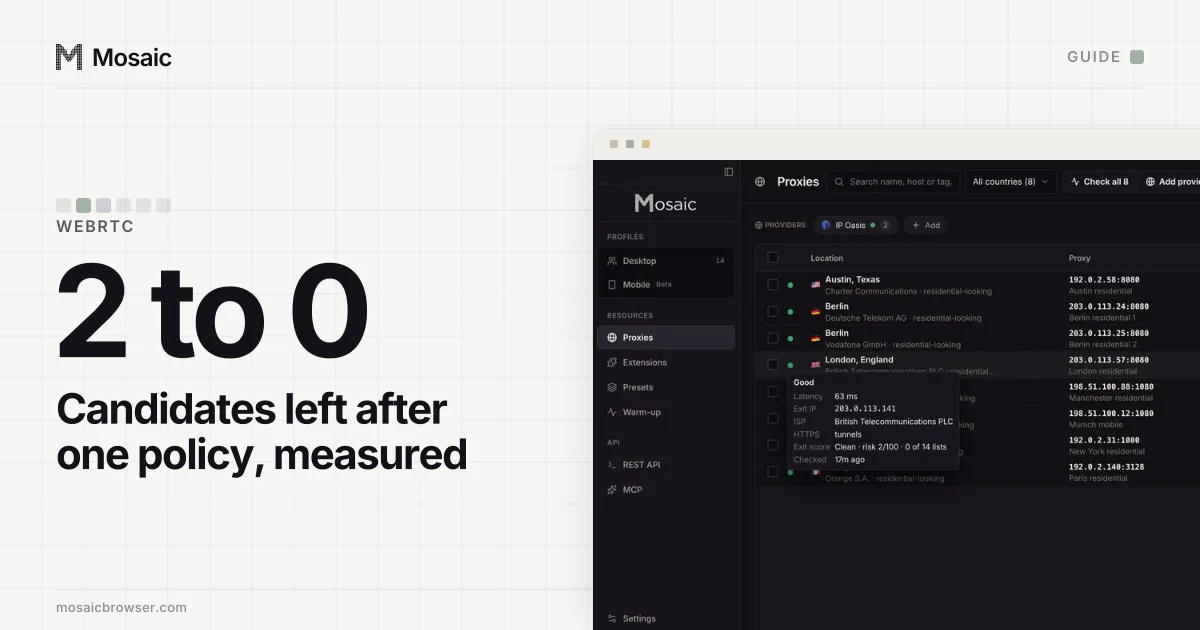
| No policy | present | 2: an mDNS host name, and a server-reflexive candidate carrying the real home address |
disable_non_proxied_udp | present | 0 |
Chromium's own policy text says what the value does: "WebRTC will use TCP on the public-facing interface, and will only use UDP if supported by a configured proxy" (the policy definition). The four values come from section 5.2 of RFC 8828.
Fix 1: set the WebRtcIPHandling policy
A policy applies to every window and survives restarts, which makes it the most reliable of the three.
On Windows, policies live in the registry under HKEY_LOCAL_MACHINE\SOFTWARE\Policies\Google\Chrome (Google's guide):
- Open Registry Editor as an administrator and go to that key, creating
GoogleandChromeif they are missing. - Add a String Value named
WebRtcIPHandling. - Set its data to
disable_non_proxied_udp.
On a Mac, Google's route is a com.google.Chrome.plist from its enterprise bundle, converted to a configuration profile and installed (Google's guide).
Either way, open chrome://policy afterwards, press Reload policies, and find WebRtcIPHandling in the list with the value you set. If it is not there, Chrome is not reading it.
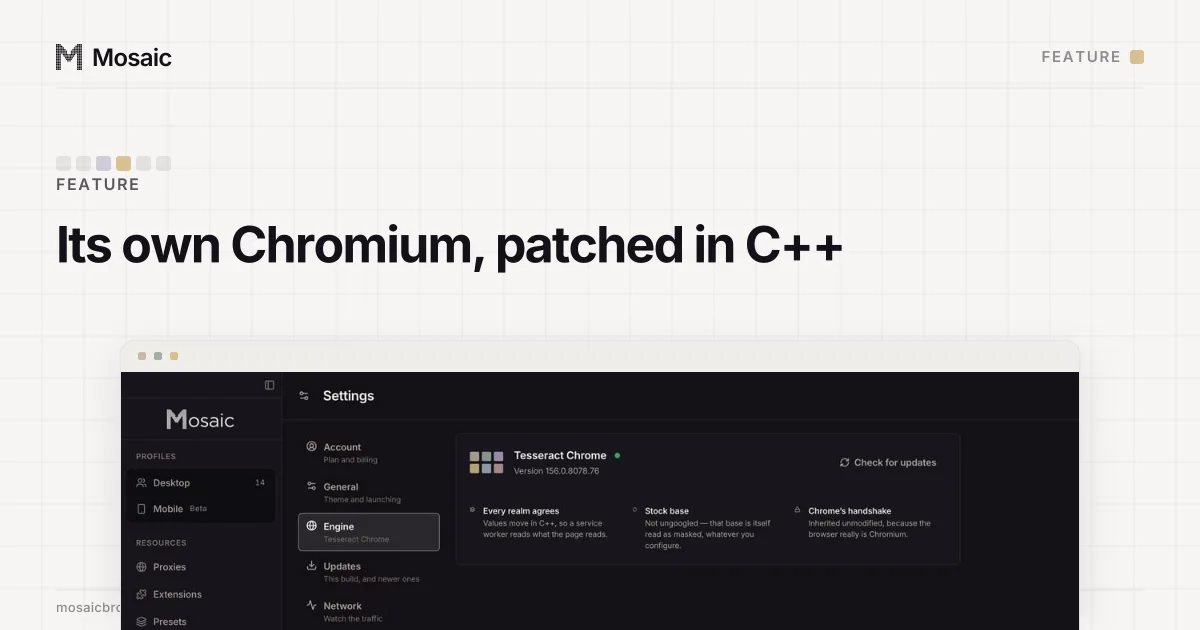
The fingerprint is changed inside the engine, not painted on topIn Mosaic: Its own Chromium. Tesseract Chrome: values changed in C++, not JavaScript. Free holds 3 profiles. Pro is $49 a month for any number.
Mosaic is a desktop app
Email yourself the link and open it on your computer.
How it works: Its own Chromium
Fix 2: launch Chrome with the flag
For a script, or a single copy of Chrome you start yourself:
--webrtc-ip-handling-policy=disable_non_proxied_udp
Spell it exactly. Chromium accepts unknown switches without a word, and we learned that the hard way. Our launcher used to pass a second line, --force-webrtc-ip-handling-policy, which reads like a stronger version of the same thing. Running strings on three binaries, including the machine's Google Chrome, found webrtc-ip-handling-policy in all of them and no force- spelling in any. That line had done nothing since the day it was written, and nothing said so.
Fix 3: Google's WebRTC Network Limiter extension
The WebRTC Network Limiter is published by Google and changes the same setting from a menu. Its store page says one of its options will "Require WebRTC traffic to go through proxy servers as configured in Chrome", and adds that since most proxies do not carry UDP, "this effectively turns off UDP". BrowserLeaks recommends it as the way to limit the leak in Chrome. It is the easiest fix and applies to the Chrome profile it is installed in.
Check the WebRTC leak in Chrome is fixed
- Connect through the proxy and confirm an IP lookup shows the proxy's exit.
- Open BrowserLeaks' WebRTC page.
- Read the public addresses it lists. A fixed browser shows none, or only the proxy's.
- Run it a second time after a restart. A setting that does not survive a relaunch is not a fix.
WebRTC is one line of a longer check. The other pages worth running through the same proxy, and how to read them beside a control, are in how to check your browser fingerprint; the next thing a scanner compares after the address is the browser's timezone against the IP.
Two ways the fix goes wrong
Do not set it when there is no proxy. With no proxy every packet is non-proxied by definition, so WebRTC gathers nothing at all and hides an address the site is already talking to. That protects nothing and leaves the browser unusual. In Mosaic the policy is sent for a profile with a proxy, and otherwise only when you set its WebRTC mode to Gather nothing.
Do not switch off mDNS to "hide more". We once disabled mDNS obfuscation on the theory that non-proxied UDP was already off. On a profile without a proxy, the result was an empty SDP and three empty address arrays, where a stock Chrome on the same Mac offered a .local host candidate and a candidate with its public address. A browser whose WebRTC returns nothing at all is louder than one that behaves like Chrome. mDNS stays on in Mosaic, as in stock Chrome.
How Mosaic handles it
A Mosaic profile with a proxy launches with --webrtc-ip-handling-policy=disable_non_proxied_udp as long as "Block non-proxied UDP (WebRTC)" is on in the profile editor's Privacy tab, and it is on by default. It stops WebRTC from going around the proxy; it does not route WebRTC through it. The leak test in each profile's menu reads the WebRTC candidates from inside the page and fails if a public address other than the exit appears.
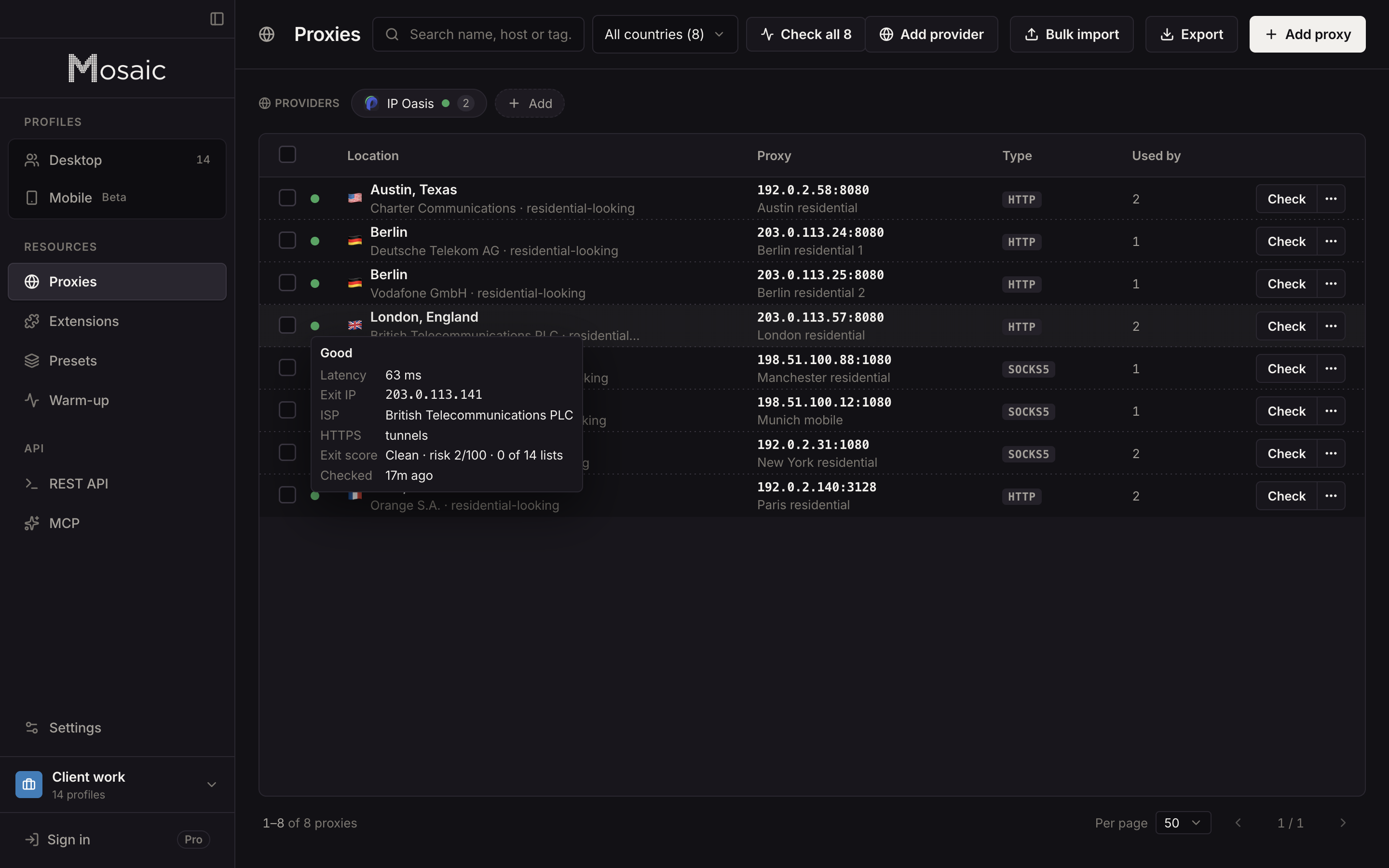
The rest of the pre-launch routine, from tunnelling to reputation, is in how to check a proxy before you use it. The switch itself is one of the launch flags of Tesseract Chrome, our own Chromium.
Sources
- Chromium policy definition: WebRtcIPHandling, read November 2, 2026
- RFC 8828: WebRTC IP Address Handling Requirements, read November 2, 2026
- Chrome Web Store: WebRTC Network Limiter, read November 2, 2026
- Google: Manage Chrome policies with Windows registry, read November 2, 2026
- Google: Chrome Browser quick start (Mac), set policies, read November 2, 2026
- BrowserLeaks: WebRTC Leak Test, read November 2, 2026