With a residential seller you buy access to one gateway, such as pr.oxylabs.io:7777, and the username you send it decides whether the exit moves. Send the username as issued and each new connection is routed through whichever home in the pool is free. Add -sessid- and an id of your own, and the gateway routes every connection carrying that id through one home until the session ends. That is the whole difference between rotating and sticky proxies. For a profile that signs in, it is the difference between one place in the account's login history and a new city on every page load.
Rotating vs sticky proxies at a glance
| Rotating | Sticky | |
|---|---|---|
| Exit IP | new per request or per connection | one per session id |
| How you ask for it | the gateway line as sold, no session | a session id in the username, or a sticky port |
| How long one exit lasts | one connection | minutes to hours, set by the seller |
| Good for | many independent page loads, public data, price checks | anything signed in, carts, checkouts, multi-step forms |
| Bad for | accounts: the location jumps between clicks | spreading load: everything leaves from one address |
What we measured on a rotating port
We pointed Mosaic's proxy check at a rotating residential endpoint and read the exit three times in a row. It answered Peru, Brazil and Bahrain. For a scraper that is the product working. For a profile that claims one timezone and one language, it is three countries in a minute, and that is why the check in Mosaic now opens two connections and compares the exits.
Cat Proxies made the split visible on one account, because it separates the modes by port. Our notes from asking the gateway directly:
9000  + -session-          400 "Can not use -session- on rotating ports"
9000  no session           exits PA, then AZ on the next connection
10000 + -session-ab12cd34  97.238.70.34 … and 97.238.70.34 again
10000 + -session-zz99yy11  152.13.118.218 (a different id, a different exit)
Port 9000 refused the session token outright, with a 400, where we had expected it to be ignored. On 10000 the id picked the address: ab12cd34 came back from 97.238.70.34 twice, and zz99yy11 from 152.13.118.218.
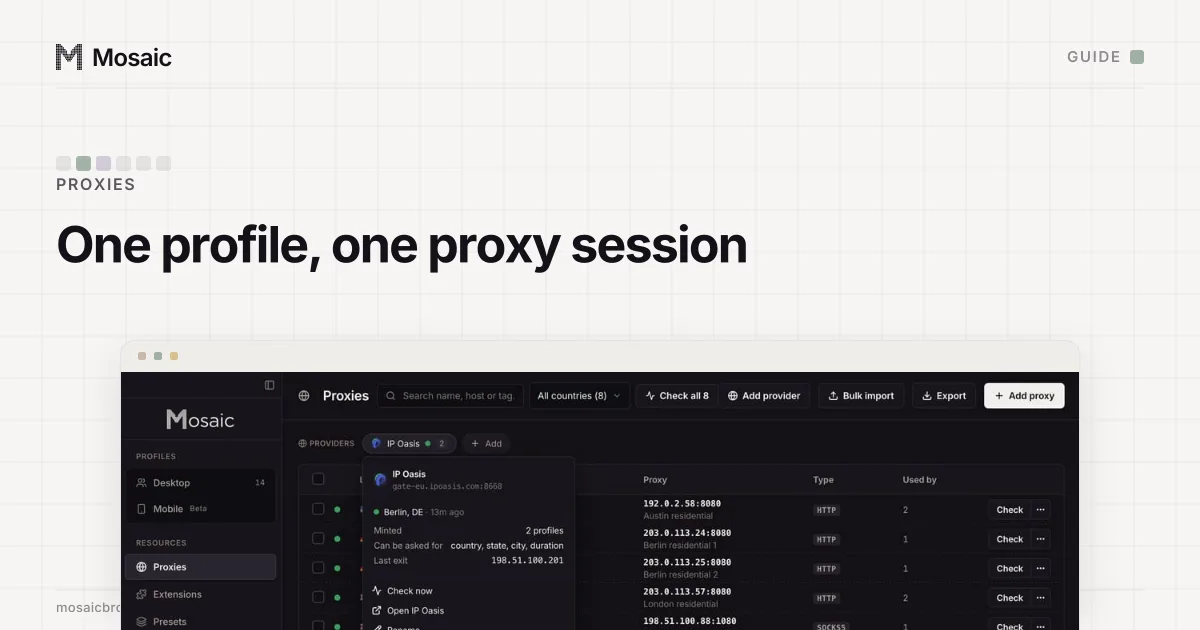
Paste one gateway line. Every profile mints its own exitIn Mosaic: Provider minting. One gateway line, a separate exit for every profile. Free holds 3 profiles. Pro is $49 a month for any number.
Mosaic is a desktop app
Email yourself the link and open it on your computer.
How it works: Provider minting
How sellers spell a sticky session
Each seller has its own word, which is why a line copied from one dashboard does nothing at another.
- Oxylabs takes
sessid-in the username, for examplecustomer-USERNAME-cc-DE-sessid-abcd1234, and also sells sticky entry ports from 10001 to 49999 that hold an IP for up to 10 minutes with no parameter at all (Oxylabs session control, read 2 November 2026). - IPRoyal puts it in the password:
_session-with an 8-character id, and_lifetime-with one unit, such as10m(IPRoyal rotation docs). - Bright Data uses
-session-plus any string; a different string gets a different peer (Bright Data residential FAQ).
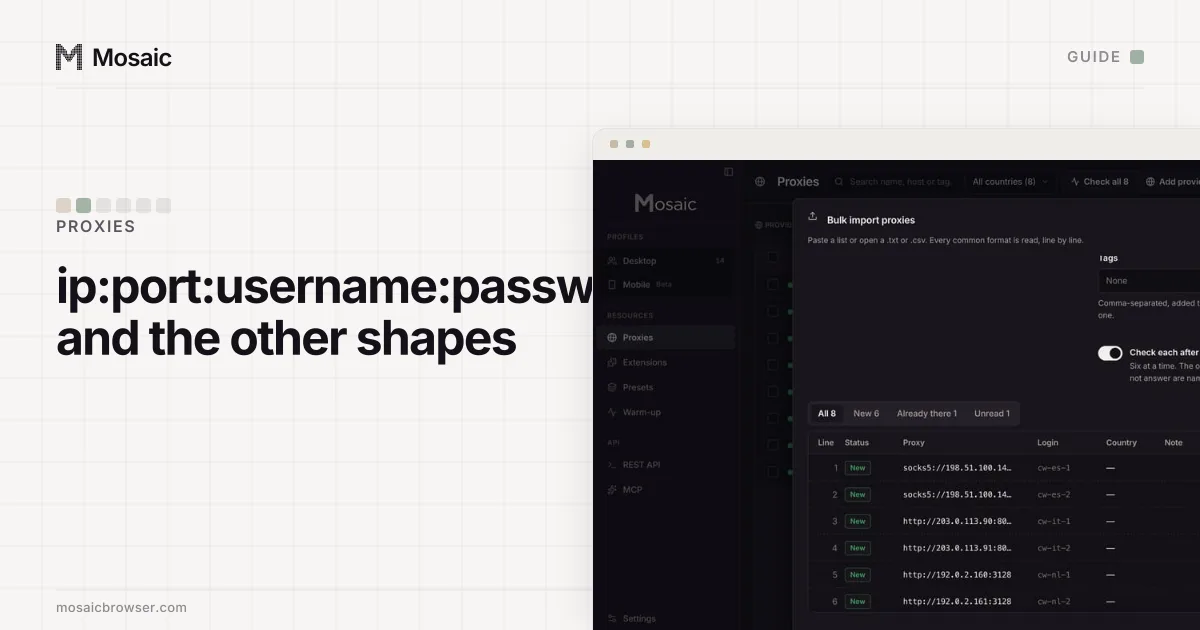
How the four values of a line fit together, and the shapes dashboards export them in, is on proxy format: ip, port, username, password.
How long sticky lasts, and what happens after
Sticky is not permanent. Three clocks can end a session: the seller's timer, an idle timeout, and the real device behind the exit going offline. Oxylabs' default is 10 minutes, or 60 seconds without a request, whichever comes first, and sesstime extends it to 1,440 minutes. Bright Data keeps a session's IP for up to 5 minutes of idle time. IPRoyal accepts a lifetime from 1 second to 7 days.
The way a session ends matters more than when. If the IP behind an Oxylabs sessid goes offline, the gateway hands that sessid a new IP and carries on. Bright Data answers 502 - No peers available once, and the next request on that session id gets a new peer. A scraper never notices. A signed-in profile is now browsing from a different home, possibly another city, and neither the gateway nor the browser says so. Both sellers document a strict mode for that case: Oxylabs' sessid_oneip fails with a 502 if the IP drops, and Bright Data's -const beside -session- returns the error instead of failing over (Disable peer rotation).
Which one to use
Rotating suits a crawler. Each request stands alone, and spreading a price check over the whole pool is the point. Anything with a login wants sticky. Google, for one, lists an account's sign-in activity by location so its owner can spot a login that was not theirs (How IP addresses work on Google), and a session that jumps from Leeds to Lisbon between two clicks looks the way a stolen password looks.
The other half of the rule is one sticky session per account. Two profiles on the same session id share one exit, which undoes the reason for buying a pool. Why the sessions must differ, with the cases that go wrong, is in one proxy per browser profile, and the count question has its own answer in how many accounts per proxy.
How Mosaic handles both
Mosaic treats rotation as something to find out, not to assume.
- The proxy check reads the exit over two connections. If the two addresses differ (and are the same IP family, since an IPv4 and an IPv6 reading of one home prove nothing), the proxy's pill says Rotating, with the reason: "The exit changes per connection, so this profile cannot hold a location. Add a sticky session to pin one."
- A seller's line saved under Proxies › Add provider becomes a template. Each profile mints its own session id from it, so no two profiles share an exit by accident.
- Where the seller's line has a word for duration, the profile's proxy shows Session holds for, a slider from 1 to 120 minutes (the API accepts up to 1,440). For a seller with no such word the field is not offered, and a duration sent anyway is refused by name, not written in a form the gateway will ignore.
- A minted session that reaches nothing is replaced with a new one, checked, and written back to the profile. A session you pinned by hand is never moved.
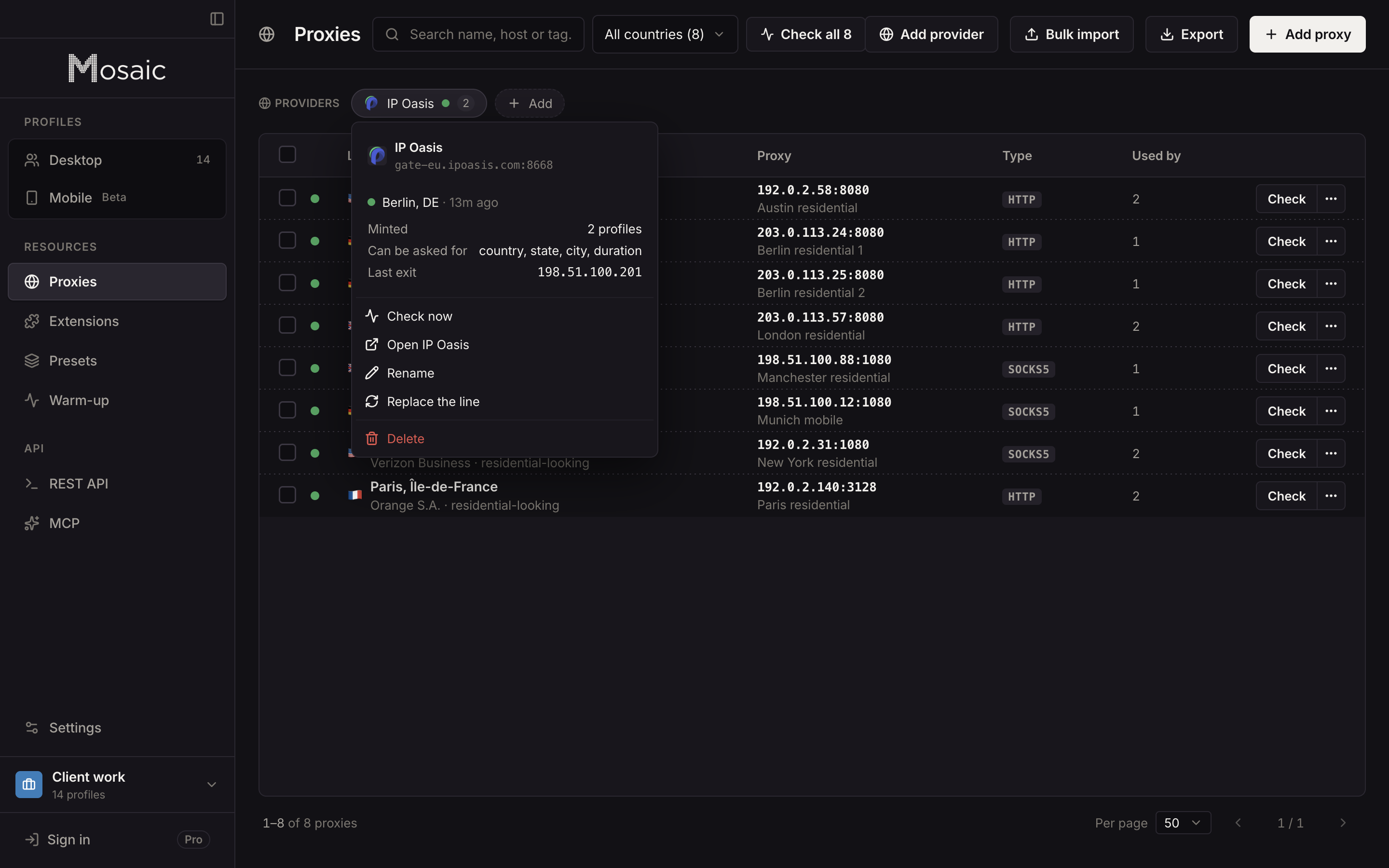
Which sellers Mosaic reads, and which of them we have run against live lines, is on the proxy providers page.
Sources
- Oxylabs Developers: Residential proxies session control, read November 2, 2026
- Bright Data Docs: Residential products FAQ, read November 2, 2026
- Bright Data Docs: Disable peer rotation, read November 2, 2026
- IPRoyal Docs: Residential proxy rotation, read November 2, 2026
- Google Account Help: How IP addresses work on Google, read November 2, 2026