To add a client to Facebook Business Manager, which Meta now calls a business portfolio in Meta Business Suite, you connect two portfolios rather than two people. Your agency's portfolio asks the client's for access as a partner. The client approves and chooses exactly which Pages, ad accounts and Instagram accounts you get. Nobody types anybody else's password.
You need two things before you start: full control of your own portfolio, and the client's business portfolio ID. If the client has never made a portfolio, that comes first; Meta lets any Facebook user create up to 2 (Create a business portfolio, read 2 November 2026).
Step 1: swap business portfolio IDs
A portfolio ID is a long number. Meta's page says to find it under Settings › Business portfolio info, below the portfolio's name (Find your business portfolio ID, read 2 November 2026). Send the client yours, ask for theirs, and ask for the email address of the person on their side who has full control. That person is the only one who can approve what you send next.
Step 2: add the client as a partner from your side
From Meta's page on asking a partner to share assets (Ask a partner to share assets, read 2 November 2026):
- Go to Settings in Meta Business Suite for your agency's portfolio.
- Click Partners in the Users section of the left menu. If it is missing, you do not have full control.
- Click Add, then Ask a partner to assign you their assets.
- Review the information and click Get started.
- Enter the client's email address and business portfolio ID.
- Select your business's role and the client's role, then click Next.
- Choose the asset types and permissions you are asking for, and click Next.
- Review, then click Send request.
The client can approve, deny, or change which asset types and permissions to share. You get a notification when they act, and the request's status sits in the Partners tab until then. You can cancel it there as well.
Ask for what the job needs. An agency hired to run ads needs ad tasks on the ad account and probably the Page; it rarely needs full control of either. Meta also notes the client may need finance access on its side, depending on which permissions are shared.
Each profile keeps its own passwords and its own 2FA codesIn Mosaic: Logins and 2FA codes. A password vault and TOTP codes for each profile. Free holds 3 profiles. Pro is $49 a month for any number.
Mosaic is a desktop app
Email yourself the link and open it on your computer.
How it works: Logins and 2FA codes
Or: the client shares first
Some clients prefer to start it themselves, and the result is the same. They go to Settings › Partners, click Add, choose Give a partner access to your assets, enter your agency's portfolio ID, pick the assets and the level, and click Assign assets (Give a partner access, read 2 November 2026). Send them that page if they ask how. The full picture of who owns what, from the client's side, is in how agencies manage client Facebook accounts.
Adding one client Page on its own
When the job is a single Page, there is a shorter route from your portfolio. Meta's steps (Request access to a Page, read 2 November 2026): go to Settings, select Pages below Accounts, open the + Add dropdown, choose Request shared access to a Facebook Page, enter the Page's name or URL, pick partial access or full control, and click Confirm.
Two catches. Your portfolio needs a primary Page of its own before it can request someone else's. And the request goes to whoever has full control of the portfolio that owns the Page; Meta will not tell you who that is "due to privacy concerns". When it is approved, the Page shows in your portfolio with the client still named as owner. Running many client Pages side by side is in how to manage multiple Facebook Pages.
Step 3: give the client's assets to your people
Shared assets reach your portfolio, not your staff. Someone with full control assigns each one. If the person is new to your portfolio, invite them first under Settings › People › Invite people, using the email of their own Facebook account (Add people to a business portfolio, read 2 November 2026).
Meta's note on that page sets the ceiling: if a partner shares an asset with you, "you're limited to the specific permissions that your partner assigned". You can pass on less than the client gave you, never more. Meta also says new people can take "a few days" before every feature works for them.
The ad account question
If the client has no ad account yet, create it in the client's portfolio and have it shared with you. Meta's billing page is explicit that "once an ad account is created in your business portfolio, it can't be transferred to the portfolio of another business" (Share legal entity, read 2 November 2026). An account your agency owns keeps the client's spend history when the client leaves, which is a conversation nobody wants at the end of a contract. How agencies arrange many clients' ad accounts in one portfolio is in how to manage multiple Facebook ad accounts.
After you add a client to Business Manager
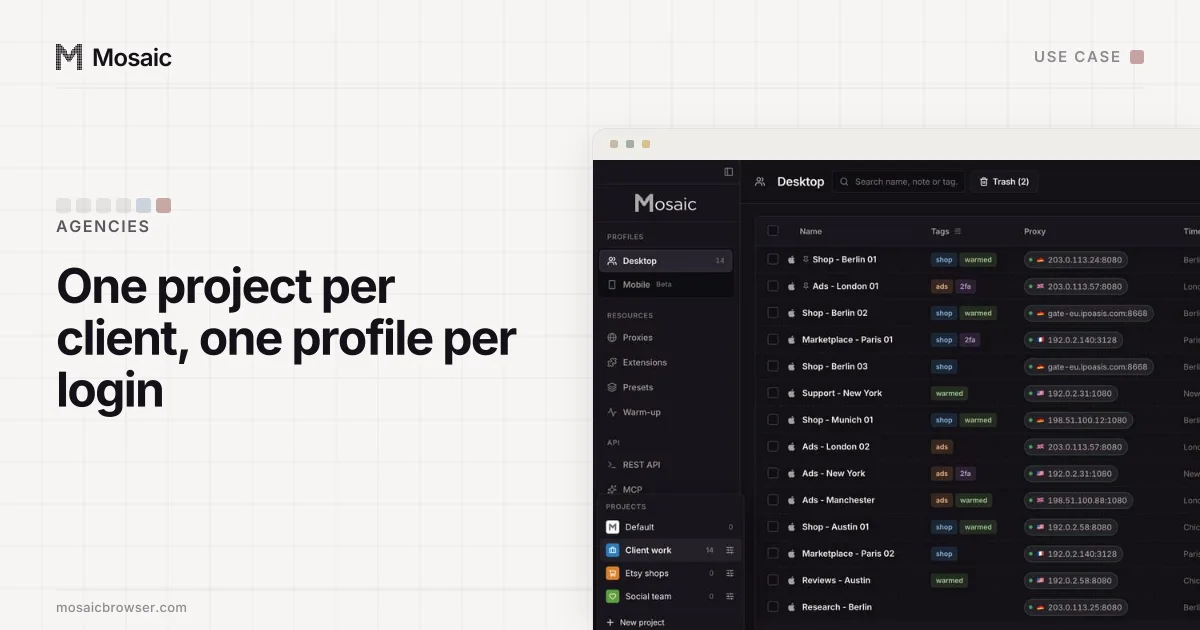
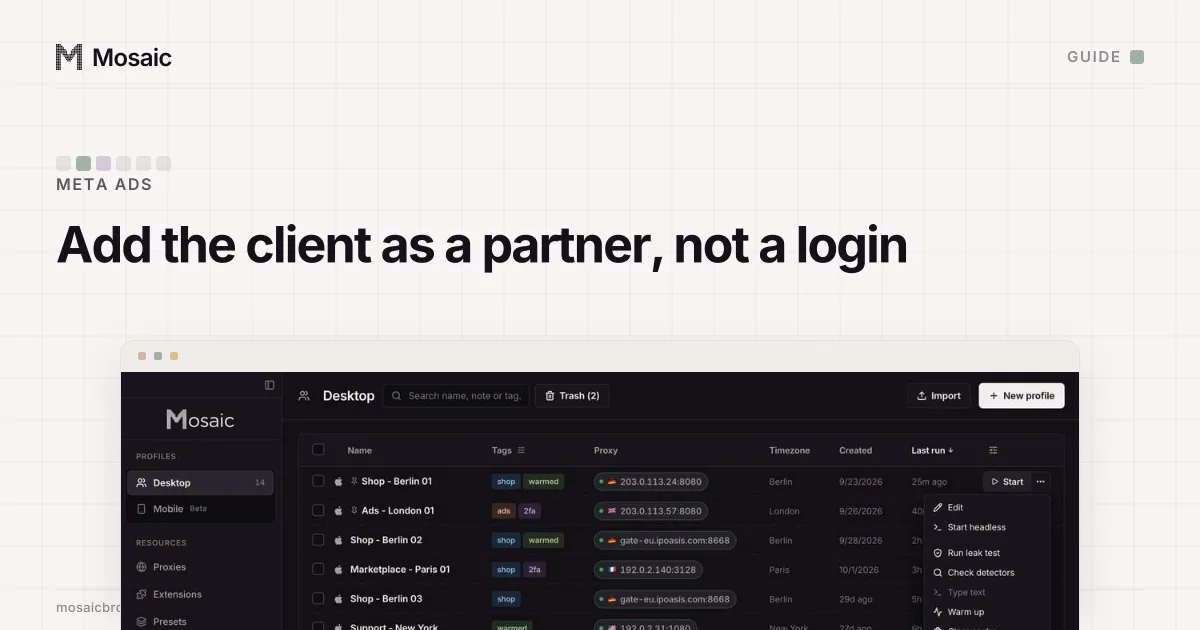
The partner link covers Facebook and Instagram. The client's other logins, the shop, the analytics, the email tool, still have to live somewhere on your account manager's computer. In Mosaic each of those gets a profile with its own cookies, fingerprint and proxy, filed in a project for that client, and the Credentials screen keeps that login's two-factor secret next to it.
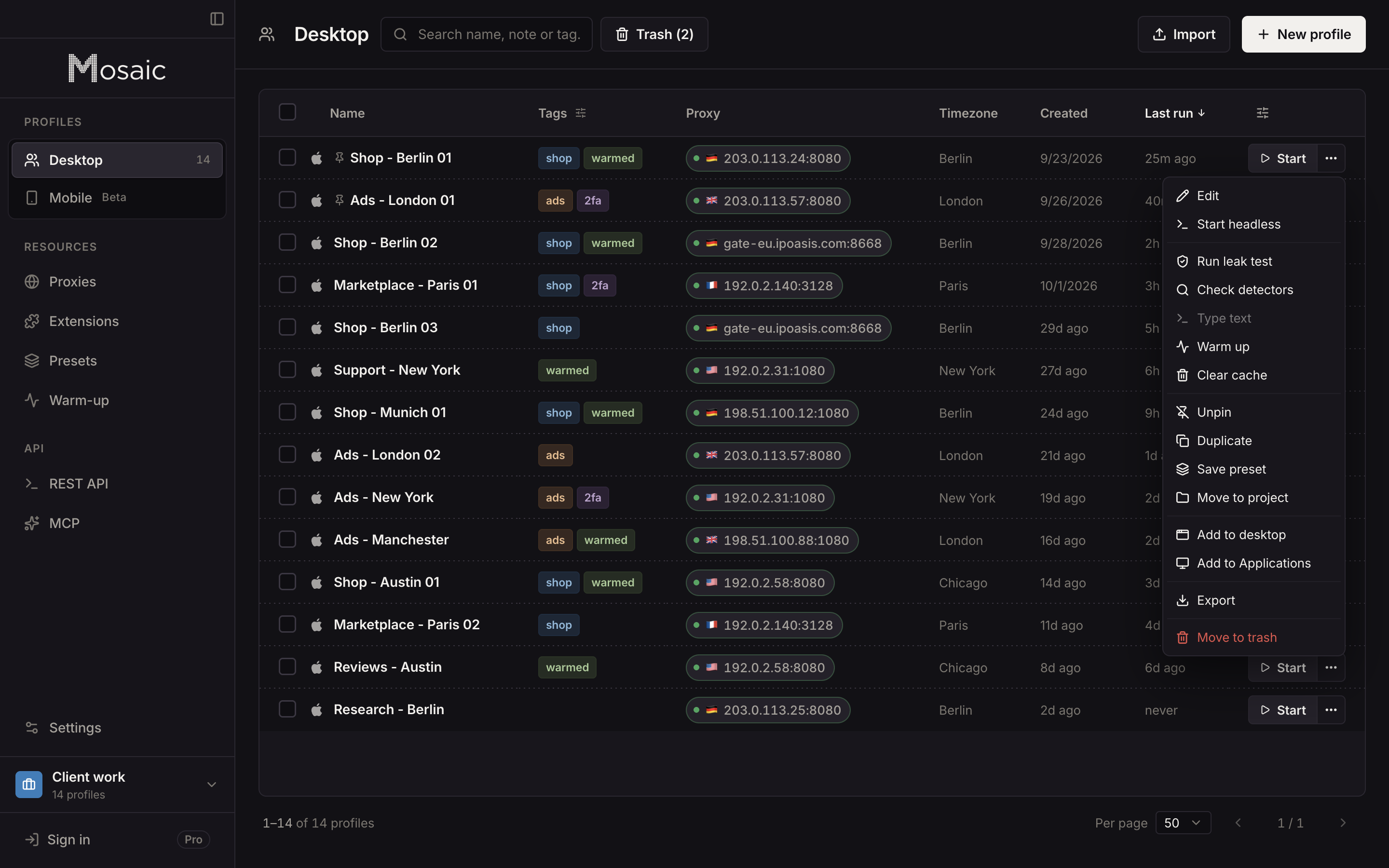
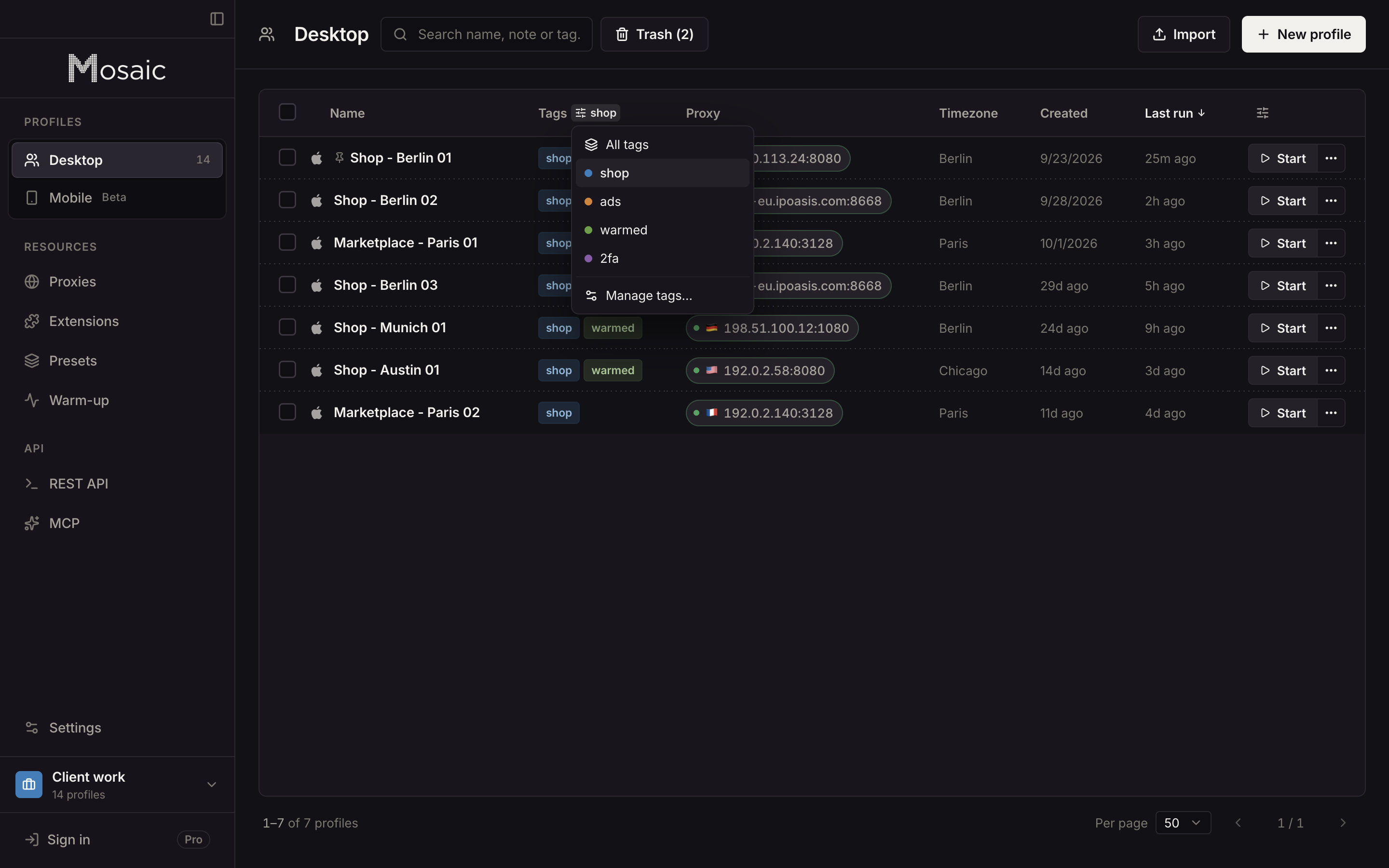
Profiles stay on the computer that made them; Mosaic has no team seats or cloud sync. How agencies lay out clients, projects and profiles is in Mosaic for agencies.
Sources
- Meta Business Help Center: Ask a partner to share assets with your business, read November 2, 2026
- Meta Business Help Center: Give a partner access to business assets in your business portfolio, read November 2, 2026
- Meta Business Help Center: Find your business portfolio ID, read November 2, 2026
- Meta Business Help Center: Request access to a Page in Meta Business Suite, read November 2, 2026
- Meta Business Help Center: Add people to a business portfolio and assign a business asset, read November 2, 2026
- Meta Business Help Center: Share legal entity with partner business, read November 2, 2026
- Meta Business Help Center: Create a business portfolio in Meta Business Suite, read November 2, 2026