The platform tools answer one question well: is my ad eligible to show in Germany, for this keyword, on this device. They do not show the page a German visitor lands on, the cookie banner in front of it, or the price in euros. For that you need a browser that really is in Germany as far as every site can tell, and that browser should not be your own.
Why your own browser shows you the wrong country
Google's help page on location targeting says it works from "a variety of signals, including users' settings, devices, and behavior on our platform", and that 100% accuracy is not guaranteed (Google Ads Help, read 2 November 2026). Your IP address is one of those signals. Your signed-in Google account, the searches it has made and the language your browser asks for are others. Change only the IP, which is what a VPN does, and you get a mix: a German address with an English language list, a London clock and two years of searches about your own product.
Searching for your own ad has a second cost. The same Google page that explains Ad Preview and Diagnosis says that each search that shows your ad without a click lowers your clickthrough rate, and that if you keep doing it, "you might stop seeing it entirely" because Google stops showing you ads it thinks you are not interested in (Find your first ads, read 2 November 2026). So the check itself can change what you see.
Start with the platforms' own tools
These are free, they do not cost you impressions, and they come from the people serving the ad.
- Google Ads: in your account, open Tools, then Troubleshooting, then Ad preview and diagnosis. Set the location, language and device along the top and type a keyword. Google shows which of your ads that search would trigger, and says why when one would not show.
- Meta: the Ad Library at facebook.com/ads/library asks for a country before it searches. Under All ads it lists the ads currently active; ads about social issues, elections or politics stay listed for seven years (Meta's help page, read 2 November 2026).
- Google's Ads Transparency Center: at adstransparency.google.com you search by advertiser or website name and filter by serving region and date (My Ad Center Help, read 2 November 2026). It is the quickest way to confirm that an ad you approved last week really served in Spain.
If one of these says the ad is not showing in a market, fix the campaign first. A browser in that country will not see an ad the platform refuses to serve there.
Paste one gateway line. Every profile mints its own exitIn Mosaic: Provider minting. One gateway line, a separate exit for every profile. Free holds 3 profiles. Pro is $49 a month for any number.
Mosaic is a desktop app
Email yourself the link and open it on your computer.
How it works: Provider minting
What the preview tools cannot show
The preview stops at the ad. Everything after it is a page on your own site, or your client's, served to a visitor from that country, and it can be wrong in ways no preview shows:
- a geo-redirect that sends Austrian visitors to the German shop, with German prices and no Austrian shipping;
- a consent banner that covers the offer on mobile in the EU and does not exist in the US build;
- the wrong currency, or a price the ad does not match;
- a landing page that is quick from your office and slow from the market, because the CDN has no node near it;
- a display ad on a publisher's page, next to content you would not pick.
All of these need a real browser, in the country, with nothing of yours in it.
How to check your ads in different countries with Mosaic
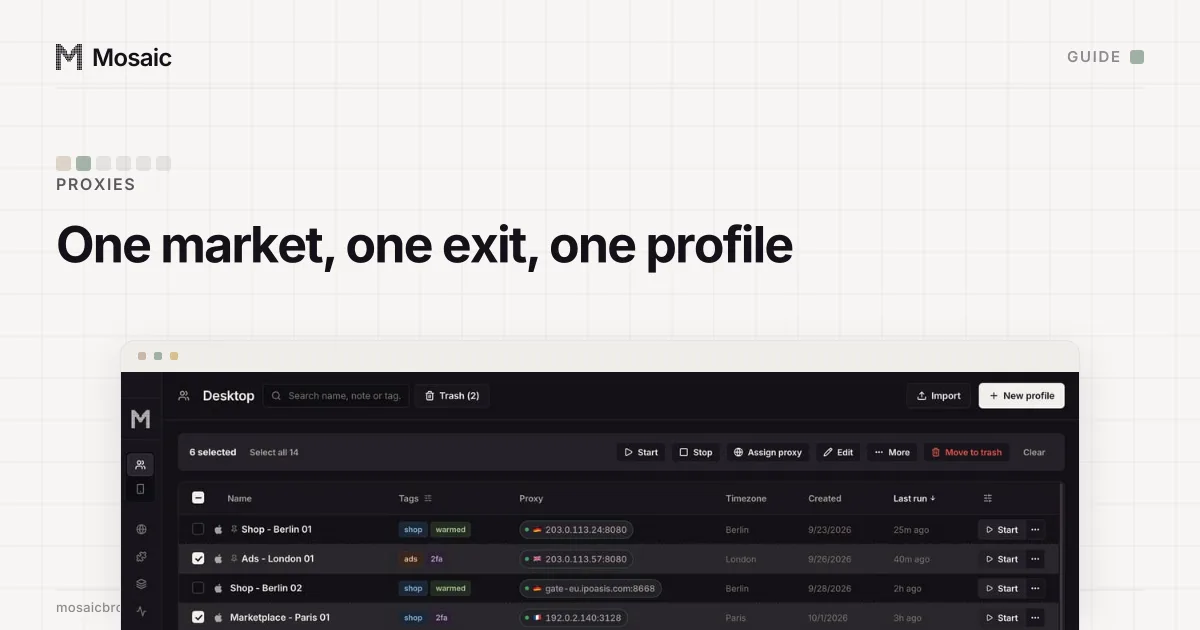
Mosaic gives each market its own profile: its own proxy exit, its own cookies, and a fingerprint whose timezone, language and geolocation follow the exit it measured. Nothing from your own Google account or history comes with it.
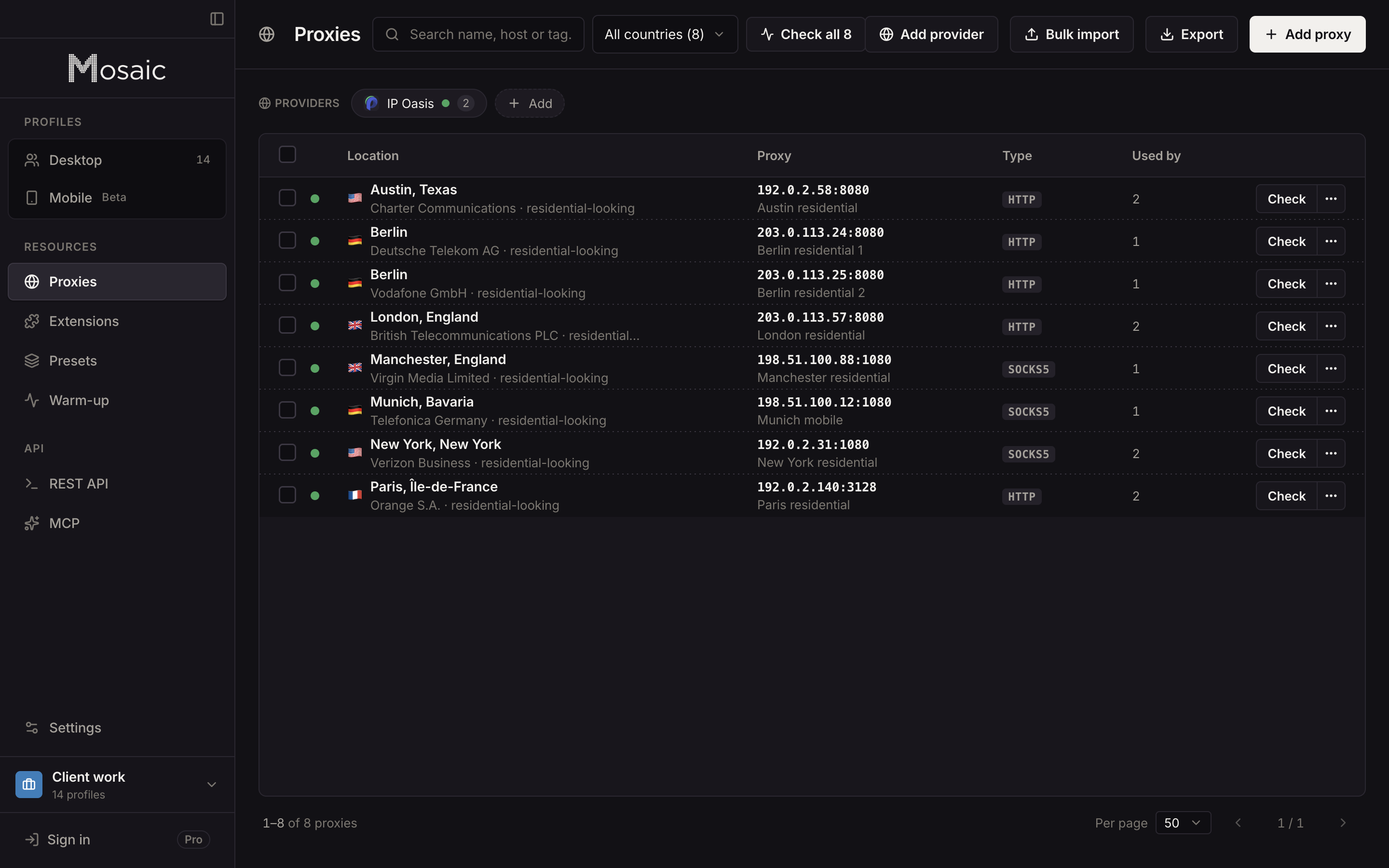
- Add your proxy seller once. Open Proxies › Add provider and paste one gateway line from the seller's dashboard. Mosaic reads the format off the line (how providers work).
- Click New profile, name it for the market ("FR Paris check"), and under Source pick the provider. Choose the Country, and the City if your seller's line format has a word for one; a pick a seller cannot spell is refused by name.
- Repeat for each market. Each profile mints its own session id, so two markets are not sent out on one shared session.
- Start the profiles. Before each one opens, Mosaic checks that its proxy answers and tunnels, and refuses to launch if it does not, so a check never quietly comes from your own address. What to look at in an exit before you trust it is in how to check a proxy before you use it.
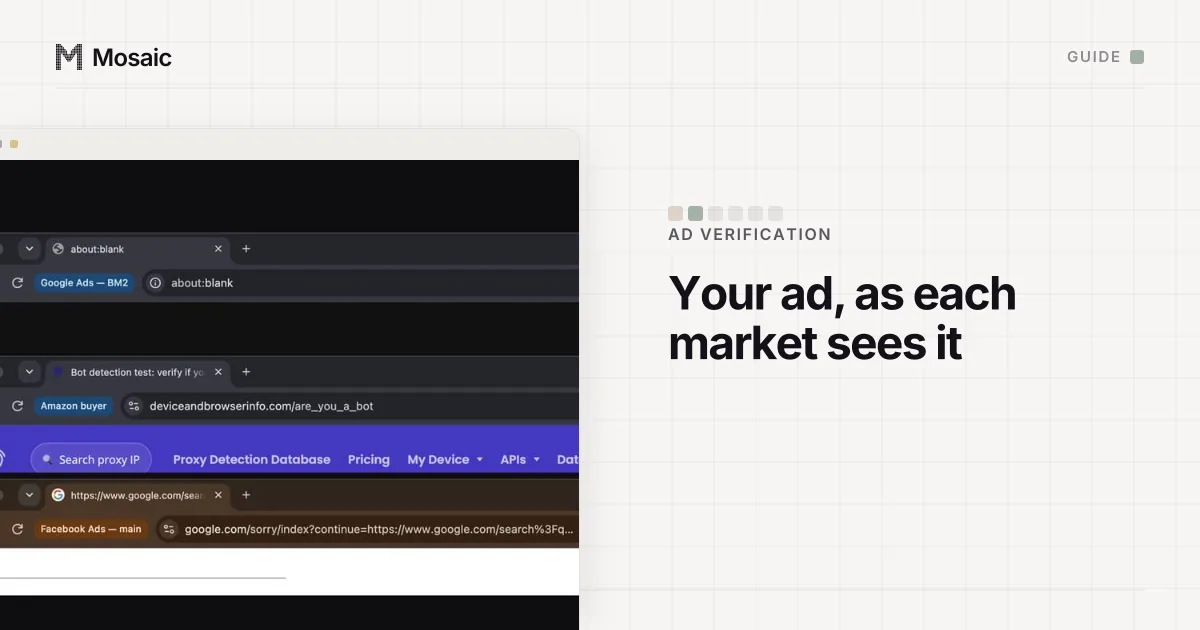
- From the profile's row, choose Run leak test once per new profile. It reads the exit address, WebRTC, timezone, language and geolocation from inside that profile's own page.
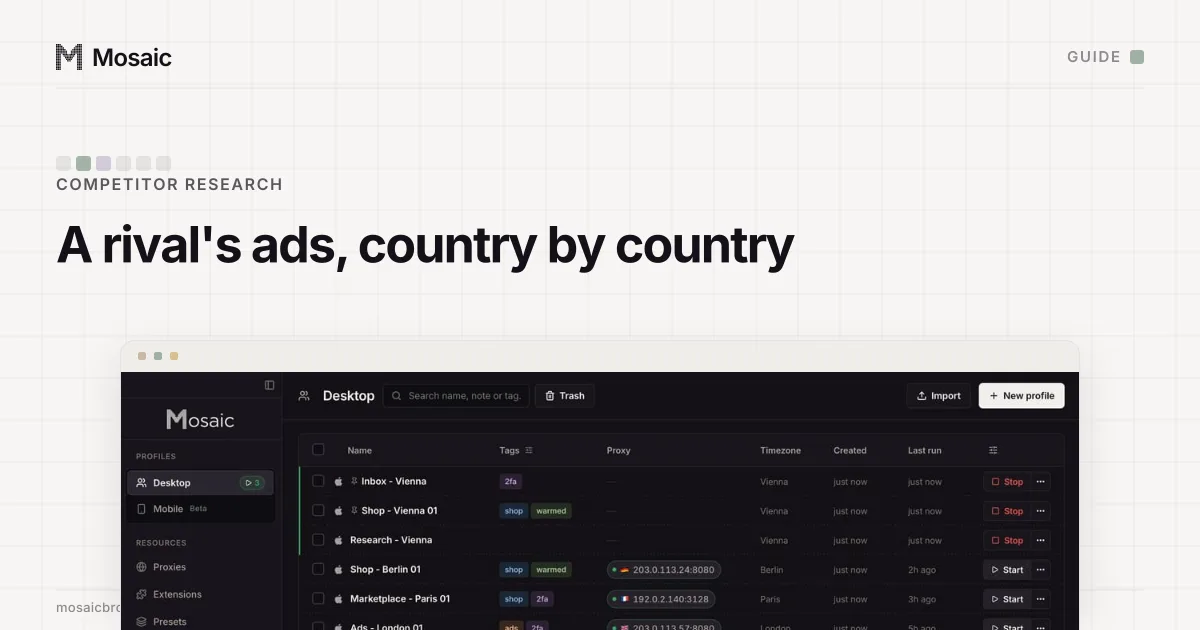
- Select the running profiles, choose Arrange and then Grid, and use Open URL to load the same landing page in every market at once.
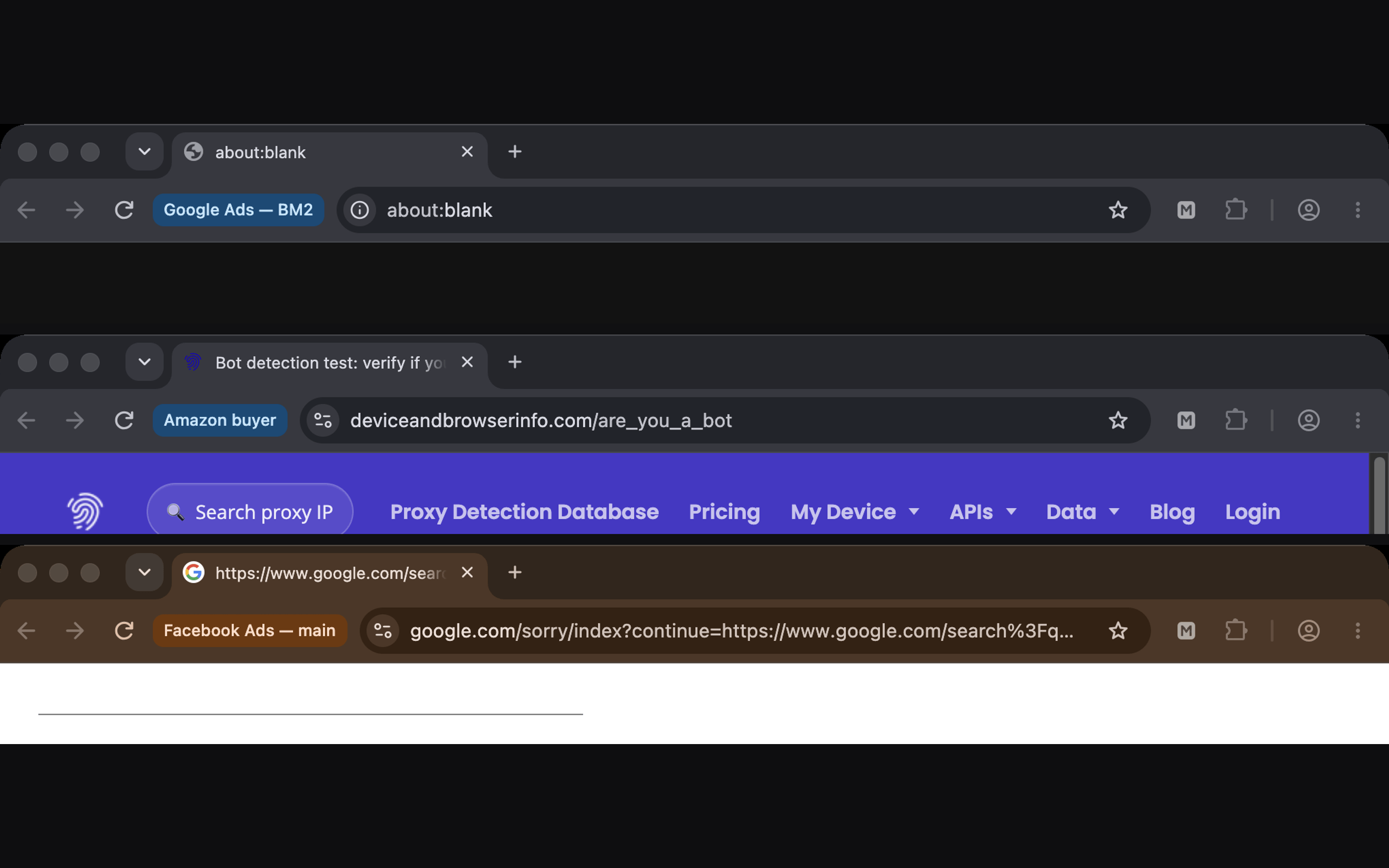
For search ads, use the profile to look at the result page and the landing page, not to click your own ad: a paid click from you is a cost and a false conversion. For display placements, browse the publisher's site in the market's profile the way a reader would.
We recommend residential exits for this work, because a hosting-company address can be served a different page from the one real visitors get. The difference is laid out in residential proxy.
Checking on a schedule
Once the profiles exist, a weekly check is a few clicks. On Pro, the local REST API can start each profile, open a page and take a picture of it with GET /profiles/:id/page/screenshot, so a script can file a dated screenshot per market. Free covers 3 profiles and 10 profile creations, which is enough to check five markets by hand.
Keep a note per check of the date, the exit city, the keyword or placement and what you saw, because ad results change by the hour. And check what real visitors see; showing reviewers something different from what users get is cloaking, and Mosaic is not for it. Agencies doing this for several clients will find the full setup in Mosaic for ad account management.
Sources
- Google Ads Help: Find your first ads, read November 2, 2026
- Google Ads Help: Target ads to geographic locations, read November 2, 2026
- Facebook Help Center: What is the Meta Ad Library and how do I search it?, read November 2, 2026
- My Ad Center Help: About advertiser verification, read November 2, 2026