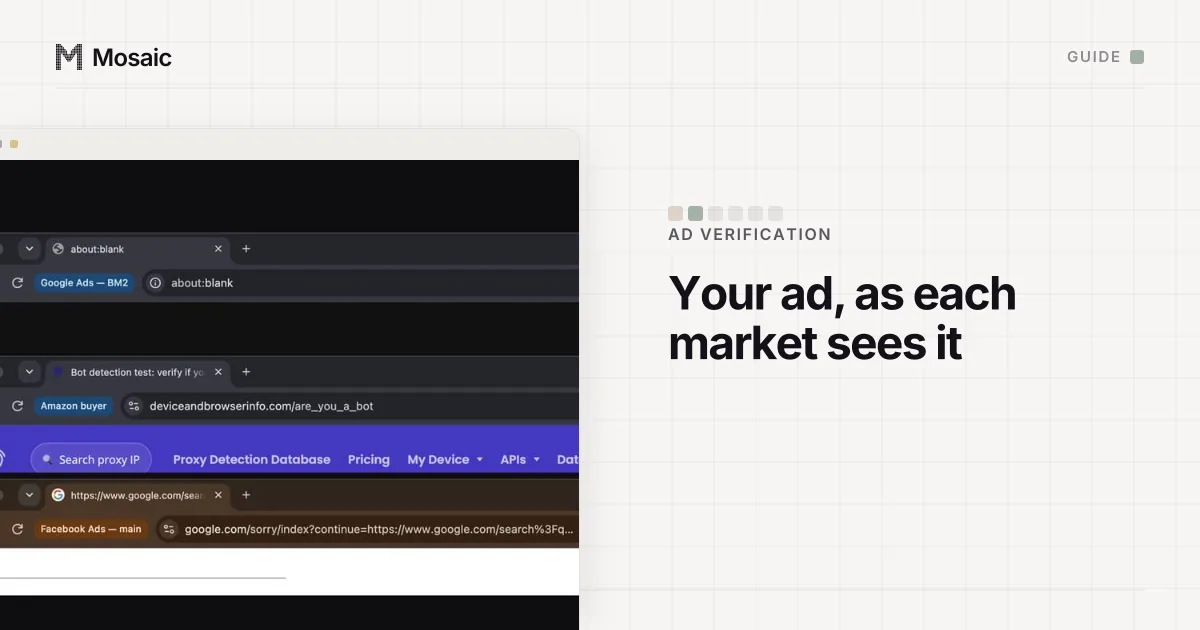
Ad verification means looking at an ad, and the page behind it, as the person it was bought for would see them. The proxy decides who you are to the ad server, so it decides whether the check is worth anything. Four properties of a proxy matter here, and price is not the first.
What a proxy for ad verification has to get right
The first is place. The exit has to be where the campaign is aimed. Google's own targeting page says location comes from "a variety of signals" and that accuracy is not guaranteed (Google Ads Help, read 2 November 2026), so a country-level exit can still miss a campaign aimed at a 20 km radius around Lyon. If the targeting is a city, the exit should be in that city.
The second is who owns the address. An exit on a home broadband network looks like the audience. An exit in a hosting company's range looks like a server, and ad systems filter non-human traffic out of what they count: Google's page on invalid traffic says it does this with automated filters, machine learning and manual review (About invalid traffic, read 2 November 2026). Google does not publish how it classifies an address. What we can say is that a check from a hosting range is the traffic most likely to be treated as something other than a visitor.
Third, how long it holds. A check is a sequence: a search, an ad, a click-through to a landing page, maybe a redirect or two. If the exit changes halfway, the landing page sees a different visitor from the one the ad was served to. That calls for a sticky session that lasts the whole check.
Last, who else is on it. Two profiles on one exit share an address, so anything an ad server keys on the IP, such as a frequency cap, can count them as one visitor. One session per profile.
Paste one gateway line. Every profile mints its own exitIn Mosaic: Provider minting. One gateway line, a separate exit for every profile. Free holds 3 profiles. Pro is $49 a month for any number.
Mosaic is a desktop app
Email yourself the link and open it on your computer.
How it works: Provider minting
Residential, ISP, datacenter or mobile
| Type | What a site sees | Use it for | Weak point |
|---|---|---|---|
| Residential | a home broadband address in a real city | seeing what a real visitor sees, by city | a session can die; slower |
| ISP (static residential) | a consumer ISP's address, hosted in a data centre | long checks from one fixed address | often fewer cities to choose from |
| Datacenter | a hosting company | checking that a link resolves and a redirect chain ends where it should | the least like the audience |
| Mobile | a carrier's address, shared by many phones | campaigns aimed at a mobile carrier | costs more; the browser is still a browser |
Residential is the default. The residential proxy entry has how sellers build those pools and why the address range matters. Datacenter exits have one honest job in this work: the status check that does not care what a person would see. Mobile exits answer a narrow question, and they do not turn a desktop browser into a phone.
Sticky or rotating
Sticky, for anything that involves a page. Rotating exits fit a crawl that fetches one URL per request; an ad check is not that.
Sticky sessions fail in one particular way, and it shapes how you should retry. We measured it on one residential pool: a session that reached nothing returned four 504s in a row on the same token, while fresh sessions from the same gateway answered 200. A dead session stays dead, so the fix is a new session, not a retry on the old one. Mosaic does this itself: when a session it minted fails at launch, it mints a different session id and writes the new one back. A session you pinned yourself is left alone.
Check the exit before you trust the check
A plan named "Germany" is a request to the seller's pool. Before a profile verifies anything, read where its exit really is, whether that address sits on a blocklist, and whether it belongs to a home ISP or a hosting company. How to check a proxy before you use it goes through each of those by hand. Mosaic checks that the proxy answers and tunnels before every launch, will not open a profile behind one that has not, and can score each exit's reputation from Proxies, with a note when the address resolves to a datacentre range.
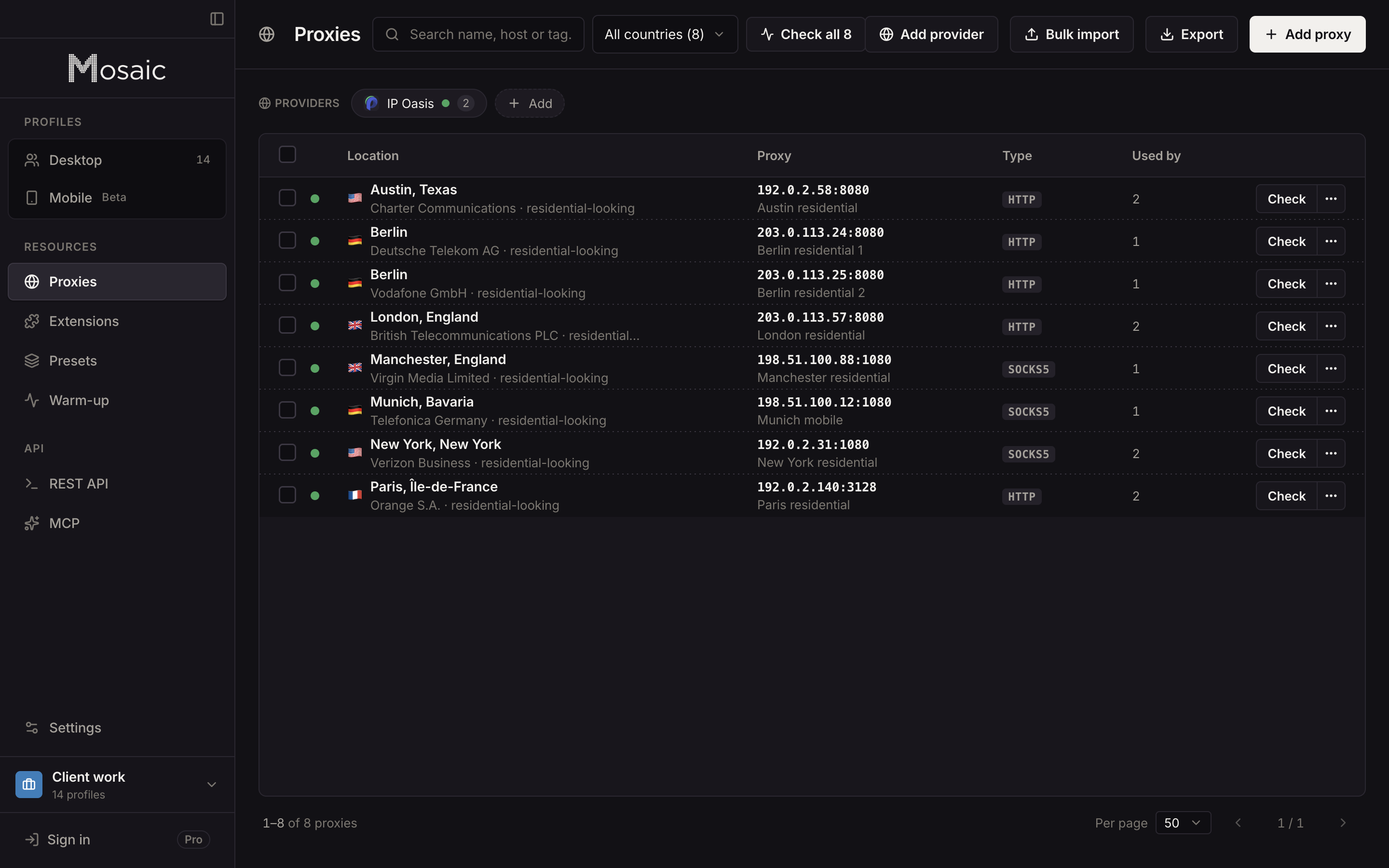
Setting proxies up for ad verification in Mosaic
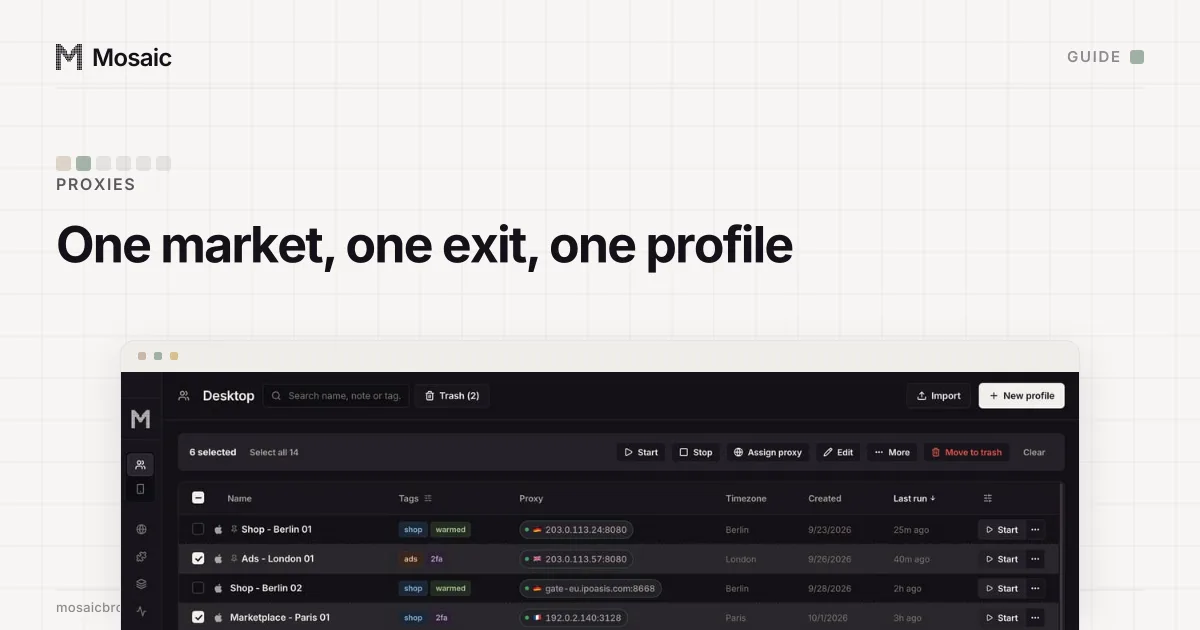
You keep your proxy seller; Mosaic has no proxy shop of its own. Paste one gateway line from the seller's dashboard into Proxies › Add provider, and Mosaic keeps it as a template. Every profile you make from it mints its own session id, so no two profiles share a session unless you pin them to one. Country, State or region and City are offered when the seller's line format has a word for them. A pick the seller cannot spell is refused by name, never silently dropped, because a dropped city token still authenticates and the check would come from somewhere else without saying so.
Sellers are not all equal on our side either. We have tested against live lines from Cat Proxies, IP Oasis, Thordata, Proxiware, Geonode and DataImpulse. For Bright Data, Oxylabs, Decodo, IPRoyal, SOAX and about thirty others, Mosaic reads the line format from each seller's documentation, which we have not yet run against a live account.
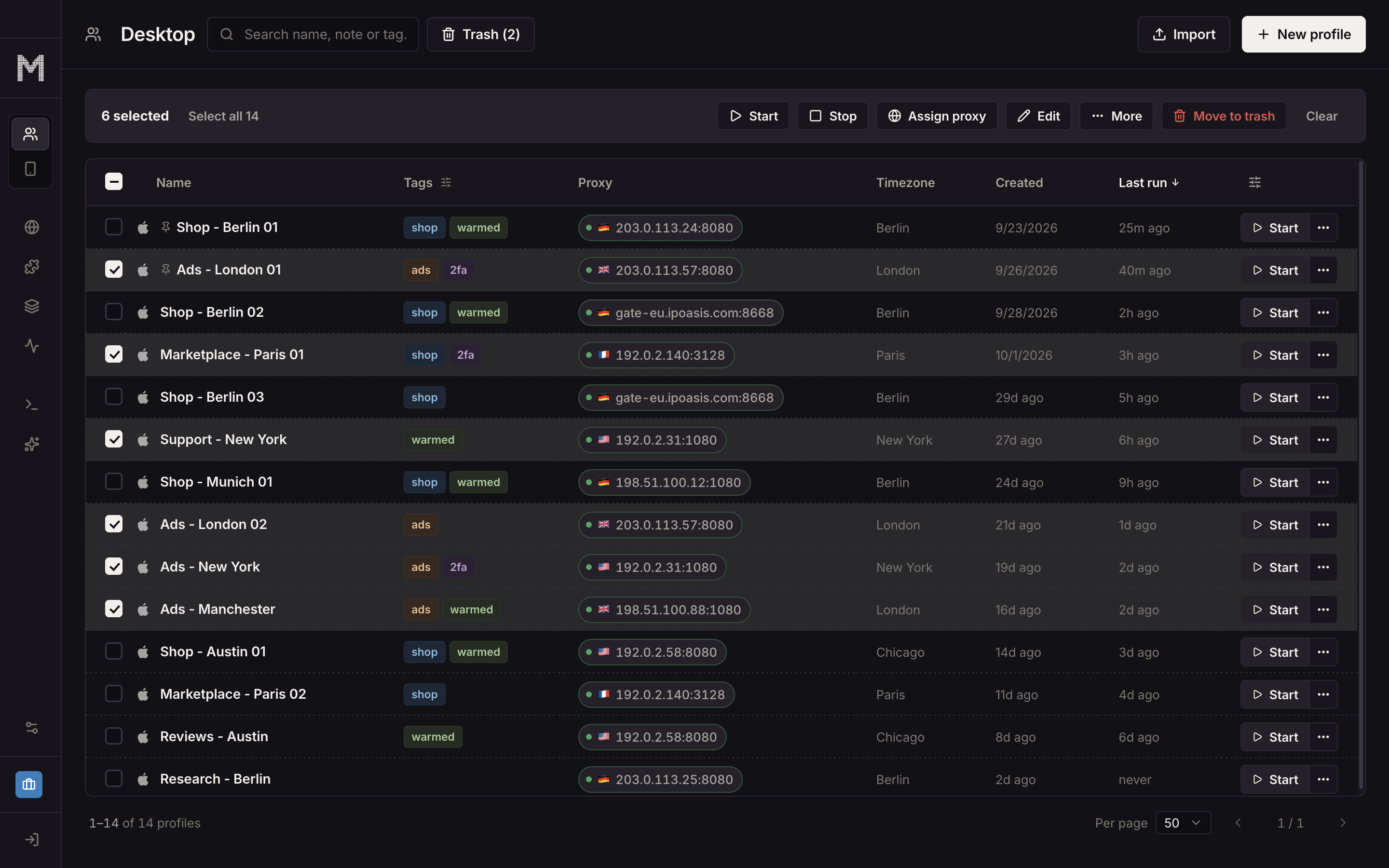
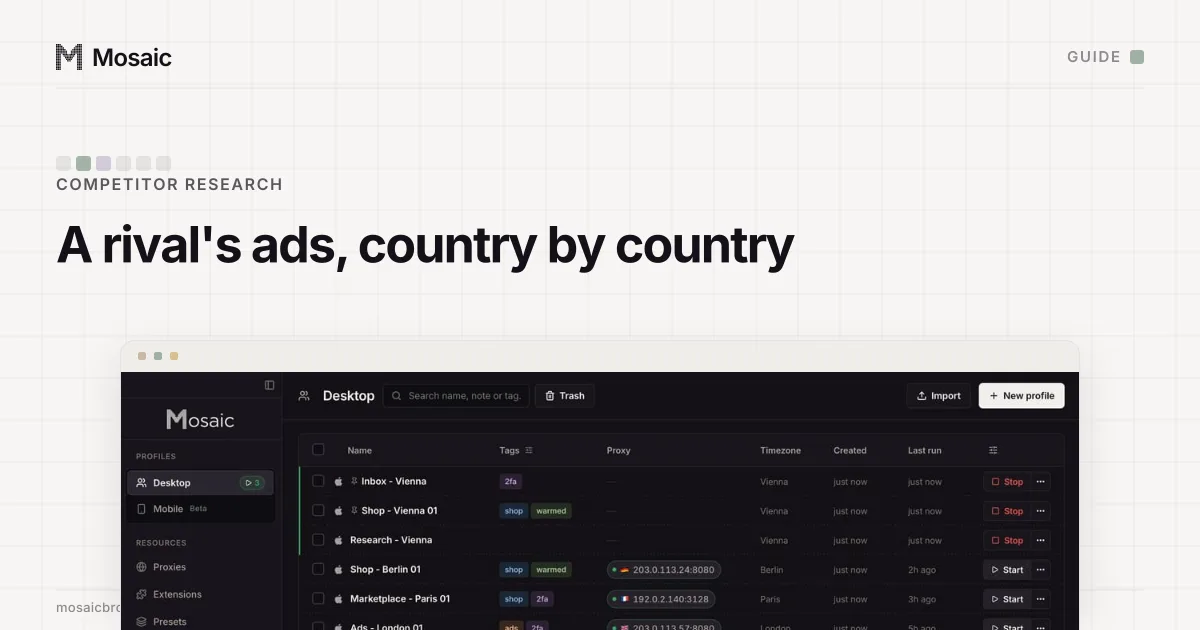
For a set of markets, save a preset per market that names the provider and its country rather than an address, and make that market's profiles from it. A batch can create up to 500 profiles, and each one mints its own exit. Each profile's timezone, language and geolocation follow the exit it measured, and with a proxy attached the engine stops WebRTC from going around the proxy. Then check your ads in each country, or look at competitors' Google ads abroad, from the profiles you made. How the provider dialog reads a line, field by field, is on the proxy providers page.
Sources
- Google Ads Help: About invalid traffic, read November 2, 2026
- Google Ads Help: Target ads to geographic locations, read November 2, 2026