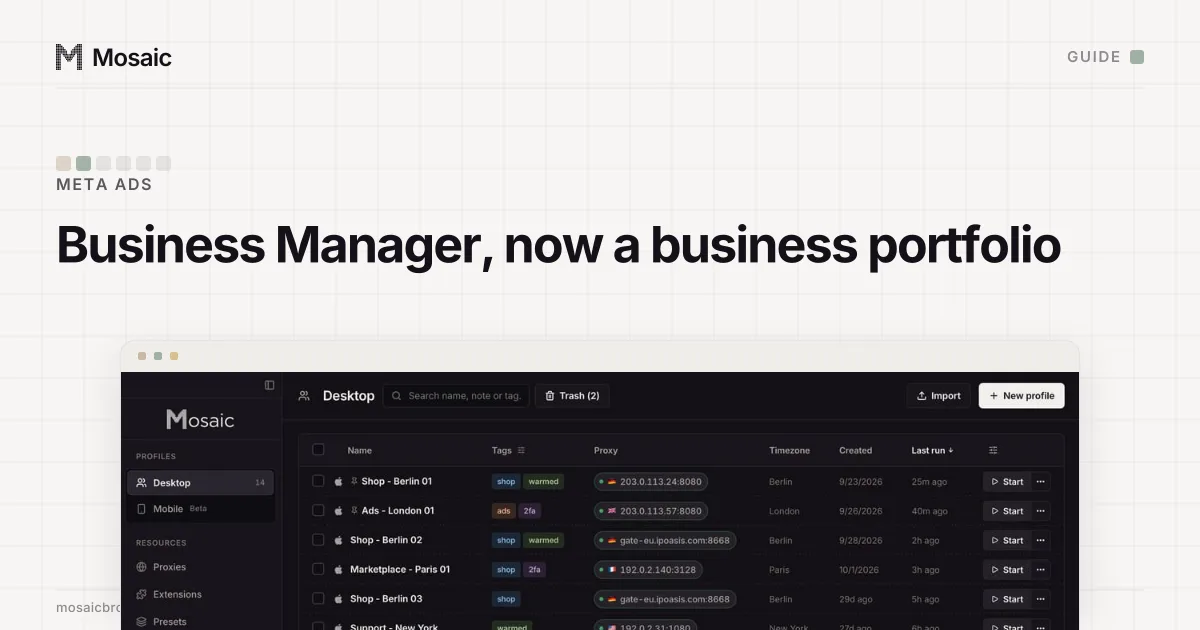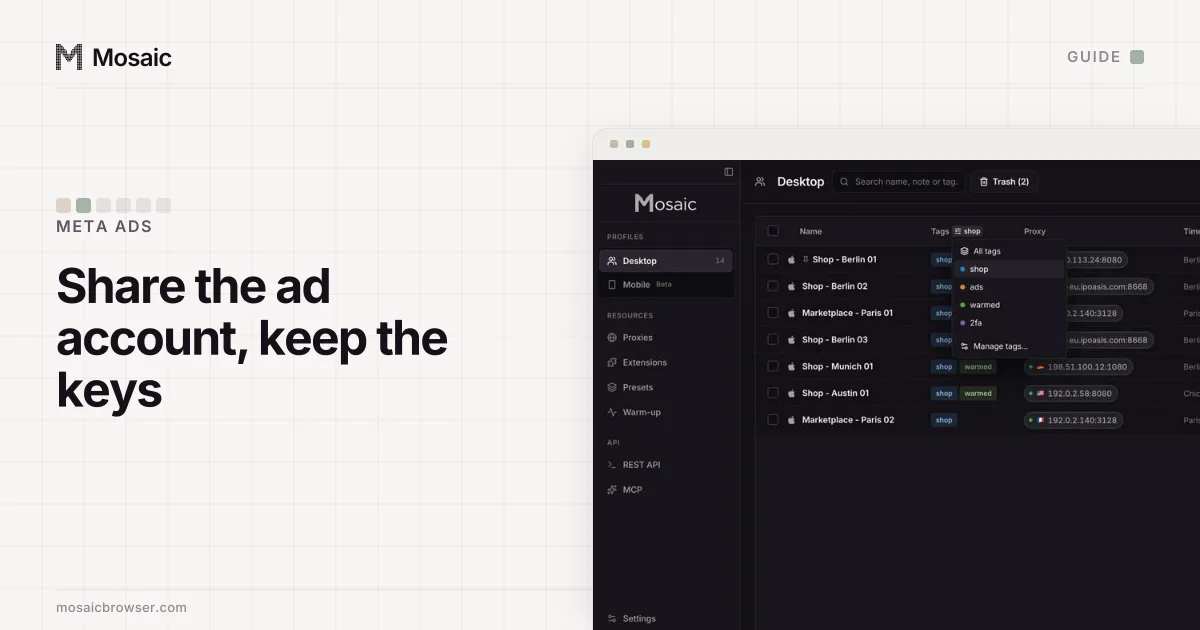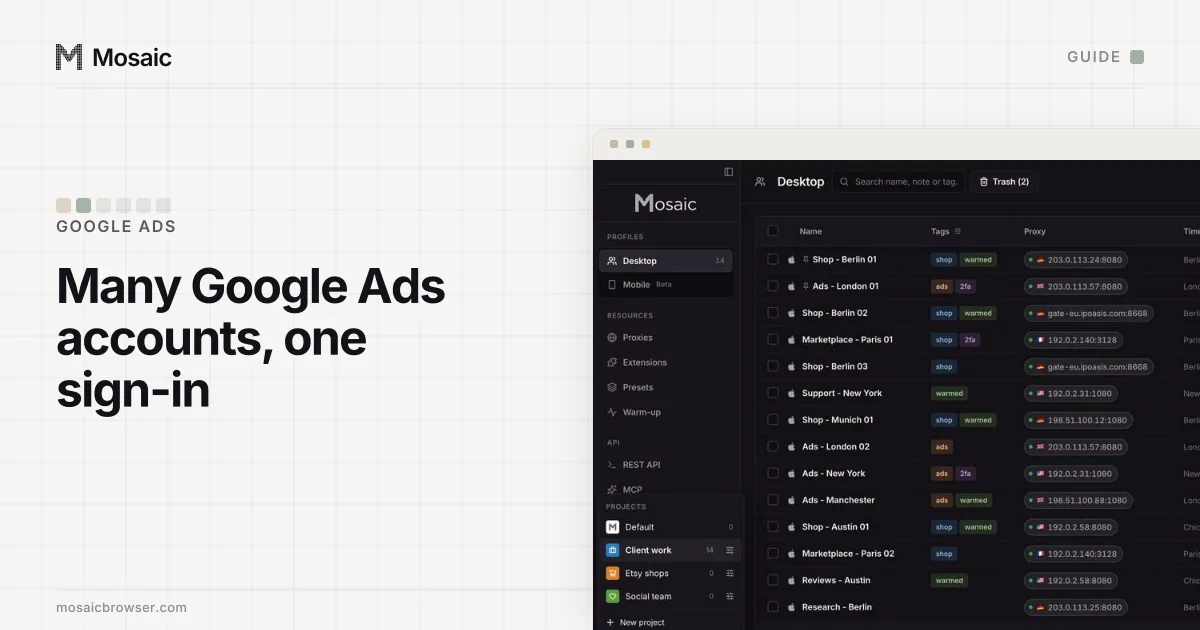
If you need to manage multiple Facebook ad accounts, Meta built one place for it: the business portfolio, in Meta Business Suite at business.facebook.com. Most people still search for it by its old name, Business Manager. A portfolio holds Pages, Instagram accounts, pixels and ad accounts, and the people who work on them, so you sign in once with your own Facebook profile and switch between every ad account it holds.
Meta's terms let a business run many ad accounts inside a portfolio, but they say each person should "create only one account (your own)" on Facebook itself (Facebook Terms, 3.1, read 2 November 2026). Mosaic keeps accounts you are entitled to run apart; it does not change what a platform allows.
One profile, many ad accounts
The structure has three layers. Your personal Facebook profile is the login. The business portfolio is the container. Ad accounts sit inside the portfolio, each with its own payment method and campaigns.
Meta's help page sets the outer limits: you can personally create up to 2 business portfolios, there is no limit on how many you can belong to, and "business assets can only belong to 1 business portfolio" (Create a business portfolio, read 2 November 2026). So a freelancer working for six brands does not make six profiles. They get invited into six portfolios, or the six brands share their ad accounts with the freelancer's one portfolio.
How to manage multiple Facebook ad accounts in a business portfolio
Set the portfolio up once:
- Go to business.facebook.com and sign in with your Facebook profile.
- Open the dropdown under Home at the top left and choose Create a business portfolio.
- Use your business's public name. Meta shows it across its products, and it cannot contain special characters.
- Enter your name and a business email, then confirm the email Meta sends.
- Turn on two-factor authentication for everyone in the portfolio. Meta may require it before ads can be published, including in some portfolios more than 90 days old (two-factor authentication, read 2 November 2026).
Then bring the accounts in. Your own ad accounts are created inside the portfolio, under Settings › Accounts › Ad accounts. A client's ad accounts stay in the client's portfolio, and you ask for access: in Settings, open Partners under Users, choose Add, then Ask a partner to assign you their assets, and enter the client's email and business portfolio ID. The client picks which assets and permissions to share (Ask a partner, read 2 November 2026). The client needs full control of its own portfolio to approve it.
Each profile keeps its own passwords and its own 2FA codesIn Mosaic: Logins and 2FA codes. A password vault and TOTP codes for each profile. Free holds 3 profiles. Pro is $49 a month for any number.
Mosaic is a desktop app
Email yourself the link and open it on your computer.
How it works: Logins and 2FA codes
The ad account limit, and why it moves
New portfolios start small. Meta's troubleshooting page says that "all advertisers can have only 1 ad account until they make a confirmed payment from it", and that after that it adjusts the limit "based on historical spending and use of existing ad accounts". Accounts disabled after 60 days without usage or spend still count. The current figure is shown as Ad account creation limit in Business info (Troubleshoot ad account creation, read 2 November 2026).
Two other reasons on the same page stop a new account: one of your existing ad accounts is in bad standing, or you lack full control of the portfolio. If the limit is the problem, Meta's own advice is to reuse ad accounts that have no active campaigns.
One client per ad account
If you run ads for clients from accounts your portfolio owns, Meta has a rule for that too. The on-behalf-of setting names the client an ad account advertises for, and Meta allows it once per account, "because an ad account should only run ads for a single client". When the relationship ends, the account goes inactive and stays in your portfolio for the records (Advertise on behalf of another business, read 2 November 2026).
So a clean structure is one ad account per client, named so nobody launches into the wrong one ("Acme - EUR - Prospecting" works better than "Ad account 4"). Meta says an ad account created in one portfolio "can't be transferred to the portfolio of another business" (Share legal entity, read 2 November 2026), so the more common choice is for the client to own the account and share it with you. That keeps the history with the client if you part ways.
Where a separate browser still helps
For the ad accounts themselves, the portfolio does the job and you do not need us. Mosaic is for the logins around it. An agency account manager usually holds their own Facebook profile, plus each client's Shopify admin, landing page builder, analytics and email tool, and sometimes a client's second-factor codes. In one Chrome window those share a cookie jar, and the wrong session is the one that opens when a link comes in.
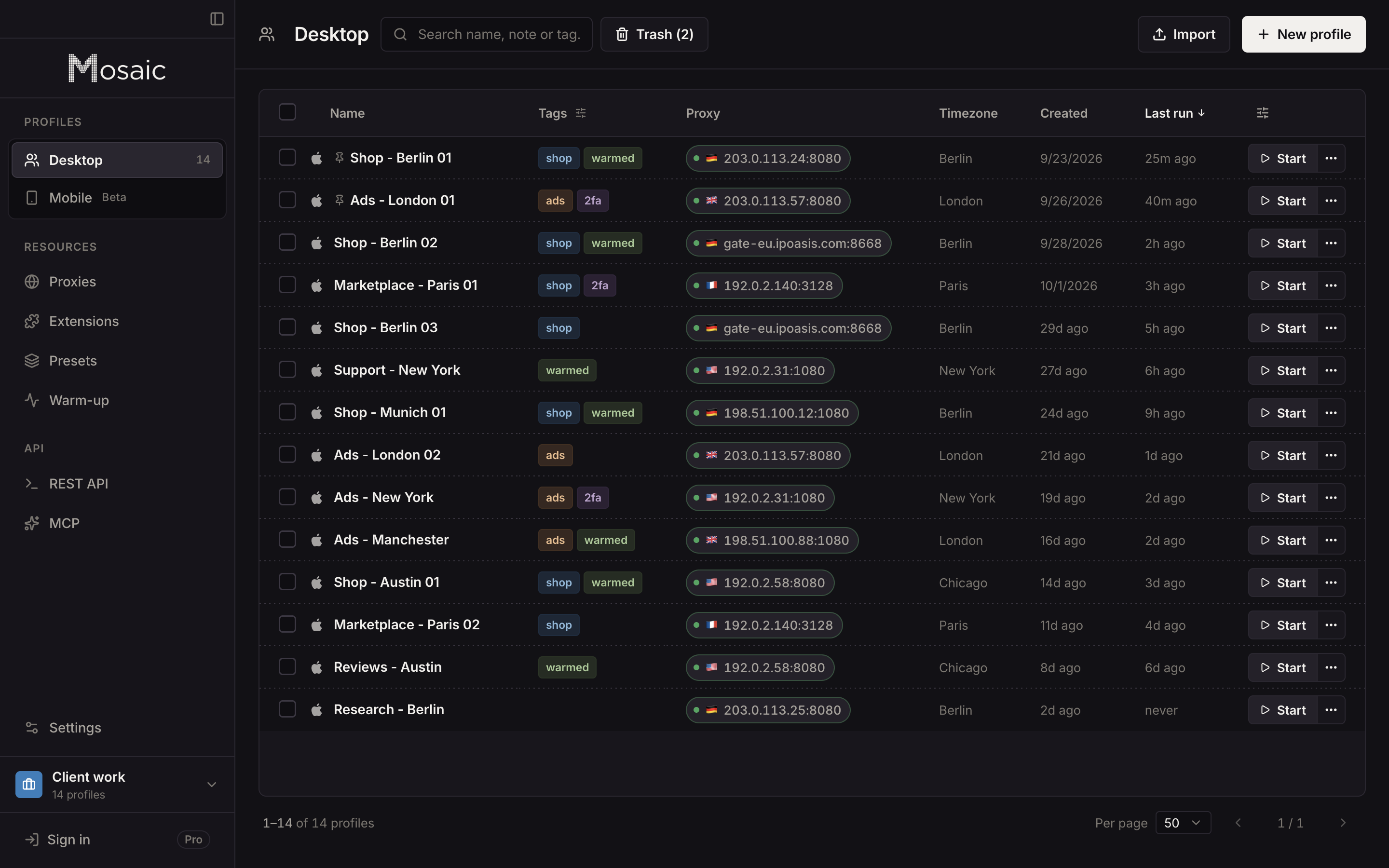
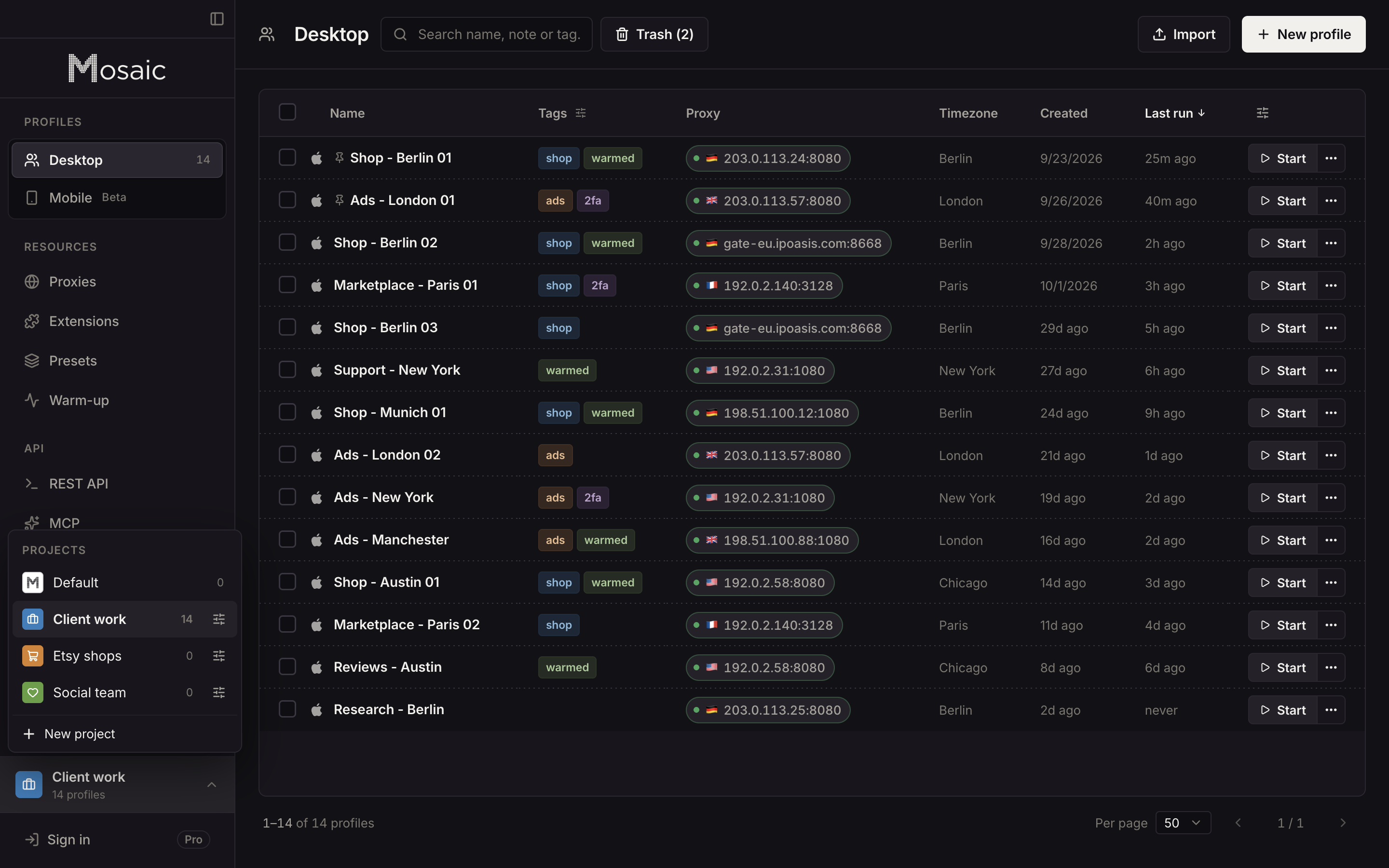
In Mosaic each client gets a project, and each login that should never share a window gets its own profile, with its own cookies, its own fingerprint and its own proxy:
- Click New project for the client, so its profiles sit together under one colour.
- Inside it, click New profile for each login: "Acme - Shopify", "Acme - Landing pages".
- In Credentials, choose Add login for that profile and paste the Two-factor secret if the client gave you one. The companion inside that profile's browser shows that client's codes and nobody else's.
- If you check the client's ads and pages from its market, give the profile an exit there. Paste your proxy seller's gateway line once as a provider, and each profile mints its own session, so no two profiles share an exit by accident.
Your Facebook profile stays where it is. Do not make a second one to spread ad accounts across; that is the one thing the terms above rule out, and a portfolio makes it pointless.
The same set-up for Google's side, with its manager account and its 20-account email limit, is in how to manage multiple Google Ads accounts. How we compare with other browsers for this work is in the best anti-detect browser for Facebook ads. Free covers 3 profiles and 10 profile creations, and Pro is $49 a month with no per-profile pricing; the agency set-up, with ad checks from each client's country, is in Mosaic for ad account management.
Sources
- Meta Business Help Center: Create a business portfolio in Meta Business Suite, read November 2, 2026
- Meta Business Help Center: Troubleshoot ad account creation issues, read November 2, 2026
- Meta Business Help Center: Ask a partner to share assets with your business, read November 2, 2026
- Meta Business Help Center: Advertise on behalf of another business in Meta Business Suite, read November 2, 2026
- Meta Business Help Center: About two-factor authentication for your business portfolio, read November 2, 2026
- Meta Business Help Center: Share legal entity with partner business, read November 2, 2026
- Facebook Terms of Service, 3.1 Who can use Facebook, read November 2, 2026