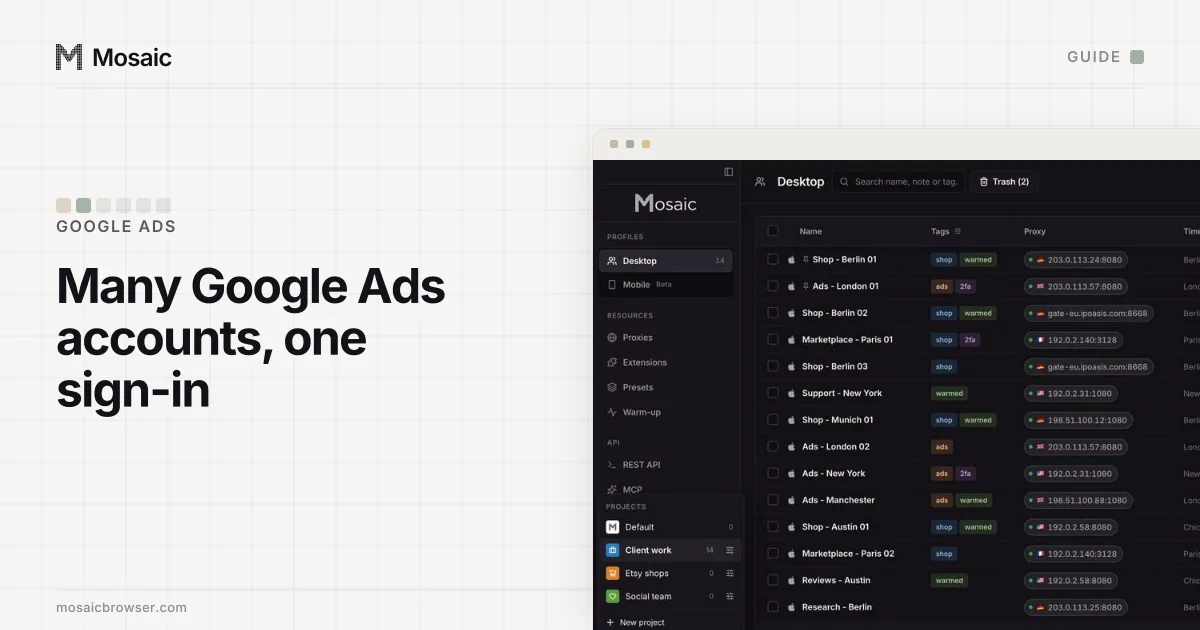
If you need to manage multiple Google Ads accounts, Google has a tool for exactly this job, and it is free: the manager account, which Google's own help pages still label MCC. It is a separate Google Ads account that runs no ads of its own. Every other account hangs under it, and one sign-in reaches all of them.
Google has no problem with a business or an agency holding several Google Ads accounts. Its help page sends anyone in that position to a manager account (Google Ads Help, read 2 November 2026). Mosaic keeps accounts you are entitled to run apart; it does not change what a platform allows.
When one sign-in stops being enough
Without a manager account, each Google Ads account is reached through the Google sign-ins that were invited to it. Google's page says up to 20 Google Ads accounts, manager accounts included, can sit on one email address, and that past 20 a manager account "is probably the best option for you". It is also required for monthly invoicing. Below 20, the reason to switch is the dashboard: one table of every account, labels, alerts and reports that run across all of them.
What a manager account will not do is change a client's sign-in details. The client still owns its account and its data, and an admin on the client's side can unlink you at any time.
How to manage multiple Google Ads accounts from a manager account
Create it once, from the sign-in your team will use for work:
- Open the Google Ads manager account page and choose Go to Manager Accounts.
- Name it. Google notes this is "the name that your clients will find in their client account", so use the agency's or the business's real name.
- Choose whether it manages your own accounts or other people's.
- Pick the country and time zone. Google says the time zone is used for reporting and billing and cannot be changed later.
- Pick the currency, which is permanent too. Client accounts keep billing in their own currencies.
Then link the accounts (Link accounts, read 2 November 2026):
- In the manager account, click the Accounts icon, then Sub-account settings.
- Press the plus button, choose Link existing account, paste the 10-digit Customer IDs one per line, and send.
- Someone with Admin on each account accepts under Admin › Access and security › Managers.
An account you open from inside the manager account skips all three steps. It arrives linked, and the manager owns it.
Paste one gateway line. Every profile mints its own exitIn Mosaic: Provider minting. One gateway line, a separate exit for every profile. Free holds 3 profiles. Pro is $49 a month for any number.
Mosaic is a desktop app
Email yourself the link and open it on your computer.
How it works: Provider minting
The limits that decide your structure
Google publishes these on its linking and limits pages (About linking and account limits, both read 2 November 2026):
| Limit | Value |
|---|---|
| Manager accounts directly above one Google Ads account | 5 |
| Managers directly above one manager account | 1 |
| Depth of the hierarchy | 6 levels |
| Active accounts, highest monthly spend under $10,000 | 50 |
| Active accounts, $10,000 to under $500,000 | 2,500 |
| All accounts linked to one manager, any spend | 85,000 |
Small agencies hit the 50 first. Google works it out at the top manager account, from the biggest monthly spend across all your clients over the past 12 months. One client with a $12,000 December therefore buys you room for 2,500 accounts until the next December.
Sub-managers are how bigger teams split the work. A manager account can link another manager account underneath it, then hand that sub-manager a set of clients. The person on the sub-manager sees only those clients; the person at the top still sees everything.
Where accounts get into trouble
Google's circumventing systems policy is the rule people trip on when they run many accounts. It does not forbid having several. It forbids "creating new accounts to re-enter the system" after a suspension, and "spreading ads that violate Google Ads' policies across 2 or more accounts". Its best practices are plain: avoid creating a lot of accounts in a short period, connect each account to a real business, and use a safe payment method on each (Advertising Policies Help, read 2 November 2026).
Manager links sit comfortably with that rule. Each one was requested by you and accepted by the client, and Google can see it. When a client account does get suspended, Google's advice to the client is to ask its agency, which is a good reason to keep notes on who linked what, and on which date.
Where a separate browser still helps
For Google Ads alone, the manager account does the job and you do not need us. The trouble starts in the browser around it. An account manager usually holds the agency's work sign-in, a personal Gmail, and sometimes a Google sign-in that a client created for them, plus logins for each client's analytics, shop and landing page builder. Chrome's account switcher keeps those in one cookie jar, and the wrong one ends up signed in when a link opens.
In Mosaic each of those sign-ins gets its own profile, with its own cookies, its own fingerprint and its own proxy:
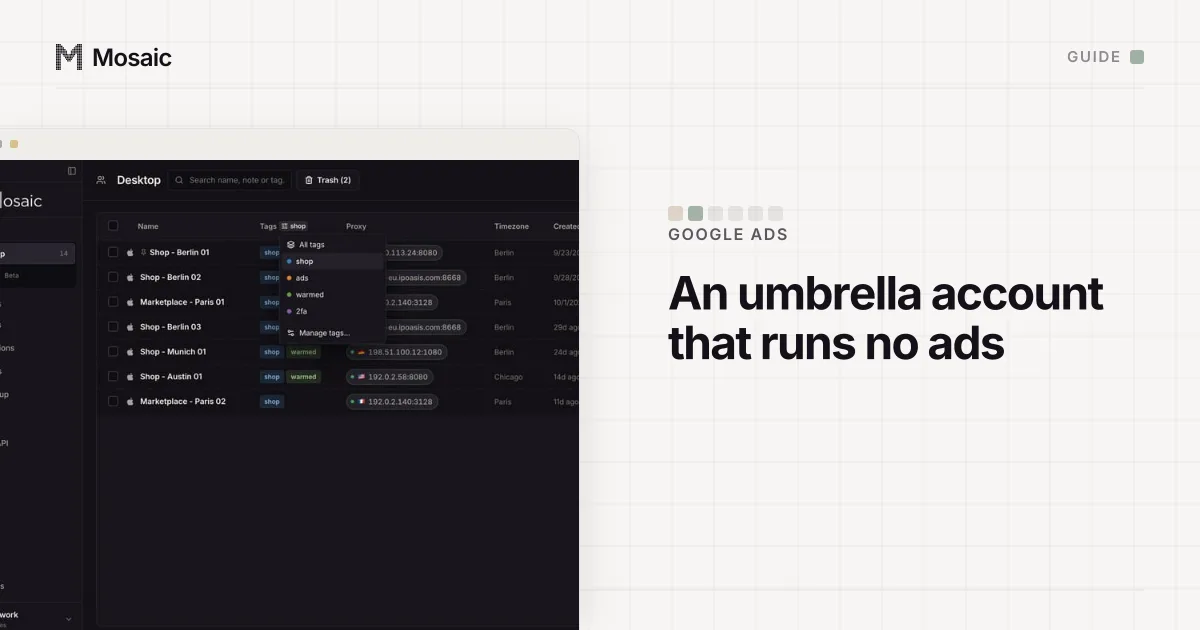
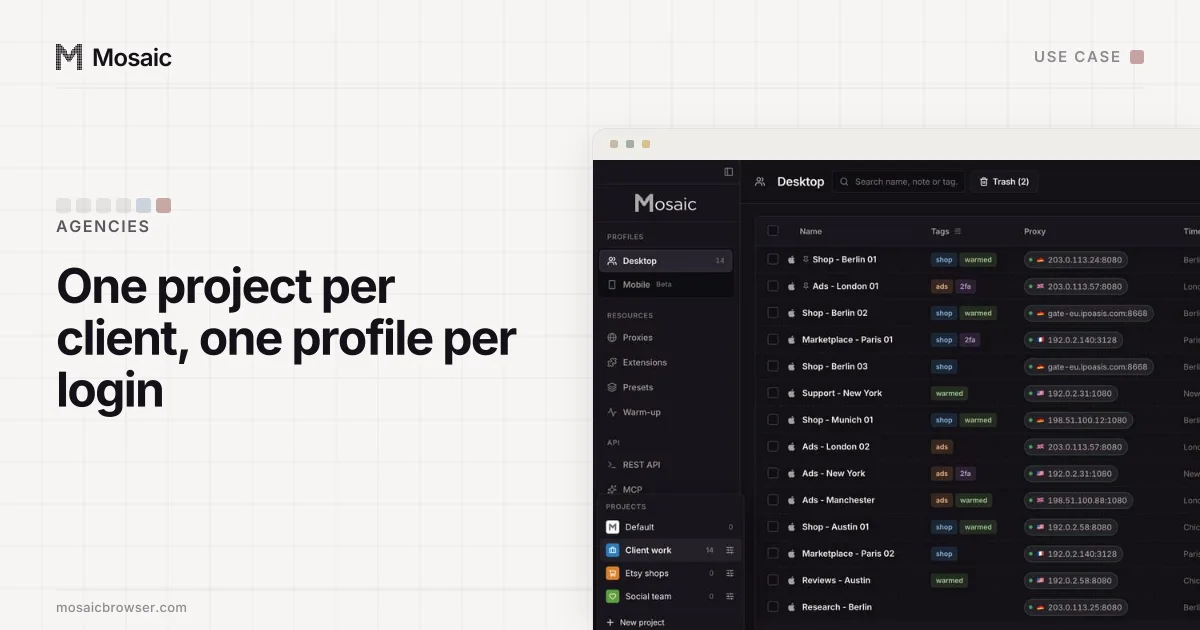
- Make a project per client with New project, so that client's profiles sit together under its colour.
- Inside it, click New profile for each Google sign-in that should never share a window with another.
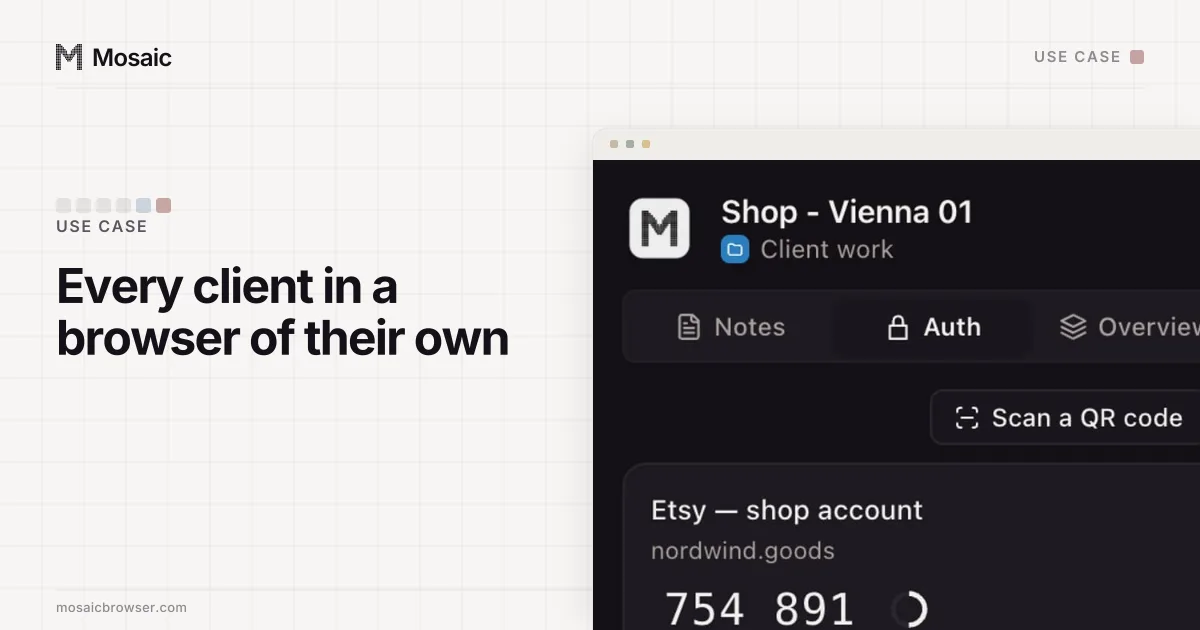
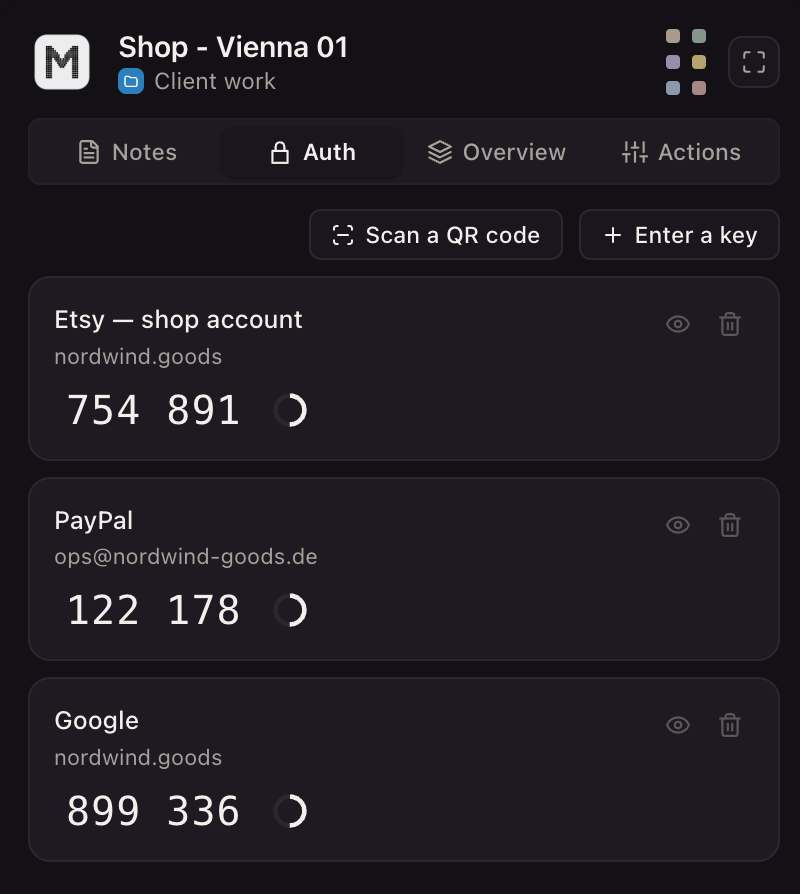
- Open Credentials, choose Add login for that profile, and paste the account's Two-factor secret. The companion inside that browser then shows that client's codes and nobody else's.
- If the client wants work done from its own market, give the profile an exit there. Paste your proxy seller's gateway line once as a provider and each profile mints its own session.
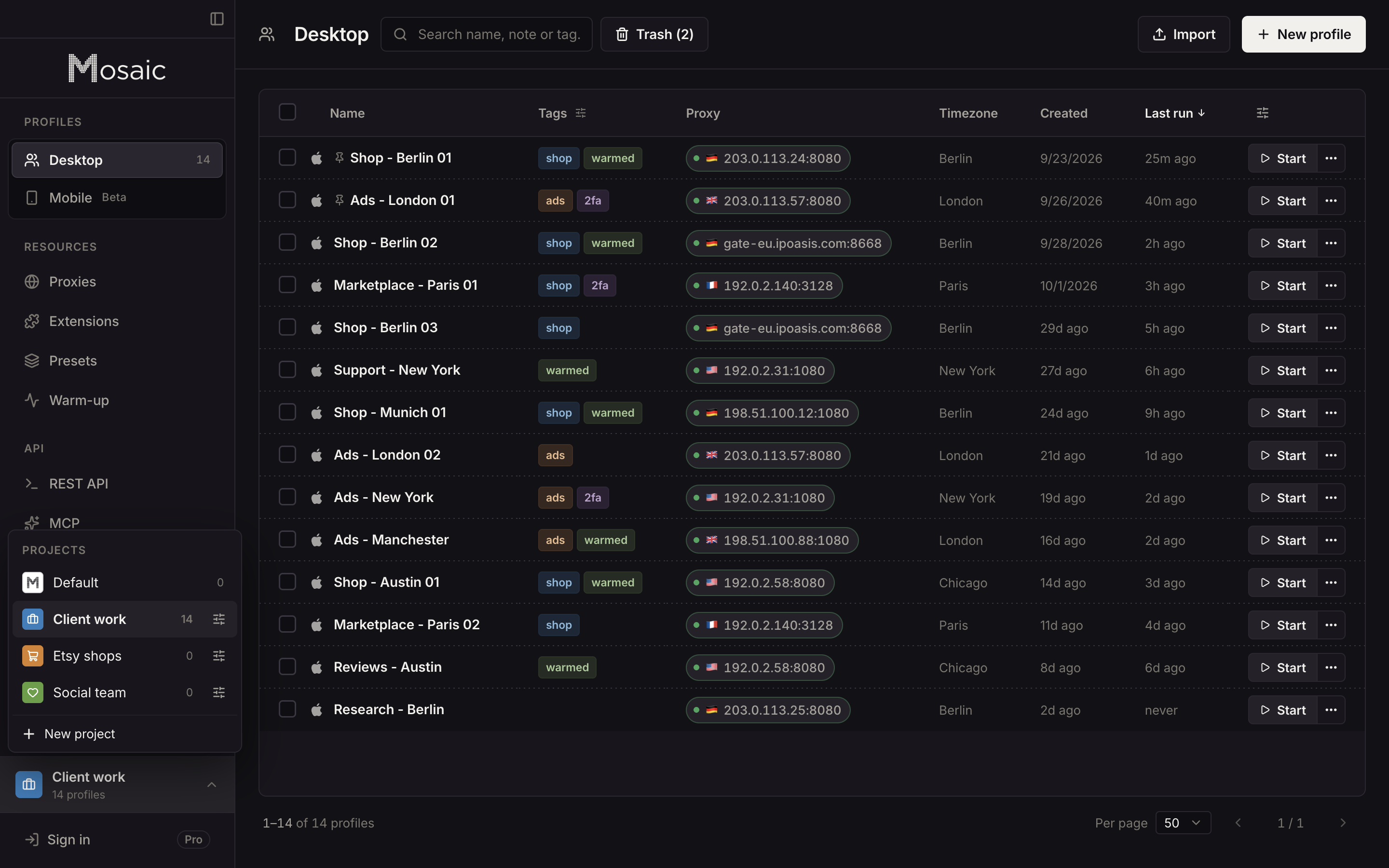
The agency set-up, with ad checks from the client's country and automation on Pro, is described in Mosaic for ad account management. For checking how a campaign looks in each market, how to check your ads in different countries walks through Ad Preview and Diagnosis before any browser comes into it.
Free covers 3 profiles and 10 profile creations; Pro is $49 a month with no per-profile pricing. How an agency arranges its clients and their profiles in Mosaic is laid out in Mosaic for agencies.
Sources
- Google Ads Help: About Google Ads manager accounts, read November 2, 2026
- Google Ads Help: Create a Google Ads manager account, read November 2, 2026
- Google Ads Help: Link accounts to your manager accounts, read November 2, 2026
- Google Ads Help: About linking accounts to your manager account, read November 2, 2026
- Google Ads Help: About account limits for manager accounts, read November 2, 2026
- Advertising Policies Help: Circumventing systems, read November 2, 2026