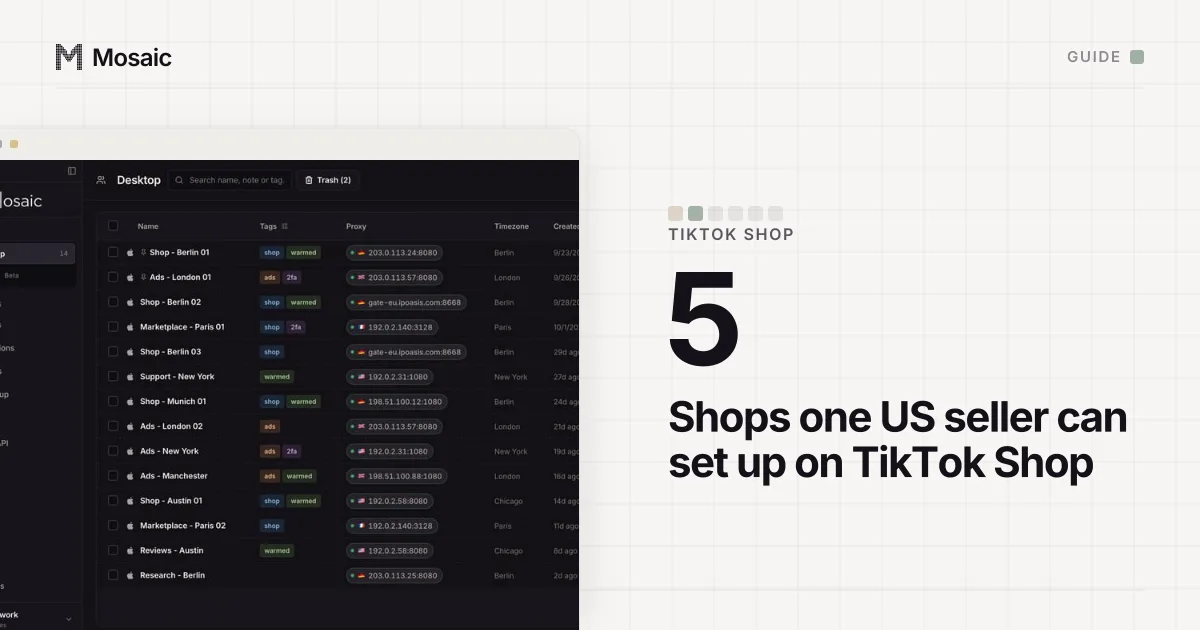
Managing multiple TikTok Shop accounts is mostly a matter of getting a few things right per shop: a phone number and email that belong to that shop alone, staff added as sub-accounts instead of handed the owner's password, two-step verification on, and a browser window that only ever holds that shop. TikTok Shop's US Seller University, which we read on 2 November 2026, sets the rules; the rest is keeping five Seller Center logins from bleeding into each other.
TikTok Shop allows this. A US seller "can set up to 5 shops, but only one shop at a time" (How to set up your TikTok Shop). Mosaic keeps accounts you are entitled to run apart; it does not change what a platform allows. What TikTok Shop refuses, and how it treats shops as connected, is in can you have multiple TikTok Shop accounts.
Shops on one business license: bind them
If every shop was opened under the same business license, start here, because TikTok Shop has a switcher for you. US local sellers can go to Account Settings, then User Management, and click Link seller account. Seller Center lists the other sellers on the same license; pick one and confirm. The User Management guide calls the result managing "multiple stores on one platform" (How to use User Management).
Two things happen when you bind. The owner account of the store you bound becomes a sub-account with the Main Administrator role, and it can no longer assign permissions; only the newest owner account can. And you cannot undo it yourself: unbinding goes through customer service.
Shops on different licenses stay separate logins, and the rest of this page is about them.
Paste one gateway line. Every profile mints its own exitIn Mosaic: Provider minting. One gateway line, a separate exit for every profile. Free holds 3 profiles. Pro is $49 a month for any number.
Mosaic is a desktop app
Email yourself the link and open it on your computer.
How it works: Provider minting
How several TikTok Shops collide in one browser
Seller Center is a website, so most of the work happens in a browser tab: orders, labels, the affiliate inbox, campaign invitations to creators. With two shops in one browser, you sign out of one to sign in to the other, and the mistakes follow from that. A creator gets the kitchenware shop's offer because that tab was signed in last. Labels for both shops land in one Downloads folder.
TikTok Shop also has its own reason to want the shops apart. Its connected-accounts guide recommends: "Use separate devices, browsers, and network environments for different stores whenever possible, and avoid long-term sharing of the same computer or Wi‑Fi across multiple shops" (Understanding Connected Account Risks). The same guide asks you to be open about the other shops under your name, so the point is tidy operations, not secrecy.
Give staff their own login in each shop
TikTok Shop's Seller Terms say you "shall not provide your username and password information in combination to any other party" without TikTok's written permission (Seller Terms of Service, section 13.1). Sub-accounts are the alternative it built.
- In Seller Center, open My Account, Account Settings, User Management. Only the shop owner account can add users.
- Add the user, pick one or more roles (there are eight preset ones, from Customer Service Agent to Finance Specialist), enter their email and a default language.
- The user activates the account from the email within 120 hours.
One email address can be added to only one store. A packer who works on three of your shops needs three addresses and three logins, and their browser ends up with the same problem as yours.
Turn on two-step verification in every shop
TikTok Shop "requires all sellers to enable Two-Step Verification", and existing sellers also have to link a phone number. If you do not finish within 30 days of the first notice, withdrawals can be put on hold; once it is done, the restriction is "typically lifted within 24 hours" (Securing your Account with Two-Step Verification). The path is My Account, My Profile, add a phone under Account Information, then Account Security, Two-Step Verification. TikTok Shop recommends at least two verification methods.
With five shops on five phone numbers or emails, write down which shop's codes go where. That note belongs next to the shop, not in a spreadsheet nobody opens.
How to manage multiple TikTok Shop accounts in Mosaic
A Chrome profile per shop is the free answer and works for a few shops; the general set-up for one machine is in how to manage multiple accounts on one computer. A Mosaic profile adds its own fingerprint drawn from real hardware, its own saved logins with their codes, and its own downloads folder.
- Click New profile and name it after the shop ("TikTok Shop - Kitchen").
- On the General tab, leave the proxy empty if the shop sells from where you work. To give each shop its own network environment, save your proxy seller's gateway line once as a provider; every profile then mints its own session, so no two shops share an exit by accident.
- Start the profile and sign in to that shop's Seller Center. Never sign a second shop into the same window.
- In the Notes tab, record the shop's login email, the phone its verification codes go to, and its shop code.
- Tag every TikTok Shop profile "tiktok-shop" so the table filters to them in one click.
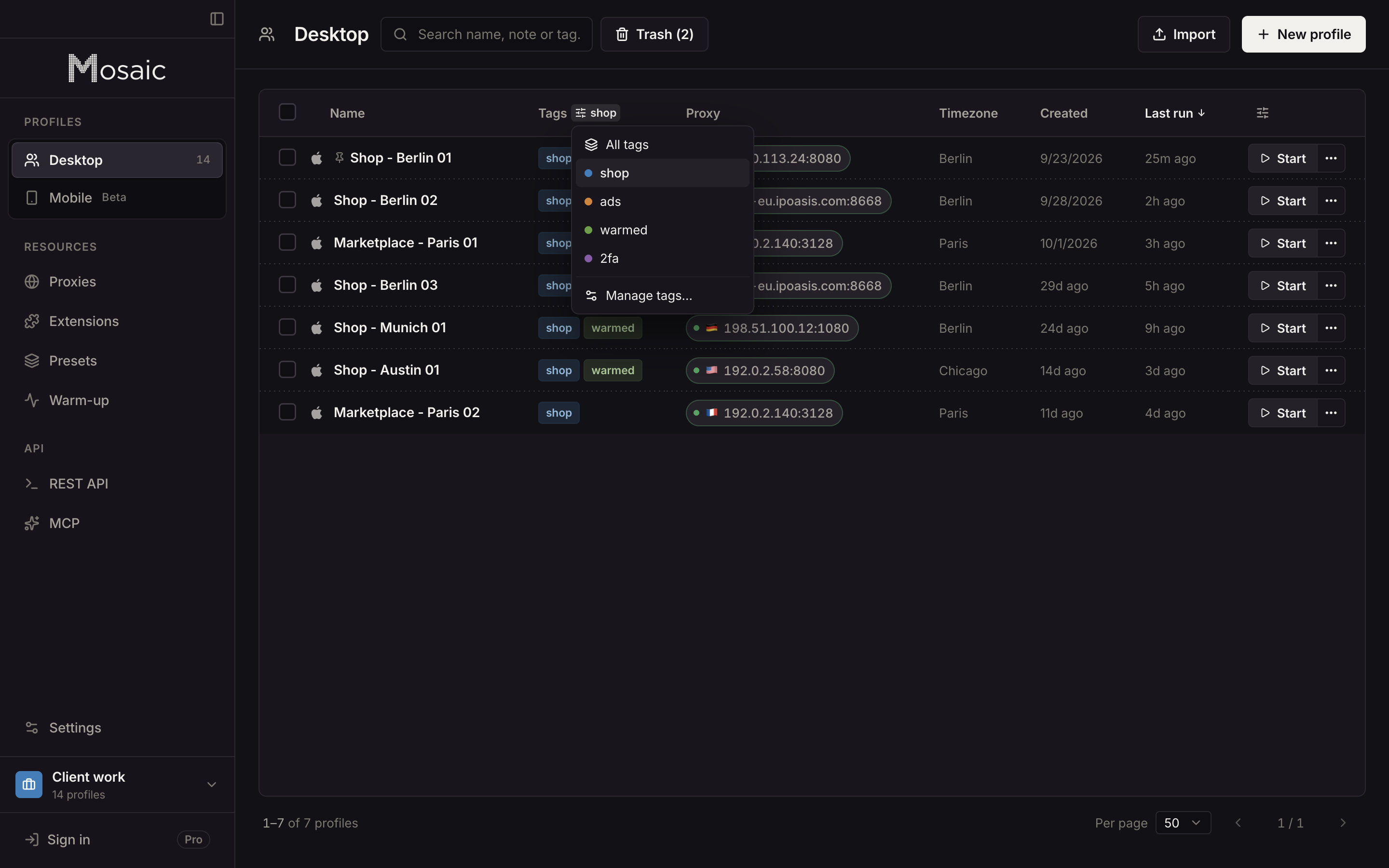
Each profile saves downloads into its own folder, kept out of Spotlight and deleted with the profile, so one shop's labels and settlement reports stay with that shop. Profiles, cookies and proxies stay on your computer; Mosaic has no cloud copy of them. What sellers on several marketplaces do with this is on ecommerce.
Free is 3 profiles and 10 profile creations, enough for five shops; Pro is $49 a month with no per-profile pricing, on pricing.
Sources
- TikTok Shop Seller University (US): How to set up your TikTok Shop, read November 2, 2026
- TikTok Shop Seller University (US): How to use User Management, read November 2, 2026
- TikTok Shop Seller University (US): Understanding Connected Account Risks Best Practices and Appeal FAQs, read November 2, 2026
- TikTok Shop Seller University (US): Securing your Account with Two-Step Verification, read November 2, 2026
- TikTok Shop Seller Terms of Service (US), read November 2, 2026