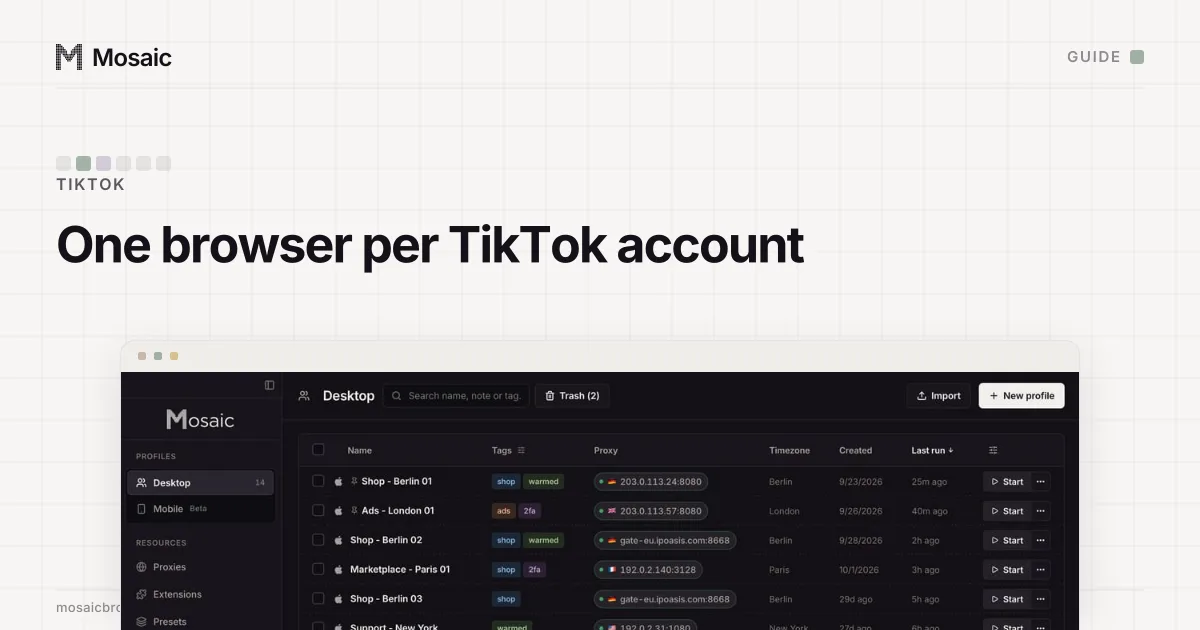
How you run multiple TikTok accounts depends on where you run them. On a phone, TikTok built the tool in: the app holds several accounts and switches between them. On a computer, tiktok.com remembers one signed-in account per browser, so each account needs its own browser profile. When other people work on an account, TikTok wants them added by role, not handed a password.
TikTok's Community Guidelines allow it: "You can have multiple accounts—for example, for fan content or creative expression—but not to deceive others or break the rules" (Integrity and authenticity, read 2 November 2026). The same section bans "automation tools, scripts, or other tricks designed to bypass our systems" and a new account to get round a restriction or ban. Mosaic keeps accounts you are entitled to run apart; it does not change what a platform allows. The full rule, with what TikTok counts as fake engagement, is in can you have multiple TikTok accounts.
Run multiple TikTok accounts on one phone
TikTok's article on creating an account (read 2 November 2026) gives the steps:
- In the TikTok app, tap Profile at the bottom.
- Tap your nickname.
- Tap Add account to create another TikTok account, or pick one to switch to.
Each account needs its own email address or phone number, because "Each phone number, email address, and social media account can only be linked to one TikTok account." Logins are saved by default, and TikTok's Save your login information article (read 2 November 2026) says it keeps them in your iCloud or Google account, so they appear on every device signed in to that iCloud or Google account. For a client's account on your own phone, that is worth knowing: turn off Save login info under Settings and privacy › Security & permissions.
The phone is the right tool when you hold your own two or three accounts. It stops being one when the accounts belong to different businesses, when two people post to one account, or when you want to see two accounts at once.
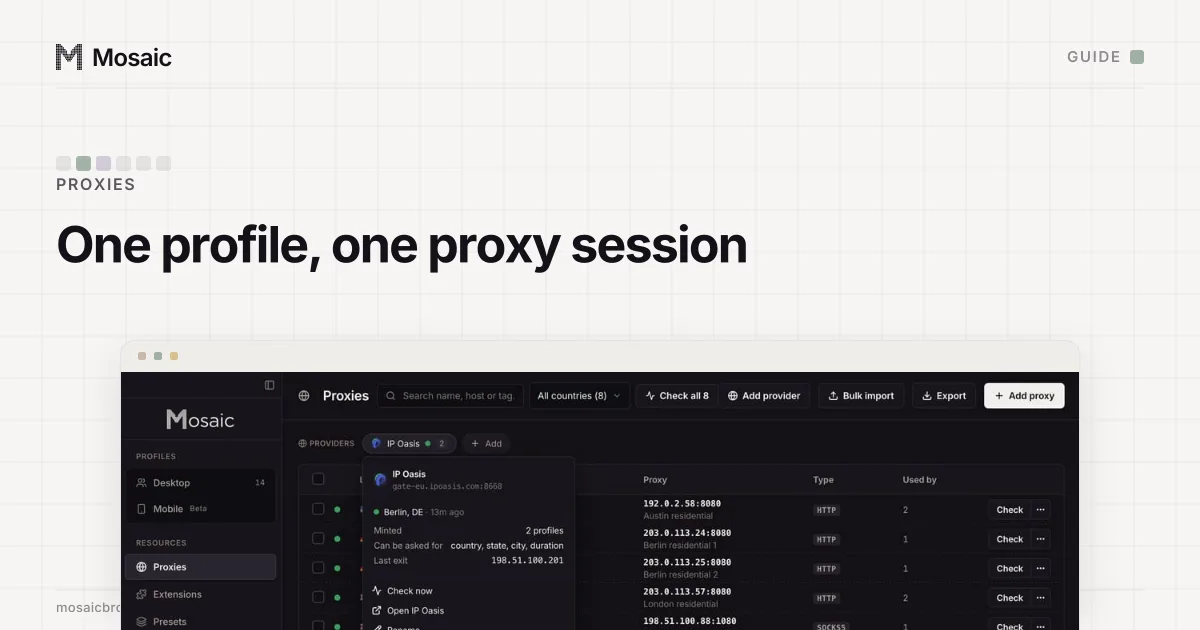
Paste one gateway line. Every profile mints its own exitIn Mosaic: Provider minting. One gateway line, a separate exit for every profile. Free holds 3 profiles. Pro is $49 a month for any number.
Mosaic is a desktop app
Email yourself the link and open it on your computer.
How it works: Provider minting
Run multiple TikTok accounts on a computer
A browser keeps tiktok.com's cookies in one jar per profile, and every tab shares it. Two tabs in one Chrome window show the same account. So the free method is one browser profile per account: a Chrome profile each, or Chrome for one and Firefox for another. Each profile has its own cookies, history and saved passwords.
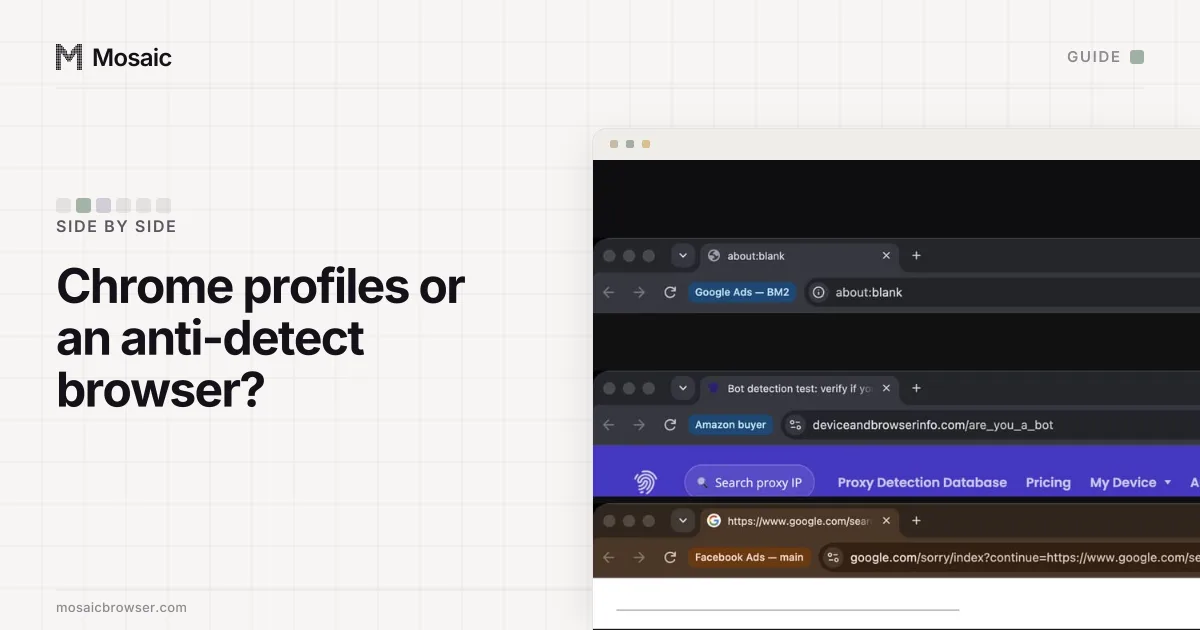
What a Chrome profile does not separate is the machine. Every Chrome profile on one computer reports the same screen, graphics card, fonts and timezone, and leaves from the same internet address. TikTok's own pages show why the address matters. Its Account region article (read 2 November 2026) says that at sign-up it collects "the region of your SIM card or IP address" and uses it to set the country on the account. A UK brand account opened from your office in Lisbon starts life as Portuguese. Changing it later may require that you "have been in the country or region and active on TikTok", and you may not be allowed to change it twice. Where the line between Chrome profiles and a separate browser per account falls is in Chrome profiles vs an anti-detect browser.
A browser also has limits that no extension fixes. It does not run the TikTok app. The web version of TikTok Studio exists, but TikTok's TikTok Studio page (read 2 November 2026) calls it access "with limited tools for creators". Business Center is a web tool. Anything that needs the phone app needs a phone.
When other people run the accounts
TikTok's US Terms of Service (last updated 15 July 2026, read 2 November 2026) say "Do not give others access to your account, or transfer your account to anyone else, without our permission." TikTok has two ways to give that permission.
An Organization Account (read 2 November 2026) can be used by several team members, each signing in with their own phone or email, and administrators can revoke a member when they leave. TikTok says the type "isn't available everywhere" and is created from business platforms such as TikTok Shop Seller Center. The other is TikTok Business Center, the web tool where a business links its TikTok accounts and ad accounts and gives each member a role.
How to run multiple TikTok accounts in Mosaic
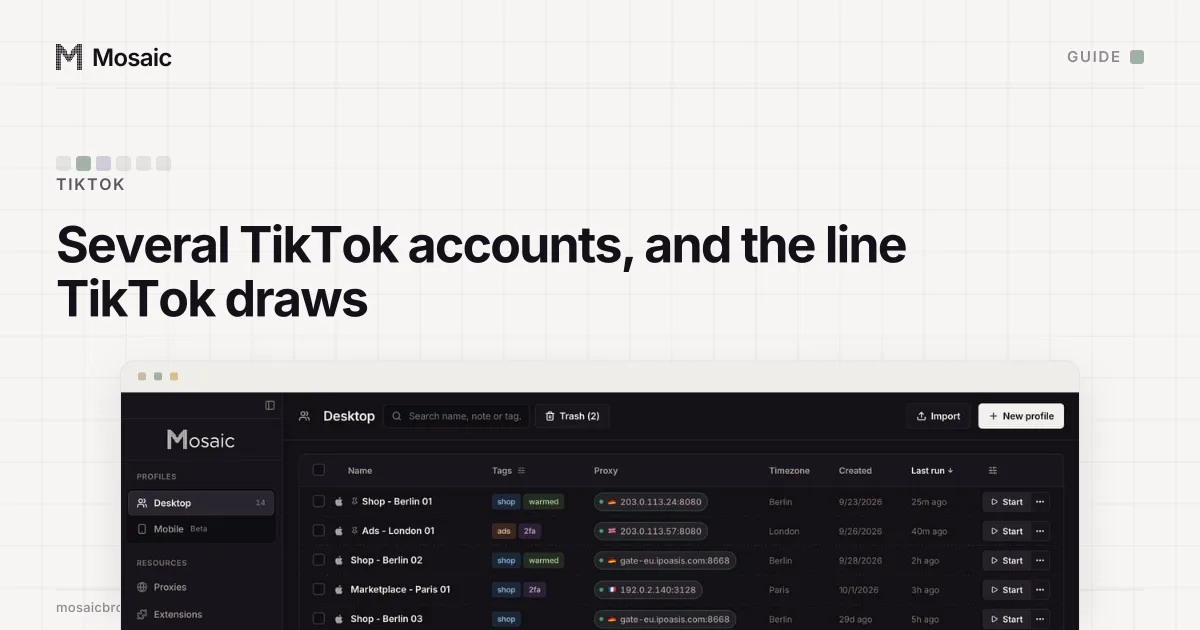
Mosaic gives each account its own browser, with its own fingerprint, its own proxy exit and its own cookies, kept on your computer. Profiles can claim any desktop OS or Android, and the OS your own computer runs is always the strongest match.
- Make a project for each client or brand, so their profiles never sit in one list.
- If the accounts belong somewhere other than where you sit, add a provider in Proxies by pasting one gateway line from your proxy seller. Mosaic mints a separate session for each profile, so no two profiles share an exit.
- Create a profile per TikTok account. Choose the provider and the account's country; the profile's timezone, language and location are drawn from the exit Mosaic measures, not typed in.
- Start the profile. The proxy is checked first, and the browser does not open behind one that has not answered and tunnelled.
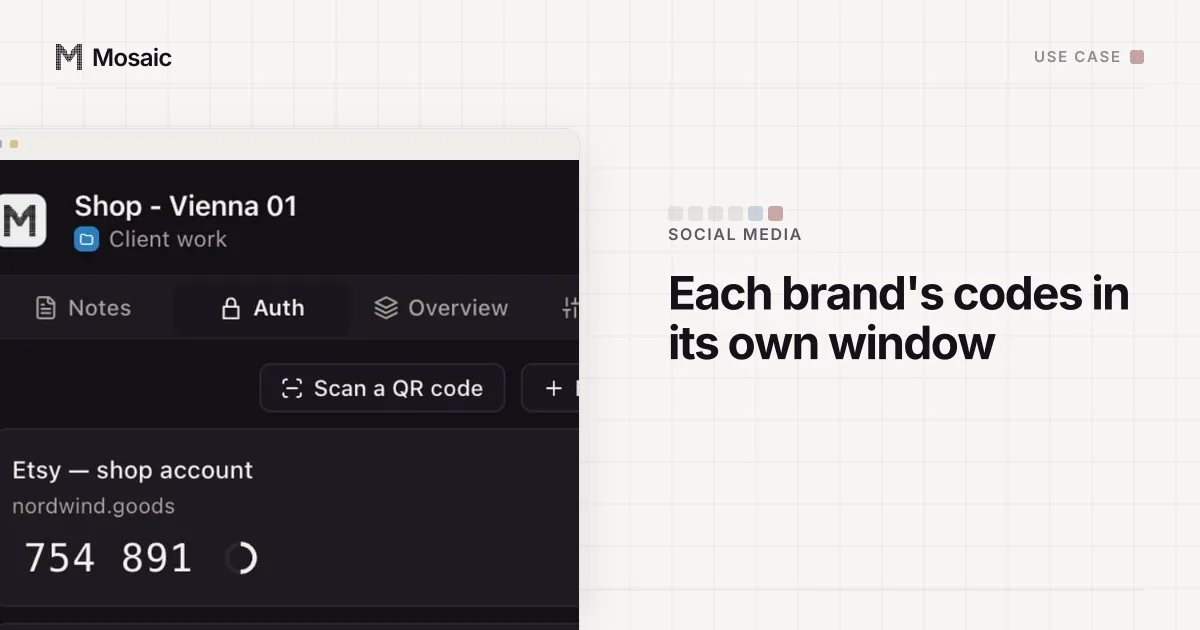
- Sign in on tiktok.com once. The cookies stay in that profile. Put the account's two-factor setup key in the profile's credentials, and the companion inside that browser shows the code.
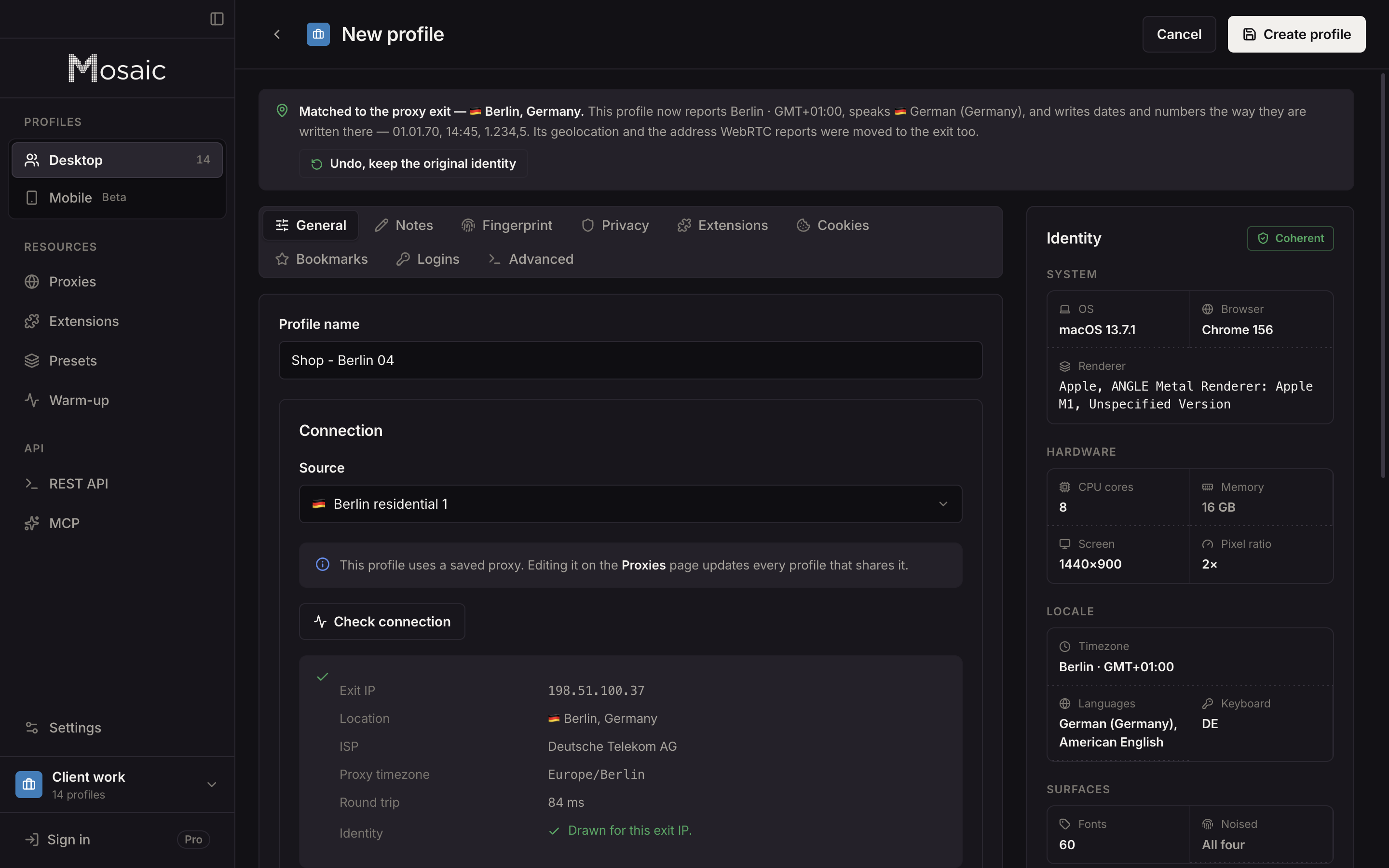
An account you run from home needs no proxy at all; a profile without one matches your computer's own location. The reasoning for one exit per profile rather than one shared proxy is in one proxy per browser profile, and how a provider mints sessions is on the proxy providers page.
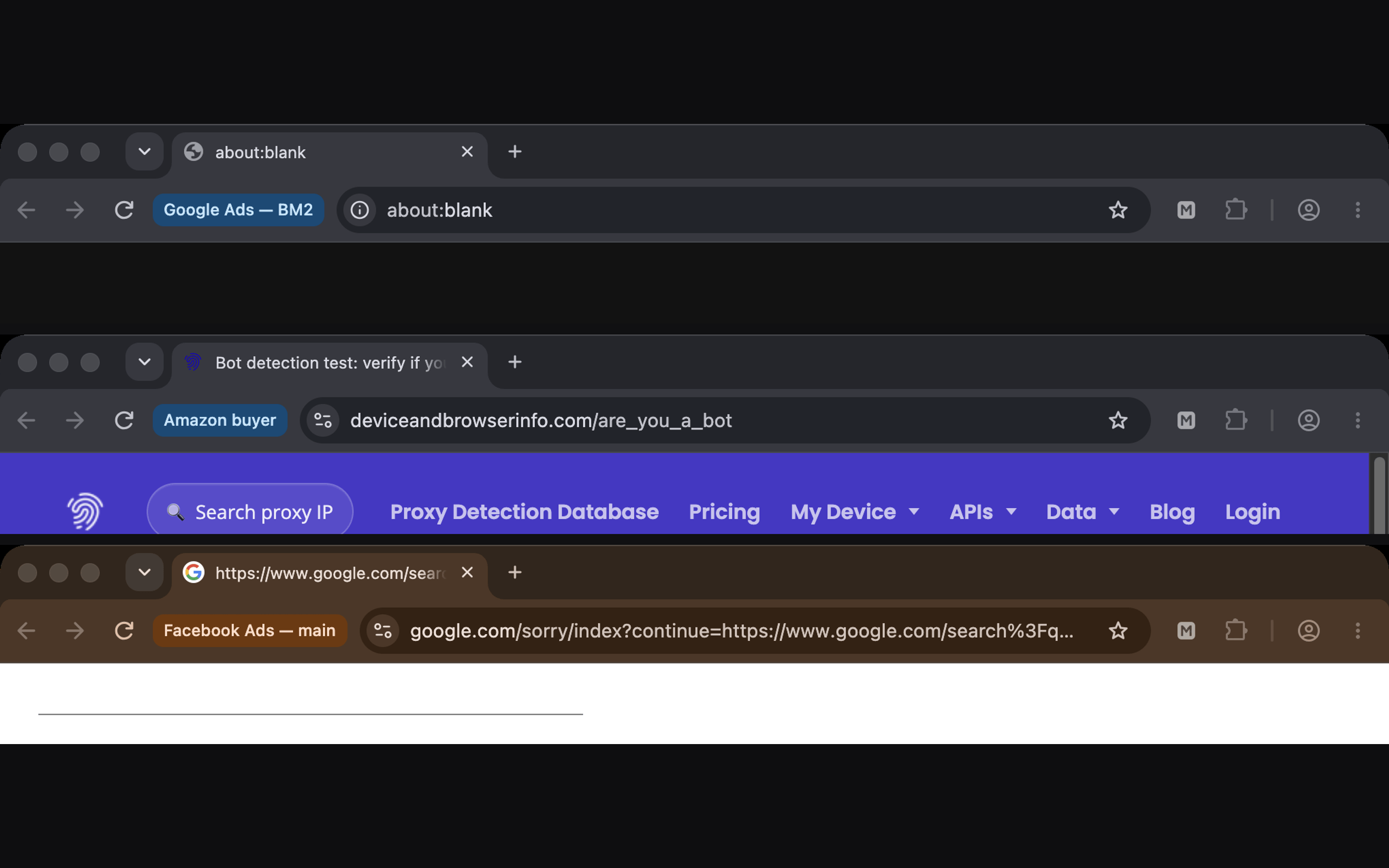
To look at several accounts at once, start their profiles and select them and press Arrange; each window carries its profile's name beside the address bar. A Mobile profile, drawn from one of 3 captured Android phones, opens TikTok's mobile web layout. It is desktop Chromium in device mode, not a phone, and it has no app store. Mosaic does not post, like or follow for you, and the warm-up robot never signs in anywhere.
Free is 3 profiles and 10 profile creations. For a social media manager with a project per client, Mosaic for social media managers shows the set-up end to end.
Sources
- TikTok Community Guidelines: Integrity and authenticity, read November 2, 2026
- TikTok Support: Creating an account, read November 2, 2026
- TikTok Support: Save your login information, read November 2, 2026
- TikTok Support: Organization Accounts, read November 2, 2026
- TikTok Support: Account region, read November 2, 2026
- TikTok Support: TikTok Studio, read November 2, 2026
- TikTok Terms of Service (US, last updated 15 July 2026), read November 2, 2026