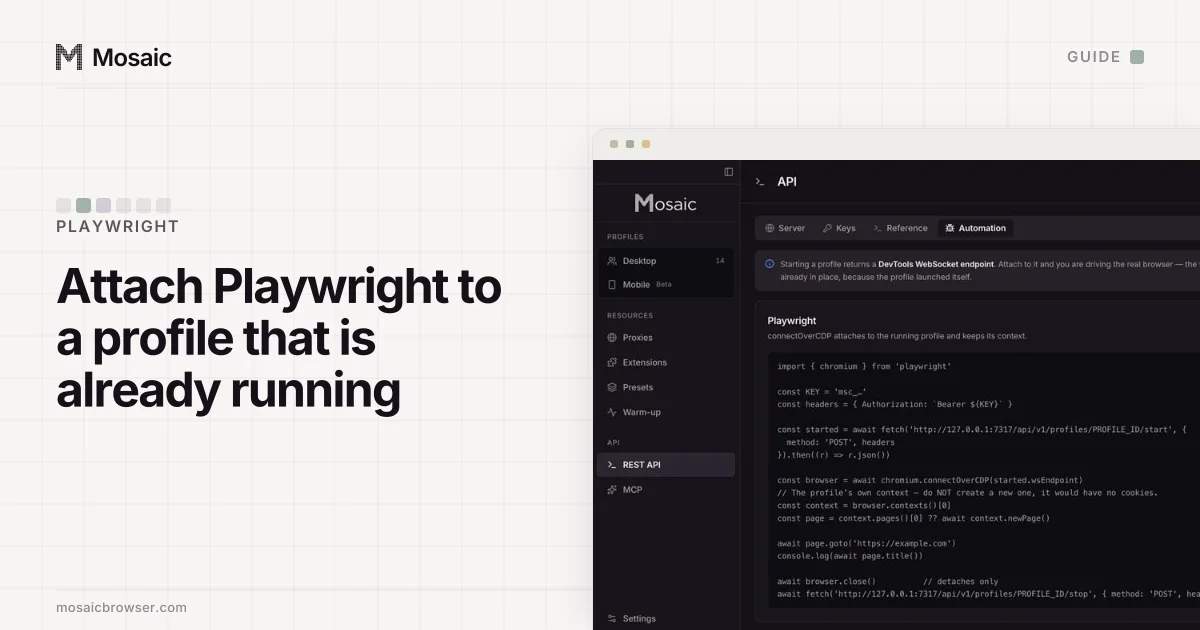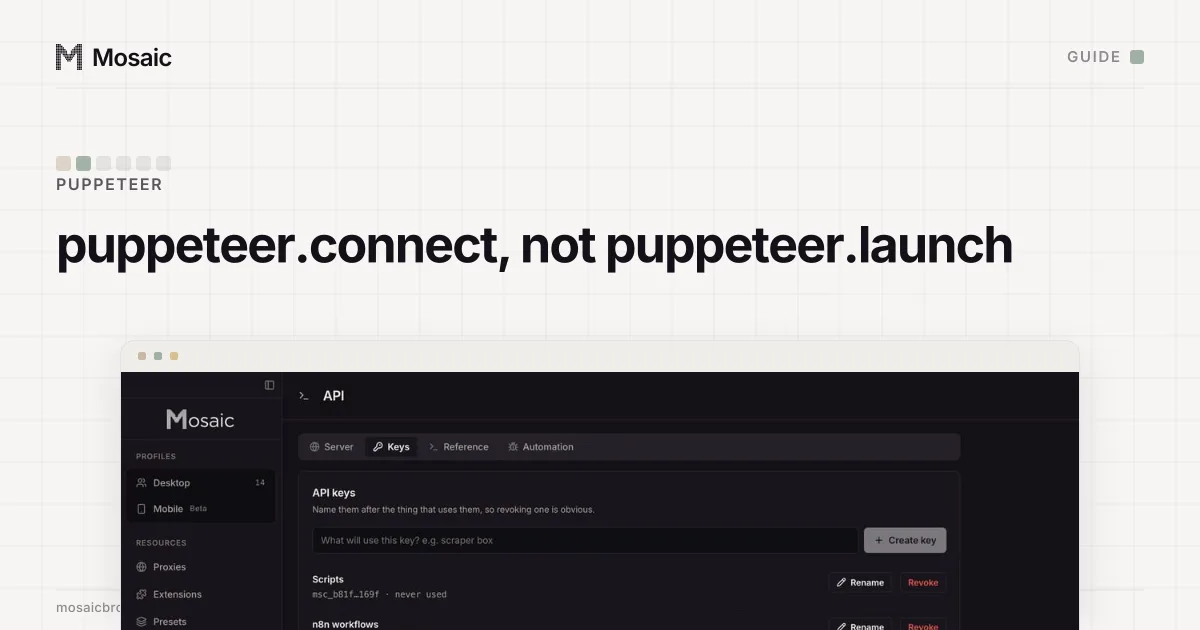
Puppeteer was written to launch Chrome, and most of its defaults assume it did. When an anti-detect browser launches the profile instead, three of those defaults work against you: the viewport, the way the script ends, and how text gets typed. To use Puppeteer with an anti-detect browser you connect instead of launching, and the connection itself is one call.
How to use Puppeteer with an anti-detect browser: connect, do not launch
puppeteer.launch() starts a fresh Chrome with none of the profile in it. puppeteer.connect() attaches to a browser that is already running, and takes either browserWSEndpoint (the DevTools WebSocket address) or browserURL (the HTTP address of the debugging port) (Puppeteer docs, read 2 November 2026).
In Mosaic, POST /profiles/:id/start on the local REST API launches the profile with its fingerprint, proxy and cookies, and returns wsEndpoint and debugPort. Either works with Puppeteer:
import puppeteer from 'puppeteer-core'

const BASE = 'http://127.0.0.1:7317/api/v1'
const headers = { Authorization: `Bearer ${process.env.MOSAIC_KEY}` }

const started = await fetch(`${BASE}/profiles/${id}/start`, {
  method: 'POST', headers
}).then((r) => r.json())

const browser = await puppeteer.connect({
  browserWSEndpoint: started.wsEndpoint,
  defaultViewport: null
})

const [page] = await browser.pages()
await page.goto('https://example.com/orders')

await browser.disconnect()
await fetch(`${BASE}/profiles/${id}/stop`, { method: 'POST', headers })
If the profile has a proxy and the proxy does not answer, the start call returns a 502 that names it, and no browser opens. Check the response status before connecting.
browserWSEndpoint or browserURL?
Either reaches the same browser. wsEndpoint from the start call is the socket itself, so Puppeteer connects in one step. browserURL is http://127.0.0.1: plus the debugPort from the same reply, and Puppeteer asks that address for the socket before it connects. The second is handy when a different process attaches later and only knows the port: GET /profiles/:id/status returns both for a running profile, and answers with an idle record rather than a 404 when the profile is not running, so a script can poll it without special cases.
Starting a profile that is already running returns the existing session instead of opening a second browser. A script that crashed halfway can call start again and reconnect.
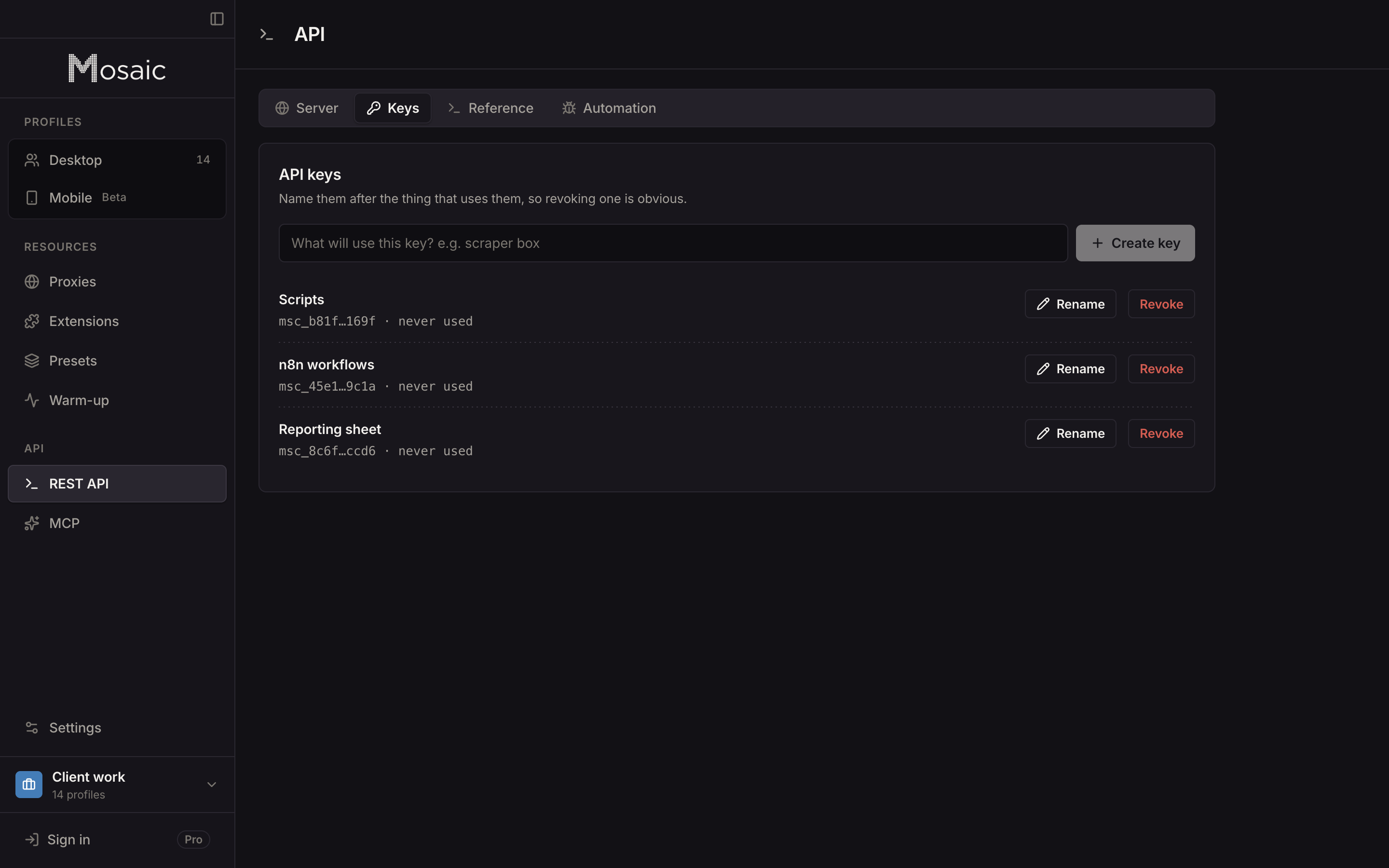
Everything the window does, from a script on your own computerIn Mosaic: REST API. Everything the window does, from your own scripts. Free holds 3 profiles. Pro is $49 a month for any number.
Mosaic is a desktop app
Email yourself the link and open it on your computer.
defaultViewport: null is not optional
Puppeteer's ConnectOptions give defaultViewport a default of {width: 800, height: 600}, set on each page. On a plain test browser that is a convenience. On a profile it changes innerWidth and innerHeight to 800 by 600 inside a window that is still the size the profile claims, so the page can read a window and a viewport that disagree. Passing null leaves the real size alone. The screen and window values come from real hardware records, and they only stay consistent if nothing redraws them.
The same reasoning covers page.setUserAgent, page.emulateTimezone and the stealth plugins that rewrite navigator properties in JavaScript. Mosaic changes those values in C++ inside its engine, so a page, its iframes and its workers all read one machine. A second layer in JavaScript gives a page two answers to compare.
End with disconnect, then stop
The two Puppeteer calls do different things. browser.close() "Closes this browser and all associated pages" (Puppeteer docs, read 2 November 2026). browser.disconnect() "Disconnects Puppeteer from this browser, but leaves the process running" (Puppeteer docs, read 2 November 2026).
Use disconnect, then POST /profiles/:id/stop. Mosaic's stop goes over DevTools so Chromium runs its unload handlers and flushes the cookie and storage databases before it exits, and it falls back to a signal only if that does not finish. The script started nothing, so it should close nothing; the browser's life belongs to whatever launched it.
Typing: delay is a constant
page.keyboard.type('text', { delay: 100 }) sends a keydown, keypress or input, and keyup for each character, and the delay is "the time to wait between keydown and keyup in milliseconds" (Puppeteer docs, read 2 November 2026). Every key is held for the same 100 ms. People do not type like that: the gaps between keys are uneven, longer after punctuation, and broken by the odd mistake.
Mosaic's POST /profiles/:id/page/type types into a field with right-skewed gaps, slower punctuation and shifted characters, occasional pauses, and a typo now and then that is backspaced and corrected. Speed defaults to 320 characters a minute. You can call it in the middle of a Puppeteer script, because Chrome has accepted more than one DevTools client at a time since Chrome 63 (CDP documentation, read 2 November 2026).
What Puppeteer turns on when it attaches
Puppeteer, like Playwright, relies on the DevTools command Runtime.Enable, and the rebrowser project documents how a page can detect it (rebrowser-patches, read 2 November 2026). On our engine we measured that alone flipping deviceandbrowserinfo from isBot=false to isBot=true; Page.enable, Runtime.evaluate and Input.dispatchKeyEvent did not. For a page that checks, Mosaic's page routes read the page as an accessibility tree and click and type from an isolated world, without ever enabling Runtime.
The steps are the same for Playwright, with its own traps, in using Playwright with an anti-detect browser. The REST API is part of Pro, $49 a month with a 14-day free trial, on the pricing page.
Sources
- Puppeteer docs: ConnectOptions, read November 2, 2026
- Puppeteer docs: Browser.disconnect(), read November 2, 2026
- Puppeteer docs: Browser.close(), read November 2, 2026
- Puppeteer docs: Keyboard.type(), read November 2, 2026
- rebrowser-patches: Runtime.Enable leak (GitHub), read November 2, 2026
- Chrome DevTools Protocol documentation, read November 2, 2026