An Amazon related account suspension appeal uses the same button as any other appeal, Reactivate your account on the Account Health page. What trips sellers up is where they press it. Amazon's news account spelled out the order in the Seller Forums: if one account is deactivated, "you'll need to resolve the issue and reinstate that account before your other accounts can become active again" (Account health tips for multiple selling accounts, read 2 November 2026). So a related account appeal is mostly an appeal for the other account, plus one honest paragraph about how the two are connected.
This page covers the official route only. Getting back onto Amazon with a fresh account is the thing the rule forbids, and we do not help with it.
Why the suspension reached an account that did nothing wrong
The Seller Code of Conduct allows one Seller Central account for each region you sell in, and more only "if you have a legitimate business need to open a second account and all of your accounts are in good standing". The sentence after it is the one that hit you: "If any of your accounts are not in good standing, we may deactivate all of your selling accounts until all accounts are in good standing" (Selling policies and seller code of conduct, read 2 November 2026).
The same forum post says a violation in one account can lead Amazon to "cancel listings, suspend or deactivate accounts, or suspend payments across your selling accounts". Your related account is suspended because of the other one's standing. Arguing that it is clean on its own does not answer the notice, because the notice never said it was dirty.
Find the original account before you write anything
The notice in the related account may not name the other account. Work it out first, because the appeal you need to write lives there.
- If you run more than one account, open Performance › Account Health in each. The one with an open violation, or a rating at the bottom of the scale, is the original.
- If every account you own is healthy, the related account is probably one you do not own. Note what could connect it to you: a contractor who also worked for another seller, a shared office, a business address you took over, a computer bought from another seller.
- Check Settings › User Permissions in your account for anyone you do not recognise, or anyone who has left (Set and edit user permissions, read 2 November 2026).
Amazon's Account Health Rating runs from 0 to 1,000, and an account at 99 or lower is "either eligible for deactivation or already deactivated" (Account Health Rating program policy, read 2 November 2026). That figure is the quickest way to see which of several accounts started it.
Write the recipe once, then make forty profiles from itIn Mosaic: Presets and extensions. One recipe, forty profiles, forty exits. Free holds 3 profiles. Pro is $49 a month for any number.
Mosaic is a desktop app
Email yourself the link and open it on your computer.
How it works: Presets and extensions
Submit the appeal from Account Health
Amazon's own steps, from Appeal an account deactivation or listing removal (read 2 November 2026):
- In Seller Central, open Account Health.
- Click Reactivate your account at the top of the page.
- Follow the instructions. Amazon may ask for a questionnaire, an acknowledgement of the violation, a quiz or supporting documents.
- Click Submit and watch your email. If Amazon asks for more, add it under View Appeal on Account Health.
Amazon says to "expect a reply to your appeal within two days". Add to the open appeal when asked; a second appeal on top of the first only makes the case harder to read.
What to write, case by case
Every version of this appeal answers two questions: what went wrong in the original account and how it is fixed, and what the relation between the accounts is. The first part is a normal appeal for whatever the violation was. The second is the part people get wrong, usually by saying too little or by denying something Amazon can see.
Both accounts are yours and the second was allowed
Write the original account's appeal first and make it specific: which listings, which orders, what you changed, from which date. Then, for the related account, give the business need in one or two sentences. Amazon's own examples are separate brands run as separate businesses, manufacturing for two distinct companies, or an Amazon program that asked for separate accounts. Have the registration documents for each business ready in case Amazon asks for them.
Both accounts are yours and the second was not allowed
In that case the second account is the violation. Defending it gets you nowhere. Name the account you are keeping, say you have stopped selling from the other one, and give the date you stopped. If your plan of action still has both storefronts trading next month, Amazon will read it as a promise to repeat the problem, because that is what it is.
The related account is not yours
Dates and names do the work here. Compare two versions. "Our former assistant, [name], worked in our account from March to June 2026 and, we have since learned, also for [seller]" gives Amazon something to check. "We have no connection to any other account" gives it nothing, and if any overlap exists, that line now reads as false. Before you submit, take that person out of User Permissions in each account they had, then say in the appeal that you did it and on which day.
Keep the next appeal from being needed
Look at every account's Account Health page every week, including the one you seldom sell from, because its rating is part of all the others' standing. Give every person who works in Seller Central their own login under User Permissions instead of a shared password, so access ends when someone leaves.
On the browser side, a shared laptop or a shared login is the usual way two unrelated sellers end up looking connected. What any website can read about a device and a network, and which of those a second account shares, is set out in how websites detect multiple accounts. For sellers who are entitled to several accounts, keeping each one in its own browser profile with its own steady exit is the routine in how to manage multiple Amazon seller accounts.
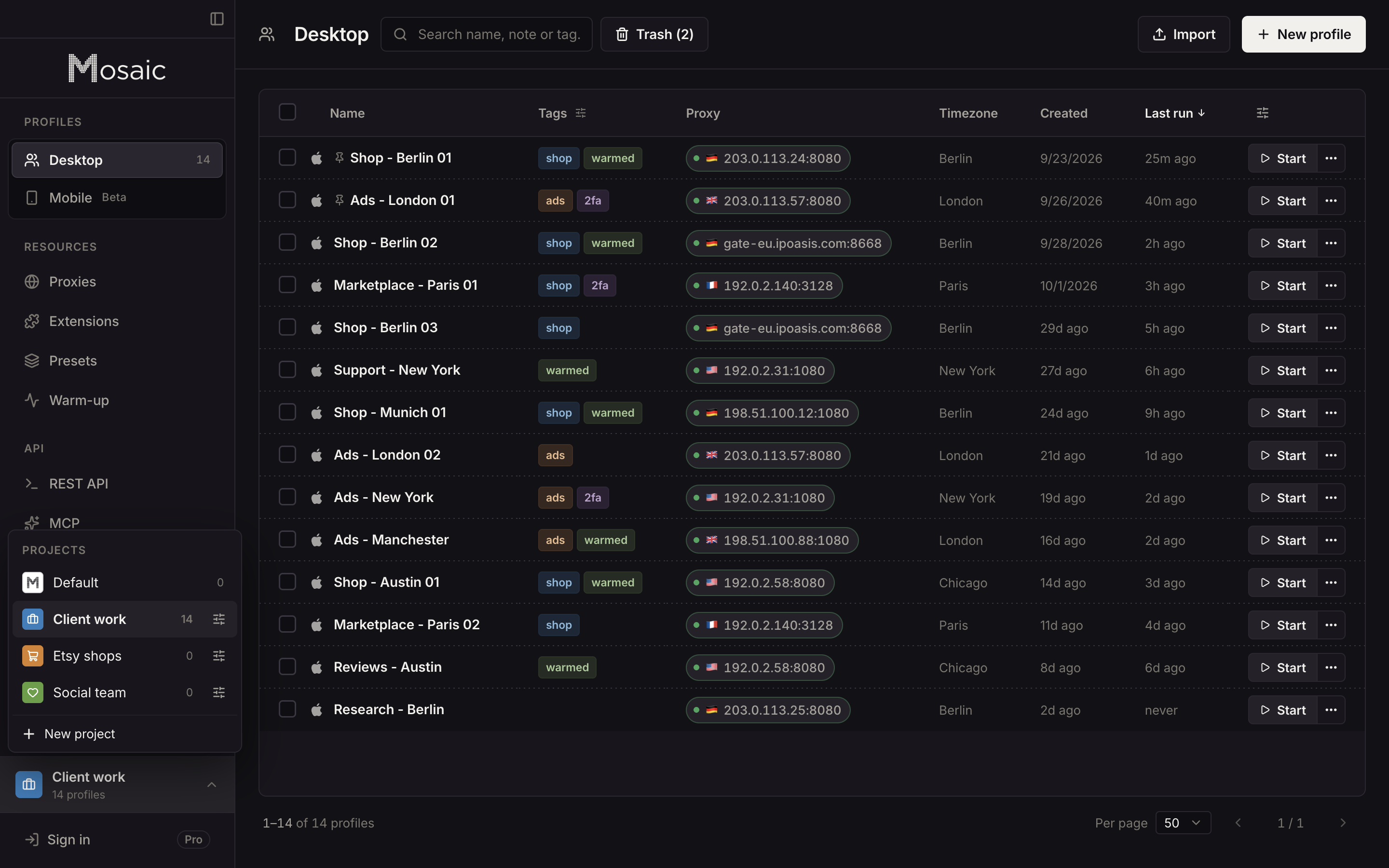
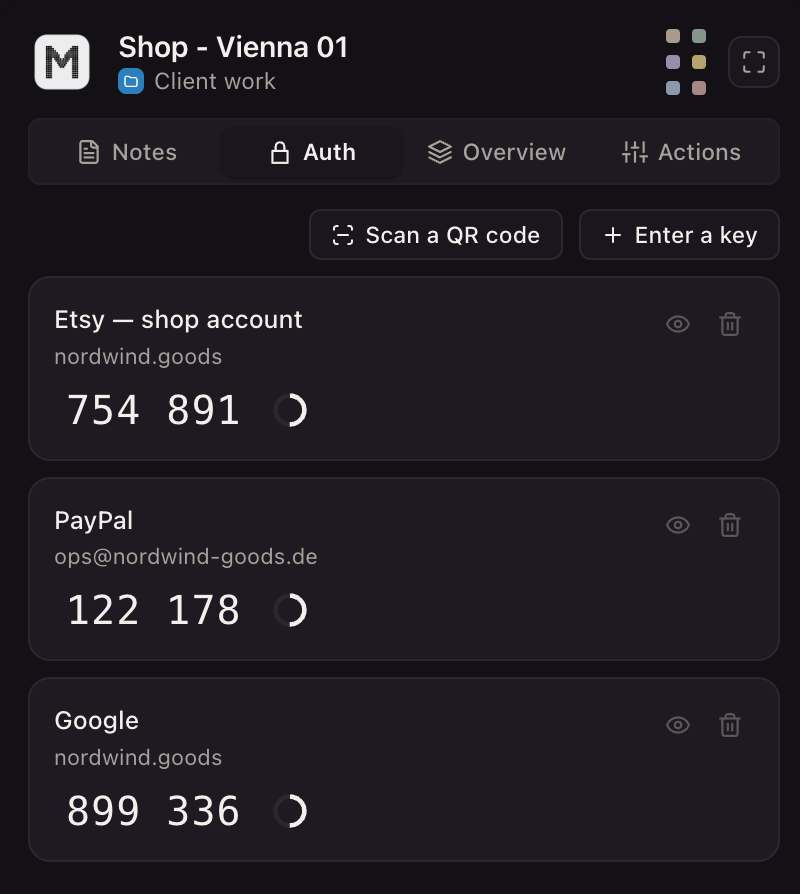
Mosaic is a browser for that second case. It gives each allowed account its own profile, with its own cookies, fingerprint and proxy exit, and keeps its two-step codes beside it in the companion.
It does not change your business details and it is not a way around a deactivation. Whether the second account was allowed is the question in can you have 2 Amazon seller accounts, and what Mosaic does for sellers with allowed accounts is on Mosaic for Amazon sellers.
Sources
- Amazon Seller Central: Selling policies and seller code of conduct, read November 2, 2026
- Amazon Seller Forums (News_Amazon): Account health tips for multiple selling accounts, read November 2, 2026
- Amazon Seller Central: Appeal an account deactivation or listing removal, read November 2, 2026
- Amazon Seller Central: Account Health Rating program policy, read November 2, 2026
- Amazon Seller Central: Set and edit user permissions, read November 2, 2026