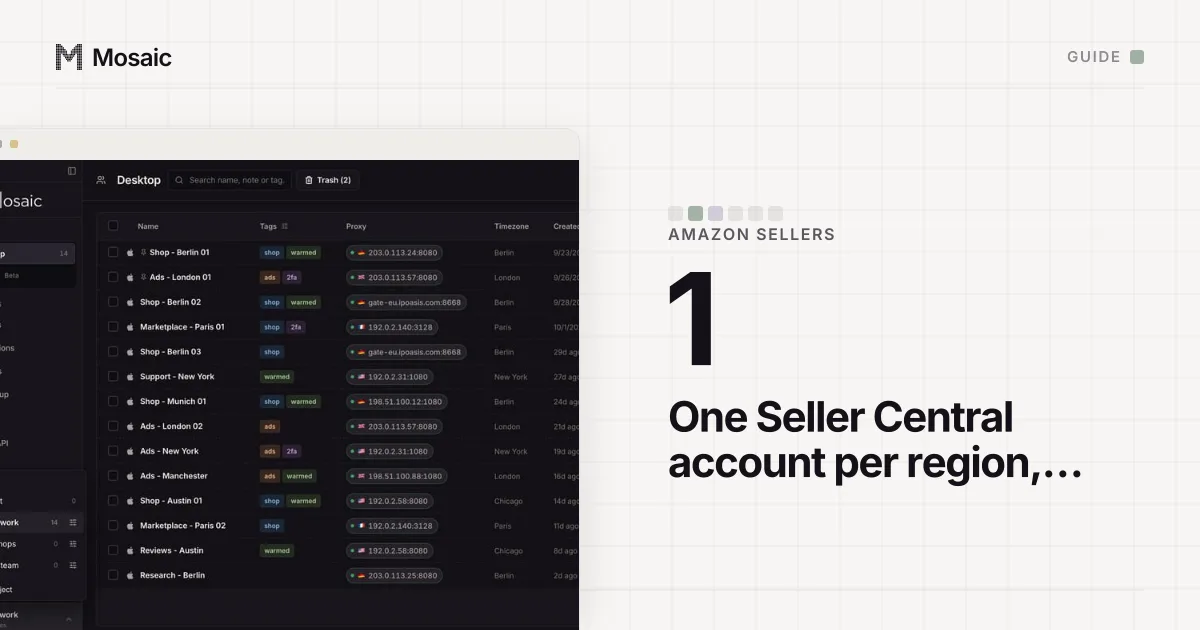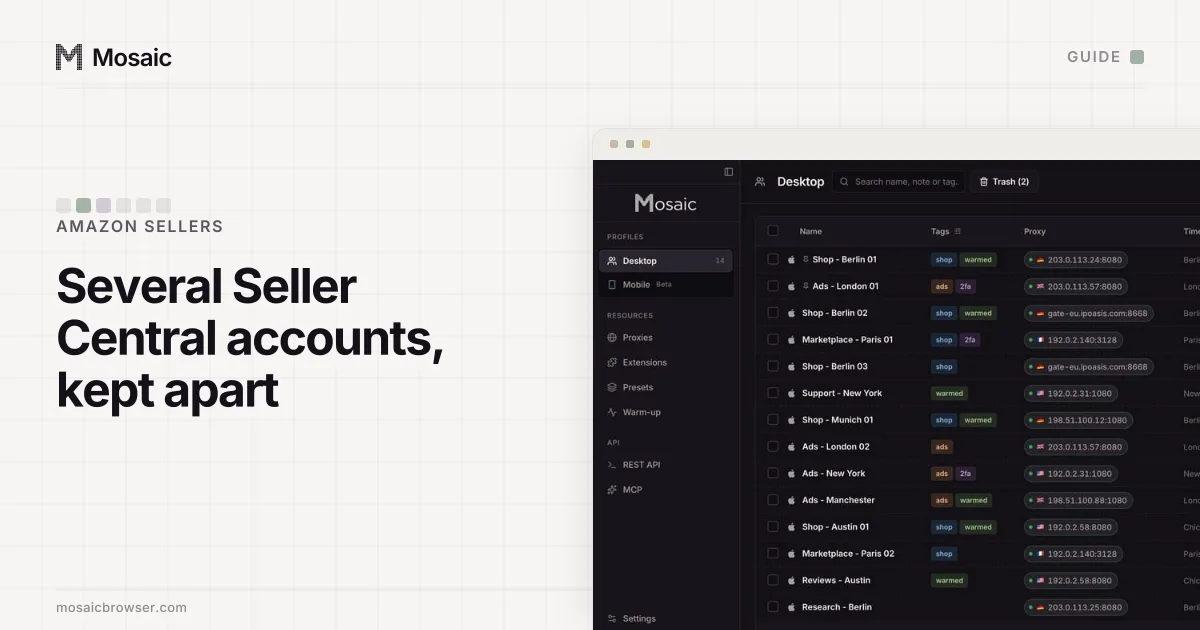
Managing multiple Amazon seller accounts is two jobs. The first is Amazon's: each account past the first needs a legitimate business need, and every account has to stay in good standing. The second is yours, and it is mostly about keeping the accounts from touching. Every account gets its own browser, its own steady IP address, its own two-step codes and its own downloads, and every person gets their own login.
Amazon's rule is one Seller Central account for each region you sell in, "unless you have a legitimate business need to open a second account and all of your accounts are in good standing" (Selling policies and seller code of conduct, read 2 November 2026). Its examples are separate brands run as separate businesses, manufacturing for two distinct companies, and an Amazon program that requires separate accounts. Mosaic keeps accounts you are entitled to run apart; it does not change what Amazon allows. If you have not checked the first job yet, can you have 2 Amazon seller accounts walks through the rule and what does not count.
Why multiple Amazon seller accounts get tied together
Some links are on purpose. Amazon treats your accounts as related, and its news account wrote in the Seller Forums that "if there's a violation of our selling policies or the Seller Code of Conduct in one account, all your related accounts may be impacted" (Account health tips for multiple selling accounts, read 2 November 2026). No browser changes that, and it should not.
The damage sellers actually run into is smaller and more embarrassing. In one Chrome window, Seller Central opens as whichever account signed in last, so an inventory flat file meant for brand B goes up to brand A, or a buyer gets a reply signed by the wrong storefront. Both accounts' settlement reports land in the same Downloads folder under near-identical file names. Amazon also sees one screen size, one graphics card, one font list and one IP address behind both, which for two accounts it already knows share an owner is simply true. Which tool separates cookies, which separates the device and which the address is set out in how to manage multiple accounts without getting linked.
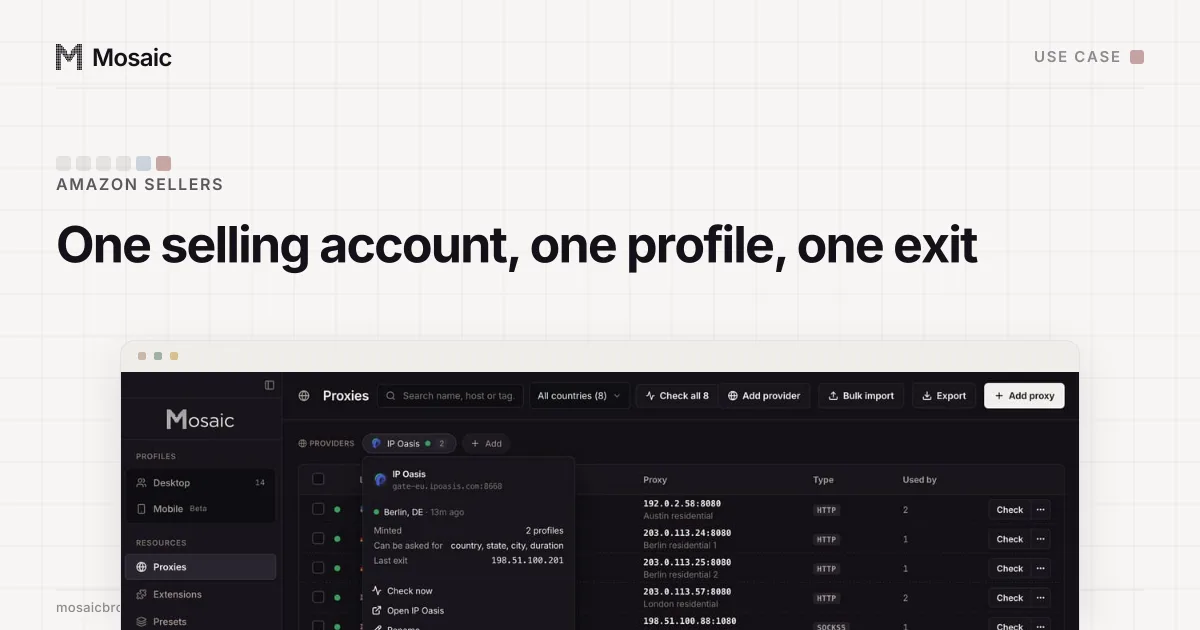
Paste one gateway line. Every profile mints its own exitIn Mosaic: Provider minting. One gateway line, a separate exit for every profile. Free holds 3 profiles. Pro is $49 a month for any number.
Mosaic is a desktop app
Email yourself the link and open it on your computer.
How it works: Provider minting
Use Amazon's own tools first
Two of the problems people try to fix with extra accounts or shared passwords already have an Amazon answer.
For people: on the Professional selling plan, the primary user can invite employees and co-owners from Settings › User Permissions, under Manage Employees › Invite Employee (Set and edit user permissions, read 2 November 2026). Each person gets their own sign-in and their own two-step verification, and you can remove one without changing anyone else's password. Third-party service providers are authorised separately, for a duration you choose.
Codes are the second. Every Seller Central login needs Two-Step Verification. Amazon recommends an authenticator app, which needs no phone signal, and it will not send codes by email (Two-Step Verification, read 2 November 2026). With several accounts, that is several authenticator entries, one per login, and the codes have to be at hand in whichever account you are working in.
Option 1: a Chrome profile per account
Chrome's own profiles cost nothing and cover two accounts on one computer. Click the round profile picture at the top right of Chrome, choose Add Chrome profile, and sign in to one Seller Central account per profile. Each gets its own cookies, saved passwords, history and window colour, so brand A's session is never sitting in brand B's window.
Two things stay shared. Both profiles report this computer's hardware and leave from your office router's IP, which tells Amazon nothing it does not already know about two accounts registered to one owner. And every download from both goes into one folder, while the two-step codes still sit side by side in one phone app, both called "Amazon Seller".
Option 2: manage multiple Amazon seller accounts in Mosaic
When there are more accounts, more people, or accounts that belong to different clients, a whole browser per account is easier to keep straight. This is how we set it up in Mosaic.
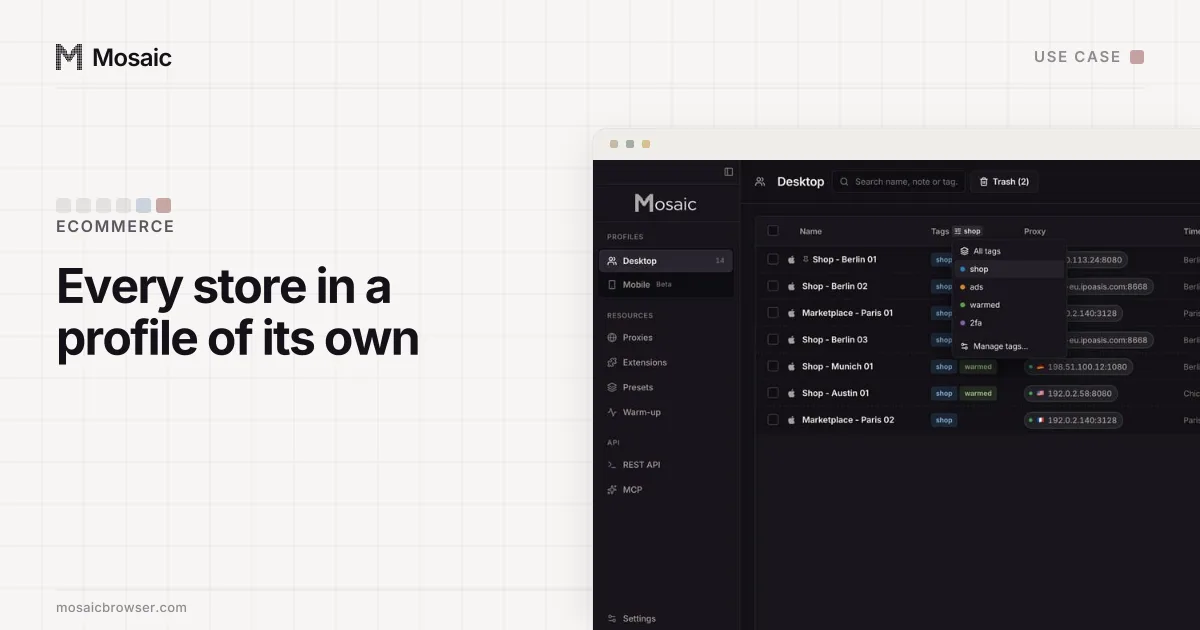
- Make a project per business with New project, so each company's profiles sit together.
- Click New profile for each seller account. It gets a fingerprint drawn from real hardware, by default matching the computer you work on: on a Mac that is a macOS profile, the strongest match, because the fonts come from the real machine.
- Give it a steady exit. A static or ISP proxy, added on the Proxies page with Add proxy, gives the account the same address every day. With a residential seller, paste one gateway line as a provider instead, and the profile mints its own sticky session id. Mosaic replaces a session only when it minted that session and it stops answering, never one you saved or pinned.
- Bring the existing login across. On the profile's Cookies tab, import the account's cookies as JSON, Netscape cookies.txt or header form, so a live account does not start from an empty browser.
- Store its two-step key with it. On the Logins tab choose Add login, then Two-factor secret or notes, and paste the key Seller Central shows behind Can't scan the bar code?. The companion inside that profile's browser shows the code for that account only.
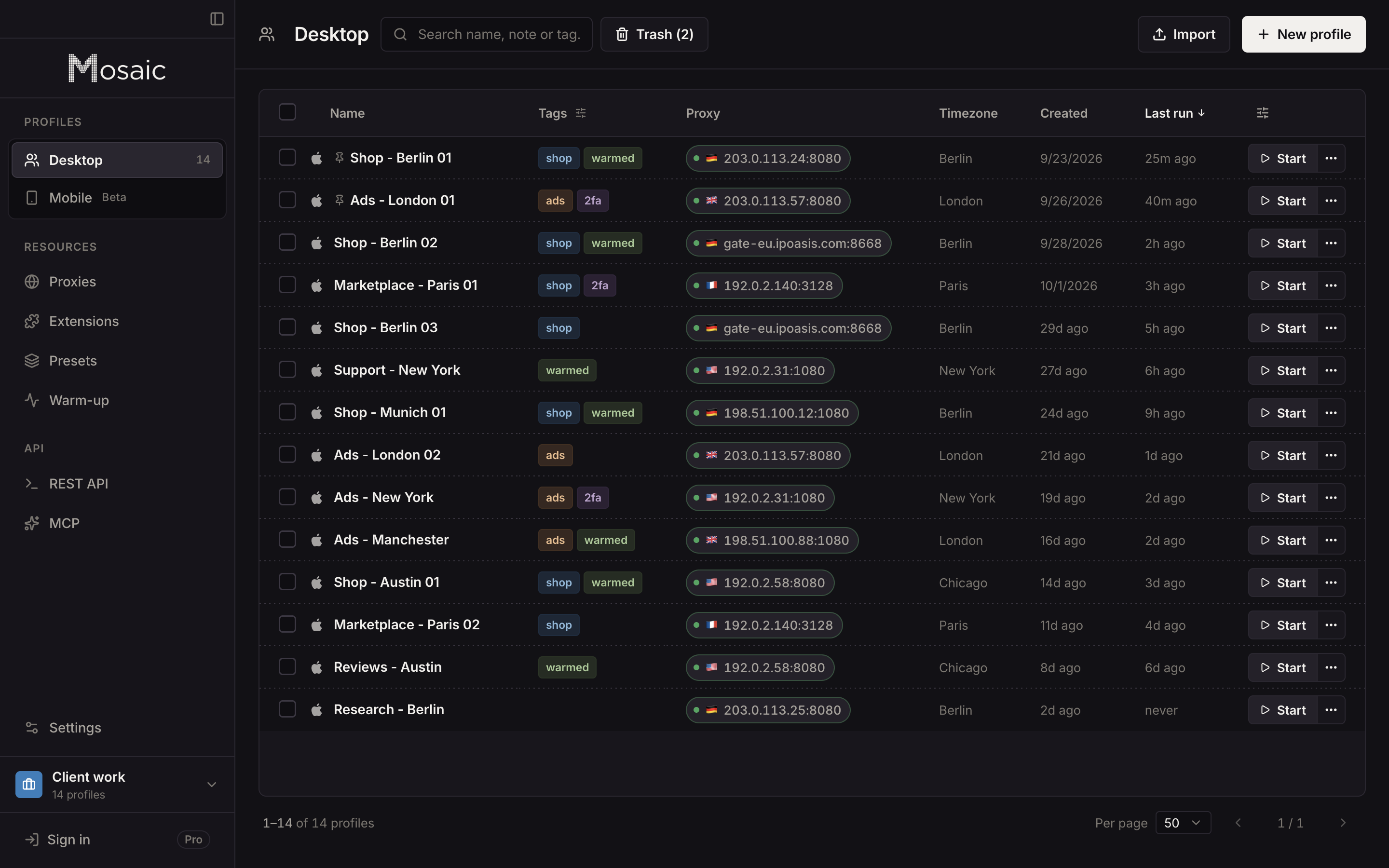
Mosaic checks the proxy before every launch. A profile never opens behind a proxy that has not answered and tunnelled a connection, so a dead proxy cannot let one page load go out from your own address. Each profile saves its downloads into its own folder, kept out of Spotlight and deleted with the profile, so settlement reports stay with the account they came from.
A routine that keeps every account in good standing
Open each account's Performance › Account Health page every week, including the one you rarely sell from, because a violation there can stop the others. Answer a warning from inside the account it belongs to. When an assistant leaves, remove them under Settings › User Permissions in each account they had.
Profiles stay on the computer that made them, since Mosaic has no team seats and no cloud sync. An assistant on another laptop needs their own Amazon user, not a copy of your profile. The seller-specific details, including what Mosaic does not change about business details, are on Mosaic for Amazon sellers. Free covers 3 profiles and 10 profile creations; Pro is $49 a month with a 14-day free trial, on the pricing page.
Sources
- Amazon Seller Central: Selling policies and seller code of conduct, read November 2, 2026
- Amazon Seller Forums (News_Amazon): Account health tips for multiple selling accounts, read November 2, 2026
- Amazon Seller Central: Set and edit user permissions, read November 2, 2026
- Amazon Seller Central: Two-Step Verification, read November 2, 2026
- Amazon Seller Central: Use an authenticator app for Two-Step Verification, read November 2, 2026