There are two ways to export profiles from AdsPower, and they produce different files. The toolbar Export writes a spreadsheet meant to be edited and uploaded back into AdsPower. The Local API returns JSON, which is what another browser can read. Which one you want depends on where the profiles are going.
Export profiles from AdsPower with the toolbar
This is the export AdsPower documents in its help centre, under Update Profile in bulk (read 2 November 2026):
- In the profile list, tick the profiles you want. AdsPower allows up to 200 at a time; for more, filter the list and choose "The latest 2000".
- Press Export in the toolbar.
- Pick the type: Excel or Text.
- Tick the fields you want in the file and press OK.
The Excel file exists so you can change names, proxies or remarks and upload it again through Update profile info, which is why AdsPower asks you not to delete the acc_id and id columns. If Excel complains that a cookie is too long, AdsPower's answer is to export as a .txt file instead, which carries the full cookie strings.
Keep this file either way. It is the one record of every profile's name, proxy and remark in a form a person can read.
Every profile is drawn from one real computer, not from separate listsIn Mosaic: Machines that exist. GPU, screen, CPU and fonts from one real device. Free holds 3 profiles. Pro is $49 a month for any number.
Mosaic is a desktop app
Email yourself the link and open it on your computer.
How it works: Machines that exist
Export AdsPower profiles as JSON with the Local API
A spreadsheet built for round trips is not something another product can read reliably. The Local API is. AdsPower's API overview says it is available to paid accounts and listens on http://local.adspower.net:50325/ or http://localhost:50325/ while the app is open. If you turned on security verification, every call needs an Authorization: Bearer header with your API key.
The profile list is Query Profile V2, a POST that returns up to 100 profiles per page. Each entry carries the name, the remark, the group and a user_proxy_config object with the proxy's type, host, port and credentials.
curl -s -X POST http://localhost:50325/api/v2/browser-profile/list \
  -H "Content-Type: application/json" \
  -d '{"page": 1, "limit": 100}' \
  | jq '.data.list' > adspower-page-1.json
Bump "page" to 2, 3 and so on until list is empty.
Keep the jq filter. The reply nests profiles two levels deep ({"code": 0, "data": {"list": [...]}}) and Mosaic's importer unwraps only one. On 2 November 2026 we dropped both versions into the import dialog. Raw reply: "Unrecognised format", 0 profiles. Filtered: AdsPower, every profile counted. The bug is ours, and the filter gets around it.
Cookies come separately
Cookies are not in the list reply. They have their own endpoint, Query profile cookies, which takes one profile_id at a time and is limited to one call per second:
curl -s "http://localhost:50325/api/v2/browser-profile/cookies?profile_id=PROFILE_ID" \
  | jq -r '.data.cookies' > cookies-PROFILE_ID.json
Odd but documented: cookies comes back as a string that holds JSON, not as an array. The -r flag prints it without the quotes, so what lands on disk is an ordinary cookie array. Keep the profile id in the file name, because you match files to profiles by hand in step 4. With the one-per-second limit, 300 profiles is about five minutes of waiting.
What a moved profile keeps, and what it should not
Name, remark, proxy and cookies belong to the account. Canvas and audio seeds belong to AdsPower's engine: a seed tuned for AdsPower's Chromium says nothing true about ours.
Mosaic spots an AdsPower file by user_proxy_config or fingerprint_config, keys no other vendor uses. Then it maps:
nameto the profile name,remarkto the note,domain_nameto the start pageuser_proxy_configto the proxy, with its login- from
fingerprint_config, if the file has it: platform, User-Agent, timezone, language, screen size
The dialog names what stays in AdsPower: canvas/audio seeds, group membership, saved passwords. Gaps are filled from real hardware records per profile, so fifty imports don't share one made-up screen size. Cookies arrive untouched.
Move AdsPower profiles into Mosaic
- Open the profiles screen in Mosaic and press Import.
- Drop every
adspower-page-N.jsonfile into Import profiles. The dialog reads each file before anything happens and should say "Detected as AdsPower" with the count. - Read the "Not carried across" line, then press Import.
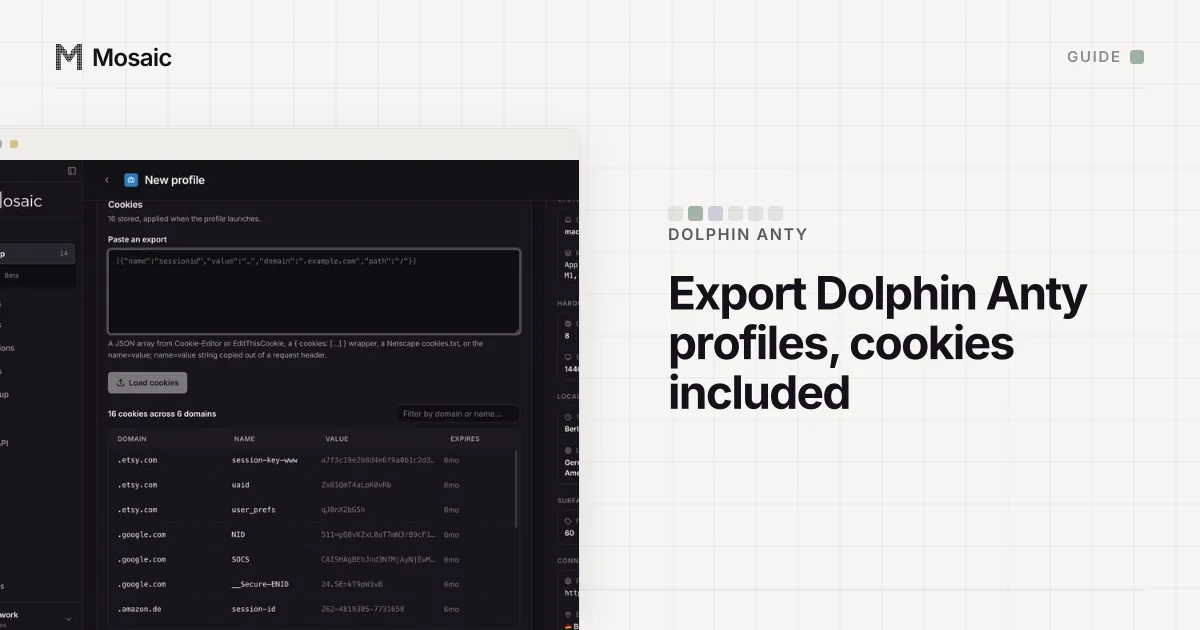
- Open each profile's editor, go to Cookies, paste the matching cookie file into Paste an export and press Load cookies, then save.
- If you use saved passwords in AdsPower, re-enter them per profile under Credentials. They do not travel in any export.
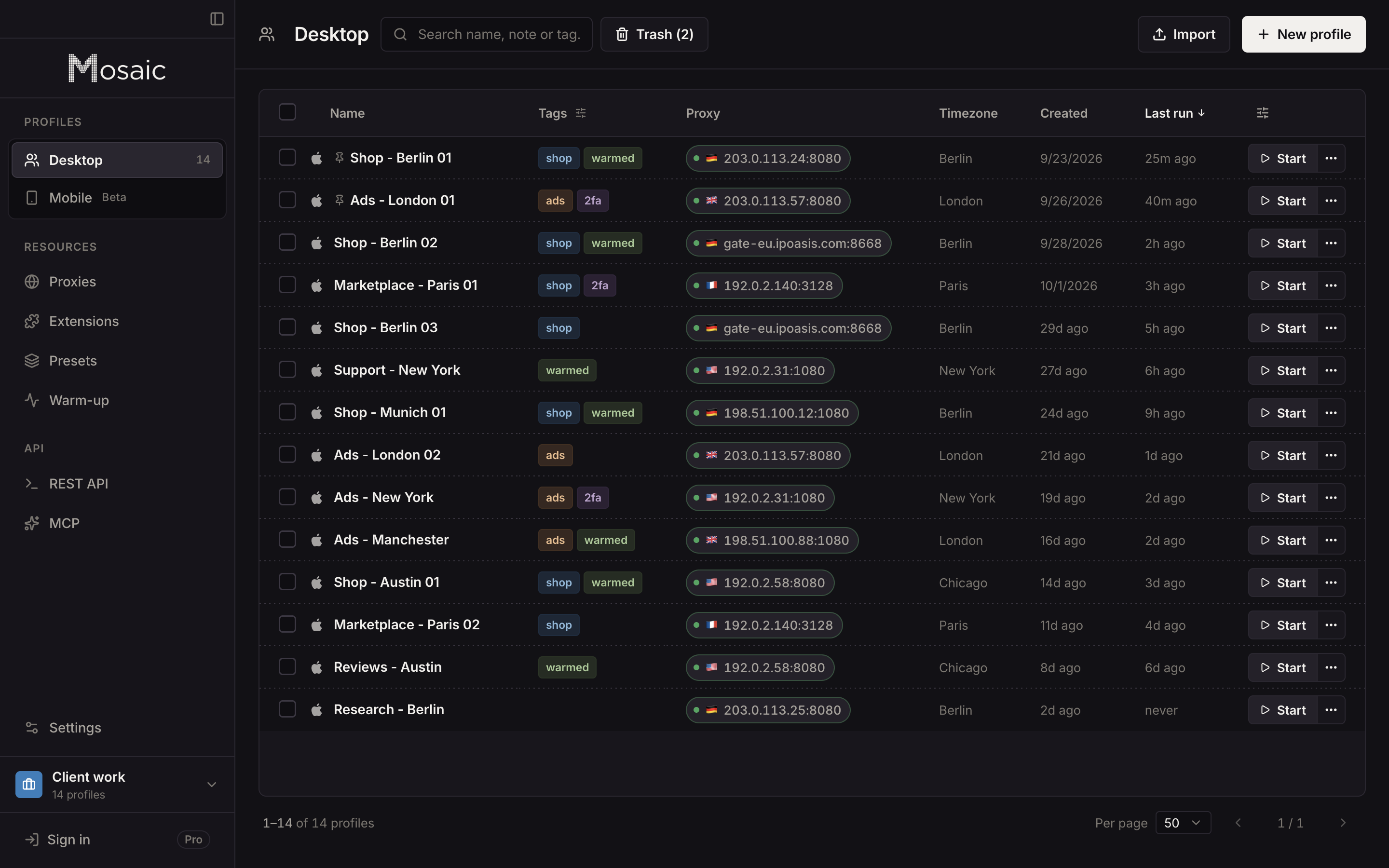
Mosaic adds an "AdsPower" tag to every profile it imports this way. Imported profiles count against your plan like new ones. Mosaic counts each file before it creates anything, so adspower-page-3.json either fits and imports in full or is refused with nothing made.
A record with no fingerprint_config is drawn for the computer you import on, which on a Mac means macOS. A record that says Windows or Linux still imports on a Mac, and the result lists it by name as warned, because it matches less well than a macOS profile. You can keep it as it is, or open it and set its Platform to macOS, which draws the machine again for this computer and keeps its cookies.
Before you delete anything in AdsPower
Open three imported profiles, check the proxy answers and that a site you were signed in to still knows you. Our guide to keeping accounts from getting linked covers what else has to stay separate once they are moved. Mosaic keeps every profile on your computer and has no cloud copy of them, so a profile lives on the computer you imported it on. What Pro costs, with no per-profile price, is on the pricing page.
Sources
- AdsPower Help Center: Update Profile in bulk, read November 2, 2026
- AdsPower Local API: API Overview, read November 2, 2026
- AdsPower Local API: Query Profile V2, read November 2, 2026
- AdsPower Local API: Query profile cookies, read November 2, 2026