WhatsApp is built around phones, and a computer only ever borrows an account from one. That is why the answer to "can you have two WhatsApp accounts on one computer" is yes with a condition: the computer needs two separate places to keep them, because nothing on the computer side can switch between accounts.
WhatsApp lets one person hold more than one account, each on its own phone number, and its Terms of Service (read 2 November 2026) forbid bulk messaging, auto-messaging, accounts created "through unauthorized or automated means" and "any non-personal use of our Services unless otherwise authorized by us". Mosaic keeps accounts you are entitled to run apart; it does not change what a platform allows.
What WhatsApp's help says about two accounts
The phone app has had a multiple account feature for a while. WhatsApp's page on switching accounts (read 2 November 2026) says it lets you "have two different accounts on a single mobile device", that the second account needs "a separate phone number", and that secondary accounts "can only be created from your primary mobile device". Two lines further down it closes the door for computers: "This feature is not available on linked devices. Multiple accounts are currently only supported on mobile devices." The same page notes account switching is not in the WhatsApp Business app at all.
A computer running WhatsApp Web or the Windows or Mac app is a linked device. So whichever way you open WhatsApp on a computer, one window shows one account, and there is no menu to flip to the other.
Three more rules shape what is possible:
- One account, one number. WhatsApp's page on multiple phone numbers says there is "no option to have a verified WhatsApp account with two different phone numbers".
- Up to four linked devices per account. The linking guide says you link "up to four devices" from the primary phone and must open WhatsApp on that phone every 14 days or the links drop.
- Linked devices also log out after 30 days of inactivity, and linking through unofficial apps or websites "may result in a temporary or permanent account ban" (About linked devices).
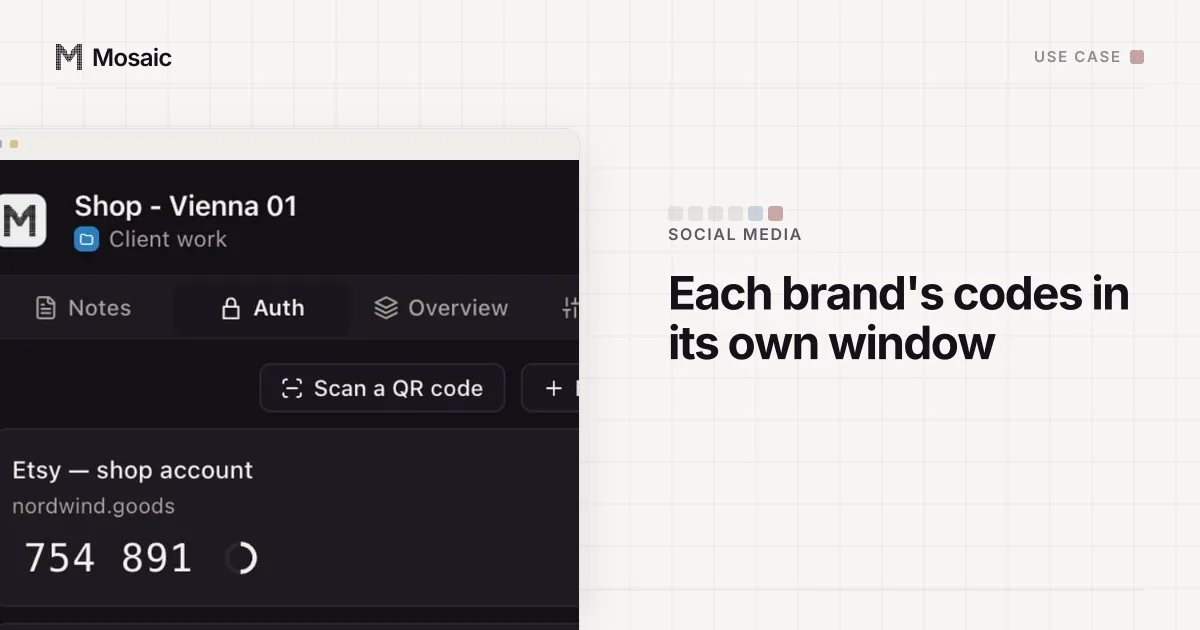
Each profile keeps its own passwords and its own 2FA codesIn Mosaic: Logins and 2FA codes. A password vault and TOTP codes for each profile. Free holds 3 profiles. Pro is $49 a month for any number.
Mosaic is a desktop app
Email yourself the link and open it on your computer.
How it works: Logins and 2FA codes
Where the second account can live
WhatsApp Web keeps its link to your phone in the browser's own storage. A second tab in the same browser reads the same storage and shows the same account. So the second account needs storage the first cannot see, and there are four common ways to get it.
| Setup | First account | Second account | What to watch |
|---|---|---|---|
| Desktop app plus a browser | WhatsApp for Windows or Mac | web.whatsapp.com | the simplest pair; stops at two |
| Two browsers | Chrome | Safari, Firefox or Edge | notifications come from two different apps |
| Two browser profiles | Chrome profile "Personal" | Chrome profile "Shop" | each profile has its own storage and window |
| Private window | normal window | incognito or guest window | the link goes when the window closes |
The private window is the one we would not use for anything but a quick look. Its storage is thrown away when you close it, so you scan a QR code every time, and the old link stays in the phone's Linked devices list until you log it out there or it expires.
Past two or three accounts, separate browser profiles are the tidy answer, one per number, named after the account. Managing multiple accounts on one computer compares those options with containers and virtual machines.
Do the two accounts need two phones?
Two numbers, not necessarily two phones. A phone with two SIMs, or a SIM and an eSIM, can hold both accounts through the multiple account feature, and WhatsApp's switching page says "you can pair a companion device to your secondary account". So the primary account and the secondary account on one phone can each be linked to a different place on the computer.
A WhatsApp Business account is a separate app with the same number rule. WhatsApp's help says Messenger and the Business app "are two different apps" and that you "can't use the same phone number with each app simultaneously". A personal number in WhatsApp and a shop's number in WhatsApp Business is a normal pair on one phone, and both can be linked to one computer the same way. Running several business numbers for clients is its own job, covered in managing multiple WhatsApp Business accounts.
Can you have two WhatsApp accounts on one computer without trouble?
Not for that reason. WhatsApp's own app puts two accounts on one phone, which is one device, one connection and one address. What gets accounts banned is behaviour the terms name: bulk and automated messages, scraping, unofficial apps. A computer with your personal account in one window and your shop in another is nothing WhatsApp has a rule against. The general picture of how sites tie accounts together, from cookies to IP addresses, is in how websites detect multiple accounts.
Keeping each number in its own Mosaic profile
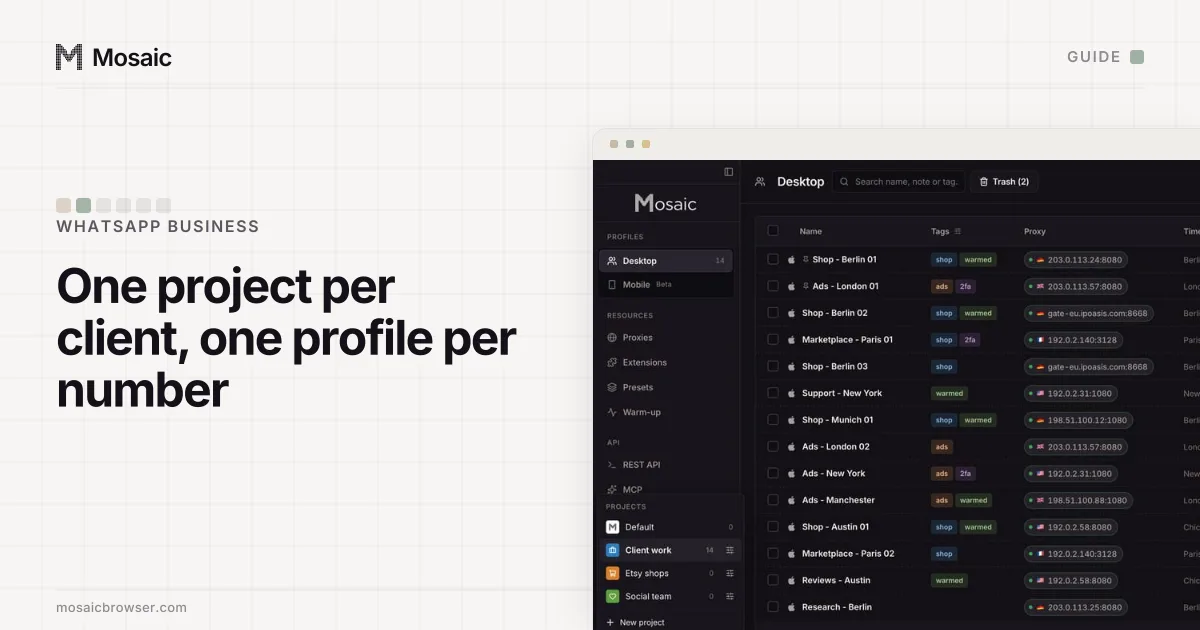
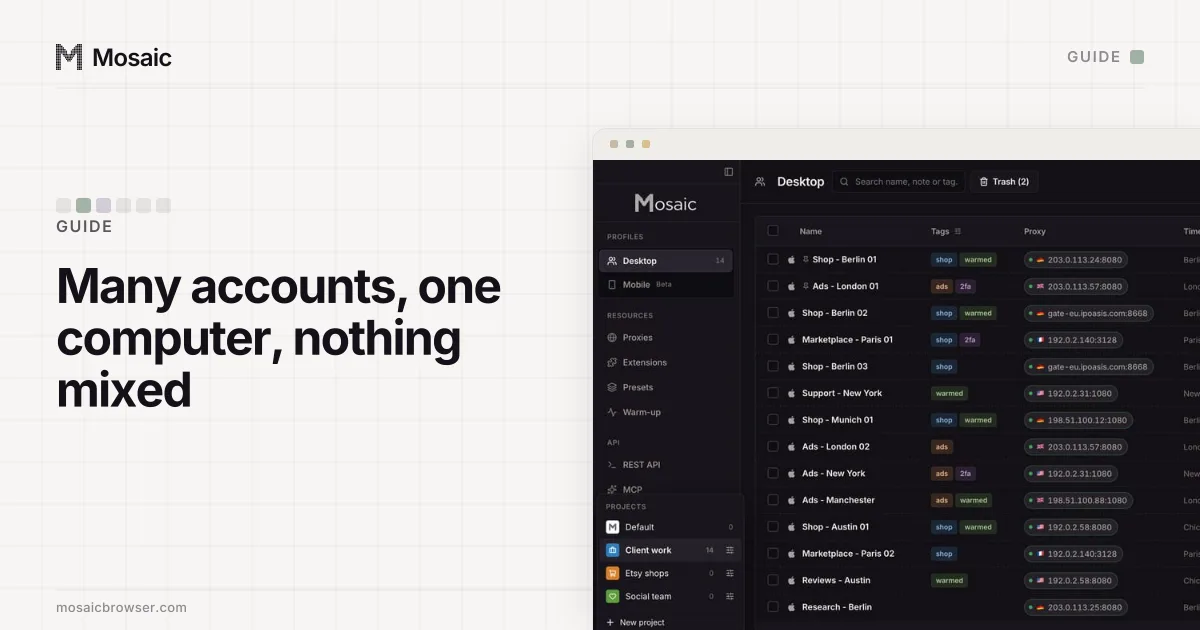
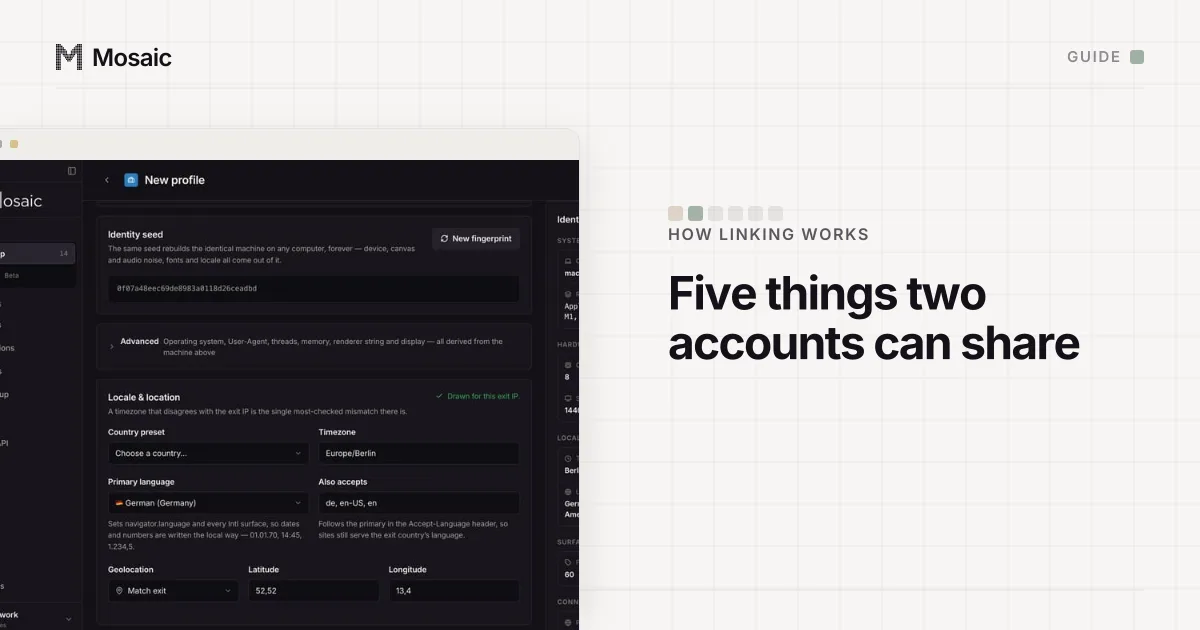
We built Mosaic for people who hold accounts for other people: a virtual assistant answering two clients' WhatsApp Business numbers, or a shop owner with a personal number, a shop number and a supplier line. In Mosaic each number gets its own profile, which is its own browser with its own storage, cookies and fingerprint, and if you want one, its own proxy.
- Create a profile per number and name it after the account ("Shop - WhatsApp", "Client B - support").
- On the profile's General tab, put
https://web.whatsapp.comin Start pages, so the profile opens straight onto WhatsApp. - Start the profile and scan its QR code from the phone that holds that number (Linked devices › Link a device).
- Stop and start it as often as you like. The link lives in that profile's storage, so it is still there next time.
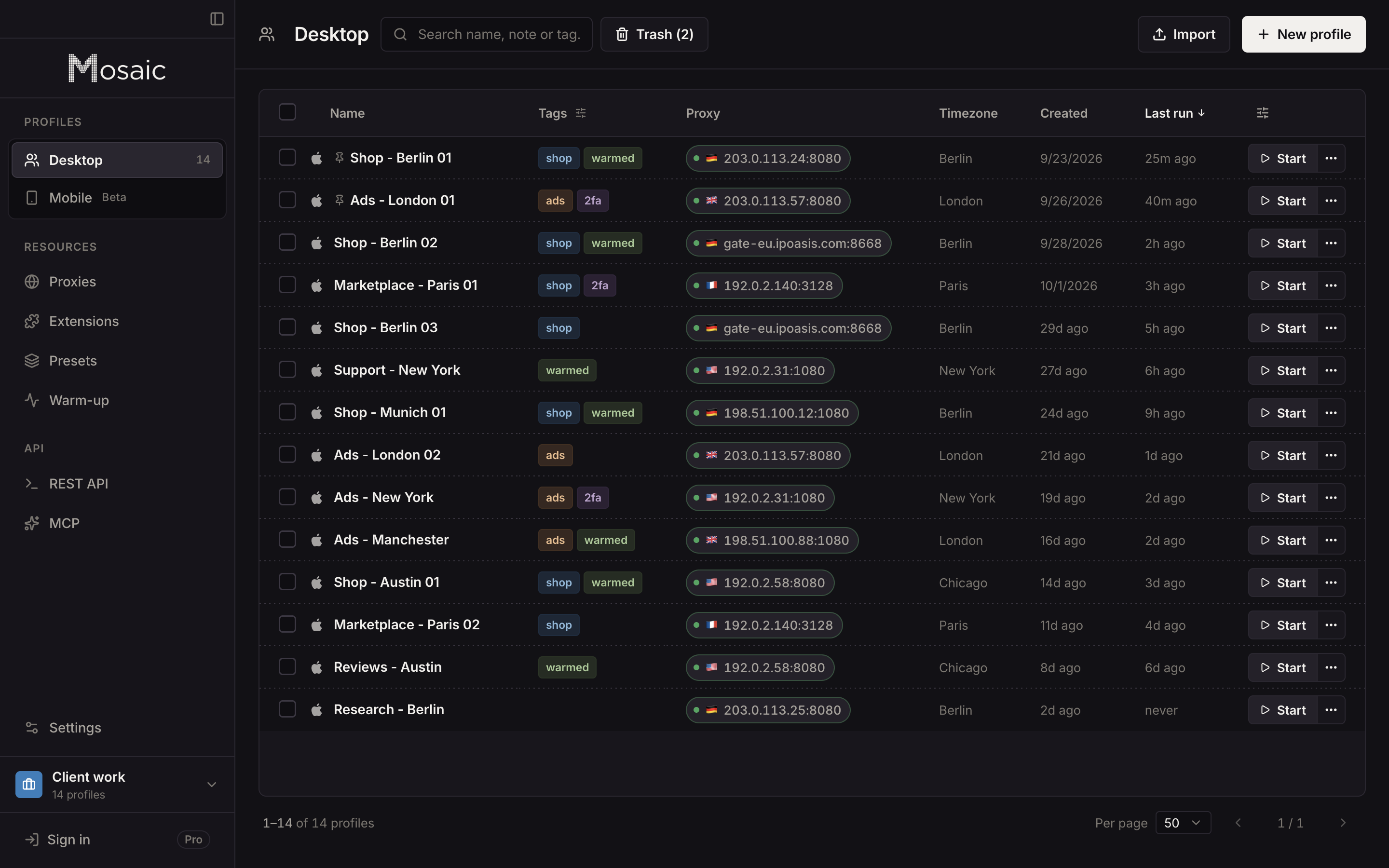
Each profile counts as one of the account's four linked devices, the same as a Chrome profile would. Mosaic does not send messages for you, and it should not: WhatsApp's terms forbid auto-messaging whichever browser it comes from. Free covers 3 profiles and 10 profile creations; how teams that answer client accounts set this up is on the social media managers page.
Sources
- WhatsApp Help Center: How to switch accounts on WhatsApp, read November 2, 2026
- WhatsApp Help Center: How to link a device, read November 2, 2026
- WhatsApp Help Center: About linked devices, read November 2, 2026
- WhatsApp Help Center: About using multiple phone numbers or accounts on WhatsApp, read November 2, 2026
- WhatsApp Help Center: About moving between WhatsApp Messenger and the WhatsApp Business app, read November 2, 2026
- WhatsApp Terms of Service, read November 2, 2026