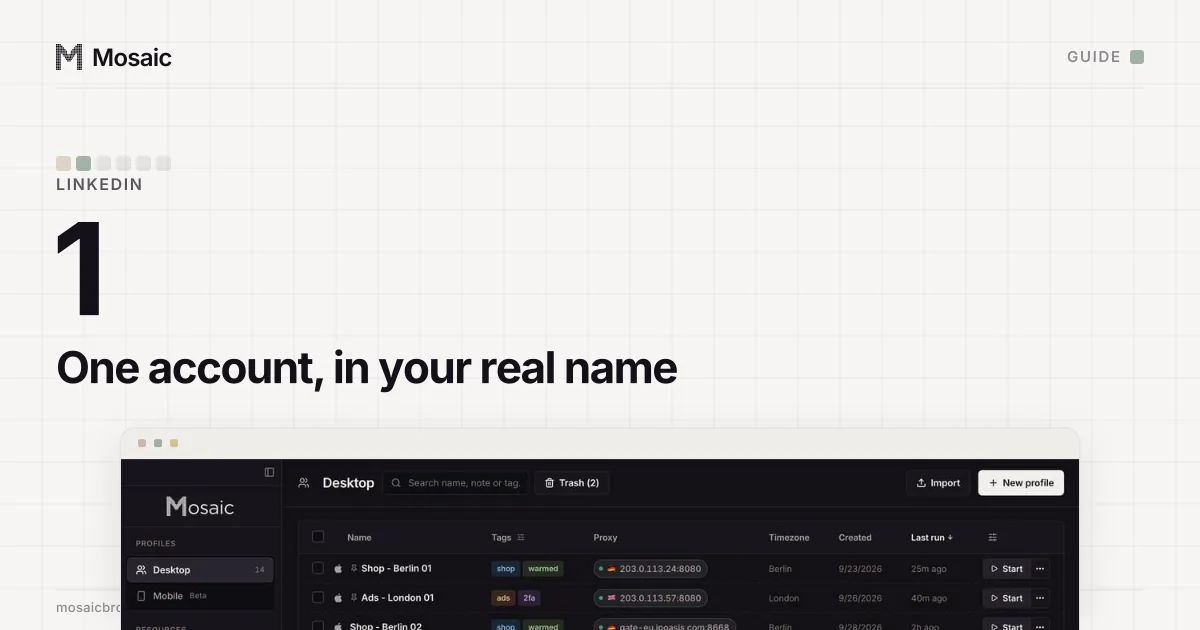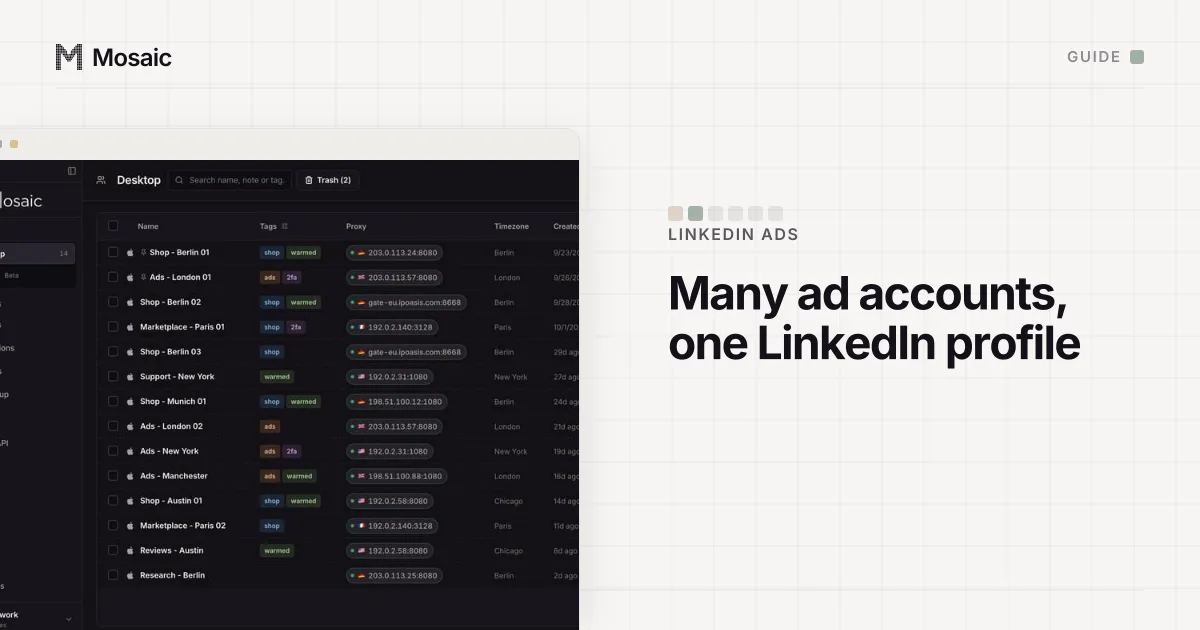
To manage multiple LinkedIn Ads accounts, you work from one LinkedIn profile, because LinkedIn draws a line that Google and Meta do not draw as sharply. You may have one LinkedIn account, but that one account can sit on as many ad accounts as you work on. Section 2.1 of the User Agreement says "you will only have one LinkedIn account, which must be in your real name" (read 2 November 2026), and Campaign Manager is built around it: every ad account has a list of LinkedIn profiles with roles on it, and yours is one of them. Mosaic keeps accounts you are entitled to run apart; it does not change what a platform allows. Here, that means one LinkedIn profile per person and as many ad accounts as clients give you.
So the question is never how to log in twice. It is where to keep twenty ad accounts so that you, your colleagues and your clients can all find them.
Campaign Manager alone, or a Business Manager
Campaign Manager on its own works for a handful of accounts. Each ad account you create or are added to shows up in the account list under your profile, and you switch by clicking the account name in the upper-left corner (Switch between ad accounts, read 2 November 2026). People are added one ad account at a time, by an account manager, and only if they are your 1st, 2nd or 3rd-degree connections.
Business Manager is the layer LinkedIn built for more than that. Its help page lists what it adds: one dashboard for all ad accounts and Pages, people and partner businesses given access from one place, billing across ad accounts through Ads Billing Center, and Matched Audiences and block lists shared between accounts (About Business Manager, read 2 November 2026). Adding an existing ad account to it does not touch the campaigns, the billing or the people already on it.
| Campaign Manager only | With Business Manager | |
|---|---|---|
| Where ad accounts are listed | Under your profile | Under the Business Manager, up to 1,000 |
| Adding a colleague | Per ad account, by an account manager | Once to Business Manager, then to any account |
| Working with an agency or client | Add each of their people by name | One partnership, then share accounts |
| Paying | Credit card per ad account | Card, or monthly invoicing for those who qualify |
| Shared audiences | Per account | Shared across accounts and partners |
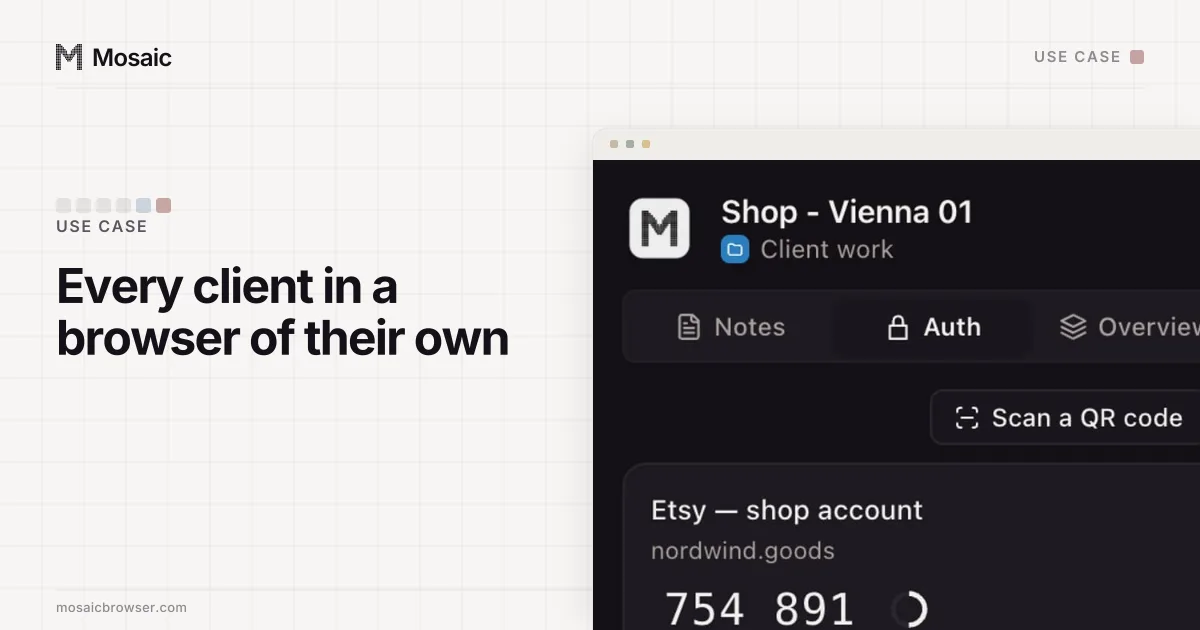
Each profile keeps its own passwords and its own 2FA codesIn Mosaic: Logins and 2FA codes. A password vault and TOTP codes for each profile. Free holds 3 profiles. Pro is $49 a month for any number.
Mosaic is a desktop app
Email yourself the link and open it on your computer.
How it works: Logins and 2FA codes
How to manage multiple LinkedIn Ads accounts in Business Manager
Create the Business Manager once (Create a Business Manager account, read 2 November 2026):
- Open the Create a Business Manager page while signed in to your own LinkedIn account.
- Name it after your organisation. LinkedIn suggests adding the market or business unit if you plan to have more than one.
- Add a work email. It does not have to be the one on your profile, and all Business Manager mail goes there.
- Choose Manage my business for your own brand, or Manage clients or other businesses if you are an agency.
- Click Create.
Then bring the ad accounts in (Add your ad accounts to Business Manager, read 2 November 2026):
- In Business Manager, click Ad accounts in the left menu.
- Open Add accounts and choose Claim ownership (ID) for accounts your organisation owns. Paste the nine-digit IDs with a space between them; each ID sits under the account name in Campaign Manager.
- For a long list, choose Claim ownership (CSV) and fill in LinkedIn's template instead.
- The account managers of each ad account get an email asking them to approve. If you are already an account manager on it, the request approves itself.
Ad accounts your clients own are not claimed. Either the client's Business Manager shares them with yours through a partnership, or you choose Request access (CSV) under Add accounts and the client's account managers approve.
One trap catches people in the first week. A new ad account does not join Business Manager automatically unless you create it with that Business Manager selected in the upper-right corner of Campaign Manager. Create it from your profile and it stays outside until someone claims it.
Roles, so nobody has more access than the job needs
Business Manager has two tiers. A person's Business Manager role is Admin, Employee or Contractor, and LinkedIn recommends at least two admins so the business is never locked out (roles and permissions, read 2 November 2026). Contractor exists so you can tell outside people from staff at a glance.
The second tier is per ad account: Billing admin, Account manager, Campaign manager, Creative manager or Viewer. There is only one billing admin per account, and it is the only role that can change payment details. A freelancer writing ads needs creative manager; someone reading reports needs viewer.
Running ads also needs a role on the LinkedIn Page the ad account is tied to. Without one, LinkedIn's role table notes, you cannot create campaigns, ad sets and ads in Campaign Manager.
Decisions you cannot undo later
LinkedIn fixes two things the moment an ad account is created: its currency and its LinkedIn Page (Create additional ad accounts, read 2 November 2026). LinkedIn's own reasons for opening a second ad account follow from that. It names three: you advertise for several companies as an agency, one company has several LinkedIn Pages, or you need to bill in more than one currency. Plan one ad account per client, Page and currency, and you will not have to rebuild one later.
Where a separate browser helps, and where it does not
On LinkedIn itself you have one account, so a browser per LinkedIn login is not what you need. LinkedIn's account restrictions page also says it does not allow third-party software or extensions that automate activity on its website (read 2 November 2026), so we would not point Mosaic's API or MCP at LinkedIn.
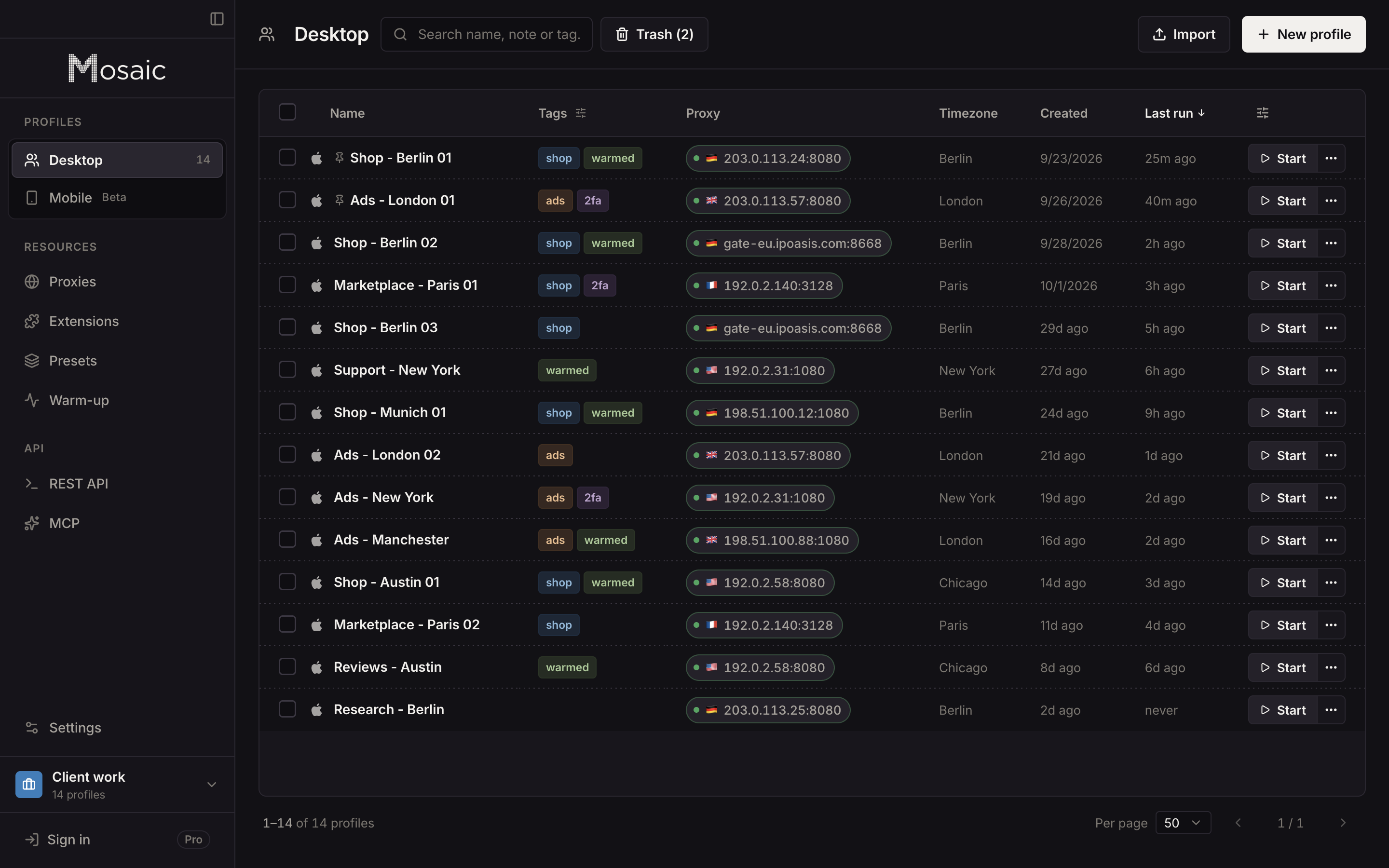
What a client's campaign touches outside LinkedIn is another matter. Each client has a landing page builder, an analytics property, a CRM that receives the leads and often a Google sign-in made for you. In one Chrome those share a cookie jar, and the wrong one is signed in when a lead notification opens. In Mosaic we would set it up like this:
- Keep your own LinkedIn in one profile, the only place you sign in to Campaign Manager.
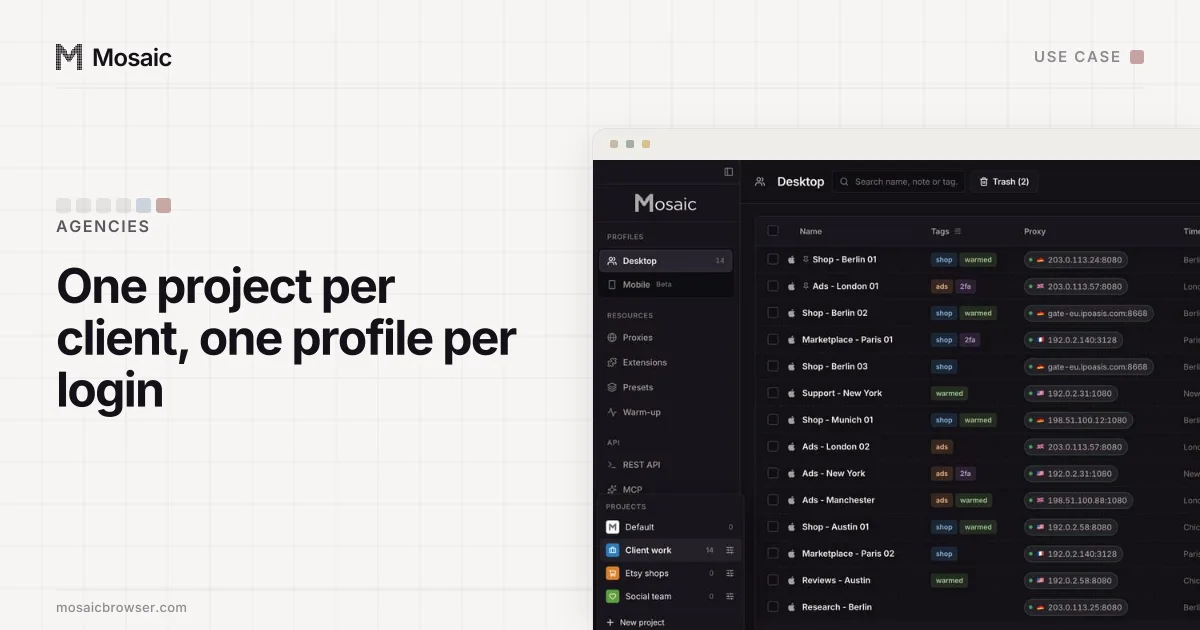
- Make a project per client with New project, and inside it a New profile for that client's other logins.
- In Credentials, choose Add login for each of them and paste its Two-factor secret, so the codes appear in that profile's companion and nowhere else.
- When a client wants its landing page checked from its own market, give that profile an exit there through a proxy provider.
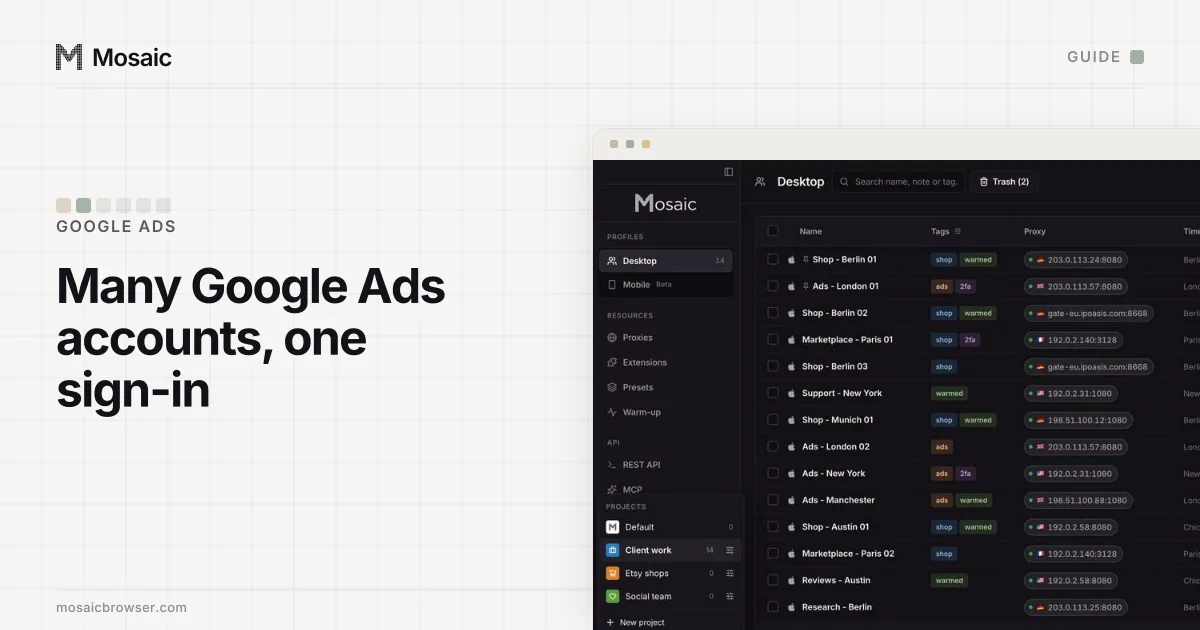
The same set-up for Google Ads, where a manager account plays the part Business Manager plays here, is in how to manage multiple Google Ads accounts. Why LinkedIn stops at one member account, with the clauses quoted, is in can you have two LinkedIn accounts.
Free covers 3 profiles and 10 profile creations; Pro is $49 a month with no per-profile pricing. How an agency lays out ad clients, their logins and their codes in Mosaic is in Mosaic for ad account management.
Sources
- LinkedIn User Agreement, read November 2, 2026
- LinkedIn Marketing Solutions Help: About Business Manager, read November 2, 2026
- LinkedIn Marketing Solutions Help: Create a Business Manager account, read November 2, 2026
- LinkedIn Marketing Solutions Help: Add your ad accounts to Business Manager, read November 2, 2026
- LinkedIn Marketing Solutions Help: Create additional ad accounts in Campaign Manager, read November 2, 2026
- LinkedIn Marketing Solutions Help: Switch between ad accounts in Campaign Manager, read November 2, 2026
- LinkedIn Marketing Solutions Help: Business Manager roles and permissions, read November 2, 2026
- LinkedIn Marketing Solutions Help: Request access to ad accounts owned by other businesses, read November 2, 2026
- LinkedIn Marketing Solutions Help: User roles and permissions in Campaign Manager, read November 2, 2026
- LinkedIn Help: Account restrictions, read November 2, 2026