There is no switch that stops browser fingerprinting, because a fingerprint is made of things your browser has to tell every page: screen size, fonts, graphics chip, timezone, language. What you can stop is the part that hurts, which is the same fingerprint being recognised on site after site and visit after visit. Three methods do that. A fourth, tweaking settings yourself, usually does the opposite.
Why you cannot switch fingerprinting off
The Tor Project's support page names the two problems. A page needs no permission to collect these values, so "any script running in the browser can silently build a fingerprint of the device." And if one value, or the combination, is unique, the device "can be tracked using its fingerprint", even without cookies (Tor Project).
Clearing cookies does not help, because nothing is stored. EFF's Surveillance Self-Defense guide says a fingerprint "can not be removed, since it does not store anything on the users' machine." The same guide gives the condition that makes it work for a tracker: it has to be persistent, and it has to be unique. Every method below breaks one of those two, or keeps the collector off the page. Our glossary entry on browser fingerprints lists what goes into one.
How to stop browser fingerprinting: three ways that work
| Method | What it breaks | Where you get it | What it costs |
|---|---|---|---|
| Block the collectors | The tracker never runs | Tracker-blocking extensions; Safari's protection in Private Browsing | Misses first-party and unknown scripts |
| Look like everyone else | Uniqueness | Tor Browser, Mullvad Browser | Letterboxed windows, fewer fonts, some sites break |
| Change it every session | Persistence | Brave's randomisation | A tracker may spot the randomiser |
Block the scripts that collect it
Most fingerprinting is done by third parties, and EFF calls blocking them "a highly effective method" that still leaves gaps: trackers nobody has listed yet, and fingerprinting done by the site you are on. Safari turns on "Use advanced tracking and fingerprinting protection" by default in Private Browsing, which blocks connections to companies that fingerprint and strips known tracking parameters from links, and it can be turned on for all browsing (Apple).
Look like everyone else
Tor Browser does not try to make every user identical; its own page calls that practically impossible. It cuts the number of "buckets" instead: window sizes rounded to multiples of 200 by 100 pixels, a limited font list, a small set of languages. Mullvad Browser is the same work without the Tor network, and Mullvad says why it exists: "A VPN will hide your IP address, but in order to stop being tracked, a trustworthy VPN is not enough" (Mullvad). This is the strongest of the three for a person who wants to be nobody in particular.
Change it every session
Brave randomises canvas, WebGL and audio output from a seed that changes per session and per site (Brave's wiki), so yesterday's fingerprint does not match today's. EFF's caution applies: a tracker may be able to tell that a randomiser is in use, and that becomes part of the fingerprint.
Every profile is drawn from one real computer, not from separate listsIn Mosaic: Machines that exist. GPU, screen, CPU and fonts from one real device. Free holds 3 profiles. Pro is $49 a month for any number.
Mosaic is a desktop app
Email yourself the link and open it on your computer.
How it works: Machines that exist
What makes browser fingerprinting worse
Changing values by hand. EFF's example is the User-Agent: swap Safari on an iPhone's string for the most common Chrome-on-Windows string, change nothing else, and the browser becomes more identifiable, because every other value still says iPhone.
We have measured the same thing in our own work. Starting a stock Chrome with only --user-agent, set to a string byte-identical to its own default, blanked two of its client hints: architecture went from "arm" to "" and platformVersion from "26.6.2" to "". No untouched Chrome answers that way. Hiding a couple of system fonts at random, which an early build of our engine did, read as masking on Pixelscan. A Mac missing two of its own fonts is not a rarer Mac; nobody owns one.
Privacy switches can do it too. Do Not Track sets a header and a JavaScript value that few people send, so turning it on narrows the crowd you are in. Blocking web notifications makes Notification.permission read denied, where a Chrome nobody has configured reads default. We once forced that block on every profile we made, and 344 profiles all answered denied: one rare value, shared by all of them, which is as good as a name.
The leak that comes from your own settings
The values people forget are the ones they chose. When we compared two freshly made browser profiles on our build Mac, six values came out identical in both and equal to the Mac: dark mode, both of its accessibility settings, the display's colour gamut, the monitor count and the scrollbar width. They went out as CSS media queries and as Sec-CH-Prefers-* request headers. A setting only a few per cent of people turn on is a strong thread, because it makes you rare and it follows you into every browser on the machine.
The check takes ten minutes. Open a fingerprint test in two different browsers or profiles on the same computer and compare the rows. Anything identical in both, and true of your machine, is a value you carry everywhere. Our guide to checking your browser fingerprint shows which test pages read what.
Stopping a fingerprint from joining your accounts
The three methods above are for being nobody. A different problem is being several people who must not be joined: work and personal, two businesses, a research project you keep apart from your own name. There, looking identical to everyone is the wrong goal, since a site you sign in to each day expects the same device each time. What you need is one browser per compartment, each a different and consistent computer, each with its own cookies and its own exit.
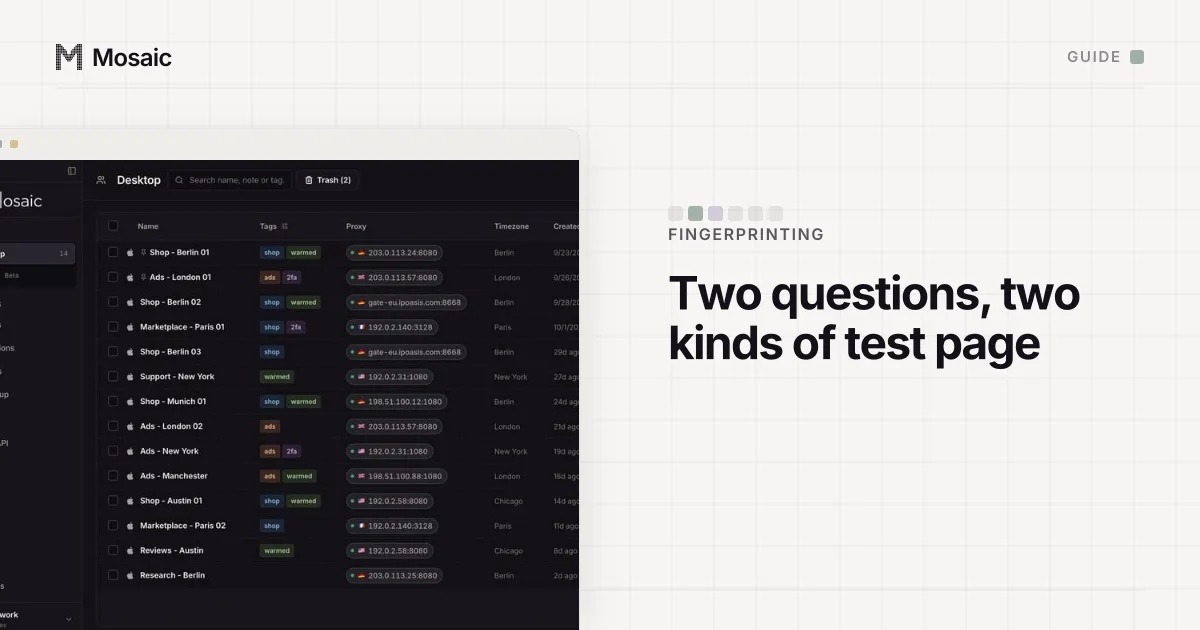
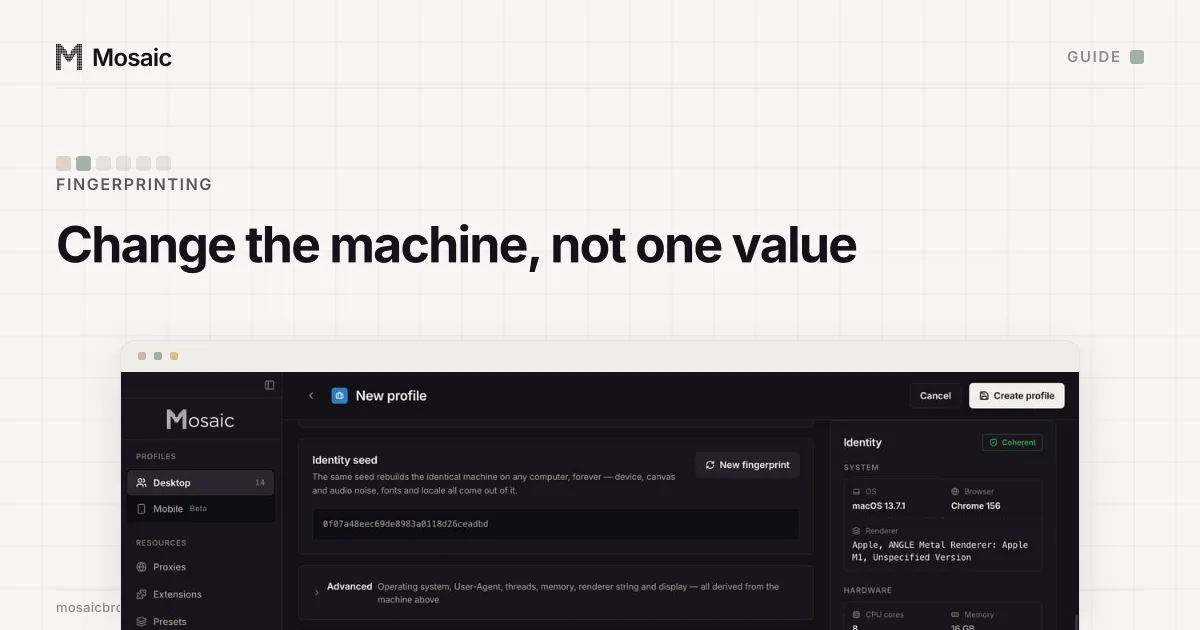
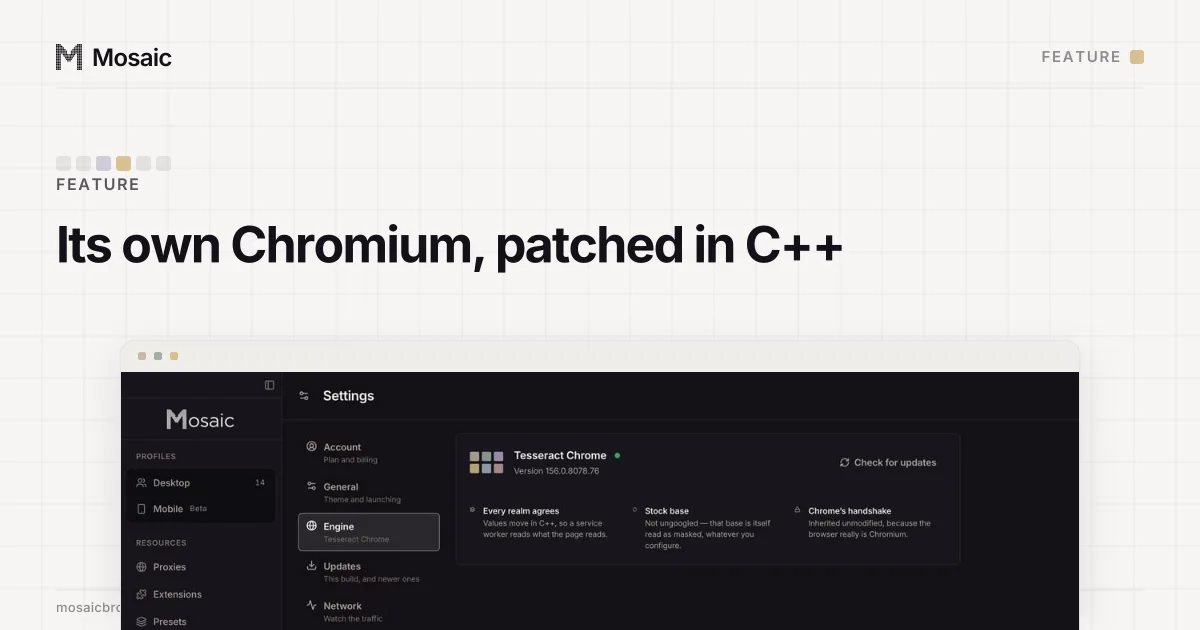
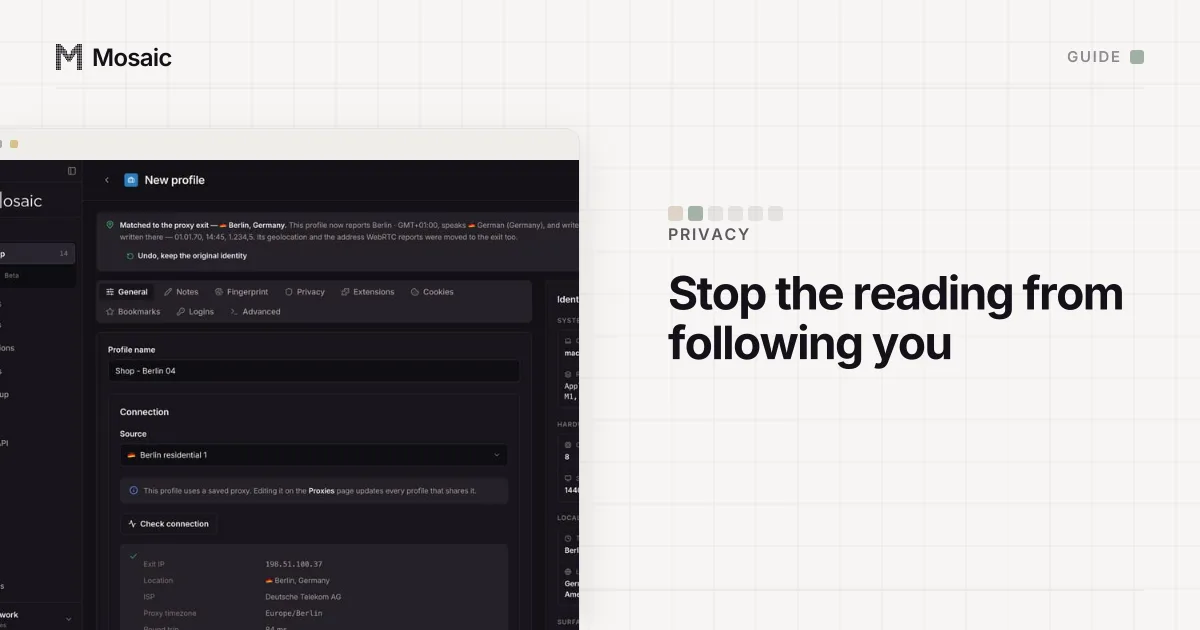
That is what we build. Mosaic is a browser on your Mac that gives every profile its own fingerprint, its own proxy and its own cookies, and keeps all of it on your computer. Each profile's hardware is drawn together from a record of a real machine (GPU, screen, CPU threads, memory, fonts, canvas, audio), and the values are changed in C++ inside Tesseract Chrome, our own Chromium, so every page, frame and worker reads the same machine. Nothing is spoofed with injected JavaScript.
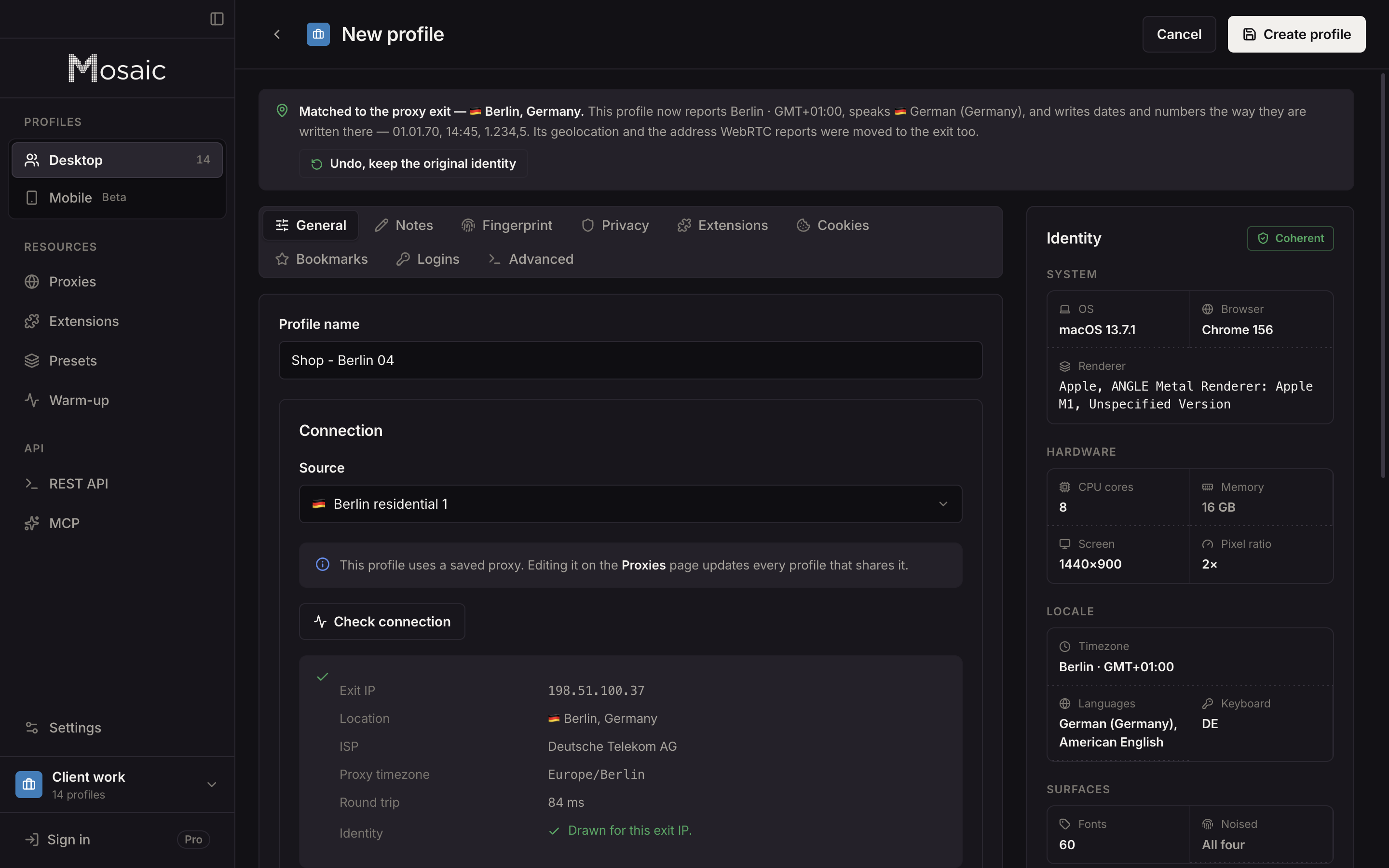
The six inherited values above are now drawn per profile, with dark mode at 30%, roughly what browsers report in real traffic. Notifications are left unblocked by default. Widevine is off unless a profile asks for it on the Privacy tab, because our engine cannot pass Google's media-path check and the DRM module would hand every site the same per-install certificate, the same value in every profile on the machine.
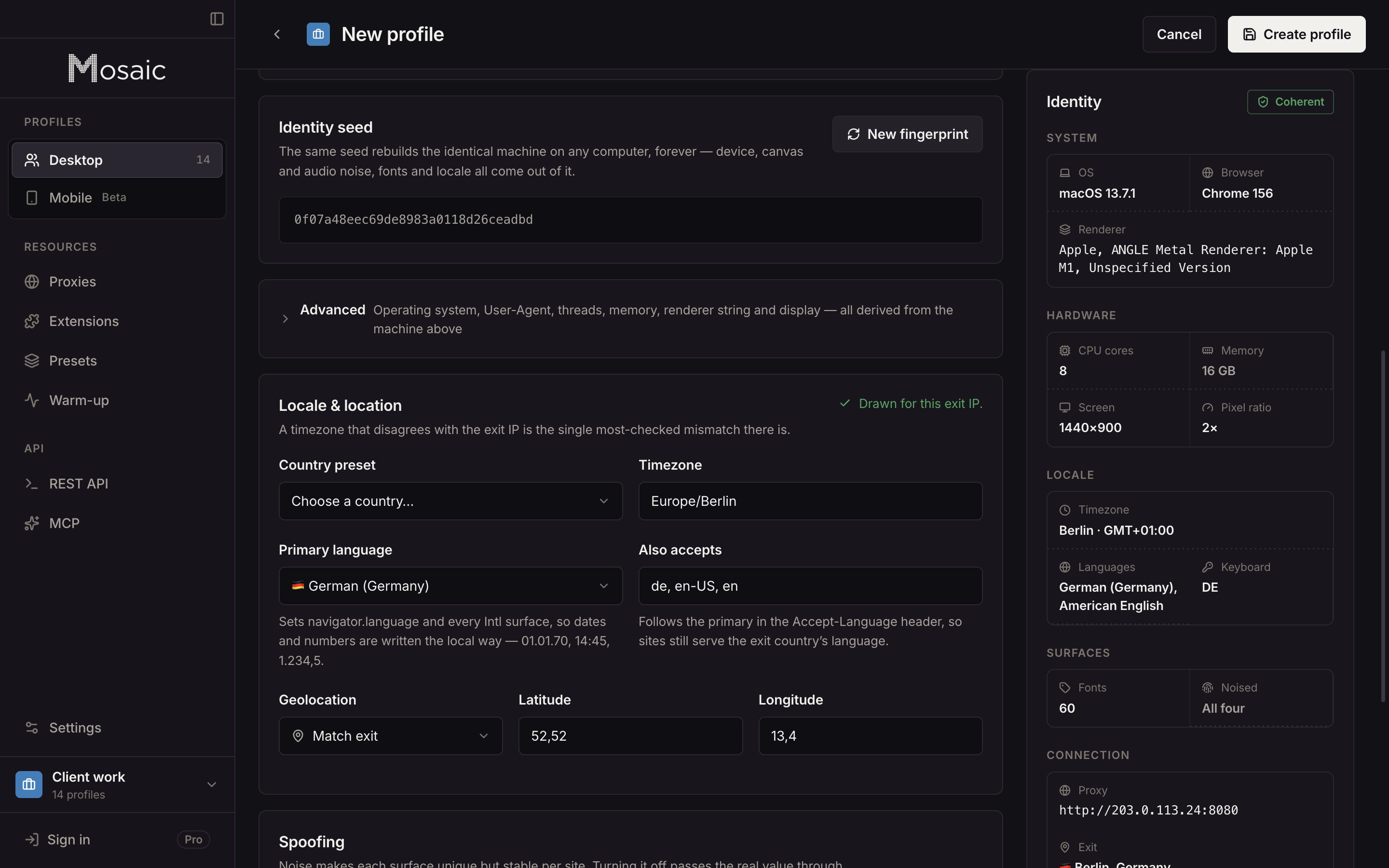
Two limits, said plainly. A profile can claim any desktop OS or Android, but fonts and how they render come from the real computer, so a Windows profile on a Mac matches less well than a macOS one (80/100 against 100/100 on IPHey, on our Mac). And Mosaic does not make you anonymous. If you need to hide who you are from the sites you visit, use Tor Browser. Free is 3 profiles and 10 profile creations; Pro is $49 a month.
How the engine sets each value below the page, and why none of it is done in JavaScript, is on the Tesseract Chrome page.
Sources
- EFF Surveillance Self-Defense: What Is Fingerprinting?, read November 2, 2026
- Tor Project Support: Fingerprinting protections, read November 2, 2026
- Mullvad Browser, read November 2, 2026
- Apple Safari User Guide: Browse privately in Safari on Mac, read November 2, 2026
- Brave: Fingerprinting Protections (wiki), read November 2, 2026