Most people who manage multiple Reddit accounts need two things: a quick way to switch on the phone, and a way to stop the accounts mixing on a computer. Reddit's app handles the first. The second is where the mistakes come from, because a browser shows whichever account signed in last, and a comment meant for your own account goes out under the brand's name.
Reddit allows it: its help center says you are "more than welcome to create multiple Reddit accounts" and may verify them with one email address, and forbids voting on the same posts or comments from more than one of them (Is it ok to create multiple accounts?, read 2 November 2026). Mosaic keeps accounts you are entitled to run apart; it does not change what a platform allows. The rule in full, with ban evasion and the other limits, is in can you have multiple Reddit accounts.
Manage multiple Reddit accounts in the app
Reddit's help page on logging in and out (read 2 November 2026) gives the steps for adding a second account on iOS and Android:
- Press and hold your avatar at the bottom right of the screen.
- Tap Add account, then Log in.
- Sign in to the other account.
The same press-and-hold menu is where you switch, and where the log-out icon next to each account signs out just that one. Two details from the same page are worth knowing. If you ask for an email login link and several accounts share the address, Reddit sends the link "for the most recently created account" on it. And if an account was made with Google or Apple sign-in, that Google or Apple account can link to only one Reddit account at a time, so give the second account a password of its own.
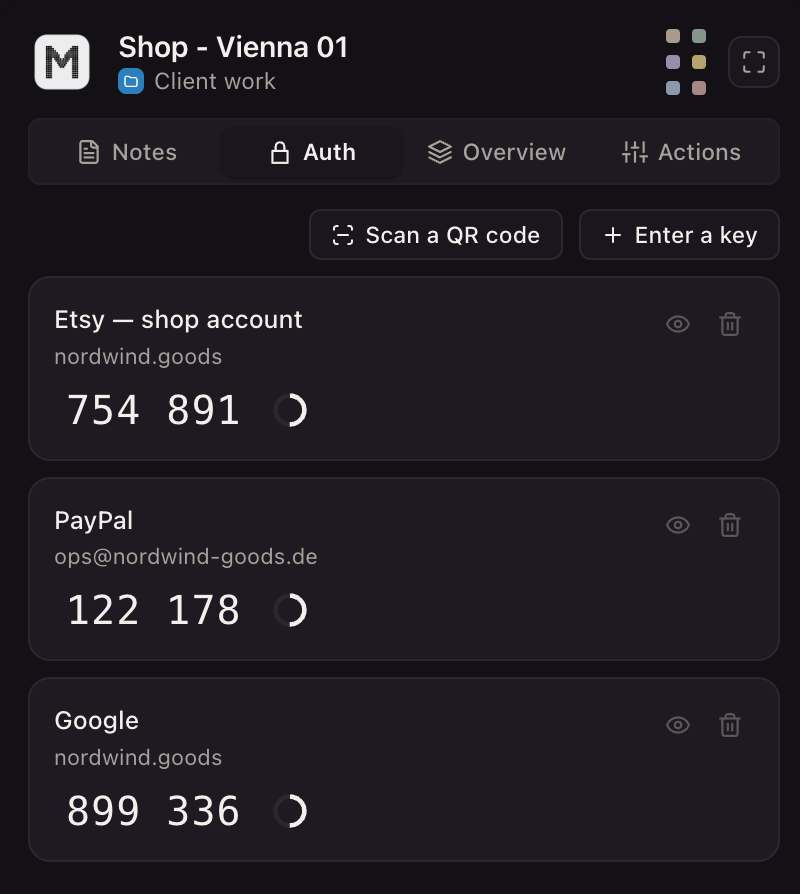
Each profile keeps its own passwords and its own 2FA codesIn Mosaic: Logins and 2FA codes. A password vault and TOTP codes for each profile. Free holds 3 profiles. Pro is $49 a month for any number.
Mosaic is a desktop app
Email yourself the link and open it on your computer.
How it works: Logins and 2FA codes
Manage multiple Reddit accounts on a computer
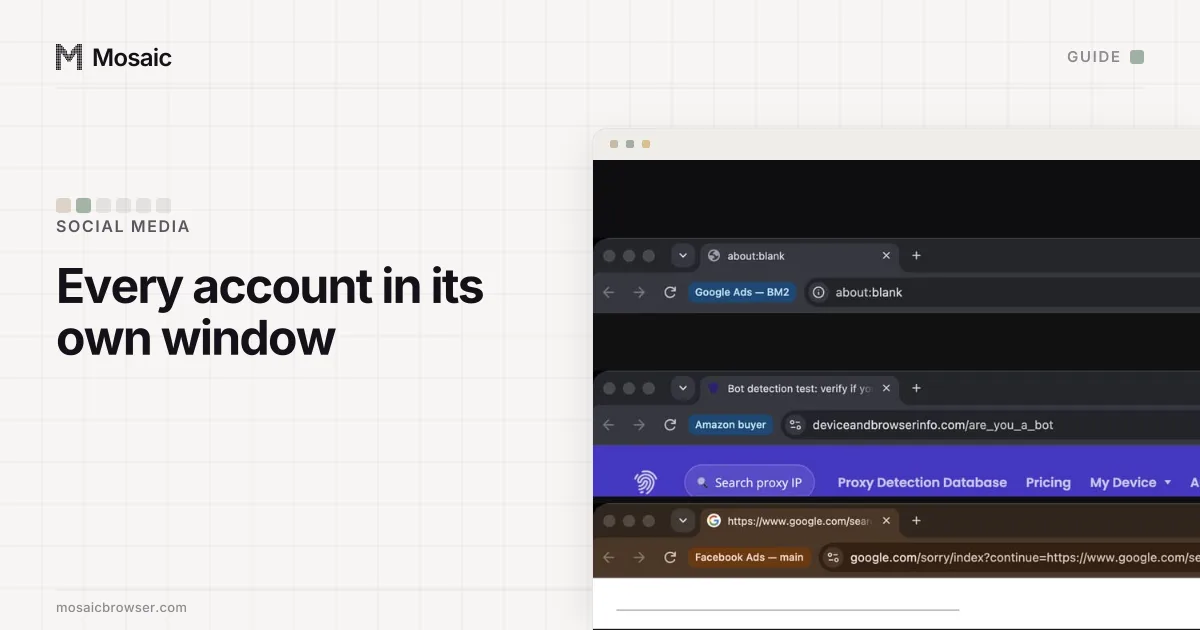
reddit.com keeps your session in the browser's cookies. One browser profile has one cookie jar, so every tab in that browser is the same account, and signing in as a second account replaces the first in all of them. That is the mechanism behind the classic slip: you sign in to the brand account to post an announcement, come back an hour later to reply to a friend, and the reply goes out as the brand.
There are three fixes, from cheapest to sturdiest.
| Set-up | What it gives you | Where it breaks |
|---|---|---|
| A private window for the second account | a separate, empty cookie jar | signed out when the window closes |
| A second browser (Safari next to Chrome) | two accounts, both staying signed in | stops at the number of browsers you have |
| One browser profile per account | as many accounts as profiles, each signed in for weeks | every profile reports the same computer |
For your own two or three accounts, Chrome's profiles are enough. Name each profile after the account and give it a colour, so the window tells you who you are before you type. The last column only matters when the accounts belong to different people: every Chrome profile on one computer reports the same screen, graphics card, fonts and timezone, so a client's account and yours sit in what any page sees as one machine. Whether that is true of your own profiles is easy to check, and do Chrome profiles have different fingerprints shows how.
Secure every account, not just the main one
Reddit's two-factor authentication page (read 2 November 2026) says "you can only enable two-factor authentication by logging into Reddit on your computer's web browser". On reddit.com it is your username, then Settings, then Two-factor authentication under Account authorization. Save the backup codes when Reddit offers them. If the account signs in with Google or Apple, two-factor is set up on that Google or Apple account instead.
Reddit's page on hacked accounts (read 2 November 2026) lists the habits that lose accounts, among them "Reusing the same username and password across multiple sites" and "Sharing accounts with other people", and recommends a password manager and a current, verified email address on each account. Five accounts with five authenticator entries on one phone is fine until that phone is lost; managing 2FA codes for multiple accounts covers where else the setup keys can live.
One account, one job
Managing several accounts well is mostly not mixing their jobs. Reddit's Disrupting Communities policy (read 2 November 2026) counts "Creating and employing multiple accounts ... to manipulate vote counts" as a violation, so a brand account and your own never vote on each other's posts. Each account joins the communities it has a reason to be in, and a moderator account moderates.
How to do it in Mosaic
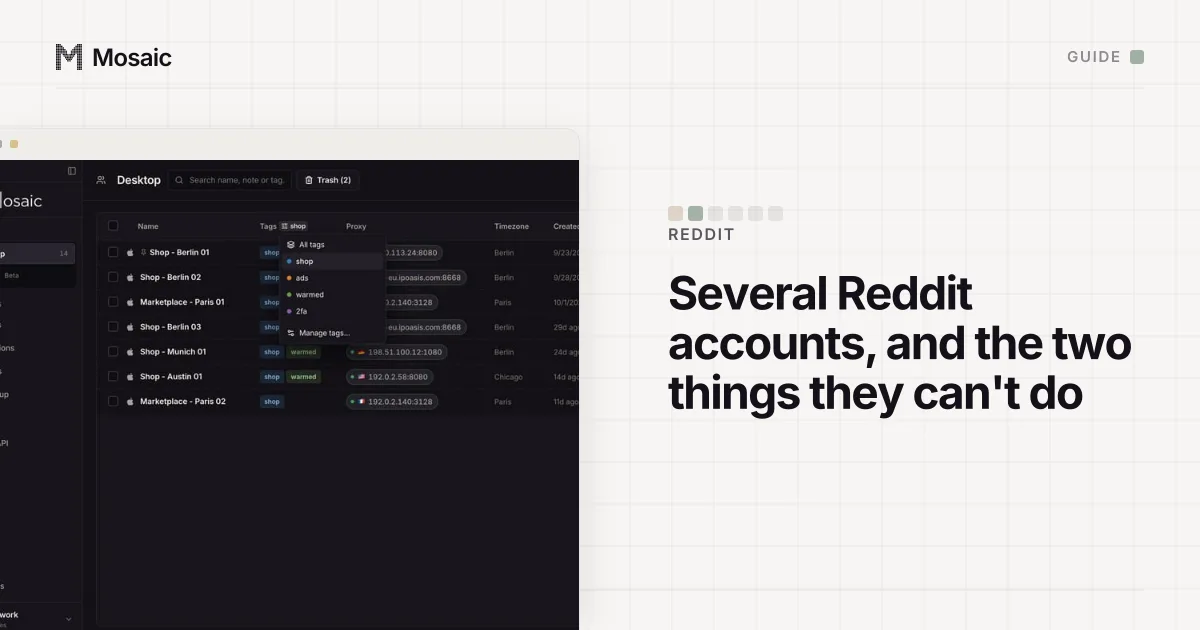
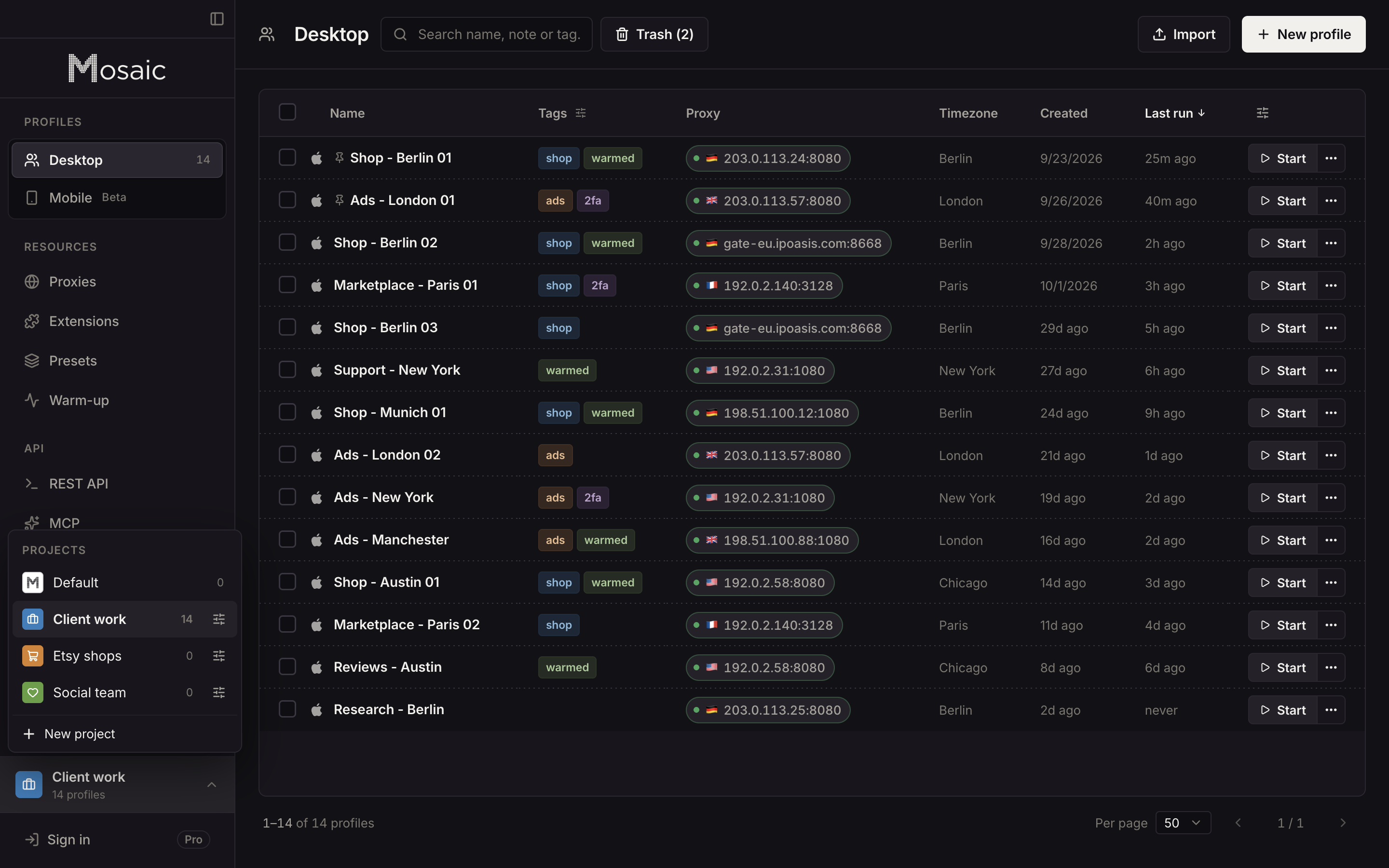
We built Mosaic for the case where the accounts are not all yours: a community manager with a client's brand account, a freelancer with three. Each profile is its own browser with its own cookie jar, its own fingerprint drawn from real hardware, and its own proxy if you give it one.
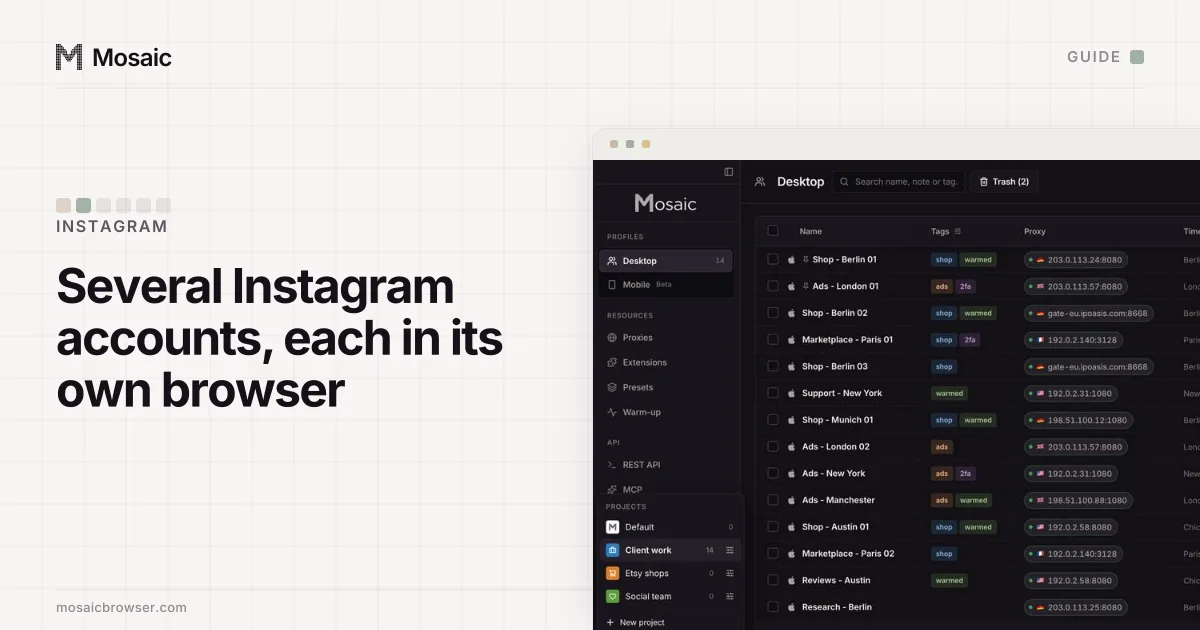
- Create a project for each client, or one for your own accounts, and a profile for each Reddit account inside it.
- Leave the proxy empty for accounts you run from home. The profile then matches your computer's own location. For a client in another country, add a proxy there, and the timezone and language are drawn from the exit Mosaic measured.
- Start the profile and sign in to reddit.com once. The cookies stay in that profile between launches, encrypted on disk, and no other profile can see them.
- Save the account's password and its two-factor setup key in the profile's credentials. When Reddit asks for the 6-digit code, Mosaic types the current one into the page with real keystrokes.
A Mosaic profile opens reddit.com, not the Reddit app, so anything you do on the phone stays on the phone. Free covers 3 profiles and 10 profile creations. The same layout across Instagram, Facebook and TikTok is in how to manage multiple social media accounts.
Sources
- Reddit Help: Is it ok to create multiple accounts?, read November 2, 2026
- Reddit Help: How do I log in and out of my Reddit account?, read November 2, 2026
- Reddit Help: What is two-factor authentication and how do I set it up?, read November 2, 2026
- Reddit Help: I need help with a hacked or compromised account, read November 2, 2026
- Reddit Help: Disrupting Communities, read November 2, 2026