The name changed and the job did not. What people still call Facebook Business Manager is, in Meta's own help pages, a business portfolio, and you reach it through Meta Business Suite at business.facebook.com. Most of the confusion around it comes from that rename: menus, older tutorials and even some of Meta's pages still say "Business Manager" and "Business Settings" for things now labelled differently.
Facebook Business Manager explained in one paragraph
A business portfolio is a container owned by a company. Meta's page says it lets organisations bring "their Facebook Pages, Instagram accounts, Threads accounts, ad accounts, catalogs and other business assets together", and manage the people who access them from one place (About business portfolios, read 2 November 2026). Nobody logs in to the portfolio itself. Each person signs in with their own Facebook profile, or with a managed Meta account, and sees the portfolios they have been added to.
What lives inside a portfolio
Assets are the things a business owns on Meta: Pages, Instagram profiles, ad accounts, apps, Meta Pixels, catalogs. Meta's rule is that "business assets can only belong to 1 business portfolio" (Create a business portfolio, read 2 November 2026). Other portfolios can be given access, but only the owner can share an asset onward.
Some things need a portfolio at all. Meta's list: using Meta Business Suite, enrolling in monthly invoicing, running ads about social issues, elections or politics, verifying a domain, and creating a publisher block list.
Each profile keeps its own passwords and its own 2FA codesIn Mosaic: Logins and 2FA codes. A password vault and TOTP codes for each profile. Free holds 3 profiles. Pro is $49 a month for any number.
Mosaic is a desktop app
Email yourself the link and open it on your computer.
How it works: Logins and 2FA codes
People and partners are different doors
People are individuals in your own organisation. Partners are other businesses, such as an agency or a client, each with its own portfolio (About partners, read 2 November 2026). A partner is added by its business portfolio ID, not by a person's email, and it then decides which of its own people work on what you shared.
Meta renamed the access levels along with everything else. From its permissions page (business portfolio permissions, read 2 November 2026):
| Access in a portfolio | Old name | What it allows |
|---|---|---|
| Full access | Full control | Everything: settings, people, assets, partners, deleting the portfolio |
| Basic (partial access) | Employee | Only the assets the person is assigned |
| Apps and integrations (partial access) | Developer | Conversions API, events, apps, access tokens |
| Finance access (an advanced option) | Not given | View or manage transactions, invoices, spend and payment methods |
Two details on that page change how you set up a team. Temporary access gives basic access for between 3 and 75 days and then removes the person by itself, which suits a contractor. And full access to a single asset is not full access to the portfolio: someone can control one Page without seeing the rest.
The limits that catch people
Meta's pages give three numbers. You can personally create up to 2 business portfolios, with no limit on how many you can belong to. A new advertiser has 1 ad account until it makes a confirmed payment from it, and Meta then adjusts the limit "based on historical spending and use of existing ad accounts" (Troubleshoot ad account creation, read 2 November 2026). Ad accounts closed after 60 days with no usage or spend still count towards it.
The 2-portfolio limit is the one freelancers meet. It caps what you can create, not what you can join, so a consultant with many clients asks each client to add them, or to share assets with the consultant's one portfolio.
How it compares with Google's version
Google's equivalent is the Google Ads manager account, and the two solve the same problem from different ends. A Google manager account links ad accounts under it. A Meta portfolio owns assets outright and shares them sideways with partners. Our Google Ads manager account explained covers linking, ownership and Google's spend-based limits.
What a portfolio does not do
It does not give anybody a second Facebook login. Your personal profile is still the key, and Meta's terms ask for one personal account per person. A portfolio is how one profile reaches many businesses' assets without sharing anybody's password.
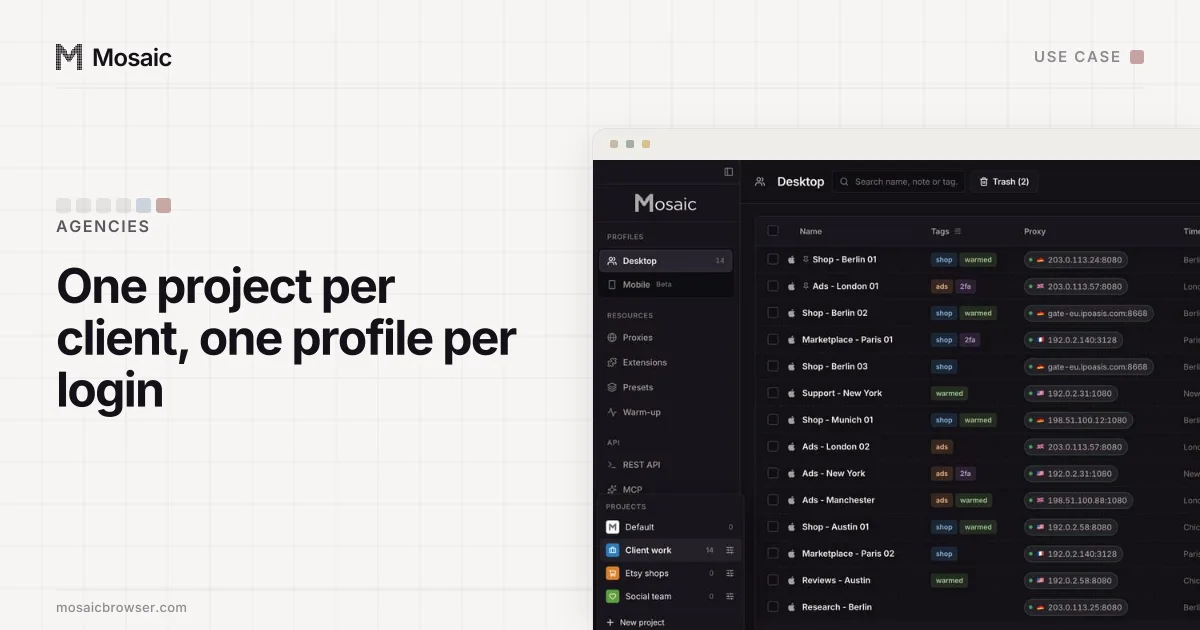
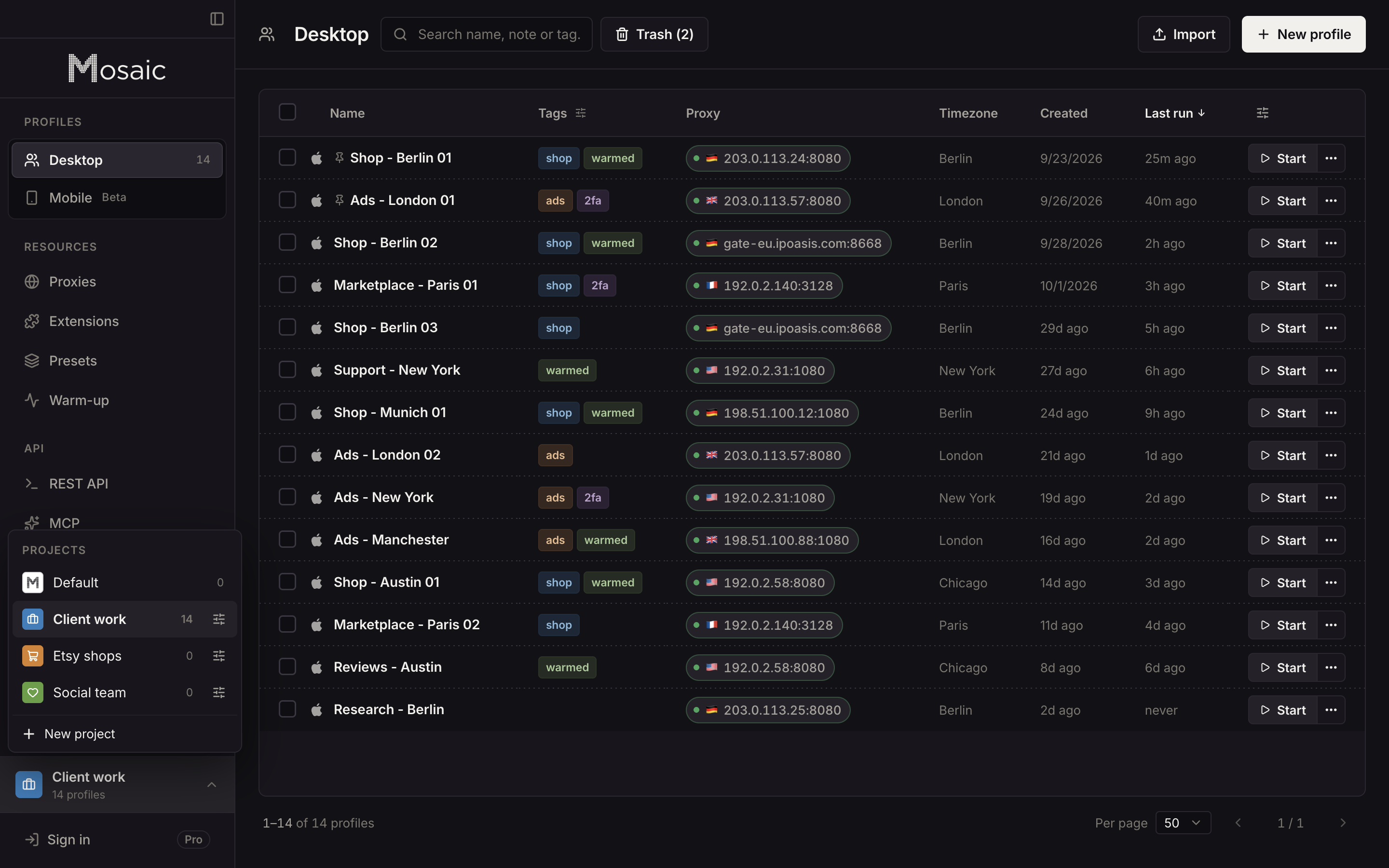
It also stops at Meta. An agency's day still runs through each client's shop admin, analytics and landing page builder, and those have no partner system. That is the part we built Mosaic for: each of those logins in its own profile, with its own cookies, fingerprint and proxy, grouped in a project per client. The set-up for agencies is in Mosaic for agencies.
The working steps, from creating a portfolio to bringing client ad accounts in, are in how to manage multiple Facebook ad accounts, and the client's side of partner access is in how to give an agency access to Facebook ads.
Sources
- Meta Business Help Center: About business portfolios, read November 2, 2026
- Meta Business Help Center: Create a business portfolio in Meta Business Suite, read November 2, 2026
- Meta Business Help Center: About business portfolio and business asset permissions, read November 2, 2026
- Meta Business Help Center: About partners in Meta Business Suite, read November 2, 2026
- Meta Business Help Center: Find your business portfolio ID, read November 2, 2026
- Meta Business Help Center: Troubleshoot ad account creation issues, read November 2, 2026