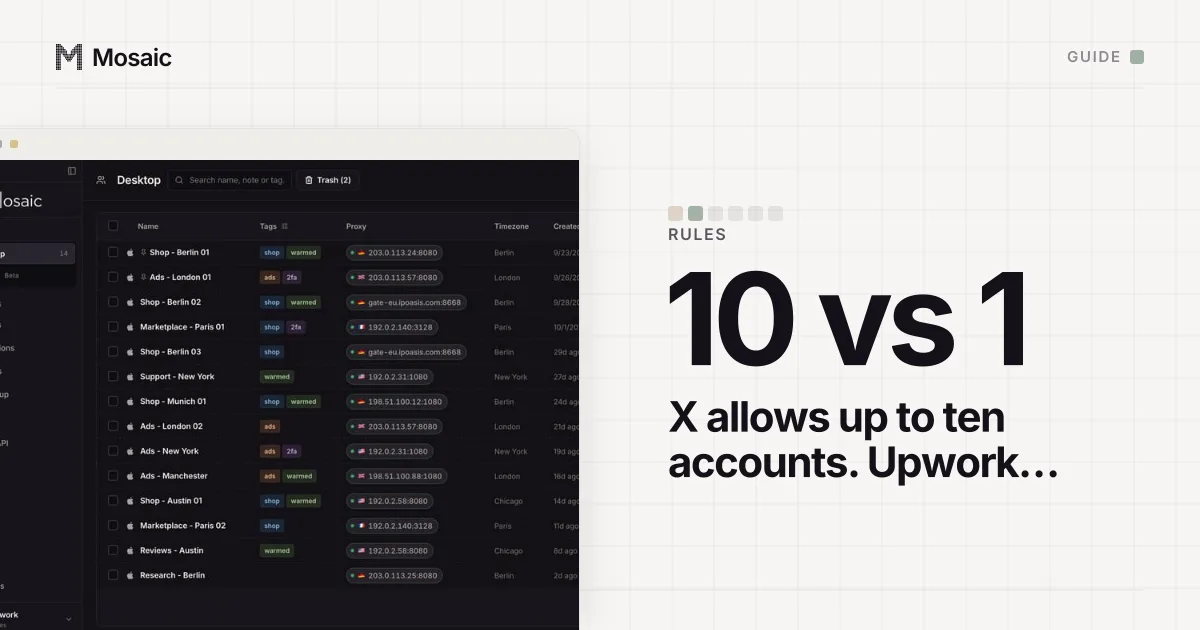
X is one of the few platforms that puts a number on it. Its Authenticity policy says: "X allows users to create and/or operate up to ten (10) accounts for different, non-duplicative purposes." So you can have multiple Twitter accounts, up to ten, as long as each one has its own job. The rest of the policy is about what those accounts may not do to each other.
Mosaic keeps accounts you are entitled to run apart; it does not change what a platform allows. Everything below is X's own wording, from the April 2025 version of the policy, and it applies however and wherever you sign in.
What X counts as a different purpose
The policy gives examples of accounts it allows, and they are ordinary. Accounts for "personal projects, hobbies/interests, or for your business(es)". Brand accounts "specific to unique locations or languages, e.g. brand accounts in English, Spanish and French". Branches of one organisation, "such as a business with multiple locations". A personal account "in addition to pseudonymous accounts or accounts associated with your hobbies or initiatives". It even names accounts that track when objects in space pass over New York or Hong Kong, one account per city.
The line also covers people who run accounts that are not theirs. X allows you to "control multiple accounts on behalf of a third-party (e.g. 'Social Media Managers')", provided no X Rules are broken. A freelancer with six clients' accounts plus their own is within the policy. The policy lists client work as its own allowed use and does not say whether those accounts count towards the manager's ten.
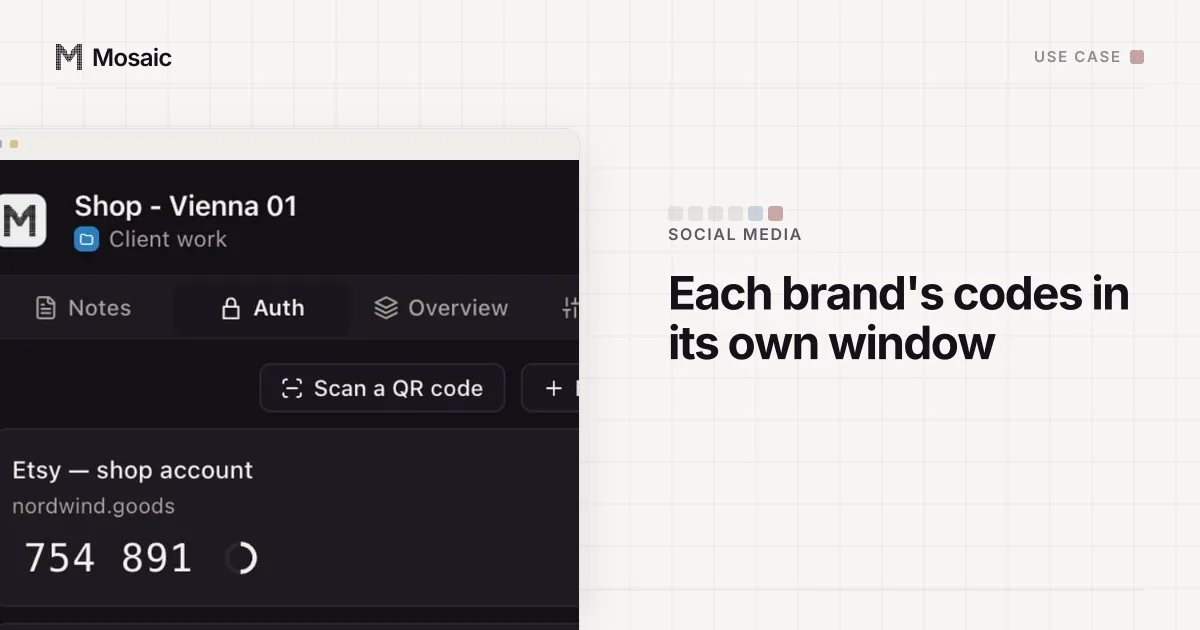
Each profile keeps its own passwords and its own 2FA codesIn Mosaic: Logins and 2FA codes. A password vault and TOTP codes for each profile. Free holds 3 profiles. Pro is $49 a month for any number.
Mosaic is a desktop app
Email yourself the link and open it on your computer.
How it works: Logins and 2FA codes
What X forbids, even within ten
The same section lists what is not allowed, under the heading "Multiple Accounts and Coordination". The pattern is accounts acting as a crowd:
| Use | Allowed? | X's words |
|---|---|---|
| A personal account and a pseudonymous one | yes | "a personal account in addition to pseudonymous accounts" |
| One brand account per language or country | yes | "brand accounts in English, Spanish and French" |
| A manager running clients' accounts | yes | "on behalf of a third-party (e.g. 'Social Media Managers')" |
| Accounts liking or replying to the same posts | no | "engage with the same posts, accounts, or polls" |
| Using your accounts to push a hashtag | no | "'boost' trending topics or hashtags" |
| The same post from several accounts | no, unless translated | "content that is cross-posted but localized into another language is permitted" |
| More accounts than the phone number limit | no | "workarounds to exceed the technical limits of account creation" |
| A new account after a suspension | no | "creating new accounts" to evade enforcement |
The cross-posting row is the one that catches honest people. A company with an English and a Spanish account can post the same announcement on both in two languages. Posting the identical English text from both is what the policy describes as multiple accounts posting "substantially similar or identical content".
What happens when accounts break the rule
X's enforcement section has a sentence written for this exact case: "In the case of a violation centering around the use of multiple accounts, you may be asked to choose one account to keep. The remaining accounts will be suspended." Lighter outcomes come first for a first offence, from deleting posts to temporarily locking the accounts.
Suspension also reaches backwards. Under ban evasion, the policy says that if an account is suspended, X "reserves the right to also suspend any other account we believe the same account holder or entity may be operating in violation of our earlier suspension, regardless of when the other account was created." So the ten-account allowance belongs to someone in good standing. It is not a reserve of spare accounts, and nothing on this site helps anyone use it as one. How sites tie accounts to one person in the first place is covered in how websites detect multiple accounts.
Accounts sit side by side, but never merge
X's help page on creating and managing multiple X accounts shows how to add accounts in the iOS and Android apps, on desktop, mobile.X.com, X Lite and X for Windows. On the desktop site you click your profile icon in the side menu, choose the more or plus icon, then Add an existing account, and switch between them from the small profile icons that appear.
The same page closes one door: "We currently do not offer a way to merge multiple accounts into one or migrate data (posts, following, or followers) from one account to another." Pick each account's purpose before it gathers followers, because they cannot be moved later.
One more line matters if more than one person touches an account. X's Terms of Service (effective 9 October 2026) say you are responsible for safeguarding your account, and ask you to "use two-factor authentication via an authenticator app or security key". When an account belongs to a client, that authenticator should not be one employee's personal phone.
Where it goes wrong in practice
The switcher in the app was built for one person with a few accounts. It is less suited to a manager who signs in to a client's account in the same Chrome they use for their own, because every account then shares one browser's cookies, and the account that posts is whichever one was active last. A reply meant for a client's customer, sent from the manager's personal account, is not a policy problem; it is an embarrassment X cannot undo for you.
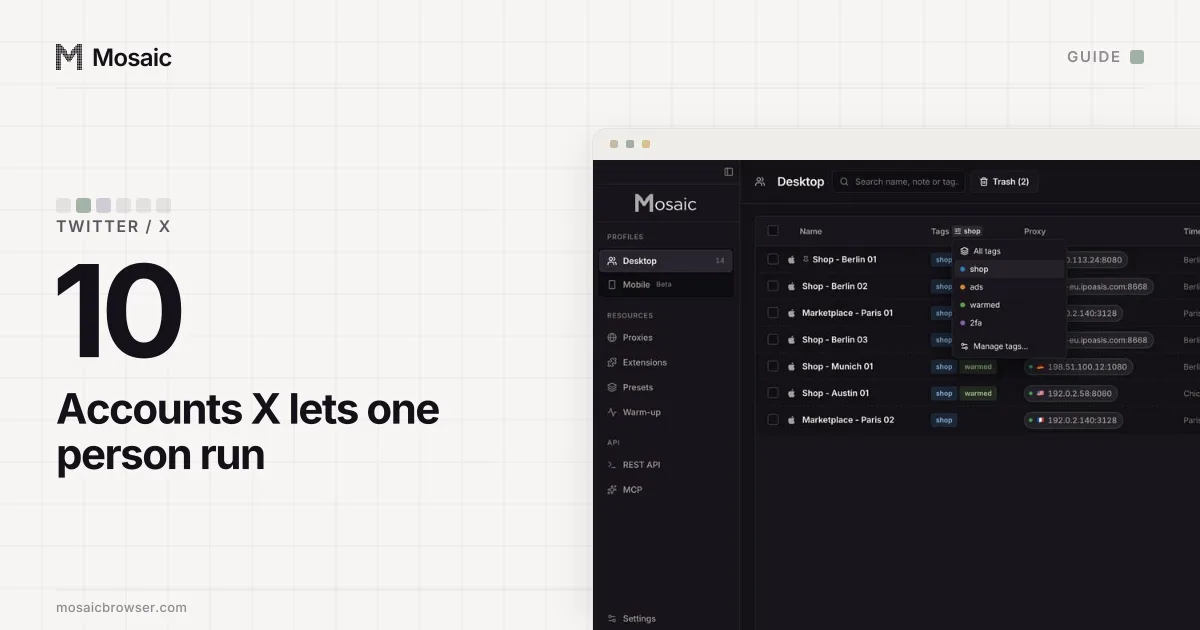
We built Mosaic so each account gets its own browser profile, with its own cookies, fingerprint and proxy exit, and so a client's two-factor codes sit in that client's profile and nowhere else. The day-to-day set-up, by hand and in Mosaic, is in how to manage multiple Twitter accounts. Whether running several accounts is a legal question at all, outside X's own rules, is answered in is it legal to have multiple accounts. For a manager with a client list, Mosaic for social media managers shows one project per client.
Sources
- X Help Center: Authenticity (April 2025 version), read November 2, 2026
- X Help Center: Creating and managing multiple X accounts, read November 2, 2026
- X Terms of Service (effective 9 October 2026), read November 2, 2026