Most people managing multiple Telegram accounts need nothing beyond the Telegram app. It holds three numbers, switches between them without logging out and keeps notifications coming from all three. The work starts at the fourth account, or when the accounts belong to different people: a support desk with one account per region, or an agency holding a client's account beside its own.
Telegram's terms allow several accounts per person, one per phone number (Telegram FAQ, read 2 November 2026). The Terms of Service (read 2 November 2026) open by asking you not to "send spam or scam users". Mosaic keeps accounts you are entitled to run apart; it does not change what a platform allows. Whether a second account is allowed at all, number by number, is in can you have multiple Telegram accounts.
Option 1: up to three accounts in the Telegram app
Telegram's February 2019 announcement describes the feature: "You can add all these accounts to your app and easily switch between up to 3 phone numbers without logging out."
- Open Settings in the Telegram app.
- Choose Add Account and sign in with the second number.
- Switch from the account list at the top of the side menu or Settings.
Each notification says which account it came to. On a phone this is the whole answer for a personal and a work number. On a computer it has one weakness: you see one account at a time, and a reply typed into the wrong account is the mistake people actually make.
Option 2: the app and the browser side by side
Telegram has several official clients, listed on its applications page: the desktop apps and two web apps, WebK and WebA, at web.telegram.org. Each signs in on its own. Leave one account in the desktop app and open another in a browser, and both sit on screen at once.
A web session lives in the browser's storage for telegram.org, like any site's login. That is the part that makes the next option work.
Paste one gateway line. Every profile mints its own exitIn Mosaic: Provider minting. One gateway line, a separate exit for every profile. Free holds 3 profiles. Pro is $49 a month for any number.
Mosaic is a desktop app
Email yourself the link and open it on your computer.
How it works: Provider minting
Option 3: one browser profile per account
A Chrome profile has its own cookies and storage, so each profile can hold its own Telegram Web session. Make one profile per account, sign in once in each, and keep the windows apart by name. There is no ceiling of three, and closing one profile does not sign anything else out.
Signing in on the web needs the account's other sessions. Telegram's developer documentation (read 2 November 2026) says only the official mobile apps can rely on SMS codes in some conditions, while other apps sign in with a code sent as a message to the account's other logged-in sessions, a QR code, an email code or a passkey. So each account should stay signed in on a phone you hold. A web session alone, on a number you no longer have, is one log-out away from being lost.
Chrome profiles share the computer under them: one screen, one font list, one graphics card and one home address for every account. For your own accounts that is fine. For client accounts, the trade-offs between Chrome profiles, separate browsers and virtual machines are in managing multiple accounts on one computer.
Option 4: one account, several people
A team often asks for more accounts when it needs more people in one place. Telegram has tools for that which keep logins personal. Add colleagues to a channel or group as admins with their own accounts. Turn on Direct Messages for a channel, which the FAQ says lets subscribers "send them private messages — without the channel owner having to share their personal account." Nobody passes a login code around, and nobody loses access when one person leaves.
Keep every account reachable
Three habits stop an account from being lost rather than banned.
- Put each account on a mobile number you own and will keep. The FAQ says "whoever has the number, has the account."
- Turn on Two-Step Verification in Settings › Privacy and Security, with a recovery email, so the number alone is not enough to sign in.
- Open each account at least once a year. An account that does not come online for 18 months is deleted by default.
How to manage multiple Telegram accounts in Mosaic
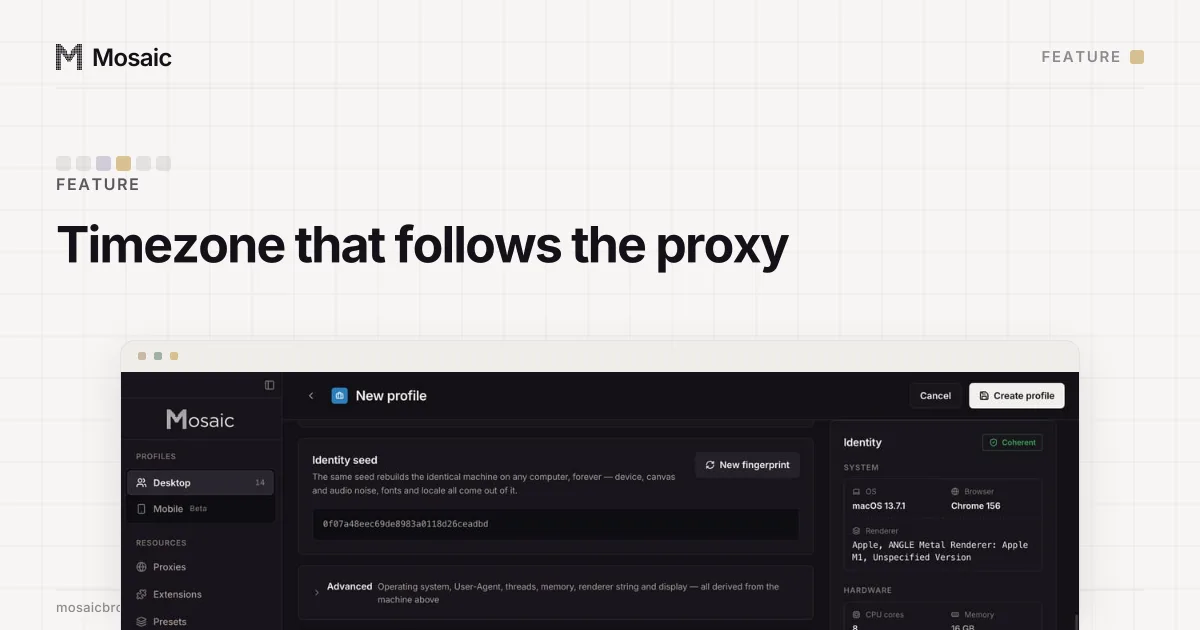
Mosaic is Option 3 with more kept apart. Each profile is a full browser on Tesseract Chrome, our own Chromium, with its own storage, a fingerprint drawn from real hardware and, if you want one, its own proxy. Its timezone and language follow that proxy's exit (exit matching).
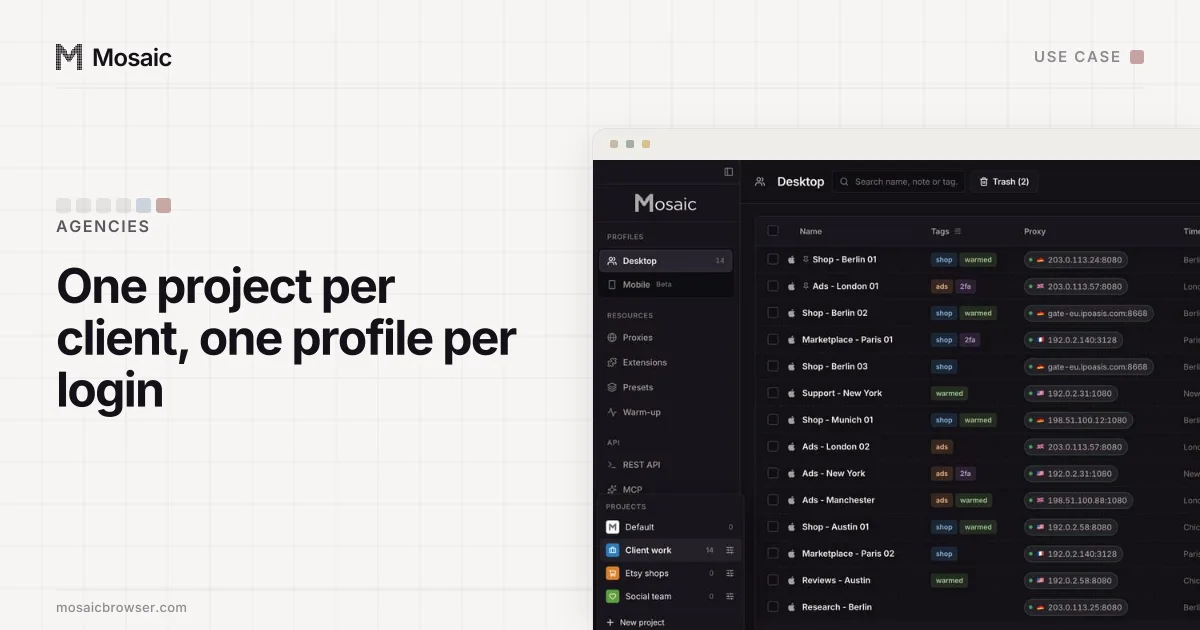
- Click New project for each client or desk, so its accounts sit together.
- Click New profile once per Telegram account, and name it after the account and the person who answers from it.
- If the account should appear from the client's country, give the profile a proxy. Paste a proxy seller's gateway line once in Proxies as a provider, and each profile mints its own session, so no two accounts share an exit (proxy providers).
- Start the profile, open web.telegram.org and sign in with the code Telegram sends to that account's phone.
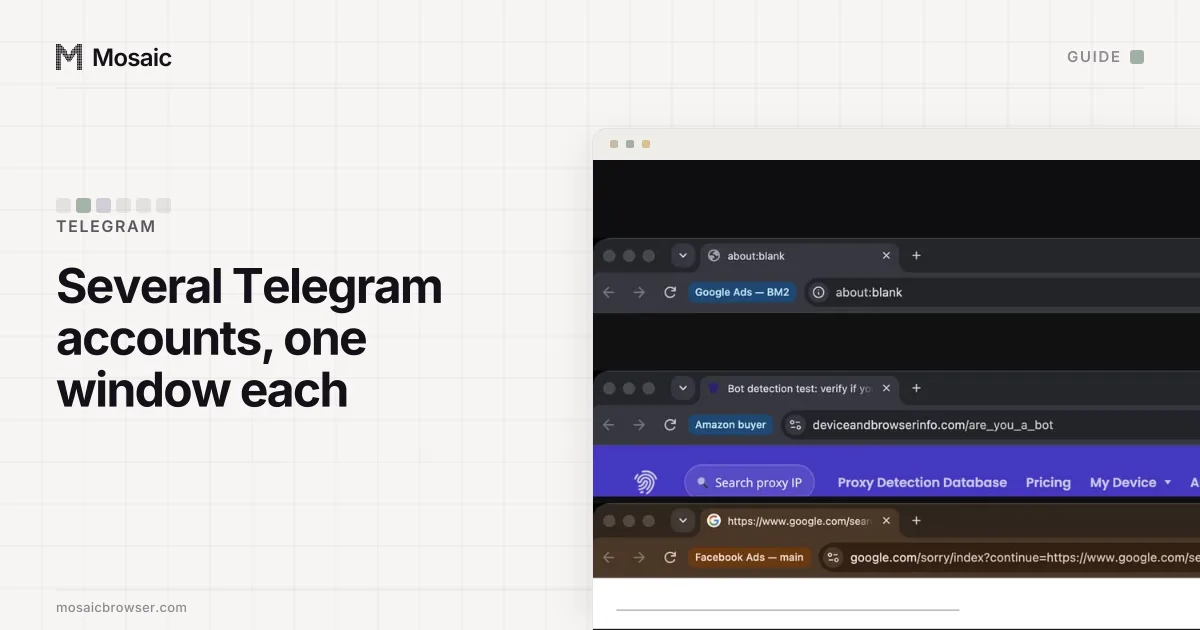
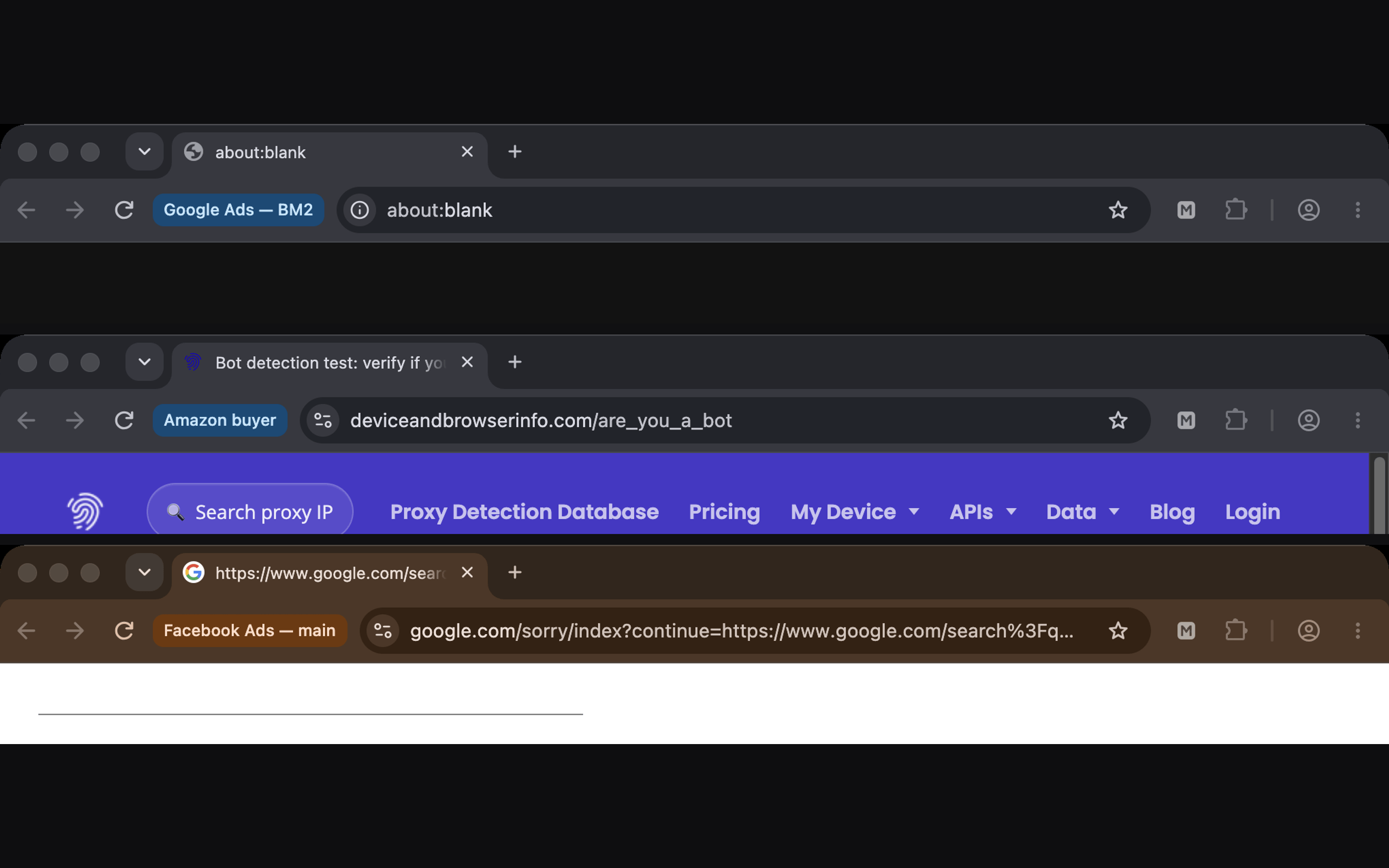
- Select the profiles you use together, start them, and choose Arrange › Grid. Each window shows its profile's name beside the address bar.
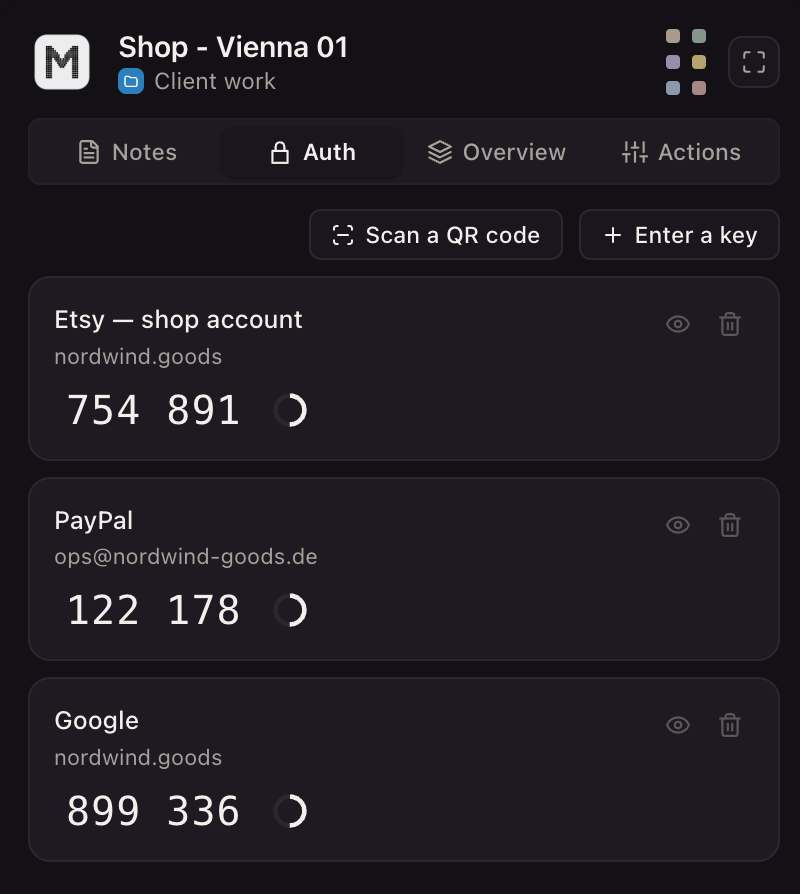
In the profile editor, the Logins tab holds that account's Two-Step Verification password, and Fill types it into the page with real keystrokes when Telegram asks for it. The companion inside the profile's browser keeps notes for that profile only: which number the account is on, who holds the phone, what the last customer asked.
Mosaic works with Telegram Web only. It does not run the Telegram mobile or desktop app, supply phone numbers or send messages for you. How an agency lays out one project per client is on Mosaic for agencies.
Sources
- Telegram FAQ, read November 2, 2026
- Telegram blog: Autoplaying Videos, Automatic Downloads and Multiple Accounts, read November 2, 2026
- Telegram Terms of Service, read November 2, 2026
- Telegram applications, read November 2, 2026
- Telegram API: User authorization, read November 2, 2026