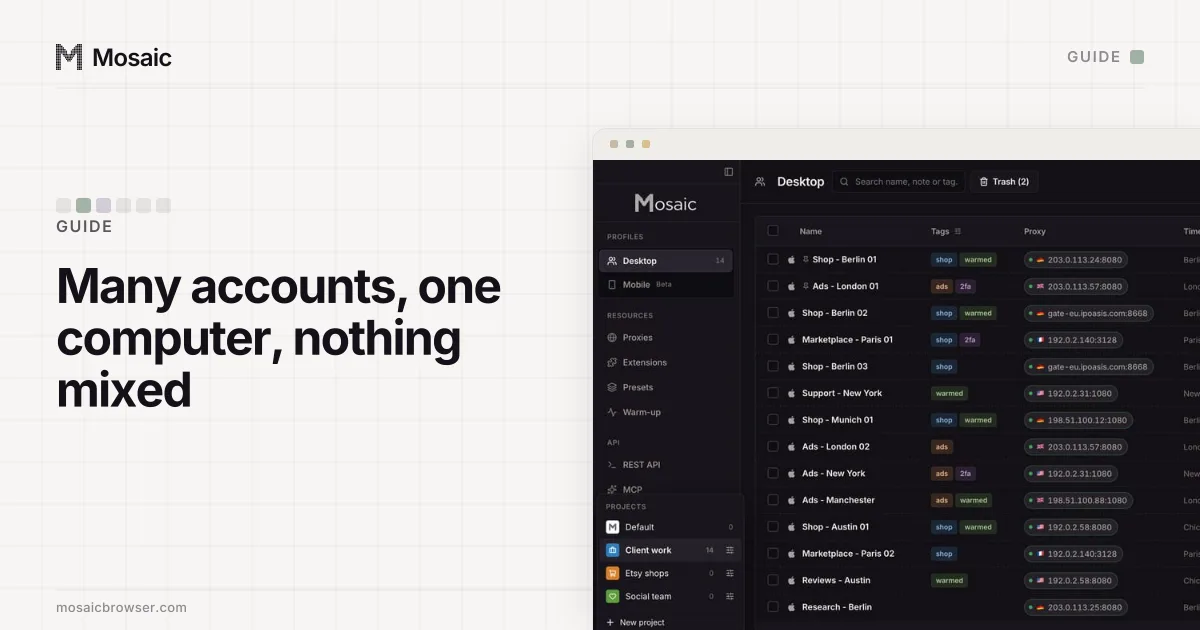
There are four ways to keep several accounts on one computer, and they differ in one thing: how much the accounts share. The account switcher shares everything. A browser profile or container shares the computer but not the cookies. An anti-detect browser shares as little as one computer can. Start at the top and move down only when the accounts need it.
Before any of that, check what the platform allows. Some expect several accounts per person and some allow one, and a tool on your computer does not change their rules. Mosaic keeps accounts you are entitled to run apart; it does not change what a platform allows. The rules on the major platforms are collected in is it legal to have multiple accounts.
1. Use the platform's own tools first
Most large platforms have a supported way to hold several accounts, and it is always the first thing to try.
- Google lets you sign in to several accounts in one browser and switch from your profile picture (Sign in to multiple accounts at once, read 2 November 2026). Google warns that it may apply your default account's settings when it cannot tell which one you mean.
- Meta puts a company's Pages, Instagram accounts and ad accounts in a business portfolio, which brings "their Facebook Pages, Instagram accounts, Threads accounts, ad accounts, catalogs and other business assets together" (About business portfolios, read 2 November 2026). Each person signs in with their own profile.
- Google Ads has manager accounts for anyone running more than one ad account, described as "an entirely new Google Ads account you create" with other accounts linked under it (Google Ads Help, read 2 November 2026).
If the platform's tool covers your case, you are done. An agency that runs clients' ads through a manager account does not need ten browsers to do it.
Your profiles, cookies and proxies stay on your computerIn Mosaic: Local first. Profiles, cookies and proxies stay on your computer. Free holds 3 profiles. Pro is $49 a month for any number.
Mosaic is a desktop app
Email yourself the link and open it on your computer.
2. One browser profile per account
When the accounts need their own sessions, a browser profile is the free way to get them. Each Chrome profile has its own cookies, history, saved passwords and extensions, and Google suggests profiles to "keep your different accounts, like work and personal, separate" (Manage Chrome with multiple profiles, read 2 November 2026).
- Click the profile icon at the top right of Chrome.
- Choose Add Chrome profile and give it the account's name and a colour.
- Sign in to one account in that profile, and only that one.
- Give each profile a name and colour you cannot confuse, so you open the right window without thinking.
The rule that makes this work is one account per profile. The moment a second account signs in to the same profile, the two share cookies again.
3. Containers, if you use Firefox
Firefox's Multi-Account Containers add-on, from Mozilla, keeps each container's cookies apart inside one window, so the separation is per tab rather than per window. A "Shop" container and a "Personal" container can each be signed in to the same site, side by side, as colour-coded tabs.
4. An anti-detect browser, when the accounts are other people's
Profiles and containers separate cookies. They do not separate the computer. Every Chrome profile reports the same graphics card, screen, fonts and timezone, and leaves from the same IP address, which we show value by value in do Chrome profiles have different fingerprints. For your own accounts that is fine. For twelve clients' accounts it presents twelve unrelated businesses as one machine on one address.
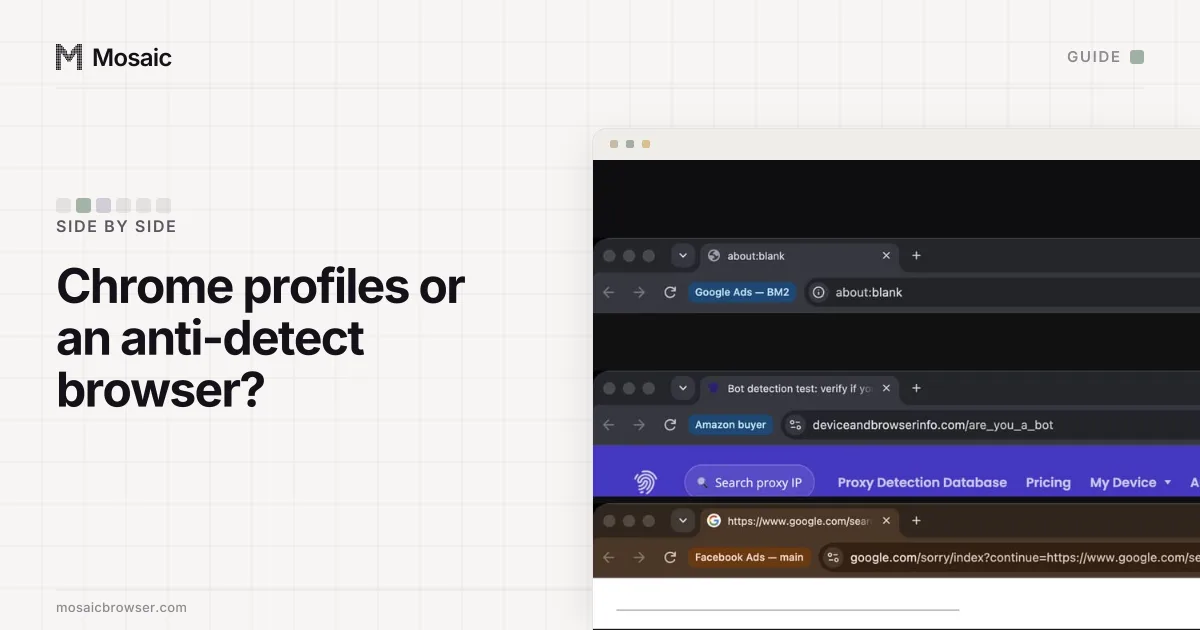
An anti-detect browser gives each profile its own fingerprint and its own proxy as well as its own cookies. Chrome profiles vs an anti-detect browser compares the two row by row.
Habits that matter whichever you choose
- Name every profile, container or window after the account in it: "Client A - Instagram", not "Profile 3".
- Keep one password manager entry per account and never reuse a password between accounts.
- Store each account's two-factor setup key with that account, not in one shared authenticator page you open from any window.
- Give each client's files their own folder, so an invoice for one never sits next to another's.
- Sign in to an account you rarely use every few months. Google, for one, may delete a personal account unused for 2 years (Inactive Google Account Policy, read 2 November 2026).
How to manage multiple accounts in Mosaic
Mosaic does steps 2 and 4 in one place, for accounts you are entitled to run.
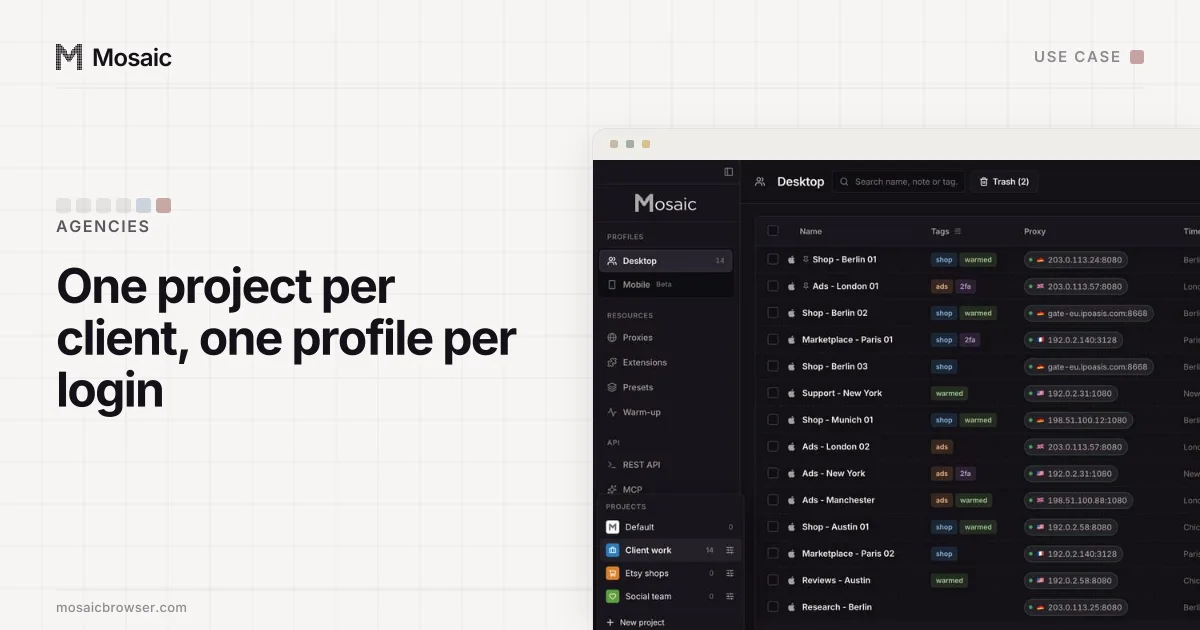
- Create a project per client or business with New project. Each has its own colour and icon, so the client you are working in is always visible.
- Click New profile for each account. Give it a proxy in the account's own region, or leave No proxy to use your own connection and location.
- Start the profile and sign in to that one account.
- In the profile editor, open Logins, choose Add login, and paste the account's two-factor setup key. The companion inside that profile's browser shows that account's logins and codes, and no other.
- Make a desktop shortcut for profiles you open daily; it opens that profile in one click.
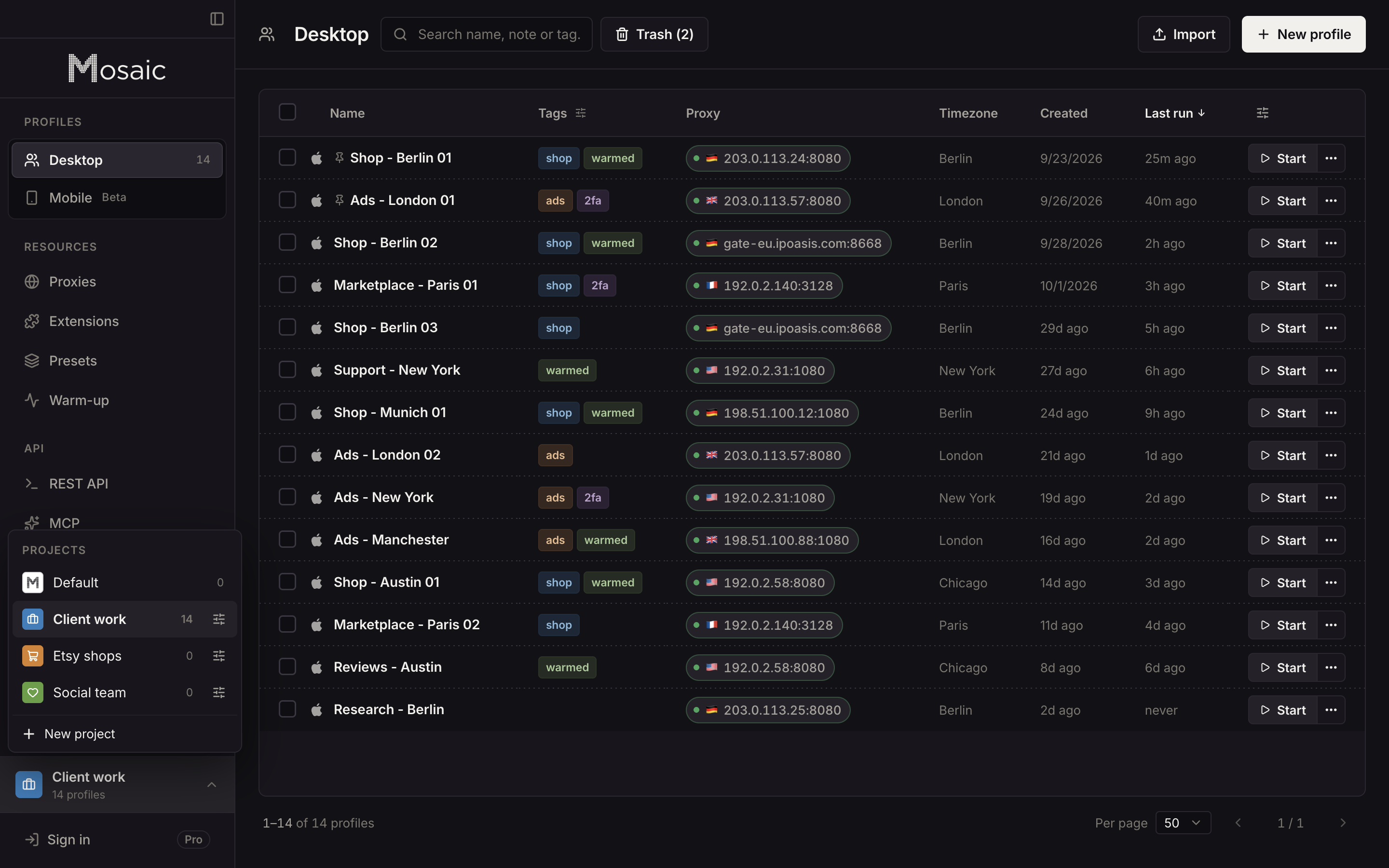
Each profile also downloads into its own folder, kept out of Spotlight and deleted with the profile. Profiles, cookies and proxies stay on your computer; Mosaic has no cloud copy of them (local-first has what our server does and does not know). How an agency lays out its clients this way is on Mosaic for agencies.
Sources
- Google Account Help: Sign in to multiple accounts at once, read November 2, 2026
- Google Chrome Help: Manage Chrome with multiple profiles, read November 2, 2026
- Mozilla Support: Multi-Account Containers, read November 2, 2026
- Meta Business Help Center: About business portfolios, read November 2, 2026
- Google Account Help: Inactive Google Account Policy, read November 2, 2026
- Google Ads Help: About Google Ads manager accounts, read November 2, 2026