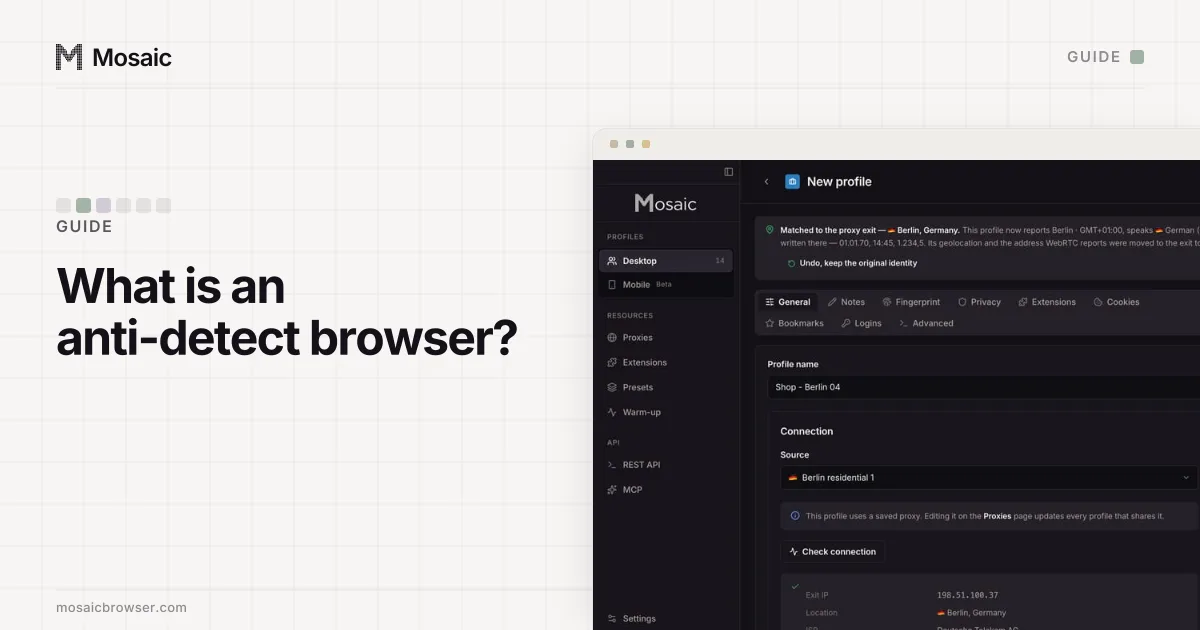
Sites link accounts by finding something two of them share. The work is making sure there is nothing to find, at four levels: the browser, the network, the fingerprint and the account itself. This guide goes through each one in the order you would set it up, using Mosaic for the examples. The same principles apply to any tool.
A plain word first: this is for accounts you are allowed to run. Each platform's terms decide how many accounts you may hold and how others may help manage them, so read them before you start. Mosaic keeps accounts you are entitled to run apart; it does not change what a platform allows. Agencies running client accounts, sellers with a store per marketplace, and teams with separate brand pages are the normal case. If a platform has banned you, separating browsers will not change its terms, and we will not help you get around them.
1. One profile per account, never two accounts per profile
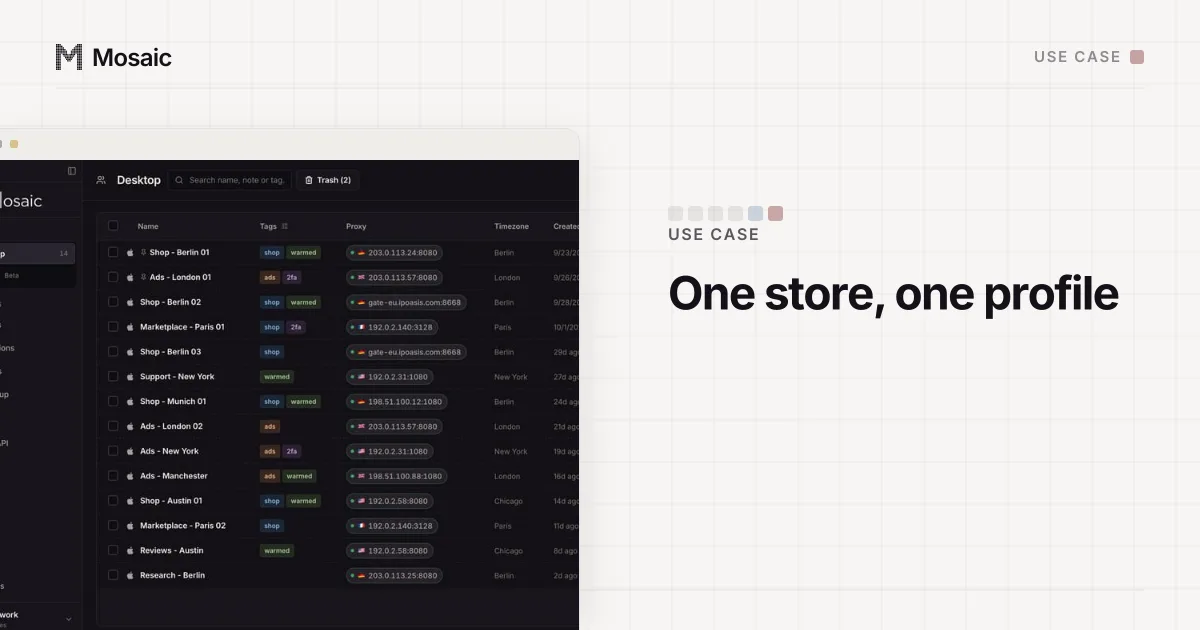
Start with the rule that makes everything else work: one account lives in one profile, and that profile is never used for a second account on the same site. A profile carries cookies, local storage, saved logins and history. Log a second account in there and you have linked them yourself.
In Mosaic, group profiles into projects, one per client or business, and use tags for the platform or region. A profile name like "Shop - Berlin 03" tells you at a glance what lives inside. Each profile also downloads into its own folder, so an invoice from one store never sits in a shared Downloads pile next to another's.
2. Give every profile its own exit
The IP address is the first thing a site compares, and the cheapest. Two accounts that keep appearing from the same address are related until shown otherwise.
So every profile gets its own proxy session. For more than a handful of profiles, buying one static proxy each gets expensive and tedious. Mosaic's provider accounts take one pasted gateway line from your proxy seller and mint a separate session for every profile, which means a separate exit address. If a session dies, Mosaic rotates to a fresh one rather than retrying the dead one, and a session you pinned by hand is never moved.
For accounts on consumer platforms, a residential proxy is usually the right kind, because the exit belongs to a home internet connection rather than a data center range.
Paste one gateway line. Every profile mints its own exitIn Mosaic: Provider minting. One gateway line, a separate exit for every profile. Free holds 3 profiles. Pro is $49 a month for any number.
Mosaic is a desktop app
Email yourself the link and open it on your computer.
How it works: Provider minting
3. Check the proxy before every launch
A proxy that fails silently is the worst outcome, because the browser falls back to your real connection and logs the account in from your home IP. Mosaic refuses to open a profile behind a proxy that has not answered and tunneled a connection, and says why instead.
Checking also tells you where the exit actually is. A proxy sold as "Germany" can leave the internet somewhere else, and you want to know that before you build an account on it. How to check a proxy before you use it covers the full check, including blocklists and whether the address is residential.
4. Match the fingerprint to the exit
A profile in a Berlin IP with a Los Angeles timezone and an English-only language list is a contradiction a site can read in one comparison. Mosaic measures the exit and sets timezone, language and location from it, so they follow the proxy rather than your computer.
The hardware matters too. Mosaic draws each profile from machines that exist: GPU, screen, CPU threads, memory and fonts from one real device, so the parts agree. Two profiles drawn this way share nothing that was inherited from your own laptop.
5. Test before you log in
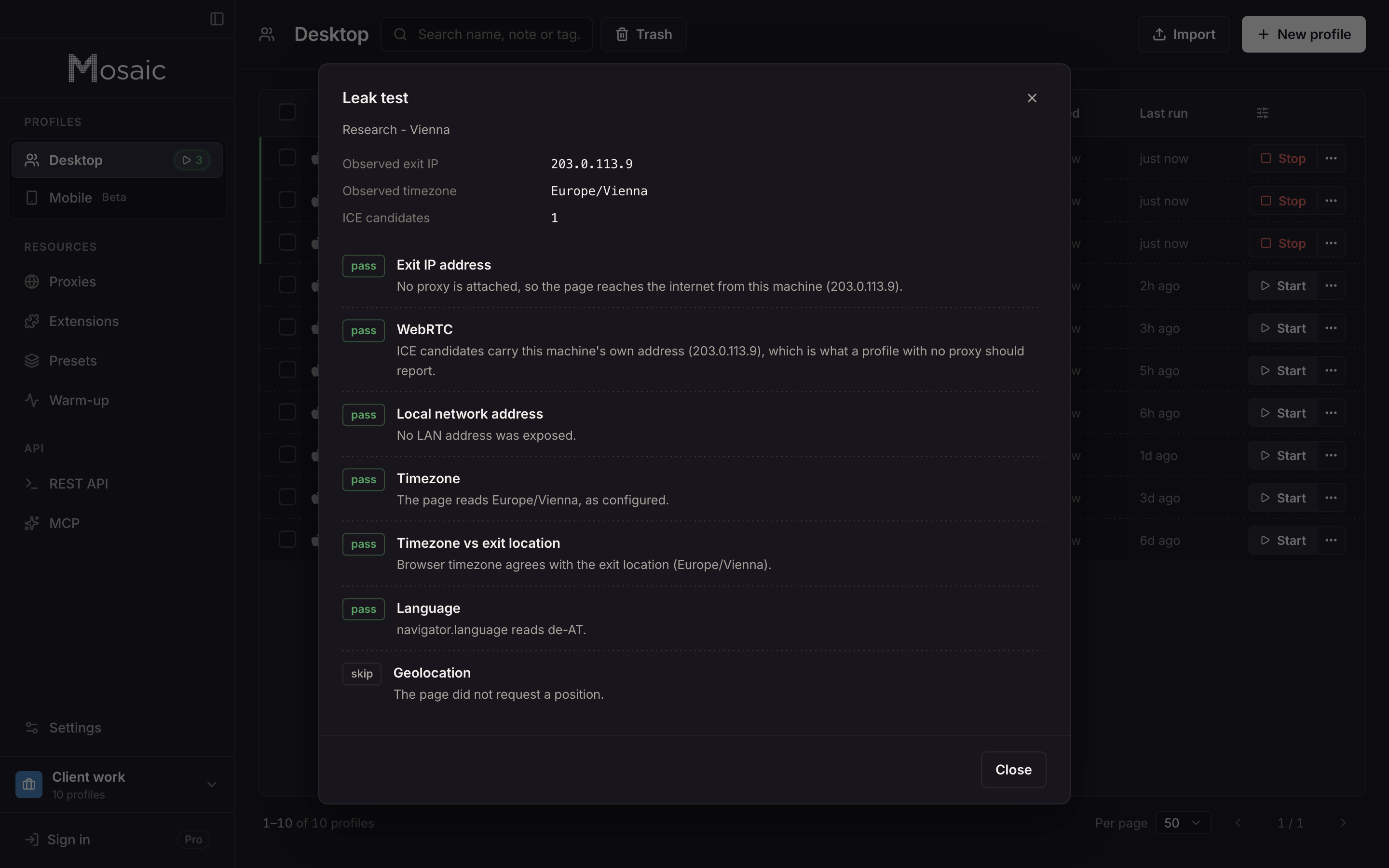
Do not trust the first account to a profile you have not looked at. Mosaic's leak test probes the profile from inside its own page and reports WebRTC, DNS, timezone, language and geolocation. It also runs the profile against a catalogue of public detector pages, so you see the same verdicts a site would compute. If something reads your real machine, you find out before any account is attached.
6. Give new profiles a history
A browser with no history at all, logging straight into a marketplace, is unusual. Mosaic's warm-up robot visits a plan of everyday sites first, with dwell times, so the profile has cookies and history before it meets the site that matters. It does not make an account trustworthy. It removes one oddity.
7. Keep the account layer separate
Everything above separates browsers. Sites also link accounts by what you put into them:
- the same payment card, bank account or billing address
- the same recovery email or phone number
- the same shipping address, tax ID or business documents
- identical listings, bios, ad creatives or post text
- logging into many accounts in the same minute, every day
No browser can fix those. Keep the credentials for each account in its profile's vault, with its two-factor codes, so you never paste one account's password into another account's window. Mosaic's in-browser companion shows the notes, logins and codes for the profile you are in and no other.
8. Moving existing accounts in
If an account already exists in another browser, export its cookies and import them into a new profile, then attach a proxy in the same region the account has been using. A sudden jump from one country to another is a signal of its own. Import the jar, check the proxy, run the leak test, and only then open the site.
Where to start
What an anti-detect browser is covers the basics if any of this was new. If you want to try the setup above, Free is 3 profiles and 10 profile creations with the full browser; the pricing page has the rest.