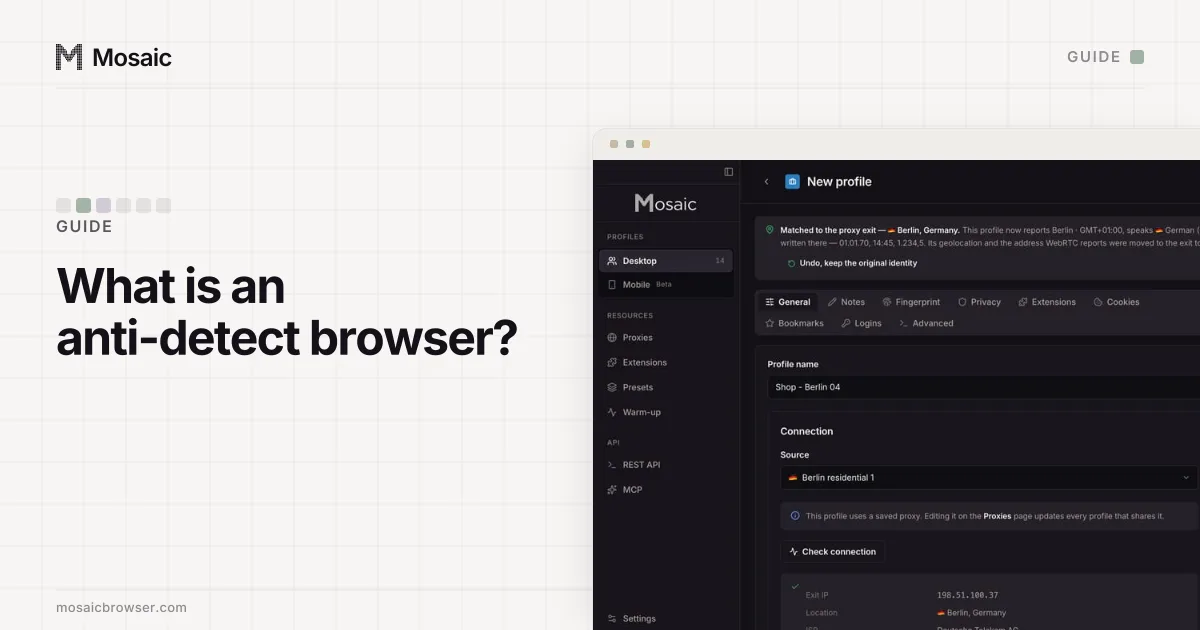
Under the name, an anti-detect browser is a profile manager wrapped around a modified browser. The profile is the unit. It holds a fingerprint (the description of the computer the browser claims to run on), a proxy (where its traffic leaves the internet) and a cookie jar (who it is logged in as). Start one profile and you get a browser window that sees only its own cookies, browses from its own address and reports its own hardware. Start ten and you have ten windows that, from a website's side, look like ten people.
Why an ordinary browser gives you away
Websites recognize a returning visitor in three ways, and an ordinary browser leaks all three at once.
The first is cookies and storage. Log into two accounts in two tabs of one browser and the site can see both sessions share a cookie jar. Separate Chrome profiles fix that part and nothing else.
The second is the IP address. Every request carries it. Two accounts that log in from the same address, day after day, are related until proven otherwise.
The third is the browser fingerprint. A page can read your screen size, GPU model, installed fonts, CPU thread count, timezone, language list, audio stack and how your machine draws a line of text on a canvas. No single value is unique, but together they usually are, and they survive clearing cookies, incognito mode and a VPN. Two accounts on one laptop share a fingerprint no matter how carefully you separate the cookies.
An anti-detect browser gives each profile its own answer to all three.
Every profile is drawn from one real computer, not from separate listsIn Mosaic: Machines that exist. GPU, screen, CPU and fonts from one real device. Free holds 3 profiles. Pro is $49 a month for any number.
Mosaic is a desktop app
Email yourself the link and open it on your computer.
How it works: Machines that exist
What it actually changes
A useful way to judge one is to ask what it changes, where it changes it, and whether the parts agree.
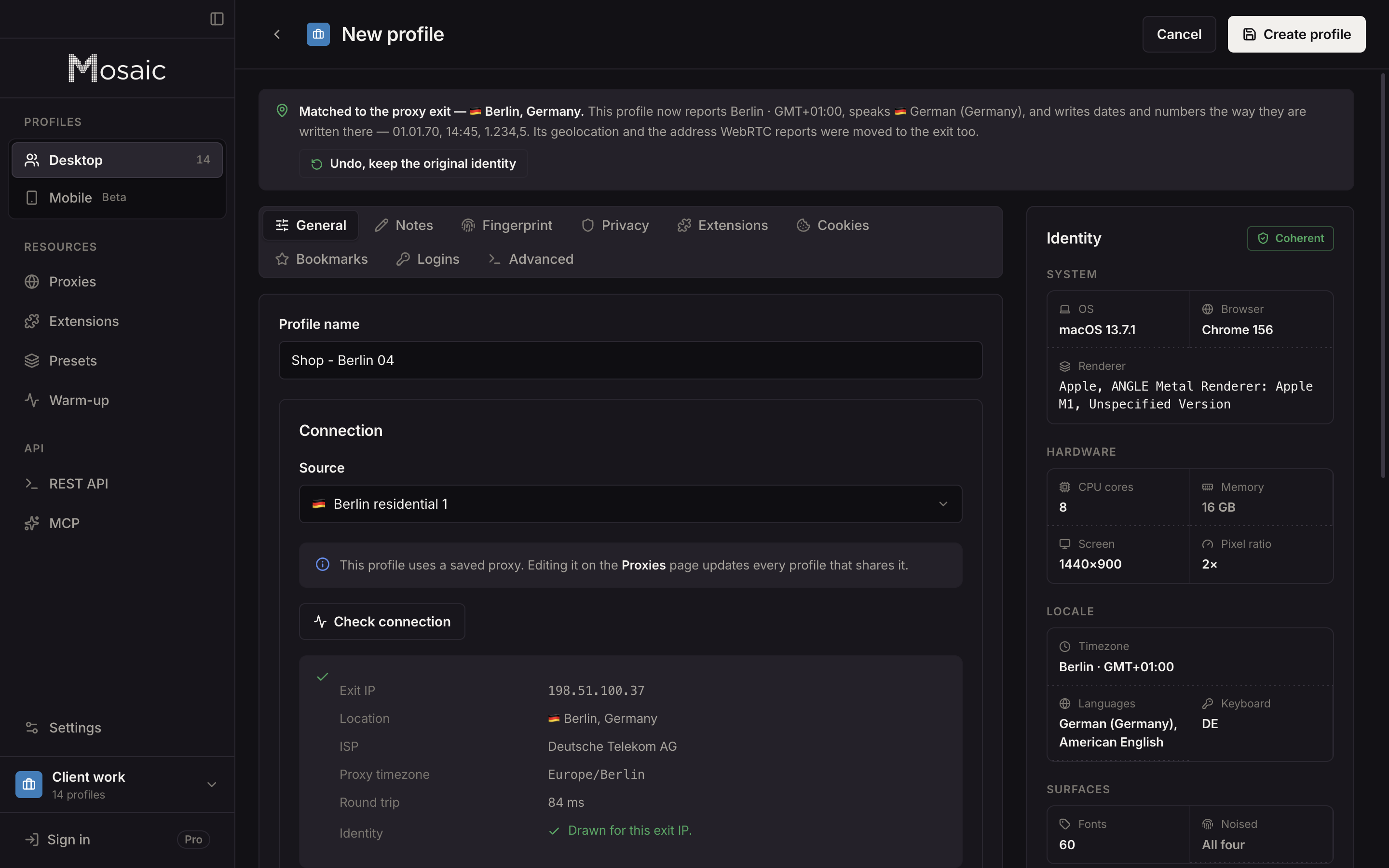
What. The values a page can read: the User-Agent and client hints, the screen and window geometry, the GPU vendor and renderer strings, WebGL parameters, canvas and audio output, fonts, timezone, language, geolocation, the number of CPU threads and the memory figure, the WebRTC addresses, and dozens of smaller surfaces like the speech voice list and media device counts.
Where. Some products rewrite these values with JavaScript injected into every page. Others patch the browser engine so the values are different at the source. The difference shows up in places a page script cannot reach, such as a web worker, and in the small marks an overwritten function leaves behind. Why we built our own Chromium explains the trade in detail and why Mosaic patches the engine.
Whether the parts agree. A random value per field gives you a fingerprint that is unique and also impossible: a laptop GPU beside an ultrawide monitor, a Mac renderer string on a Windows User-Agent, a Tokyo timezone on a Frankfurt IP. Detectors that keep tables of real hardware read that as masking, which is worse than any single honest value. The better tools draw whole, real machines and then match the timezone and language to the proxy.
What it does not change
An anti-detect browser cannot change what you do. If two accounts log in at the same minute, use the same payment card, ship to the same address or post the same text, they are linked by the account data, not the browser. It also cannot make a brand-new account look old; it can give it a short browsing history first, which Mosaic calls warming up, but an account's reputation is built by the account.
It also cannot promise you are undetectable. Every product that says so is making a promise about other companies' detection systems, which change every week. What a good tool can promise is narrower and checkable: the values it reports are consistent with each other and with the exit, and you can test that yourself on public detector pages.
Who uses them
Most use is ordinary and allowed. Agencies keep each client's ad and social accounts in separate browsers so one client's problem never touches another. Marketplace sellers run a store per region. Affiliate and growth teams test landing pages from many locations. QA engineers check how a site behaves for a visitor in Brazil without leaving their desk. Privacy-minded people keep their identities apart.
The rule for all of it is the same: use an anti-detect browser for accounts you are allowed to run. It keeps legitimate accounts apart; it is not a way back onto a platform that has banned you, and Mosaic does not help with that.
Local or cloud
Many anti-detect browsers can store profiles on the vendor's servers, so a team can share them and open them from another computer. Some keep profiles on your computer. Cloud storage buys sharing and multi-device access; local storage keeps the cookie jars for every account you run off somebody else's servers. Mosaic is local only. Local first describes what that means in practice, including what it costs you.
How to choose one
Look for these, roughly in order:
- Fingerprints drawn from real devices, not random per field.
- Timezone, language and location set from the proxy's measured exit.
- A proxy check before launch, so a profile never opens on your real IP when a proxy fails.
- Somewhere to test the result, against public detectors, before you trust an account to it.
- Automation if you need it: an API, and support for Puppeteer or Playwright.
- A price that fits how many profiles you run.
The best anti-detect browsers puts seven products side by side on these points, Mosaic included. When you are ready to set one up for real accounts, managing multiple accounts without getting them linked walks through it step by step.