Agencies that manage client Facebook accounts well all use the same structure, and it is Meta's own. The client owns its Facebook Page, its Instagram account and its ad accounts in its business portfolio. The agency has a portfolio of its own and is added to the client's as a partner. Inside the agency, each account manager is given only the client assets they work on, and everyone signs in with their own Facebook profile.
Facebook's terms tell every user not to "share your password, give access to your Facebook account to others, or transfer your account to anyone else" (Facebook Terms, 3.1, read 2 November 2026). Mosaic keeps accounts you are entitled to run apart; it does not change what a platform allows. The partner system is how an agency works on a client's account without ever holding the client's login.
How agencies manage client Facebook accounts: who owns what
Meta is direct about ownership. Its Page management advice says that when an agency helps manage a Page, "your business should still own the Page in your business portfolio. Add the other business to your business portfolio as a partner, then grant them access to your Page and other assets" (Best practices for Page management, read 2 November 2026). The same page asks that an Instagram business account linked to a Page be owned by the same portfolio as the Page.
That gives a simple map for every client:
| Asset | Owned by | Agency's role |
|---|---|---|
| Facebook Page | Client's portfolio | Partner, partial access or full control |
| Instagram business account | Client's portfolio (same as the Page) | Partner |
| Ad account | Client's portfolio | Partner, with ad tasks |
| Payment method | Client | None, unless the client gives finance access |
| Agency staff logins | Each person | Their own Facebook profile |
The payment row matters more than it looks. Meta's billing help says one payment method can typically be added to "up to 10 ad accounts" (Fix a failed payment issue, read 2 November 2026). An agency card on thirty client accounts is outside that, and a failed payment disables the ad account until the balance is paid.
Each profile keeps its own passwords and its own 2FA codesIn Mosaic: Logins and 2FA codes. A password vault and TOTP codes for each profile. Free holds 3 profiles. Pro is $49 a month for any number.
Mosaic is a desktop app
Email yourself the link and open it on your computer.
How it works: Logins and 2FA codes
How the client gives the agency access
Only someone with full control of the client's portfolio can share assets, and they need the agency's business portfolio ID (Give a partner access, read 2 November 2026). In Meta Business Suite they go to Settings, click Partners under Users, choose Add, then Give a partner access to your assets, enter the ID, pick the assets and the level, and click Assign assets.
There are two levels. Full control lets the agency "manage everything" except sharing the asset with yet another business. Partial access is a list of tasks, such as creating content, managing ads and responding to messages. Most agencies need partial access with the tasks they were hired for. The steps from the agency's side, including asking the client for access first, are in how to add a client to Facebook Business Manager.
How the agency hands work to its own people
Once the client has shared, the agency decides which of its people touch which asset. Meta's rule here protects the client: a partner with partial access "can only assign people in their business portfolio permission to complete the specific tasks that you have assigned the partner". A junior at the agency cannot end up with more than the client gave the agency.
To add an employee, someone with full control of the agency's portfolio goes to Settings, clicks People, then Invite people, and enters the email that person uses for Facebook (Add people to a business portfolio, read 2 November 2026). Meta's advice on the same page is to "assign only the level of access that people need", and new people start on basic access by default. Pages are then assigned per person under People › Assign assets, with partial access or full control (Assign Pages to people, read 2 November 2026).
Meta also notes that when people join a portfolio, "it can take a few days before all features become available to them". Add a new hire in their first week, not the morning a campaign launches.
Turn on two-factor before anything else
Both partner pages list two-factor authentication for the business portfolio under "Before you begin". For an agency this is not housekeeping: one account manager's stolen Facebook session can reach every client asset assigned to them. Meta says people set it up on their personal Facebook profile, and a portfolio can choose to require it of everyone in it, after which nobody gets in without it (two-factor authentication for your business portfolio, read 2 November 2026).
The logins Meta's partner system does not reach
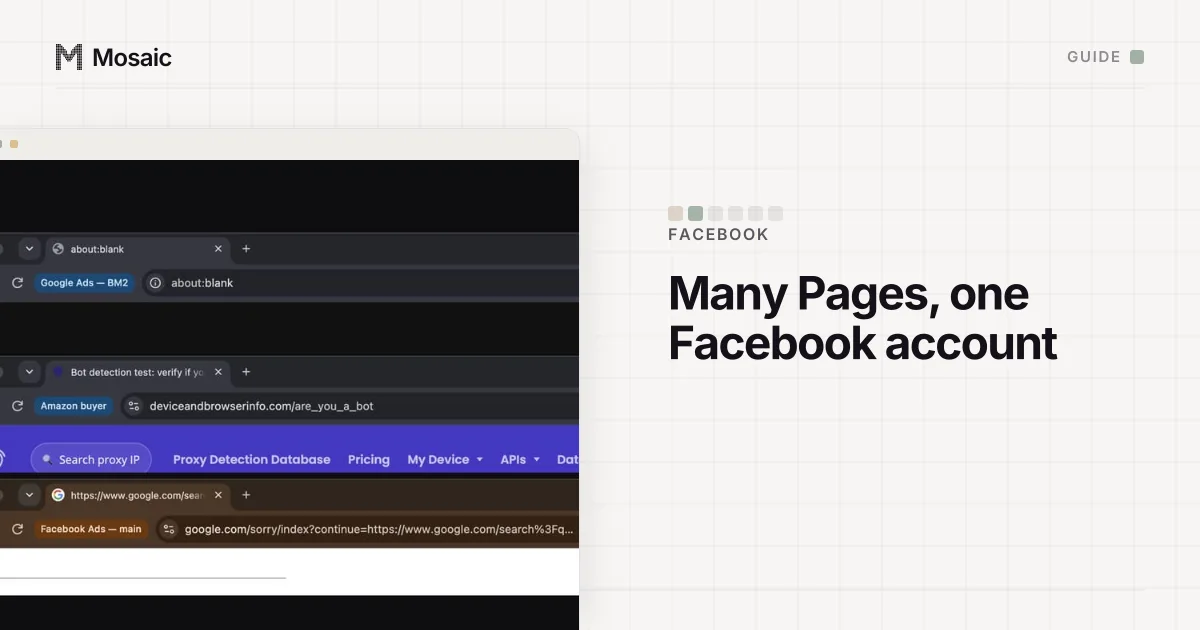
Partner access ends at Meta's border. A client's Shopify admin, its landing page builder, its analytics, its email tool and sometimes its domain registrar have no partner system, or a weaker one. These are the logins that end up in one Chrome window on an account manager's laptop, where a link from client A opens in client B's session.
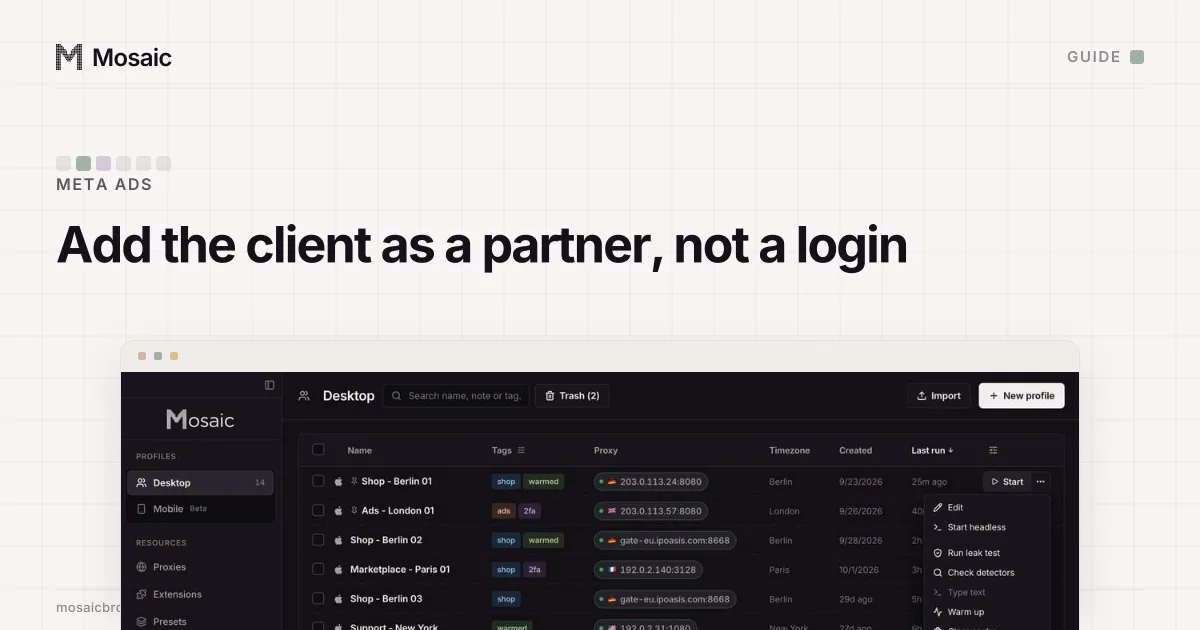
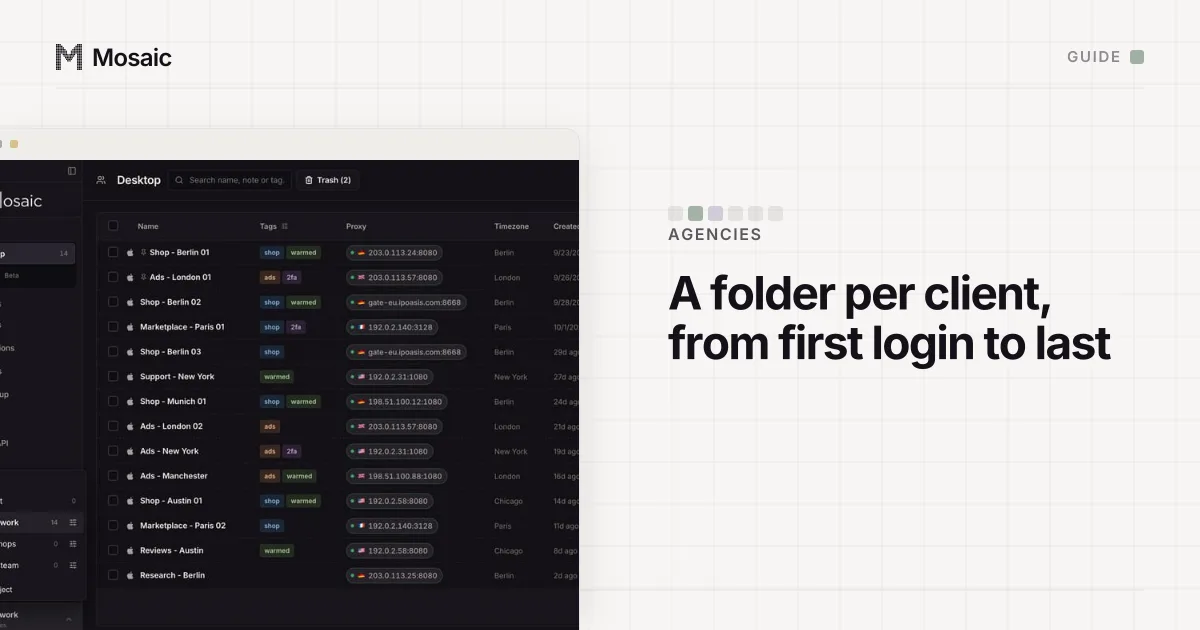
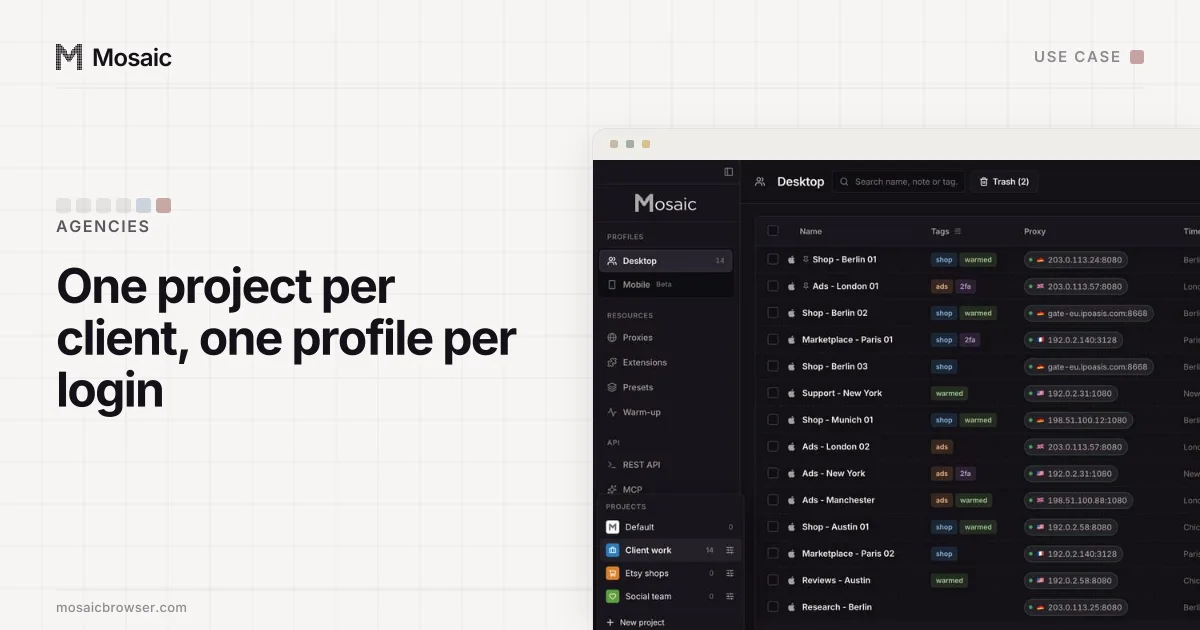
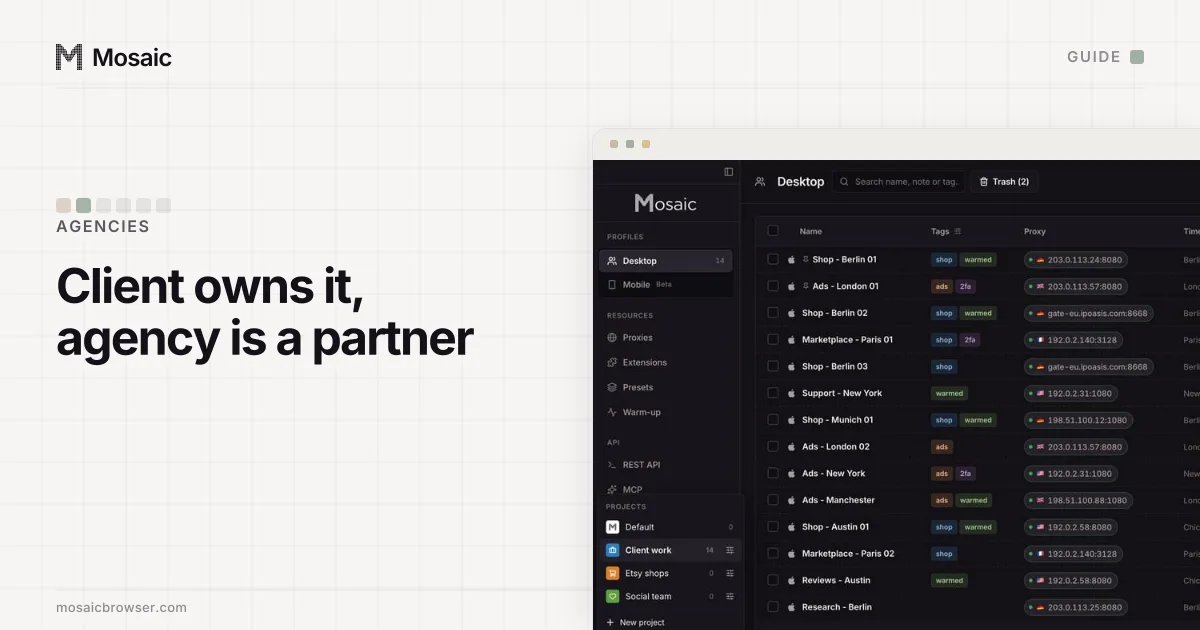
This is the part we built Mosaic for. Each client gets a project, and each of that client's logins gets its own profile, with its own cookies, fingerprint and proxy:
- Click New project and name it after the client.
- Inside it, click New profile for each login, named "Client - Shopify", "Client - Analytics" and so on.
- In Credentials, choose Add login for the profile and paste the Two-factor secret if the client gave you one. The companion in that profile's browser shows the code.
- Keep your own Facebook profile in a profile of its own. The client's Page and ads are reached through it, in Business Suite, not through a client login.
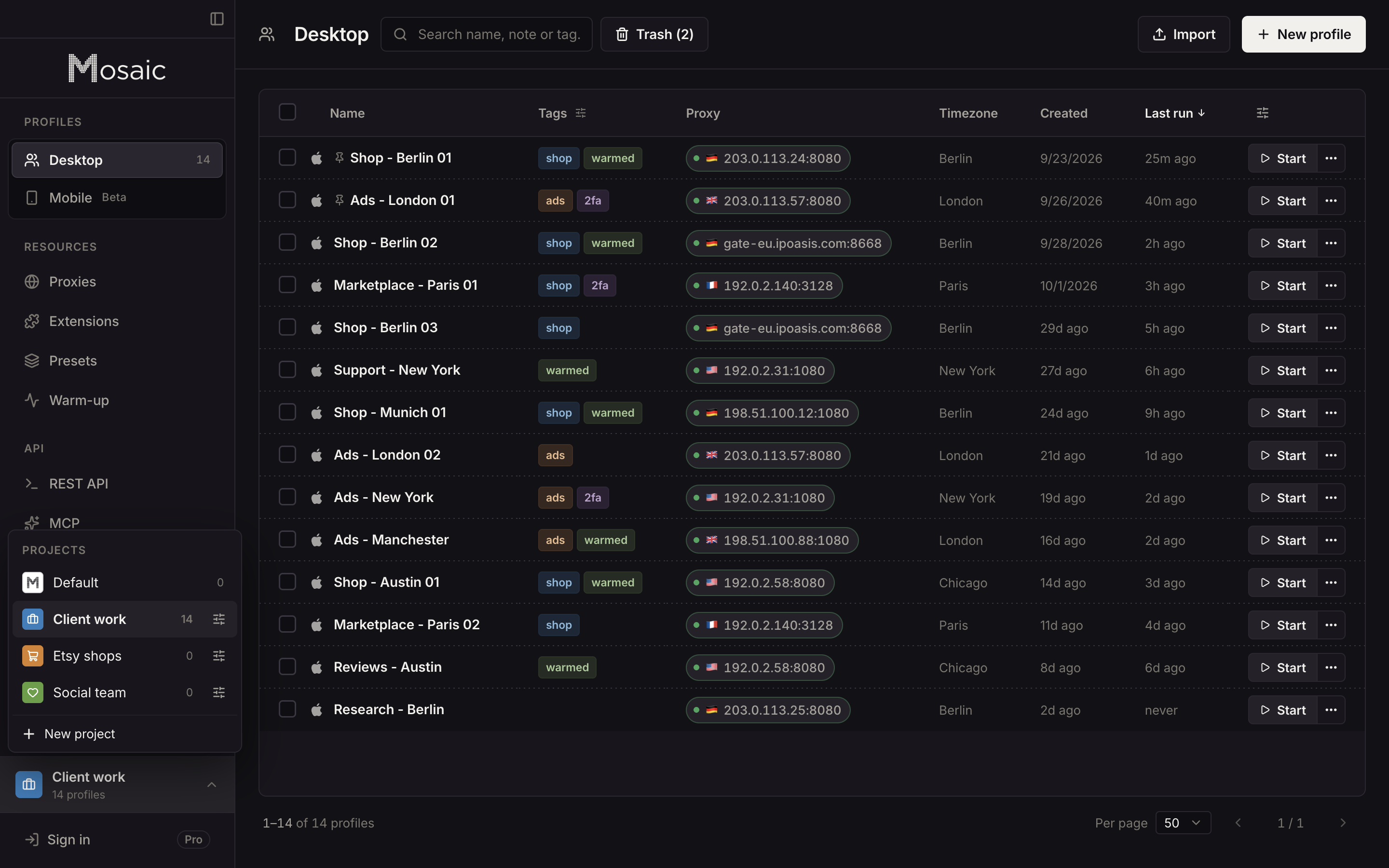
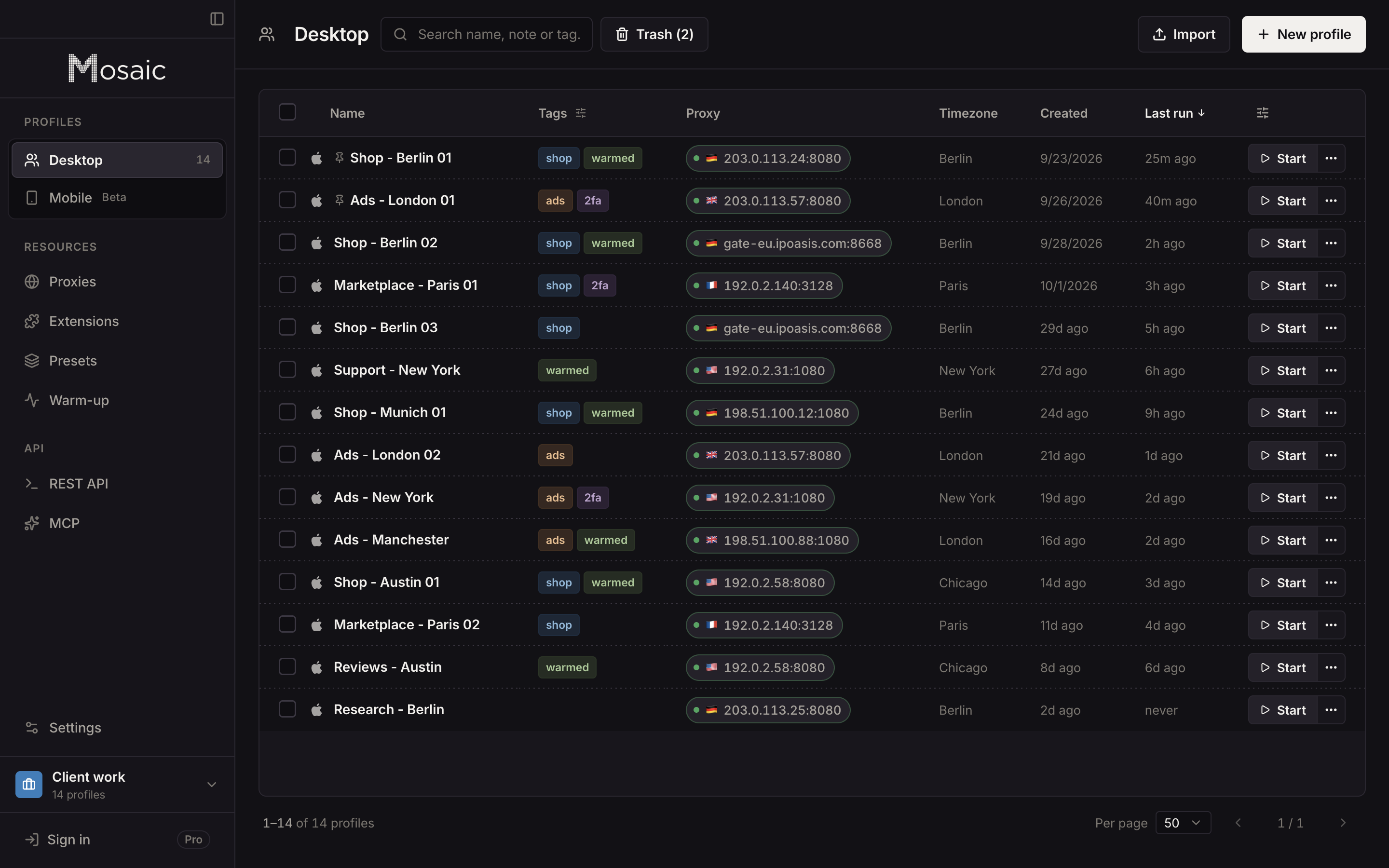
Mosaic has no team seats and no cloud sync. Profiles stay on the computer that made them, so each person at the agency keeps their own, and Meta's roles decide what they can reach. A longer view of client work across Instagram, TikTok and LinkedIn as well is in how to manage social media accounts for multiple clients, and how agencies arrange clients, projects and profiles in Mosaic is in Mosaic for agencies.
Sources
- Meta Business Help Center: Give a partner access to business assets in your business portfolio, read November 2, 2026
- Meta Business Help Center: Best practices for Page management in Meta Business Suite, read November 2, 2026
- Meta Business Help Center: Assign Pages to people in your business portfolio, read November 2, 2026
- Meta Business Help Center: Add people to a business portfolio and assign a business asset, read November 2, 2026
- Meta Business Help Center: Fix a failed payment issue on Meta, read November 2, 2026
- Meta Business Help Center: About two-factor authentication for your business portfolio, read November 2, 2026
- Facebook Terms of Service, 3.1 Who can use Facebook, read November 2, 2026