Yes. Since 3 November 2026 Mosaic on a Mac makes Windows and Linux profiles as well as macOS and Android ones, and draws each for the OS it claims. What a Mac cannot do is make the fonts agree, and fonts are the part a detector checks first. So a Windows profile on a Mac works, and it matches less well than a macOS one. The editor says so, and this page has the numbers.
What a Windows claim from a Mac looks like to a page
A browser profile is a set of values a page can read. Some of them are strings, and strings can be anything: the User-Agent, navigator.platform, the client-hint headers. Change those and the browser claims Windows.
Others are measurements of the machine. A page can ask whether a font is installed by drawing text in it and measuring the width. It can read how glyphs are antialiased in a canvas. It can compare the list of fonts that answered against the list every Windows install ships. Those answers come from macOS, because macOS is what is drawing the text. No switch in a browser reaches the font files on the disk or the way the operating system rasterises them.
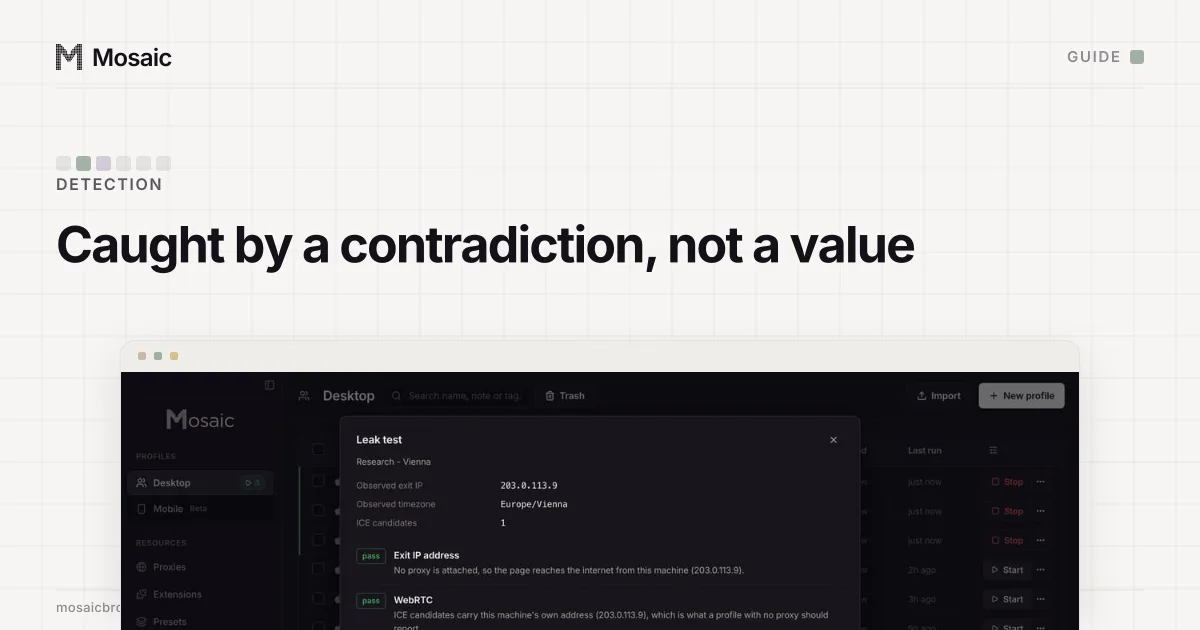
So a Mac claiming Windows reports a Windows User-Agent beside a Mac's fonts. A scanner with a table of real devices can see that the two do not belong together. The values a page reads, and which ones each test page compares, are in browser fingerprint.
What we measured
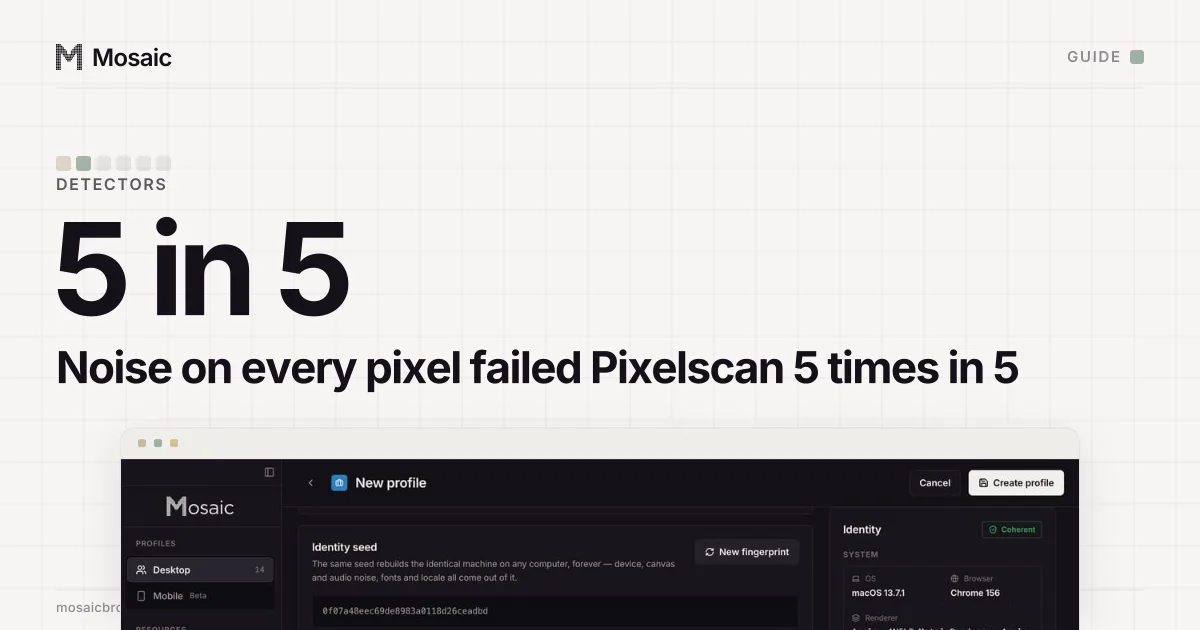
In September 2026 we took one fresh profile on our build Mac, on our own engine, with no proxy, and changed one thing: the platform it claimed. Then we ran Pixelscan on each.
| Claimed platform | Pixelscan verdict | Fonts Pixelscan listed |
|---|---|---|
| macOS (the real machine) | consistent, no masking, twice | 159 |
| Linux | "Masking detected" | 1 |
| Windows | never finished, still "scanning…" after 90 seconds, three profiles | not reached |
Pixelscan probes the font list that belongs to the platform the browser claims. The fonts that answer belong to the computer it is running on. A Mac claiming Linux found one font of the Linux set. In later runs Pixelscan did finish on a Windows claim from this Mac, and read it as inconsistent.
On an engine that moved the platform below JavaScript so every page and worker agreed, IPHey rated a profile claiming macOS at 100/100, "Trustworthy", and one claiming Windows at 80/100, "Unreliable". What a scanner reads in a mismatch like this is laid out in why Pixelscan says inconsistent fingerprint.
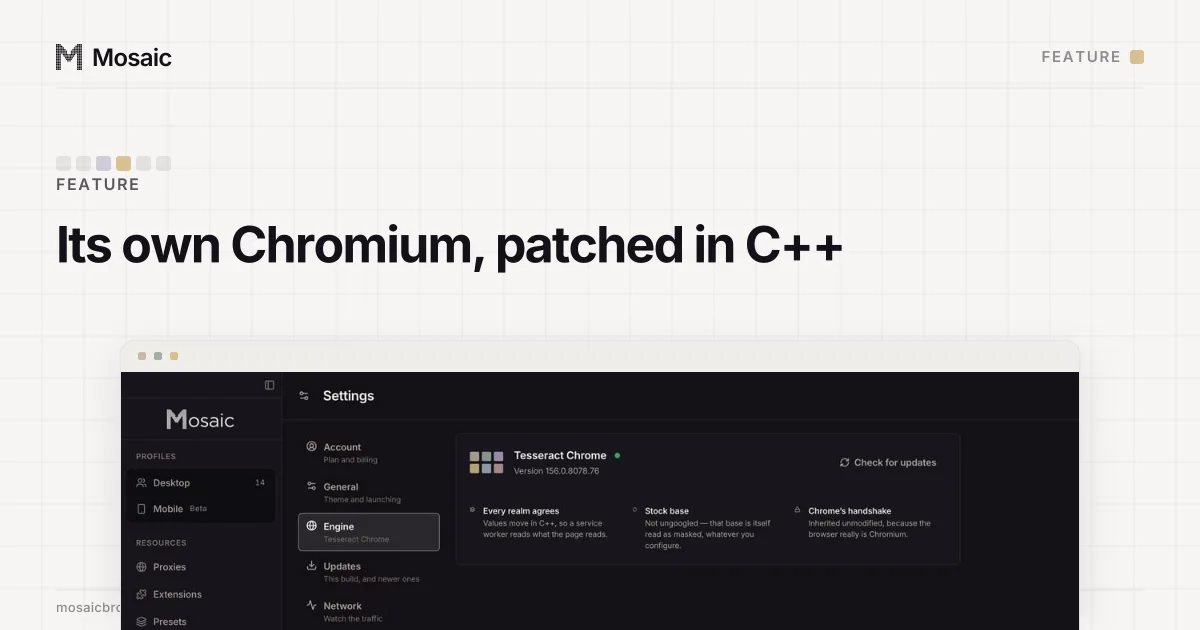
The fingerprint is changed inside the engine, not painted on topIn Mosaic: Its own Chromium. Tesseract Chrome: values changed in C++, not JavaScript. Free holds 3 profiles. Pro is $49 a month for any number.
Mosaic is a desktop app
Email yourself the link and open it on your computer.
How it works: Its own Chromium
Why we allow it, with a caution
For a while Mosaic refused the claim outright: a 400 from the one function the interface, the REST API and MCP all go through. That kept every profile on the platform the Mac matches, and it also left anyone who wanted a Windows profile on a Mac, knowing the cost, with no way to make one.
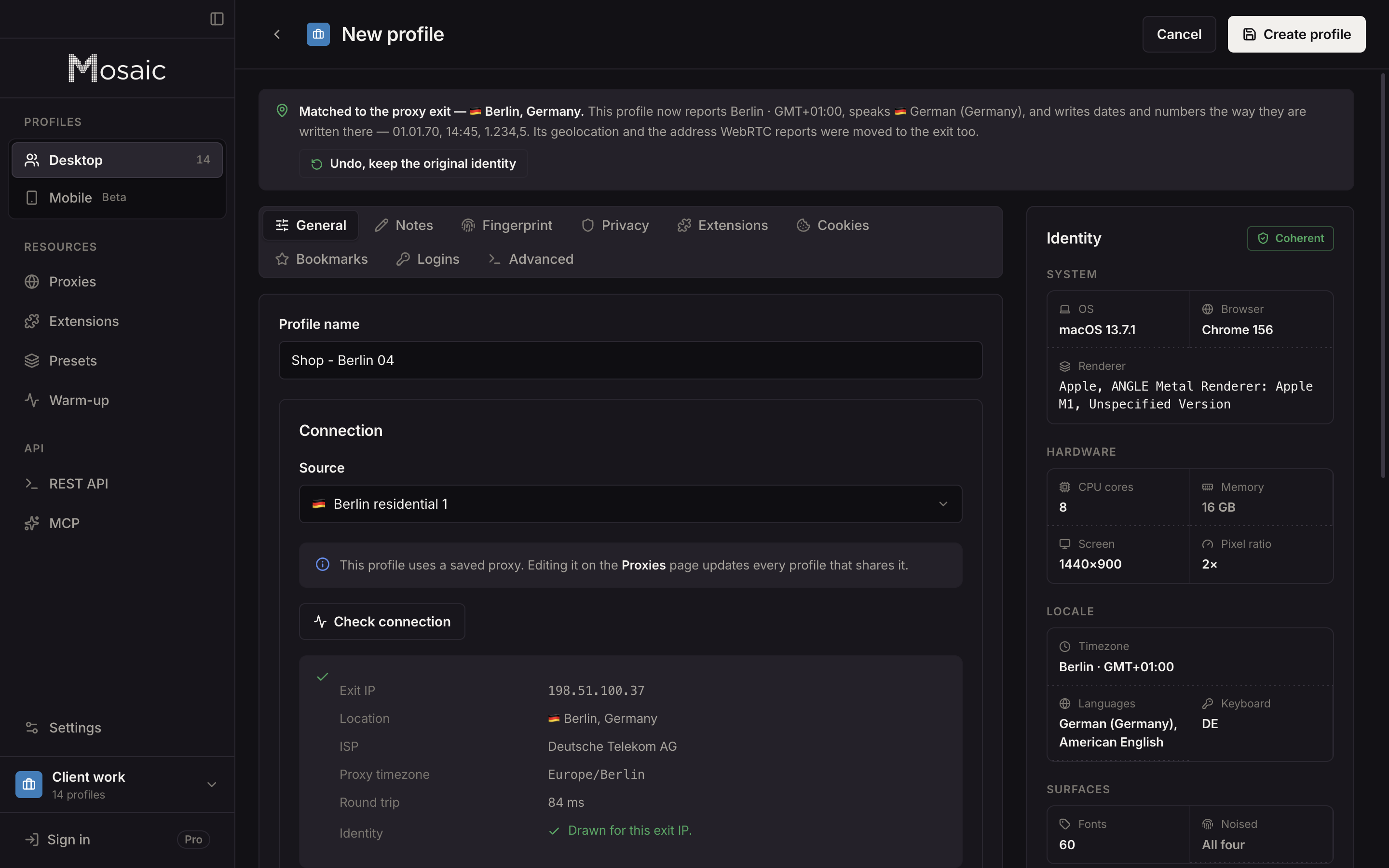
Since 3 November 2026 the same function accepts every desktop OS. A foreign claim is drawn as one machine for the OS it claims: a Windows profile gets a Windows GPU, a Windows screen and a Windows thread count, so its own values agree with each other. The engine moves the platform strings in C++, as the engine page explains. The fonts are the one thing it cannot move.
So the cost is stated where you make the choice. The profile editor shows a caution: "We can't promise this matches as well as macOS; fonts and rasterisation come from this computer." The library health bar lists such profiles as information, not as an error, and nothing refuses them.
What a Mac can make in Mosaic
- macOS profiles. The strongest match. Each is drawn from real Mac hardware records: a GPU this Mac can render like, a screen, a thread count, memory, a timezone and language matched to the proxy's exit. How the hardware is chosen is on the fingerprints page.
- Android profiles. These are Chrome presenting a whole captured phone to websites, not an Android system. A phone's font set is small and aliased, a desktop can produce it, and eight detectors passed an Android claim from this same Mac.
- Windows and Linux profiles. Drawn coherently for the OS they claim, with the editor's caution, because the fonts a page measures are still the Mac's.
Many macOS profiles do not look like one Mac. Each draws its own model, screen, thread count, memory and locale, and the colour scheme and accessibility settings are drawn per profile rather than copied from your Mac.
If you already have Windows profiles
Profiles exported from GoLogin, Dolphin Anty, AdsPower, Octo Browser or Multilogin often claim Windows. Mosaic imports them in full, and each profile that claims another desktop is listed by name in the import summary.
Keeping them as Windows profiles is a valid choice now. If you would rather one matched this computer, open it and set its Platform to macOS. The machine is drawn again to fit the Mac, and the profile's cookies stay. Repair hardware does not do this: it fixes what contradicts itself, such as a stale Chrome version, and keeps the OS a profile claims. The cookie jar is the part a site remembers you by, and that survives either way.
Where the strongest Windows profiles come from
From a Windows computer. A profile claiming Windows that runs on Windows has Windows fonts, and the rule is the mirror image there: a Windows PC makes every desktop OS and Android, and matches best as Windows.
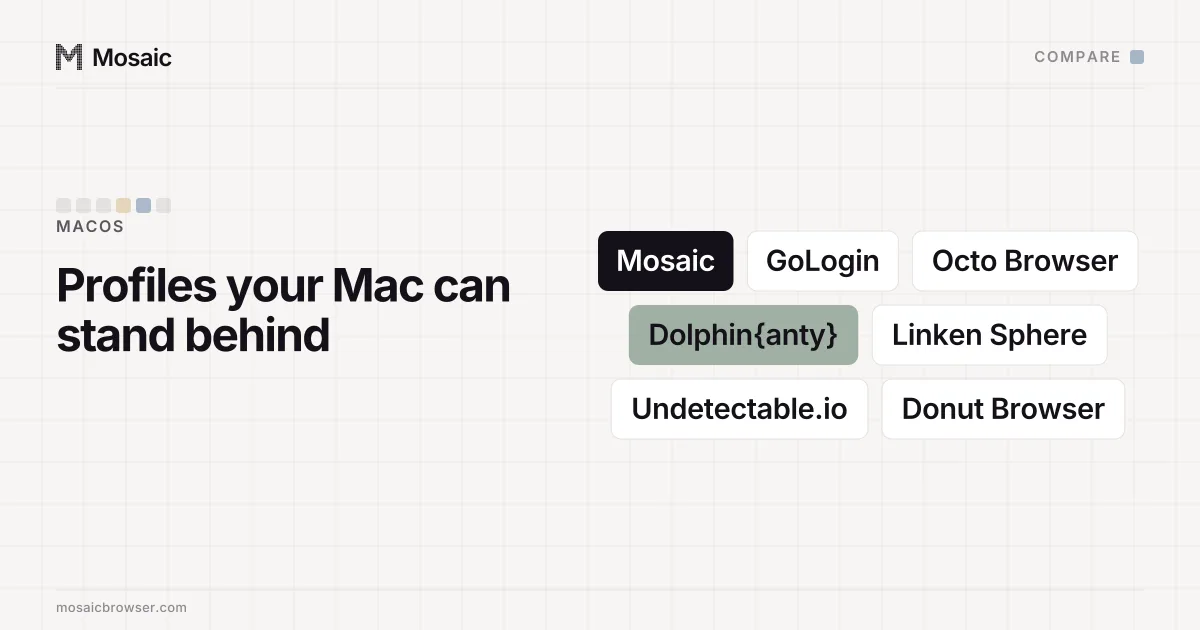
We have not released Mosaic's browser for Windows yet, so today Mosaic profiles run on a Mac. If Windows profiles are most of your work, a tool on a Windows machine gives the stronger match, and any Mac product that offers them should be asked how its fonts agree. The Mac apps compared side by side are in the best anti-detect browser for Mac.