Every appeal for a disabled Facebook ad account goes through one screen: Meta Business Support Home, on a computer. An admin opens Account status overview, clicks the disabled account and reads What you can do. That section decides what comes next, and it is not always a review. Sometimes Meta wants an ID, sometimes two-factor authentication, sometimes just a paid invoice.
Find out which of those you are facing before you write a word of appeal.
Two kinds of disabled, two different fixes
Meta disables ad accounts for two broad reasons, and only one of them is appealed.
A payment failure disables the account until the balance is paid. Meta's billing page says that when your payment method fails, "your ads are paused and your ad account is disabled until you pay the amount due" (Fix a failed payment issue, read 2 November 2026). A review will not help here. Go to Billing & payments, select the ad account, open Payment methods and click Pay now, or Add funds if the account runs on prepaid funds. Meta notes it "may take a little while" for the account to return to good standing after that.
A policy or security decision is the one you appeal. That covers ads that broke the Advertising Standards, a portfolio Meta thinks was hacked, a person on the account who never turned on two-factor authentication, or activity that looks like an attempt to get round an earlier enforcement.
The billing page also has a limit that catches agencies: "Typically, one payment method can be added to up to 10 ad accounts." A card spread across more than that is a reason for payments to start failing.
How to appeal a disabled Facebook ad account
You must be an admin on the ad account. Then, from Meta's troubleshooting page (Troubleshoot a disabled or restricted account, read 2 November 2026):
- On a computer, go to Meta Business Support Home.
- Click Account status overview in the left menu.
- Click the disabled ad account.
- Read What you can do and do each step it lists, in the order it lists them.
- If Request review is offered, select it and complete the steps on screen.
Step 4 is where most failed appeals go wrong. Meta may ask you to:
- Confirm your identity. Possible items are the account's email address, a phone for an SMS, a photo of an ID such as a passport or driver's licence, and the payment method on the account. Once started, this may have to be finished "within a certain timeframe".
- Secure your account. If you belong to a business portfolio more than 90 days old, Meta may require two-factor authentication and says it will reinstate the account once it is on.
- Complete verification. For unusual behaviour, Meta may send a link to the portfolio's email and ask someone with full control to approve your access.
- Request a review. For a policy violation you believe is wrong.
A review requested while the account still fails a security step has nothing to stand on.
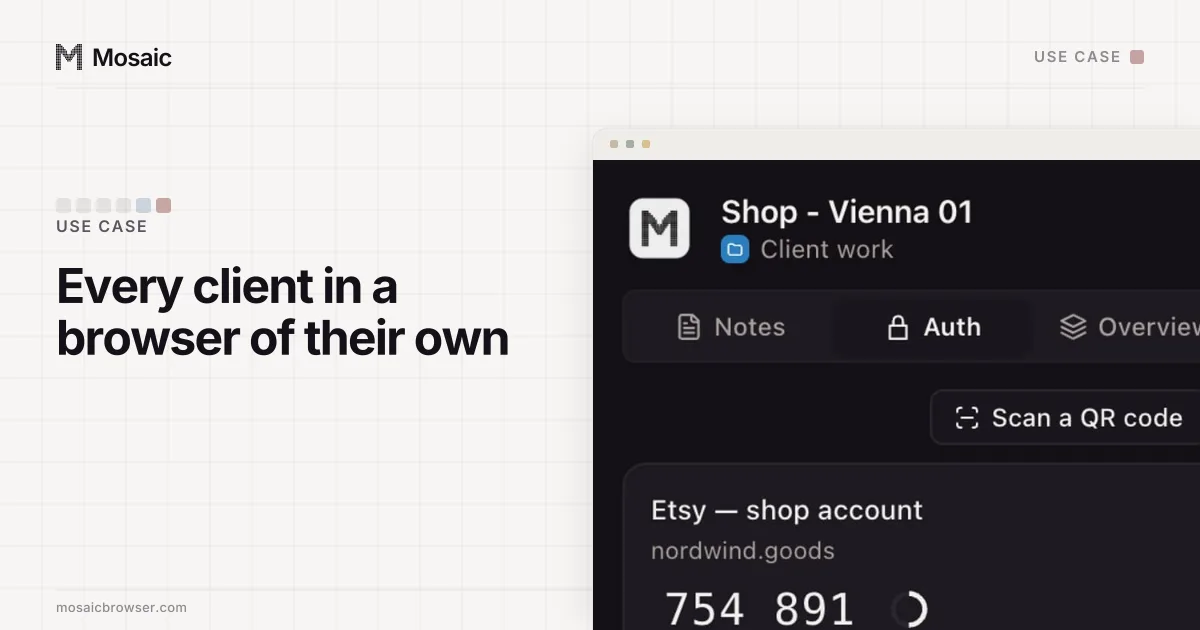
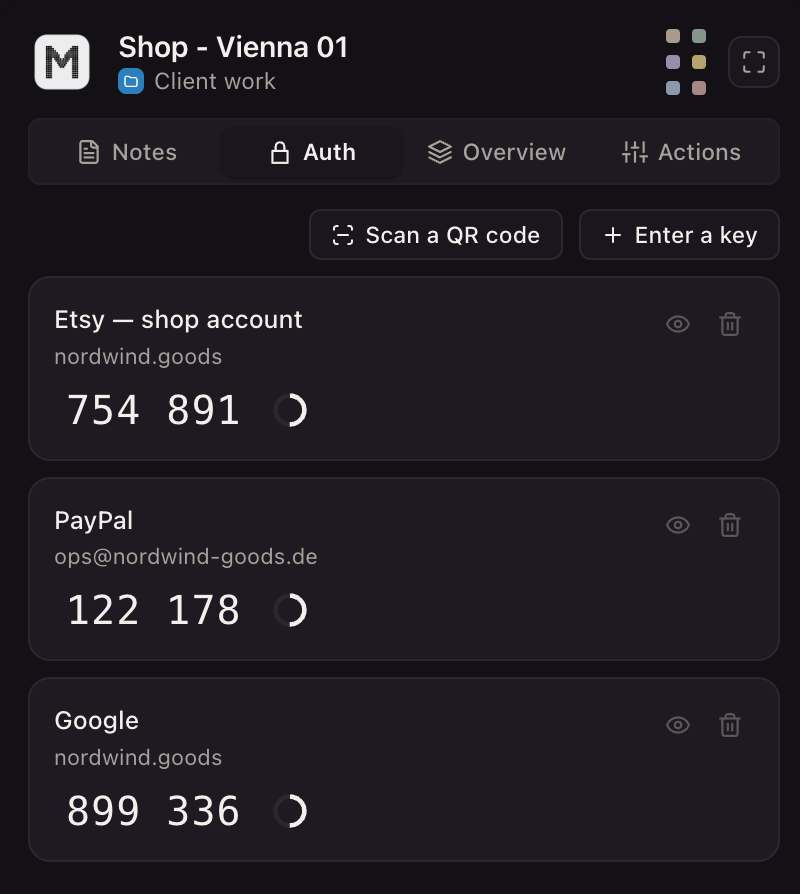
Each profile keeps its own passwords and its own 2FA codesIn Mosaic: Logins and 2FA codes. A password vault and TOTP codes for each profile. Free holds 3 profiles. Pro is $49 a month for any number.
Mosaic is a desktop app
Email yourself the link and open it on your computer.
How it works: Logins and 2FA codes
What happens after you request a review
Meta's review page says the review "is completed in 48 hours, although it may take longer in some cases" (Request a review, read 2 November 2026). There are two outcomes. Either Meta removes the restriction and reinstates the account, or the restriction stays and the account is blocked.
Three details on that page are worth knowing before you click:
- Ads that were running are not restarted automatically. You turn them back on in Ads Manager.
- "There is a limited number of times you can request an advertising restriction review. Once the review is completed, the decision is final."
- Asking again "will not hurt your standing with our company in any way", for as long as reviews are still available.
So use the first review well. Read the policy the notice names, fix the ad, the landing page or the payment that triggered it, and say in the request what you changed.
The 6-month deadline
An ad account disabled for a policy violation does not wait forever. Meta's troubleshooting page says that if it "remains ineligible for reinstatement for 6 months", unused prepaid funds may be forfeited where the law allows, and "after this timeframe, the account can't be reinstated". Meta also reserves the right to disable an account permanently before then. Start the appeal in the first week, not the fifth month.
What not to do while you wait
Do not open a fresh ad account or a new Facebook profile to keep the campaigns going. Meta's list of policy violations names "attempting to create new ad accounts or other business assets with the intent to repeat violations after we've disabled existing accounts" as evading enforcement, and it can restrict the portfolio, the ad account, the Page or the person for it (Common examples of policy violations, read 2 November 2026). Facebook's terms say the same about personal accounts: after a disable for a violation, "you agree not to create another account without our permission" (Facebook Terms, 3.1, read 2 November 2026).
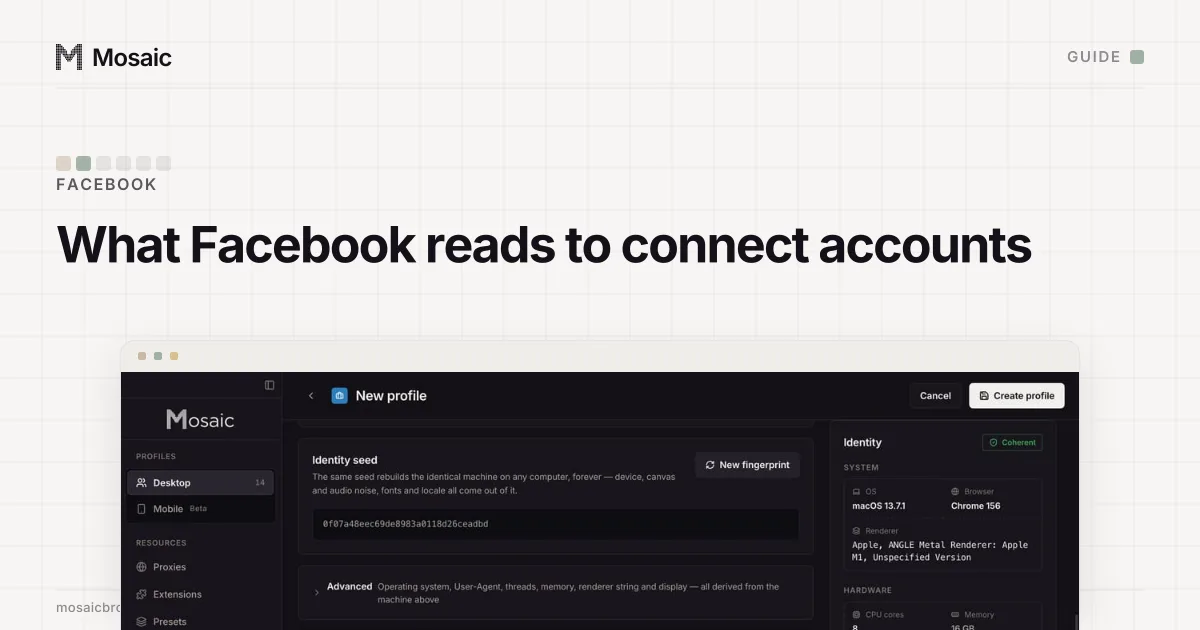
The same page has a second rule that surprises people: a business asset "found in close connection with a network of accounts or other entities that violate or evade our policies" can be restricted too. What Meta reads to decide who is connected to whom is in how does Facebook link accounts.
When your personal profile is the problem
Sometimes the ad account is fine and the person is not. If Meta disables the Facebook profile of the only admin, the ad accounts that person was alone on can go with it, and nobody is left to file the review. That case starts from the personal side; the steps and the 180-day window are in why did Facebook disable my account.
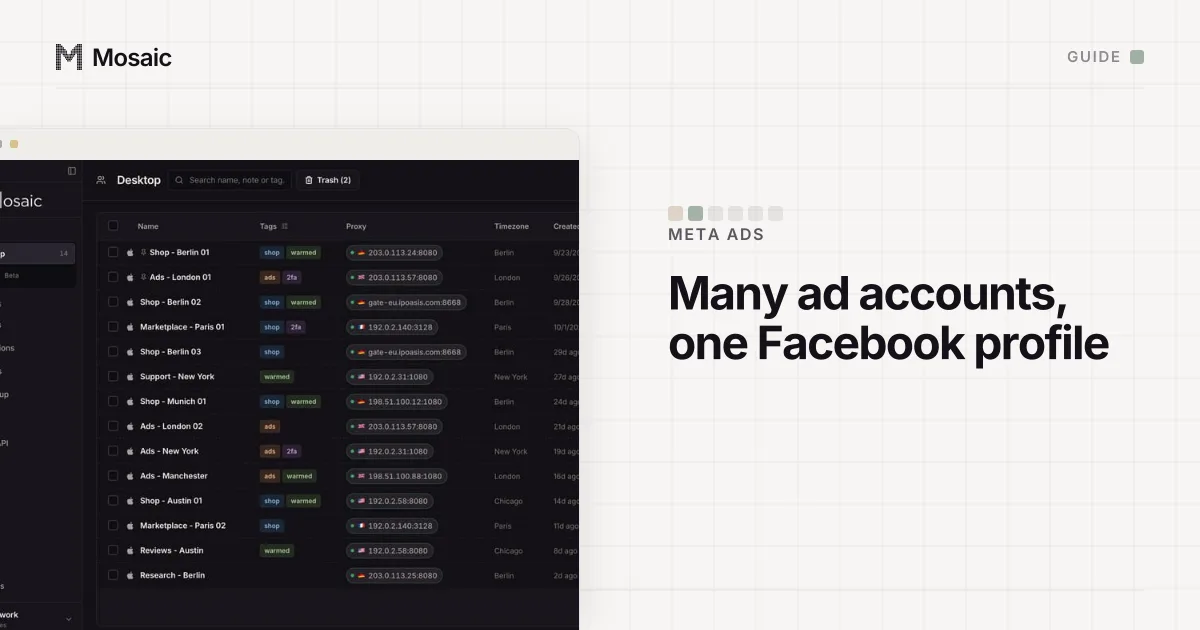
The fix is structural and takes five minutes: put a second admin on every ad account, inside a business portfolio, as described in how to manage multiple Facebook ad accounts.
Keeping the admin logins secure
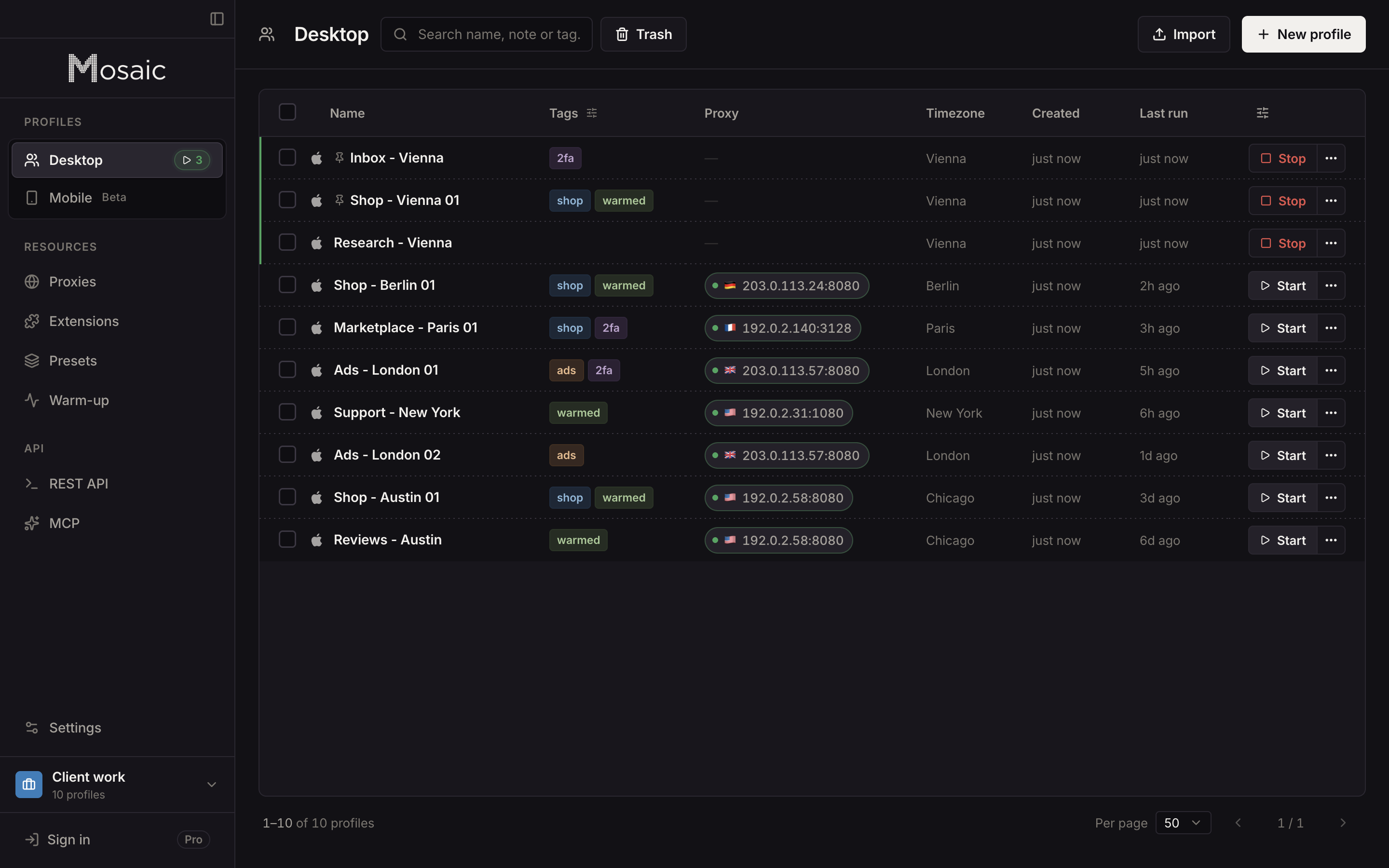
We cannot reverse a Meta decision, and no browser can. What we built Mosaic for is the security half of Meta's list, because a hacked admin and a missing second factor are both reasons Meta gives for disabling an account. In Mosaic each admin login has its own profile, with its own cookies, and the Credentials screen holds that login's two-factor secret. The companion inside the profile's browser shows the current code.
The agency version of this, with each client's ad logins in their own profiles, is in Mosaic for ad account management.
Sources
- Meta Business Help Center: Troubleshoot a disabled or restricted account, read November 2, 2026
- Meta Business Help Center: Request a review for a restricted advertising account, read November 2, 2026
- Meta Business Help Center: Fix a failed payment issue on Meta, read November 2, 2026
- Meta Business Help Center: Common examples of Meta advertising policy violations, read November 2, 2026
- Facebook Terms of Service, 3.1 Who can use Facebook, read November 2, 2026