"How does Facebook link accounts" has two answers, and people searching it usually want the second.
The first is the link you make yourself. Accounts Center lets you add your Facebook and Instagram accounts to one place. Meta's privacy policy says that for some purposes it uses information "across Meta Company Products from the accounts you choose to add to your Accounts Center, and across your devices" (Meta Privacy Policy, effective 23 July 2026, read 2 November 2026).
The second is the link Meta makes without asking: deciding that two accounts, Pages or ad accounts belong to the same person. That is what this page is about, and Meta says more about it in public than most people realise.
What Meta says it does with linked accounts
Meta's Account Integrity policy lists accounts and business assets it "may restrict or disable", including ones "owned by the same person or entity as an account that has been disabled", ones "created or repurposed to evade a previous account or entity removal", and ones showing "close linkage with a network of accounts or other entities that violate or evade our policies" (Account Integrity, read 2 November 2026). The advertising side repeats it: a business asset "found in close connection with a network of accounts" that break the rules can be restricted (policy violation examples, read 2 November 2026).
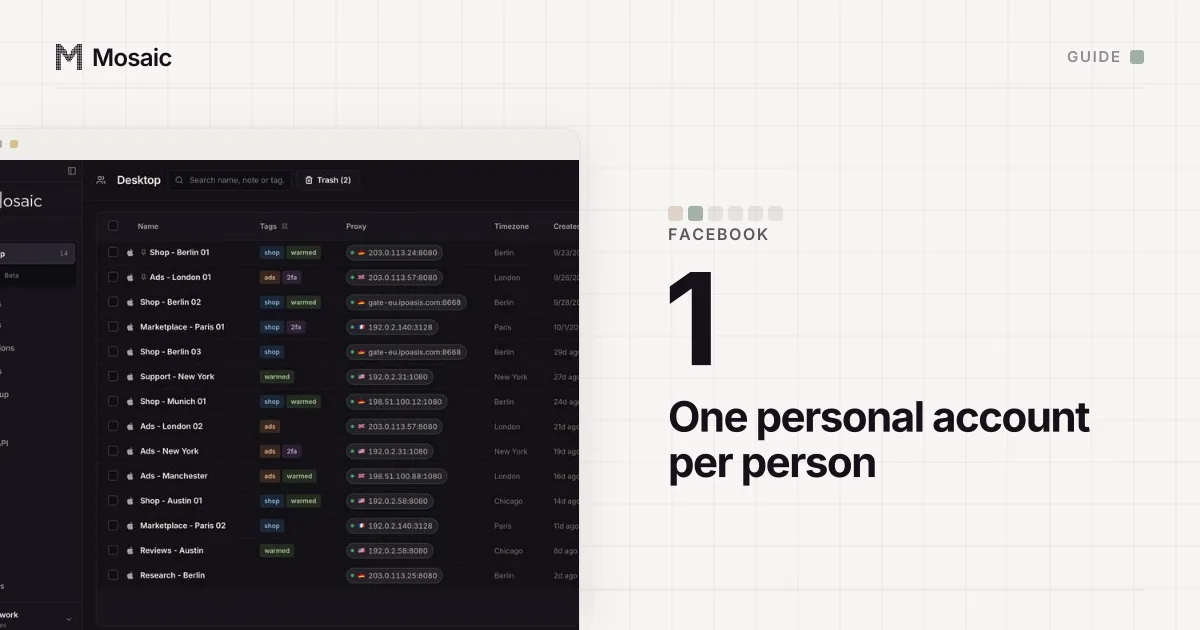
So the linking exists to carry an enforcement decision from one account to the others behind it. Facebook's terms add the personal rule underneath: one account per person, and no new account after a disable without Meta's permission (Facebook Terms, 3.1, read 2 November 2026).
Each profile keeps its own passwords and its own 2FA codesIn Mosaic: Logins and 2FA codes. A password vault and TOTP codes for each profile. Free holds 3 profiles. Pro is $49 a month for any number.
Mosaic is a desktop app
Email yourself the link and open it on your computer.
How it works: Logins and 2FA codes
How Facebook links accounts: the signals it reads
Meta does not publish how it weighs anything. What it does publish is the list of what it collects, and the useful version of this question is which of those items two accounts can share.
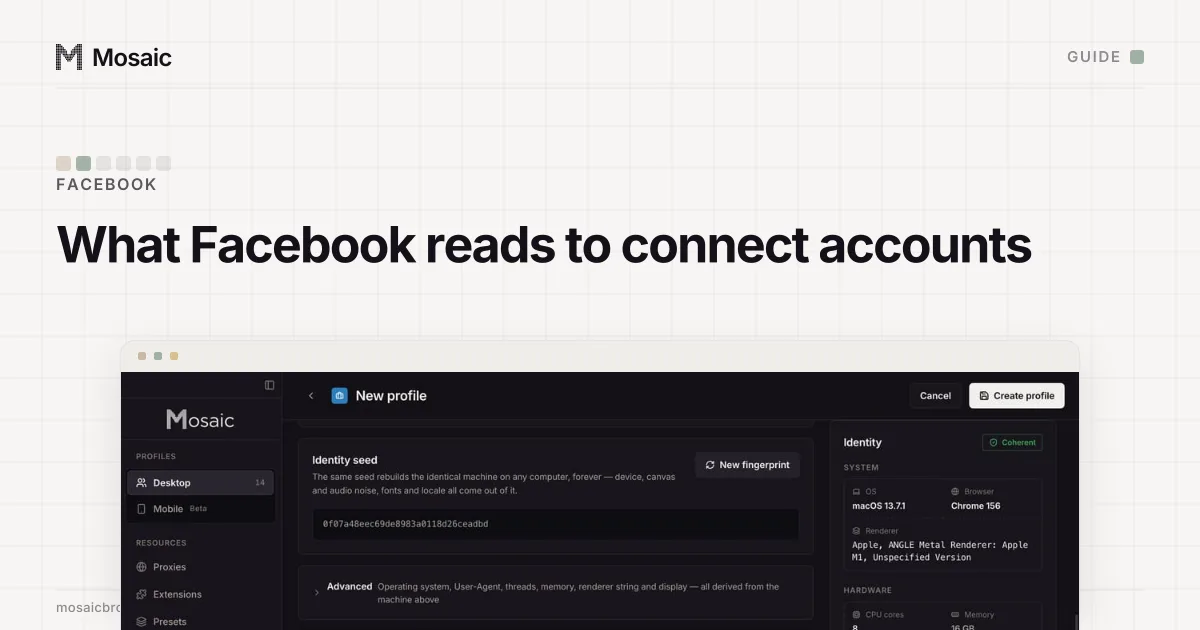
Your device. The privacy policy's device section lists "device characteristics and device software", "identifiers that tell your device apart from other users'", "device signals" and "information from cookies and similar technologies". In a browser, device characteristics are the values any page can read: the GPU, the screen, fonts, the timezone and language. Combined, they make a browser fingerprint that stays the same when cookies are cleared.
How you behave on it. The same list includes "what you're doing on your device, such as whether our app is in the foreground or if your mouse is moving (which can help tell humans from bots)". Two accounts driven the same way from the same machine look alike here too.
Your network. The policy lists "information about the network you connect your device to and your connection, including your IP address", plus location-related information. An IP is weaker than people think. A household, an office and a mobile carrier all put many people behind one address, which is why a shared IP alone is rarely the whole story (multiple accounts on the same IP address covers when it matters).
Your money. Meta records "purchases or other transactions you make, including truncated credit card information". Its billing help adds that one payment method can typically be added to "up to 10 ad accounts" (Fix a failed payment issue, read 2 November 2026). A card has one holder. Ad accounts paid by the same card are linked by a fact no browser setting touches.
Who you are. Email addresses, phone numbers and, when Meta asks for one, a photo of an ID. These are the strongest links of all, because they were given to prove identity.
| Signal | Shared when | A browser can keep it apart? |
|---|---|---|
| Cookies and local storage | Two accounts in one browser | Yes, with one profile per account |
| Device and browser values | Same computer, same browser | Yes, if each profile has its own |
| IP address and location | Same network | Only with a different exit per profile |
| Card, phone, email, ID | Same person paid or verified | No |
Why a normal browser mixes accounts
Two Facebook logins in one Chrome window share everything in the first two rows of that table. Chrome's own profiles separate cookies but run on the same machine, so the device values a page reads are the same in all of them. For one person with one account, none of this matters. For an agency account manager signed in as themselves while also holding a client's shop admin and analytics logins, it means one browser carries traces of every client at once.
What a separate profile changes, and what it doesn't
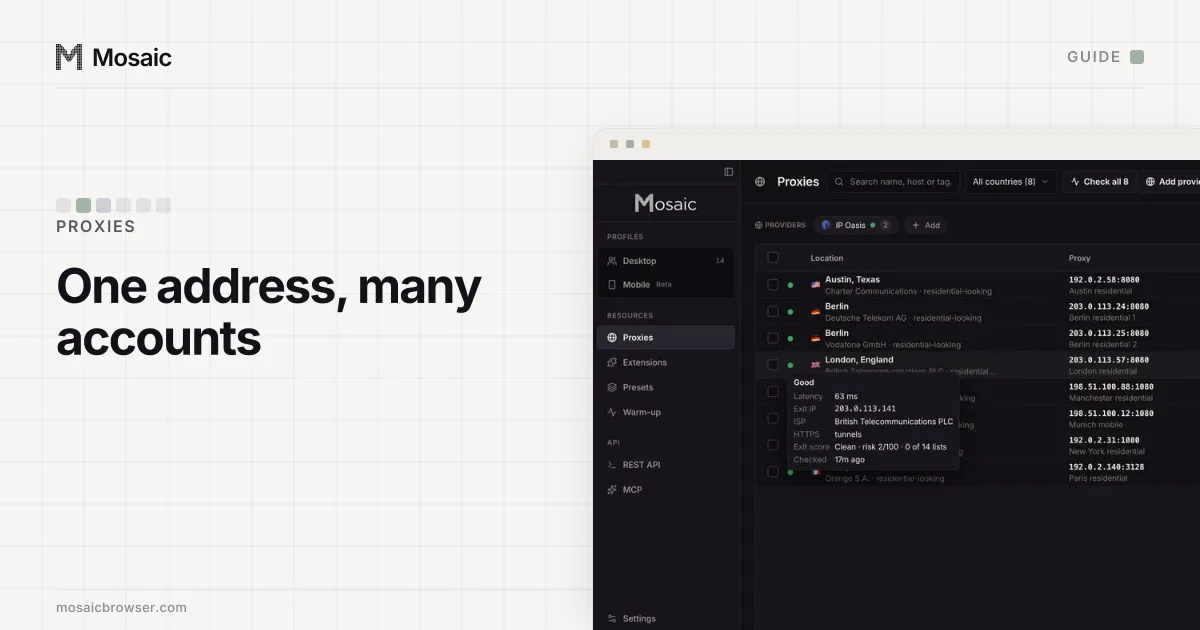
We make Mosaic, a browser that gives each profile its own cookie jar, its own fingerprint drawn from real hardware and changed inside the engine, and its own proxy exit, with timezone and language matched to that exit.
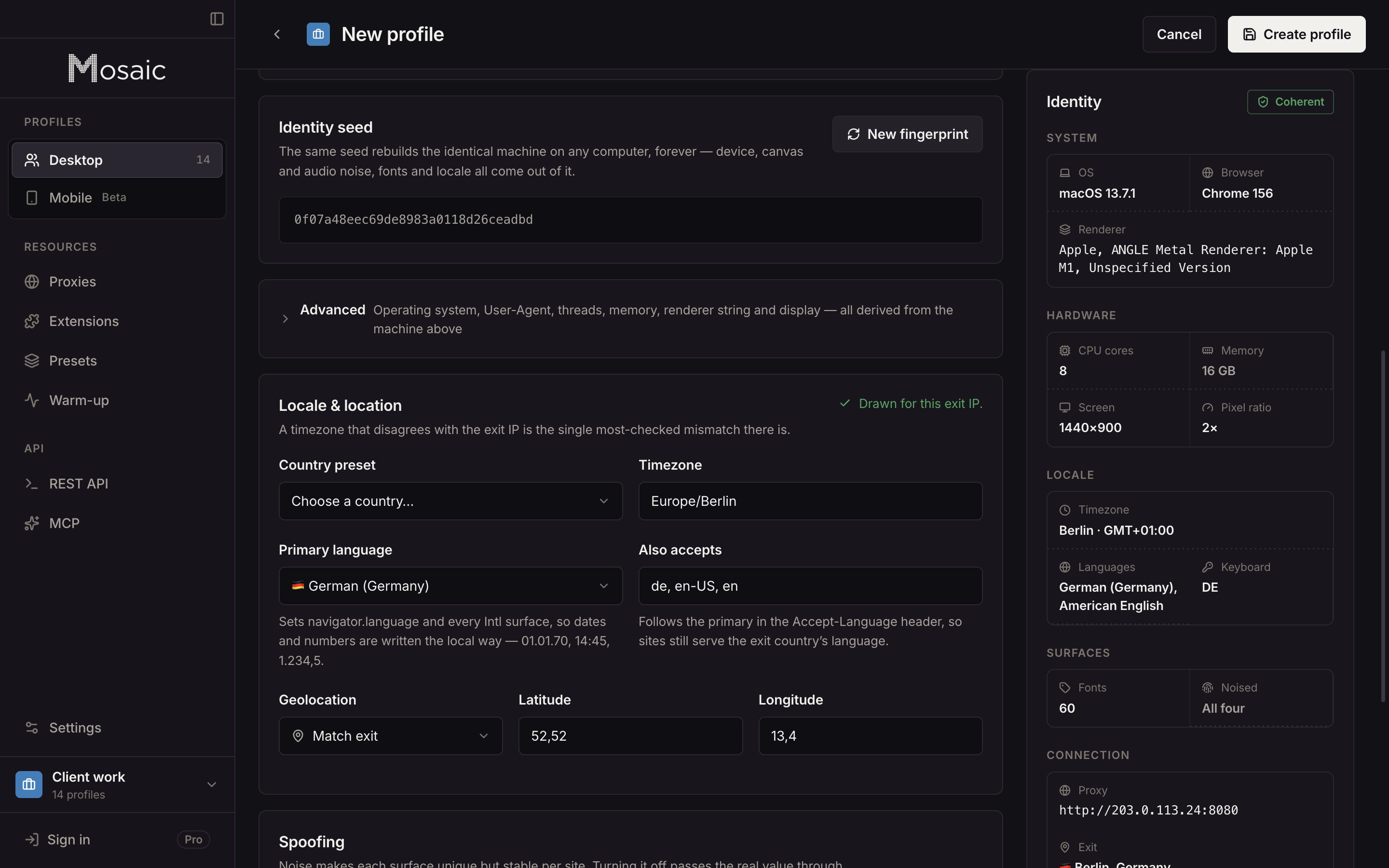
That keeps client logins from mixing, which is what we built it for. It does not change the last row of the table, and it does not change Facebook's rule. One person still gets one personal Facebook account, and an account opened after a disable breaks the terms whichever browser it is opened in; we will not help set one up. The legitimate set-ups Meta offers instead of a second account are in can you have two Facebook accounts.
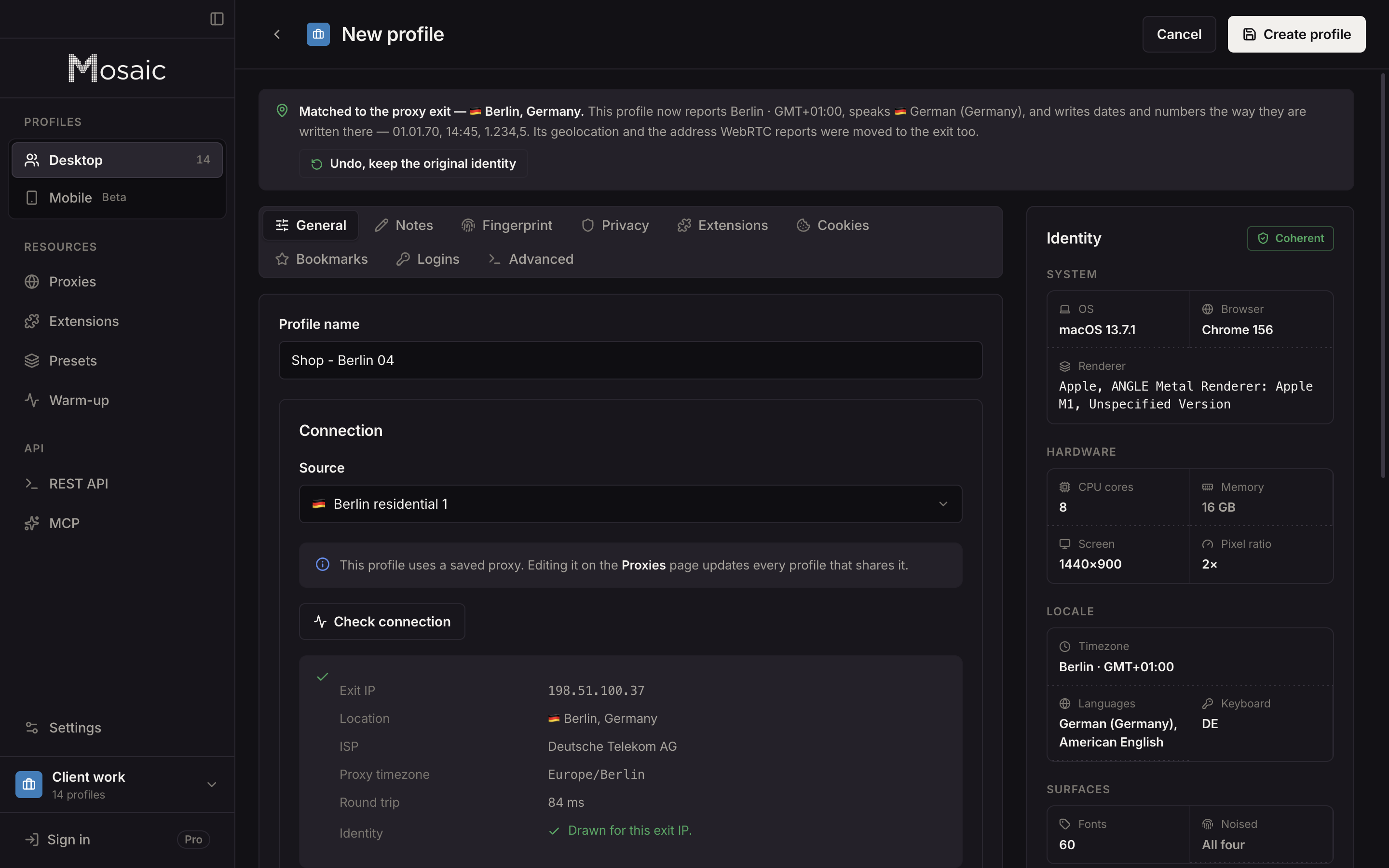
How the same separation is used across platforms, and where it stops, is in how to manage multiple accounts without getting linked. The agency set-up, with a project per client and each login in its own profile, is in Mosaic for agencies.
Sources
- Meta Privacy Policy (effective 23 July 2026): App, browser and device information, read November 2, 2026
- Meta Transparency Center: Account Integrity, read November 2, 2026
- Meta Business Help Center: Common examples of Meta advertising policy violations, read November 2, 2026
- Meta Business Help Center: Fix a failed payment issue on Meta, read November 2, 2026
- Facebook Terms of Service, 3.1 Who can use Facebook, read November 2, 2026