An IP address is the public address your traffic leaves the internet from, and it is shared far more often than people assume. Your partner's Instagram and yours arrive from the same home router. Forty employees reach Gmail from one office address. A mobile carrier can put thousands of phones behind a handful of addresses. So multiple accounts on the same IP address is the ordinary state of the internet, and no platform can treat it as proof of anything by itself.
Why so many people share one address
There are not enough IPv4 addresses for every device, so networks share them. Your router gives each phone and laptop at home a private address and sends everything out through one public one. Carriers do the same thing a level up, with carrier-grade NAT. The block they use for it, 100.64.0.0/10, was set aside in 2012 by RFC 6598 "to accommodate the needs of Carrier-Grade NAT (CGN) devices". Behind that, one public address can belong to a whole neighbourhood of customers.
Google's own help page reflects this. When it shows a sign-in from a place you have never been, it says that "usually happens when you use your account on a mobile network, but it can happen on other networks as well" (How IP addresses work on Google, read 2 November 2026). If Google cannot place a phone by its IP, it cannot assume two accounts on one IP are one person either.
Paste one gateway line. Every profile mints its own exitIn Mosaic: Provider minting. One gateway line, a separate exit for every profile. Free holds 3 profiles. Pro is $49 a month for any number.
Mosaic is a desktop app
Email yourself the link and open it on your computer.
How it works: Provider minting
When multiple accounts on the same IP address do matter
The IP counts for more in three situations.
The platform limits accounts
Reddit says you are "more than welcome to create multiple Reddit accounts" (Reddit Help, read 2 November 2026), so a shared IP there is irrelevant. X allows up to ten accounts "for different, non-duplicative purposes" (X Help Center, read 2 November 2026). A marketplace that allows one seller account per business reads the same address very differently. Mosaic keeps accounts you are entitled to run apart; it does not change what a platform allows.
The accounts also share other things
Platforms combine signals. One IP plus one browser, so the same cookies and the same fingerprint, plus the same payment card is one person by any reading. The IP is the cheapest of those signals to check and the weakest alone, which is why it is rarely the only one. The full set is in how websites detect multiple accounts.
The accounts belong to different businesses
An agency signing in to twelve clients' ad accounts from one office address is a normal pattern, and the ad platforms built agency access for it. A freelancer who runs clients' shops from home is in the same position. The accounts belong to unrelated businesses, and the shared IP is the only reason they look connected. Some agencies prefer to give each client's work its own exit in the client's own country, so the platform sees the account where its business is.
What a shared IP does not tell a site
It does not tell a site that two accounts are on one computer. Ten laptops in a coworking space share an address and nothing else. Separate machines have separate fingerprints and separate cookies, which is why a single home with three people does not look like one user.
That cuts the other way too. Giving each account its own IP while it runs in the same browser changes little, because the browser still reports one machine and may still carry the other account's cookies. A new address on top of a shared fingerprint is a half-fix: it changes the weakest of the three signals and leaves the other two.
How to give each account its own address
If the accounts should look as separate as they are, each one needs its own exit:
- One proxy per account, not one proxy for all of them. A single proxy for every account is a shared IP again, just a different one. A VPN is the same: every app on the computer leaves from its exit.
- An exit in the account's own region. An account that has always signed in from Manchester and suddenly appears from Texas has a new oddity, even if it is no longer sharing.
- A sticky session. Residential proxies rotate unless told not to, and an account whose address changes every few minutes looks stranger than one that shares a home router.
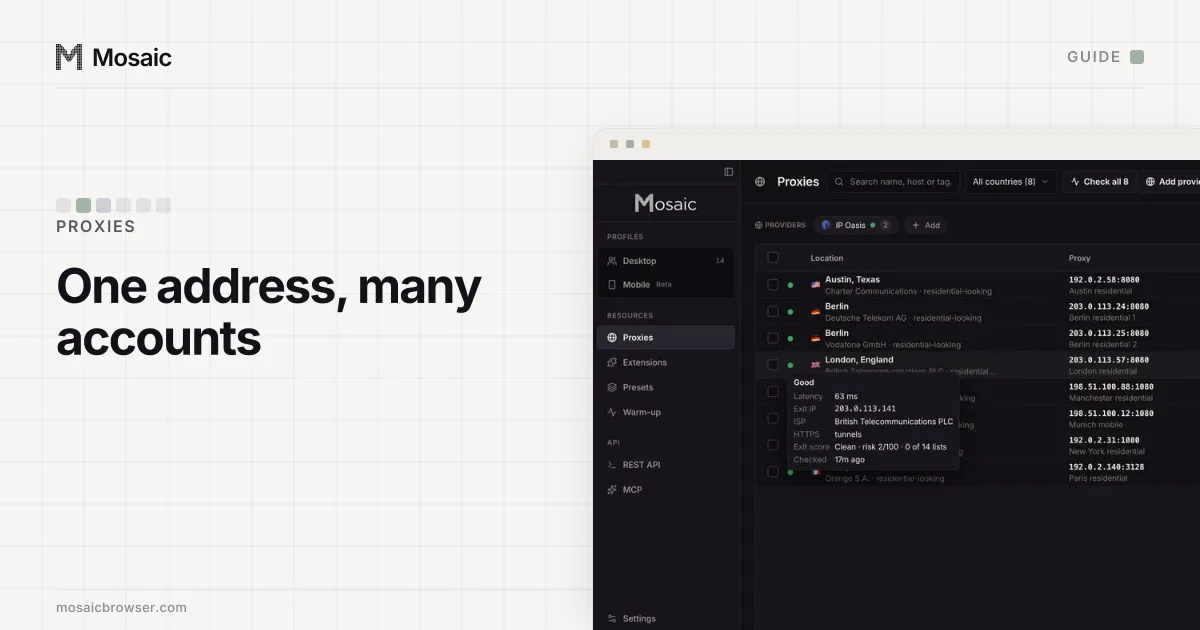
- A check before you sign in. A proxy sold as German can exit elsewhere. Checking a proxy before you use it covers the location, the blocklists and whether the address is residential.
Chrome takes its proxy from the computer's network settings unless told otherwise, so every Chrome profile shares one, and step 1 is where most setups fall over. Using a different proxy for each Chrome profile explains why Chrome makes this awkward and what works.
Doing it in Mosaic
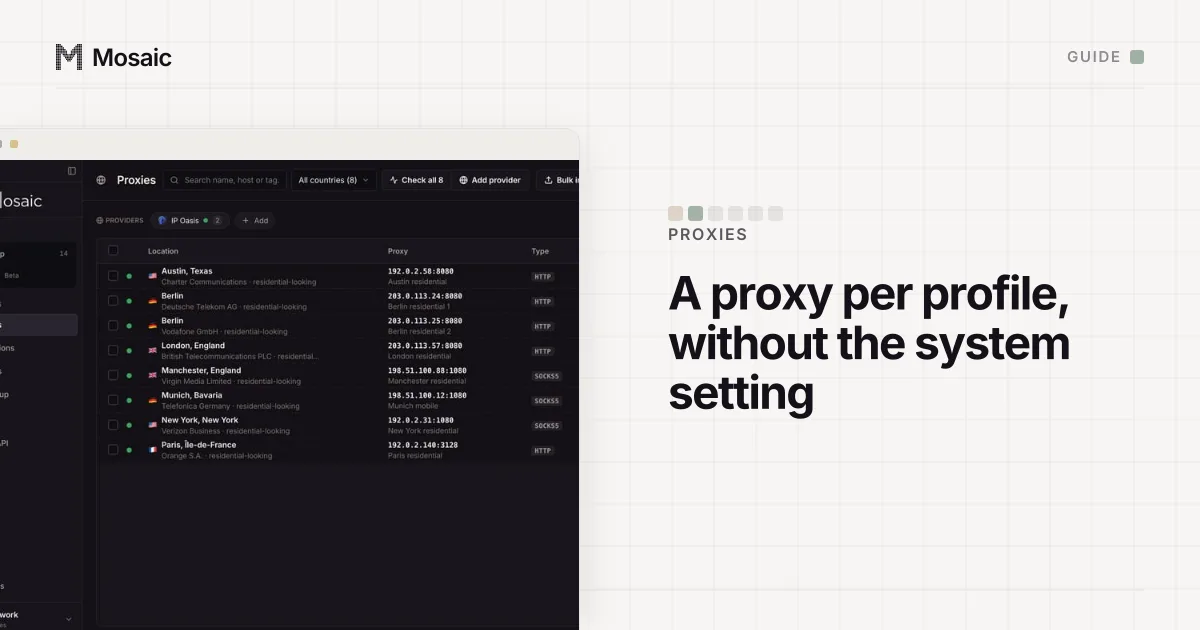
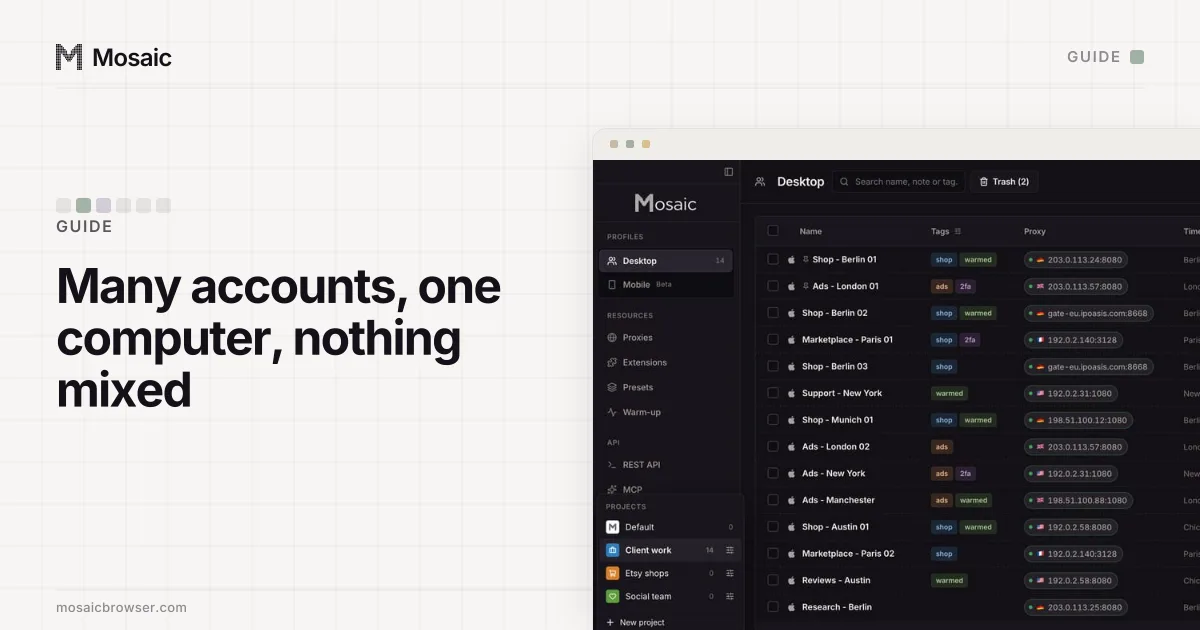
Each Mosaic profile carries its own proxy, so accounts in different profiles never share an exit unless you give them the same one. With a proxy seller's gateway, paste one line in Proxies › Add provider and every profile mints its own session id, which means its own exit, chosen by country, state or city where the seller's line has a word for it. Mosaic checks the proxy before every launch and refuses to open a profile behind one that has not answered and tunnelled, so a failed proxy never quietly falls back to your home address.
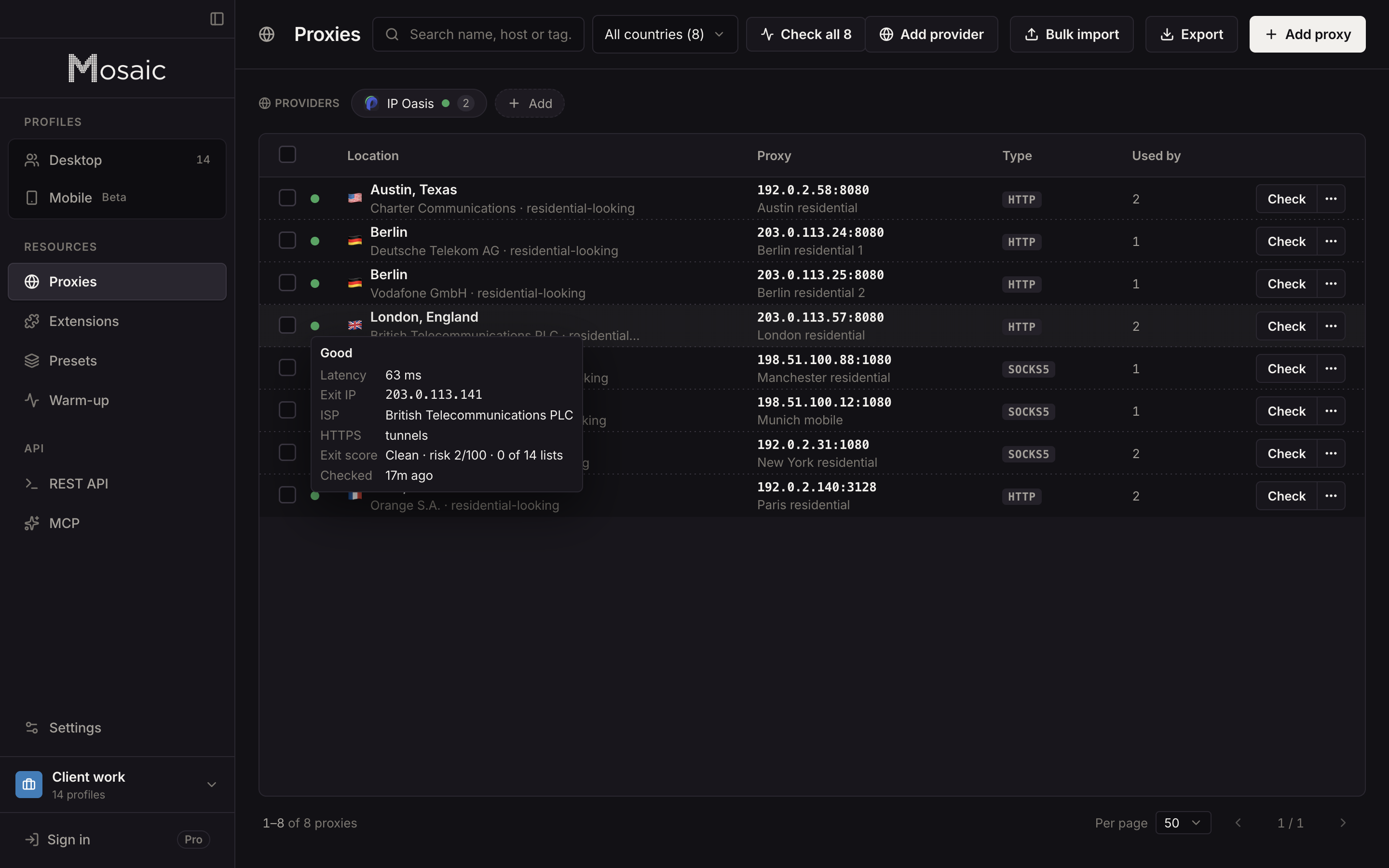
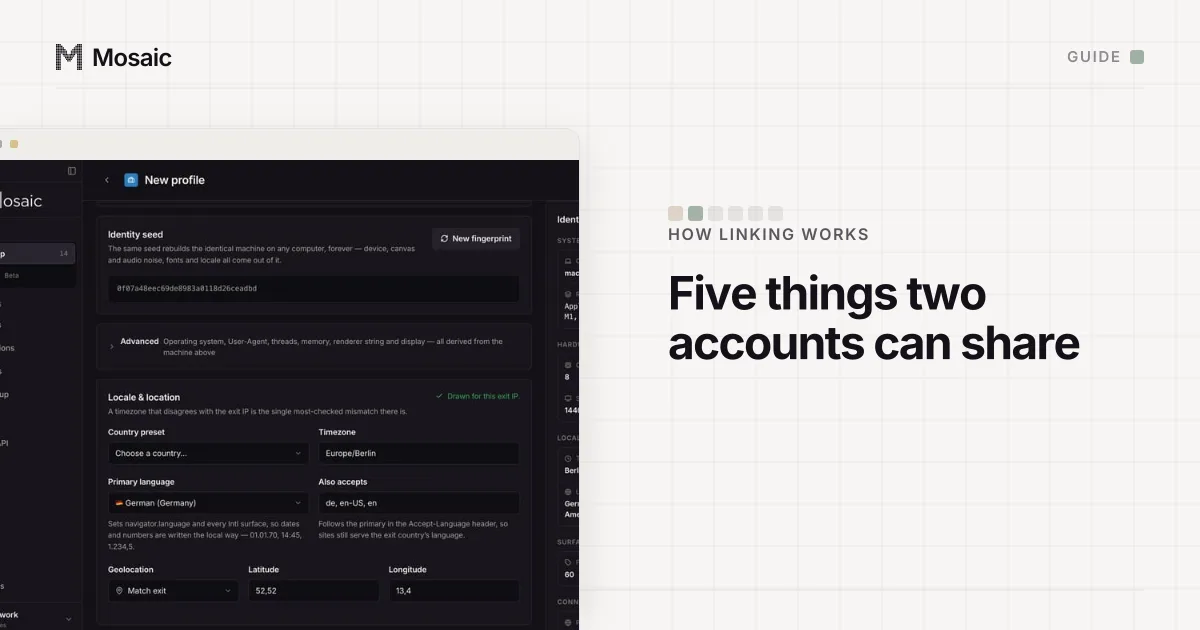
The profile's timezone and language are then set from where the exit actually is. The address is still only one signal: the proxy providers page shows the minting step, and the cookies, fingerprint and account details still need to be kept apart.
Sources
- RFC 6598: IANA-Reserved IPv4 Prefix for Shared Address Space, read November 2, 2026
- Google Account Help: How IP addresses work on Google, read November 2, 2026
- Reddit Help: Is it ok to create multiple accounts?, read November 2, 2026
- X Help Center: Authenticity, read November 2, 2026