Can Chrome use a SOCKS5 proxy with a username and password? Chromium's network documentation has one sentence on it, and it settles the question: "No authentication methods are supported for SOCKSv5 in Chrome (although some do exist for the protocol)" (proxy.md, read 2 November 2026). The method it skips is RFC 1929, the username and password exchange most proxy sellers use for SOCKS5 (RFC 1929). So a line like socks5://user:pass@203.0.113.24:1080 cannot work in Chrome, Edge, Brave or anything else built on Chromium, whichever way you hand it over.
What happens when you try
There are three places to give Chrome a proxy, and each one fails in its own way.
The system proxy settings on macOS and Windows have a username and password next to the SOCKS proxy. Chromium's documentation says Chrome "does not implement this, and will not use any credentials embedded in the proxy settings".
The --proxy-server flag takes a scheme, host and port, such as socks5://203.0.113.24:1080, and has no field for credentials.
A proxy extension can point a profile at a SOCKS5 server through the chrome.proxy API, but its way to supply a password is the onAuthRequired event, which fires on HTTP authentication (chrome.webRequest). Chrome never starts a SOCKS5 sign-in, so the event never fires.
In each case Chrome opens the SOCKS5 connection offering no authentication, the gateway insists on a password, and the connection is refused. No sign-in box appears, which is why this looks like a broken proxy rather than a missing feature.
Paste one gateway line. Every profile mints its own exitIn Mosaic: Provider minting. One gateway line, a separate exit for every profile. Free holds 3 profiles. Pro is $49 a month for any number.
Mosaic is a desktop app
Email yourself the link and open it on your computer.
How it works: Provider minting
Three ways to use a SOCKS5 proxy with a username and password anyway
1. Switch to the seller's HTTP endpoint
Most sellers who offer SOCKS5 also offer HTTP on the same account, often on a different port. Chrome does sign in to HTTP proxies: the documentation lists Basic, Digest, Negotiate and NTLM. When the page first loads, Chrome shows a sign-in box for the proxy, and HTTPS traffic still goes end to end through a CONNECT tunnel. For browsing, you lose nothing that matters.
2. Allowlist your IP instead of a password
Some sellers let you register the public IP of your computer and then accept connections from it with no credentials. Oxylabs, for one, lists IP whitelisting beside username and password (Oxylabs session control). With that set, socks5://host:port works in Chrome as written. The catch is that a home connection's IP can change, and every app on that network can then use your proxy traffic.
3. Run a relay on your own computer
A small proxy listening on 127.0.0.1 can accept Chrome's connection with no password and make the upstream SOCKS5 connection with the username and password itself. Chrome talks to the local relay; the relay signs in. This is the only route that keeps a SOCKS5-only line exactly as the seller sold it, and it is what Mosaic does for every profile.
The limit that stays: UDP
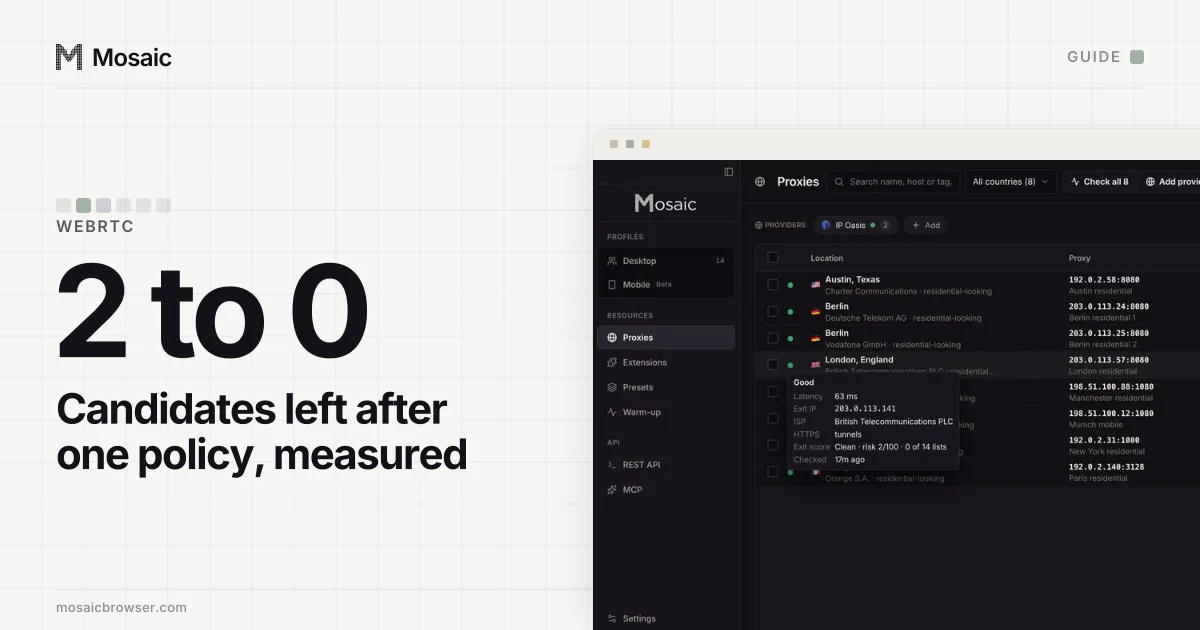
Chrome's SOCKS5 support covers "TCP-based URL requests" only, and "cannot be used to relay UDP traffic". WebRTC uses UDP, so a page can open a WebRTC connection that does not go through the proxy at all, whichever of the three routes you take. How to fix a WebRTC leak in Chrome covers the policy settings that stop it.
How Mosaic handles a SOCKS5 line with a password
In Mosaic every profile whose proxy has a username and password gets its own relay on 127.0.0.1. The engine connects to the relay with no credentials, and the relay performs the SOCKS5 username and password exchange upstream. There is one relay per profile, never shared between two.
- Open the profile, and under Connection › Source choose Custom.
- Paste the line into Paste a proxy. It reads
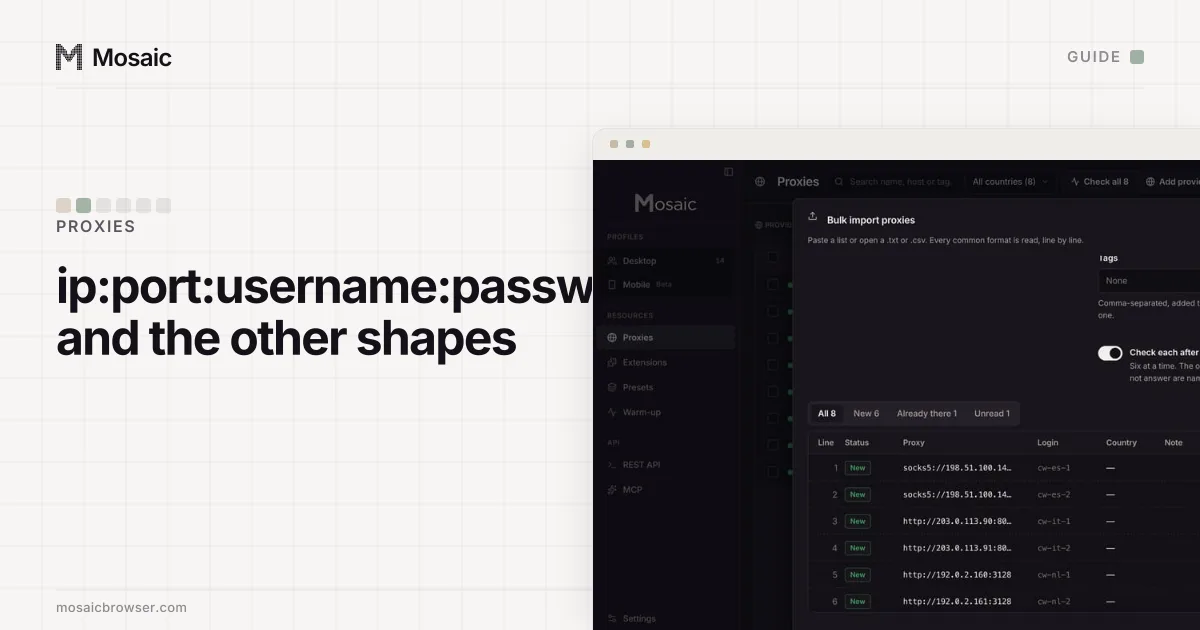
socks5://user:pass@host:port,user:pass@host:port,host:port:user:passand the other common shapes, which are explained in proxy format: ip, port, username, password. - Start the profile. Mosaic checks the proxy first and refuses to launch behind one that has not answered and tunnelled, with the reason.
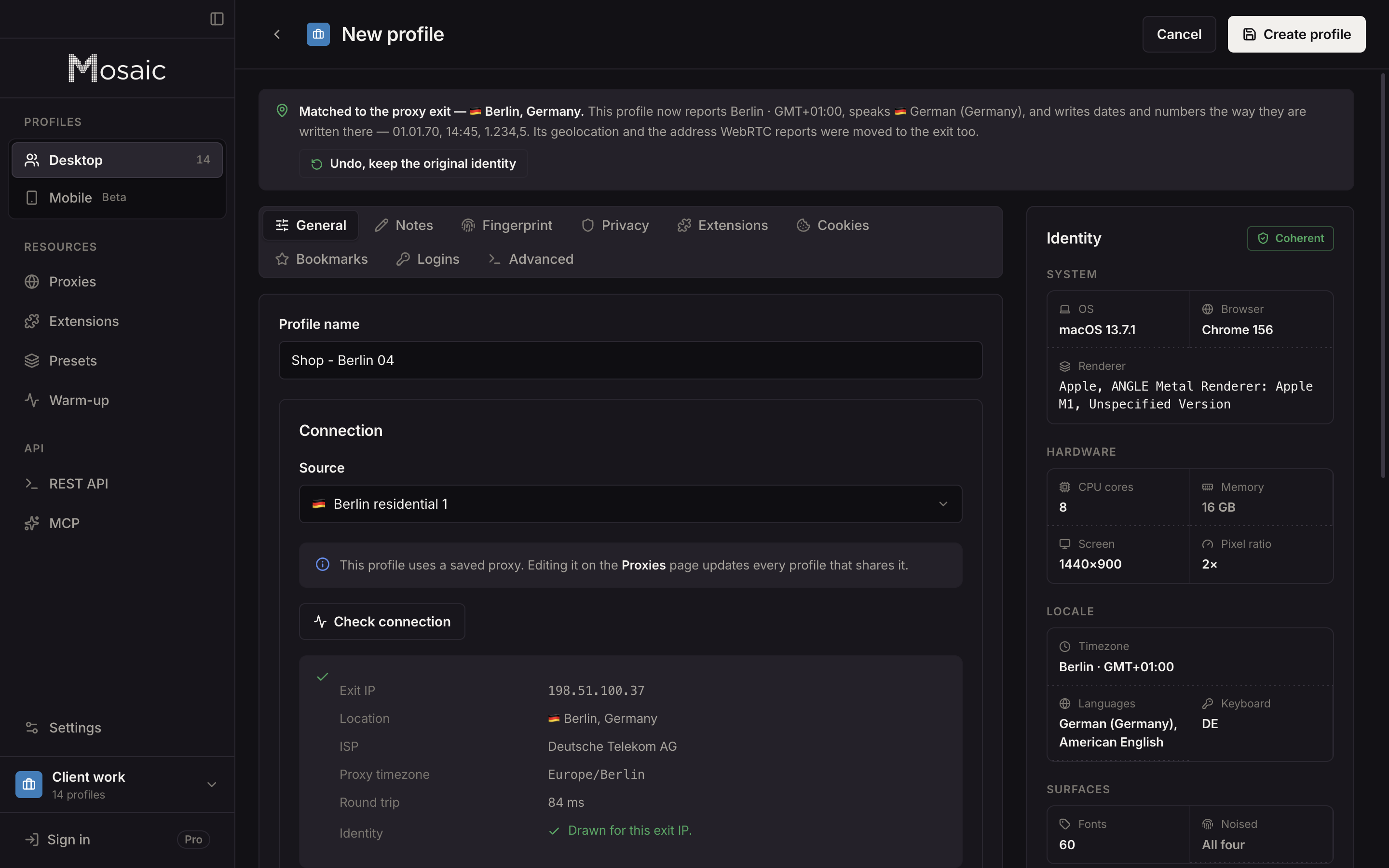
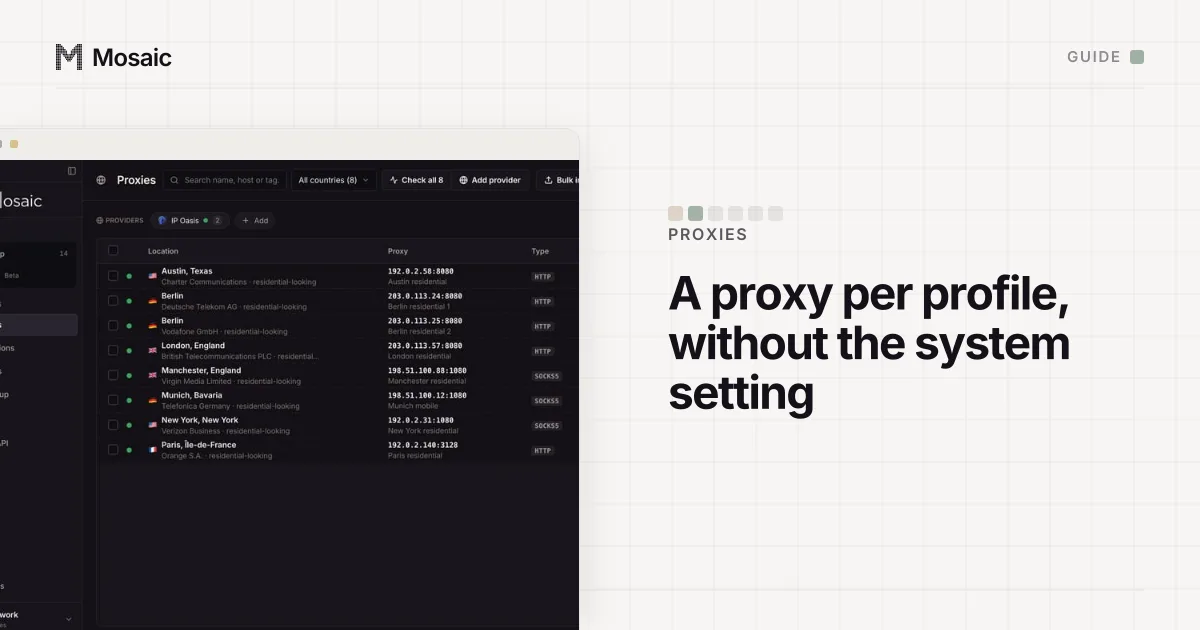
With a proxy attached, by default the engine runs with WebRTC limited to proxied traffic, so it cannot send UDP around the proxy. HTTP and HTTPS proxies with a password go through the same relay, so no sign-in box ever appears. For a seller's rotating gateway, rotating vs sticky proxies explains which line to paste, and the proxy providers page shows how one line becomes a separate session per profile.
Sources
- Chromium: Proxy support in Chrome (net/docs/proxy.md), read November 2, 2026
- RFC 1929: Username/Password Authentication for SOCKS V5, read November 2, 2026
- Chrome for Developers: chrome.webRequest, read November 2, 2026
- Oxylabs Developers: Residential proxies session control, read November 2, 2026