The Model Context Protocol is an open standard for connecting AI applications to tools and data (modelcontextprotocol.io, read 2 November 2026). An MCP server for browser automation is one kind of MCP server. The assistant never touches the browser itself. It sees a list of tools, each with a name, a description and an input schema, and asks the server to run them: navigate to this URL, snapshot the page, click the element with this ref.
How an MCP server for browser automation works
Three parts do the work, and the servers differ mostly in the third.
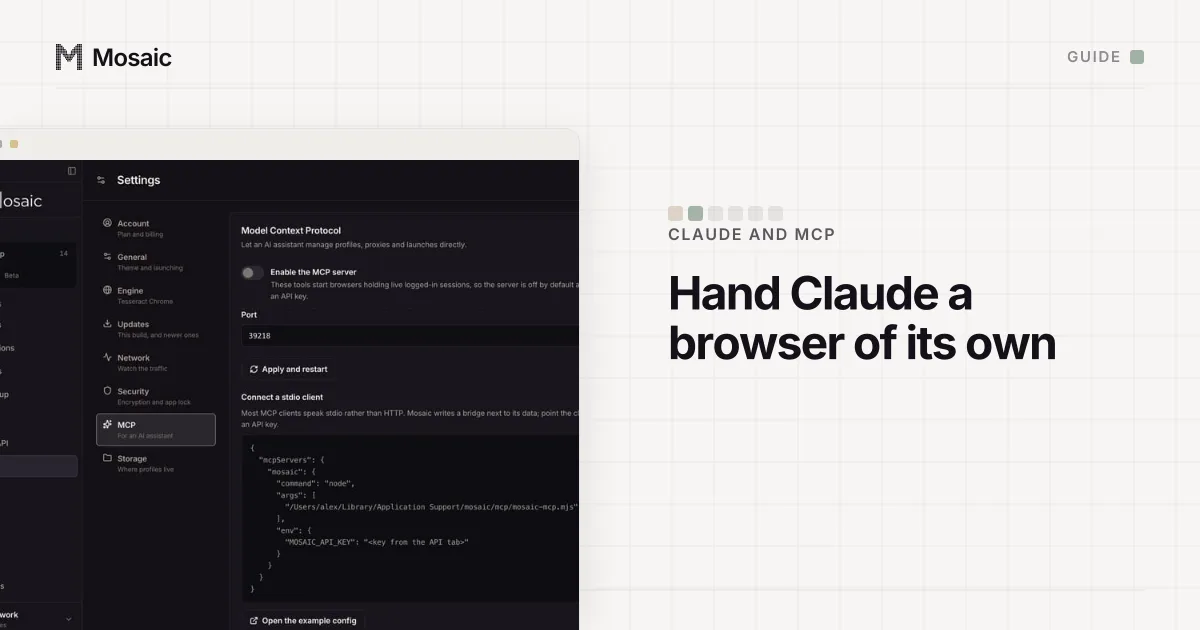
The transport is how the assistant reaches the server. The specification defines two: stdio, where the client launches the server as a subprocess and talks over standard input and output, and Streamable HTTP, where the server is already running at an address. It says clients "SHOULD support stdio whenever possible" (MCP specification, read 2 November 2026).
The page model is how the assistant reads what is in front of it. Raw HTML runs to tens of thousands of lines on an ordinary page, which wastes the model's context. So the common answer is an accessibility snapshot: the page as a tree of roles, names and states, with a short reference on everything that can be pressed or typed into. The assistant answers with "click e42" instead of a CSS selector it had to guess.
The browser is what the tools act on. A server can start a throwaway browser for each session, keep one persistent profile, attach to a Chrome that is already open, or manage many separate profiles. That choice decides what the assistant can reach, and it is the one people skip.
An AI assistant can make, start and drive your profilesIn Mosaic: MCP server. Let an AI assistant create, launch and drive profiles. Free holds 3 profiles. Pro is $49 a month for any number.
Mosaic is a desktop app
Email yourself the link and open it on your computer.
The servers people use, side by side
| Server | Made by | What it drives | Notes from its own page |
|---|---|---|---|
| Playwright MCP | Microsoft | One browser through Playwright | Reads pages as "structured accessibility snapshots"; a persistent profile by default, --user-data-dir to move it, --cdp-endpoint to attach to a running browser |
| Chrome DevTools MCP | Chrome DevTools team | Chrome, through DevTools | Described as "Chrome DevTools for coding agents"; options include --headless, --isolated and --slim |
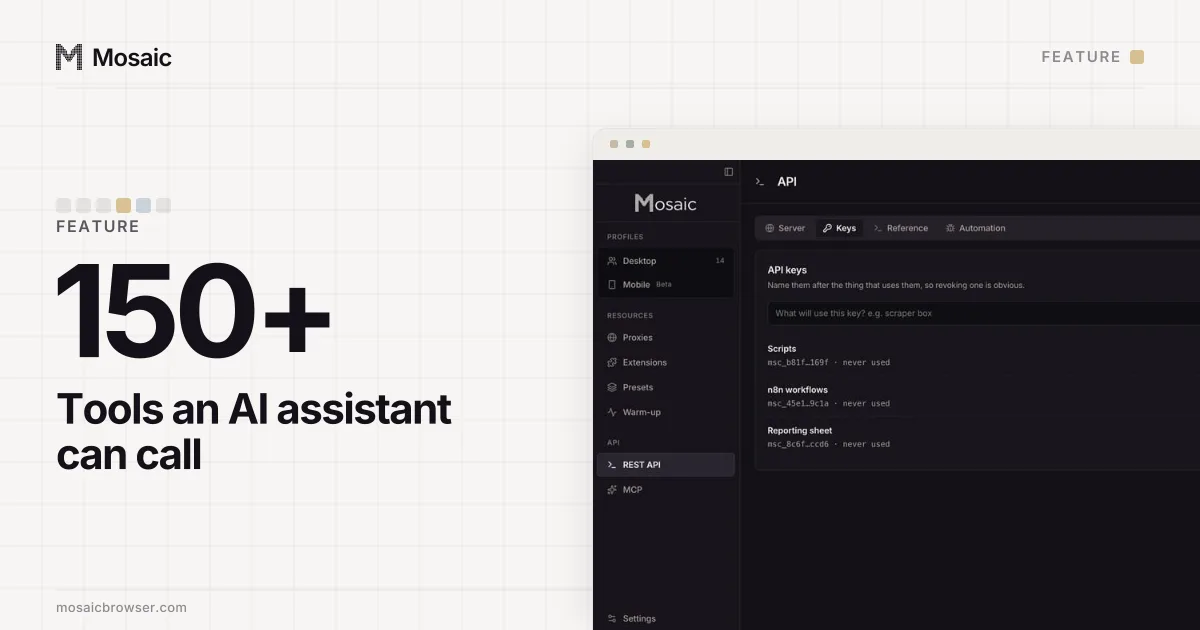
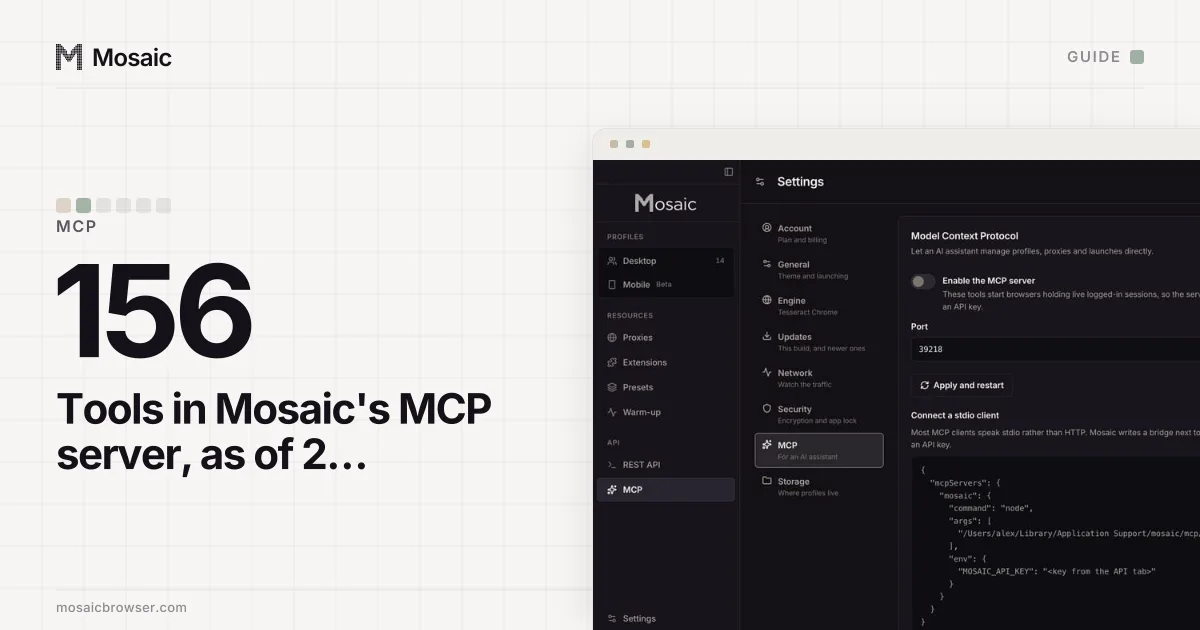
| Mosaic MCP server | Mosaic (us) | Many Mosaic profiles, each with its own fingerprint, proxy and cookies | 156 tools as of 2 November 2026, off by default, every call needs an API key |
Playwright MCP is from its README and Chrome DevTools MCP from its README, both read 2 November 2026. Both are open source under the Apache-2.0 licence. For testing or debugging your own web app, either is a good fit.
When one browser is not enough
The first two drive one browser at a time. For an assistant working across several accounts, that browser is where the accounts meet: one cookie jar, one exit address, one machine's fingerprint, shared by every account it signs in to.
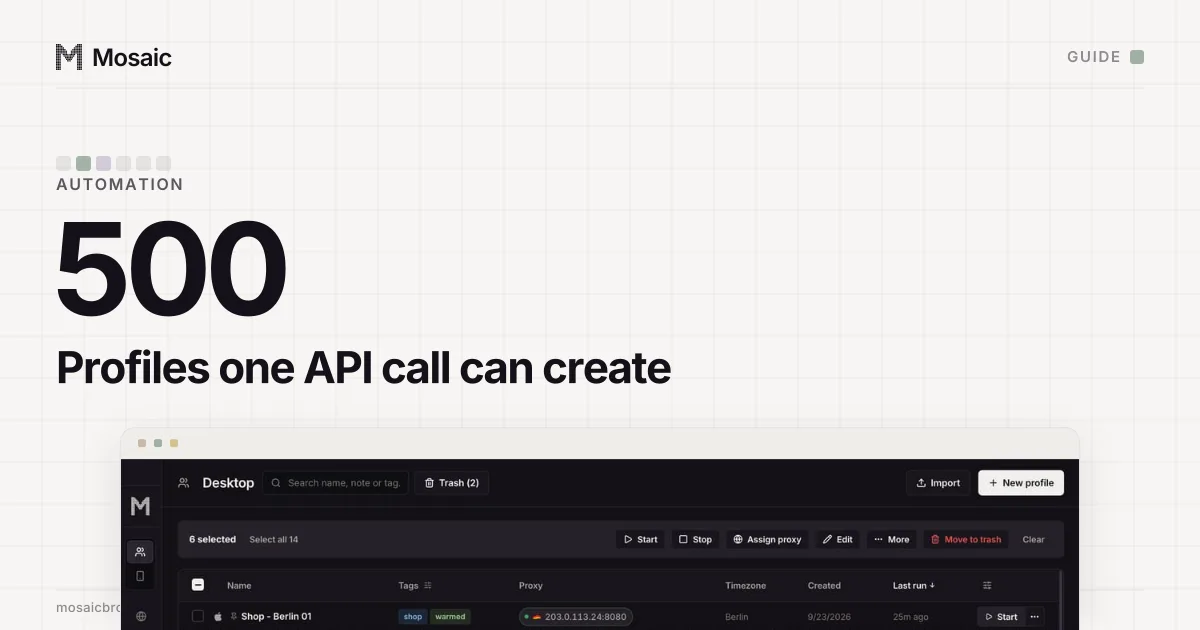
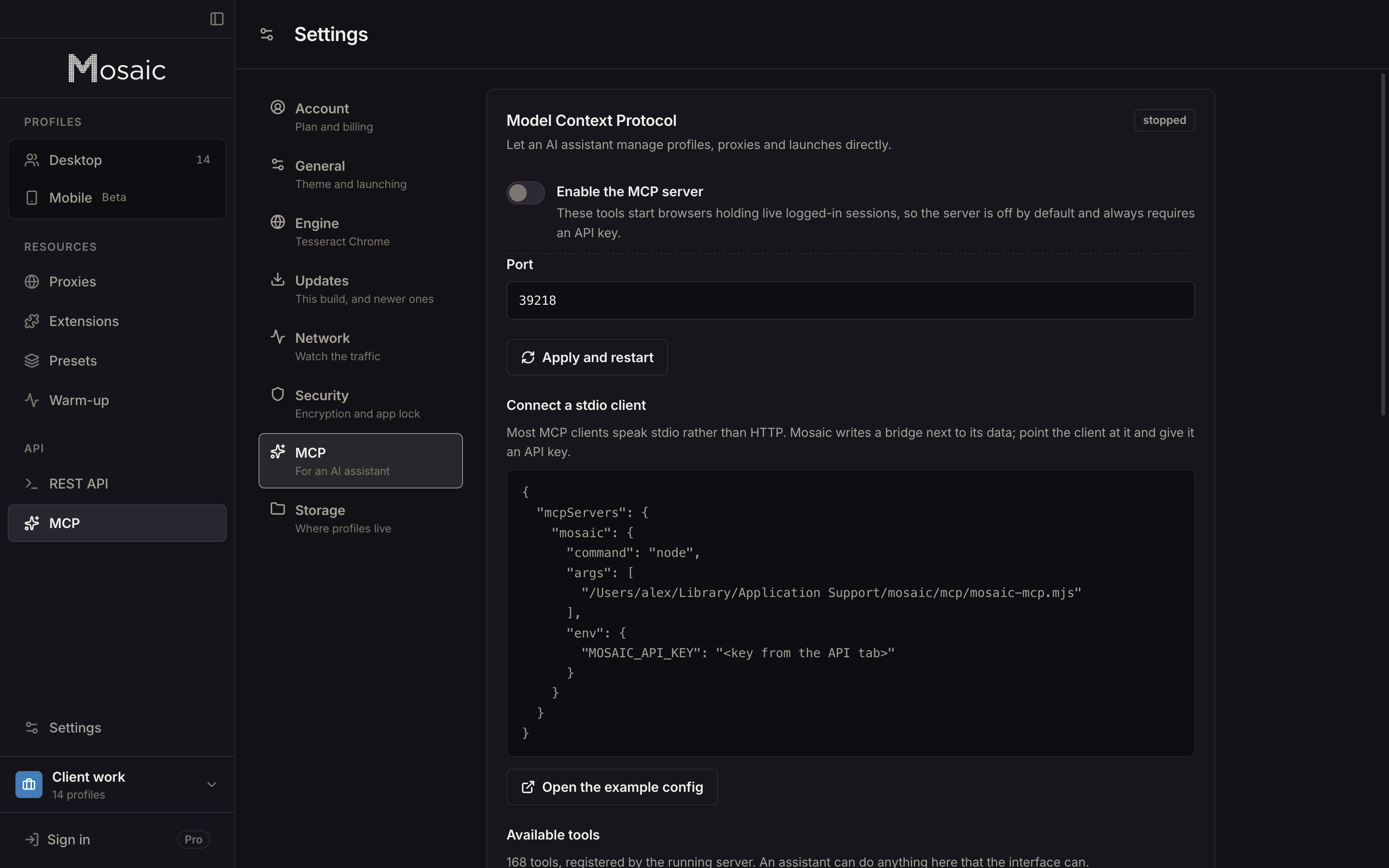
Mosaic's MCP server is built the other way round. The unit is a profile, and the tools manage profiles as well as pages: create_profile, mint_proxy, start_profiles, stop_profile, then page_snapshot, page_click, page_type and page_fill on whichever profile is running. A request like "start the three Berlin profiles and open the orders page in each" is a handful of tool calls. Profiles made from a proxy provider each mint their own session, so they come out on separate exits. The guide to letting Claude control a browser has the set-up for Claude Desktop and Claude Code.
Two choices in it came from measurements, not taste. The page tools never enable the DevTools Runtime domain, because on our engine that one call flipped deviceandbrowserinfo's verdict to isBot=true; snapshots and queries run in an isolated world the page cannot see. And clicks and keystrokes go through human-timed input, with a cursor that travels to the element and a real wheel for scrolling.
What to check before you give one your sessions
An assistant with a browser can do anything you can do in it. Before you connect a server to a logged-in browser, ask four things of it:
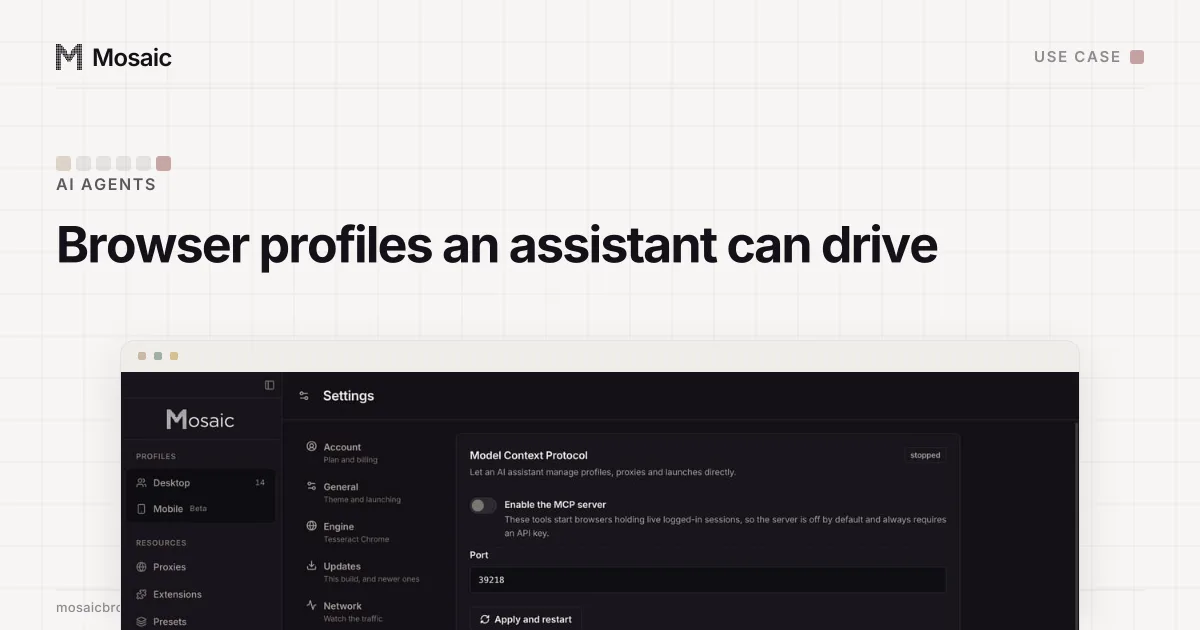
- Whether it is off until you turn it on, and whether it needs a key.
- Whether it listens only on your own machine. Mosaic's answers on
127.0.0.1alone. - Whether a destructive call with no scope is refused. Emptying Mosaic's trash without naming what to empty is an error, never "all of it".
- Whether you can see afterwards what it did. Mosaic logs calls on the API activity screen by key.
Sites also have their own rules about automated use, and an assistant is automation. The AI agents page covers that side. Mosaic's MCP server is part of Pro, $49 a month with a 14-day free trial, on the pricing page.
Sources
- Model Context Protocol specification: Transports, read November 2, 2026
- Model Context Protocol: What is MCP?, read November 2, 2026
- Playwright MCP (GitHub), read November 2, 2026
- Chrome DevTools MCP (GitHub), read November 2, 2026