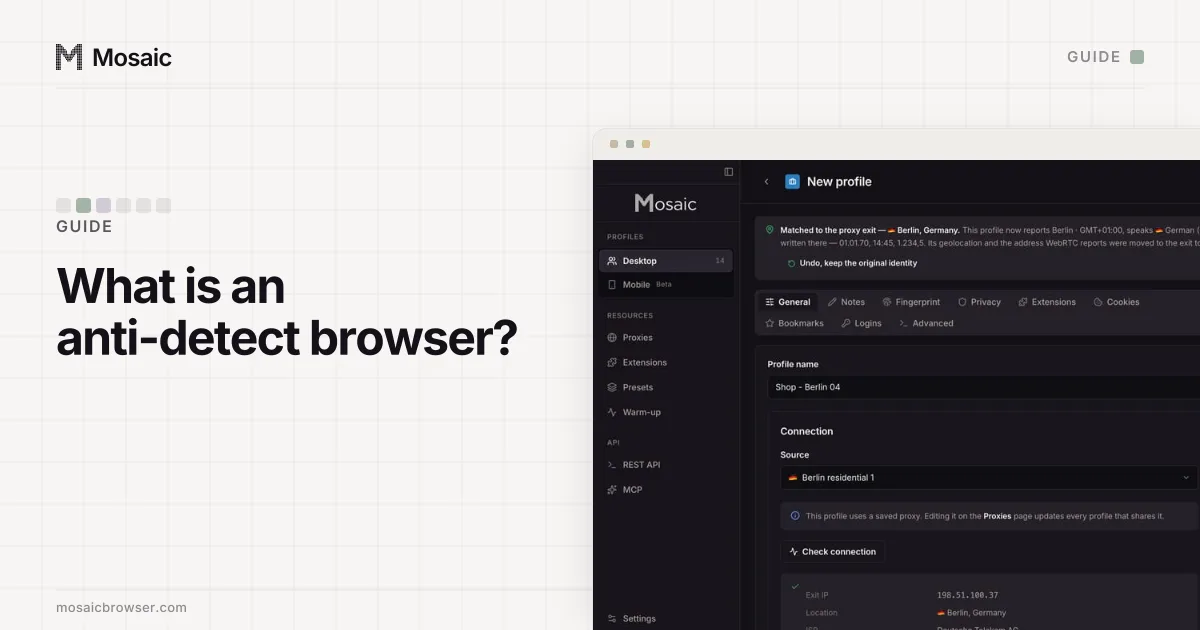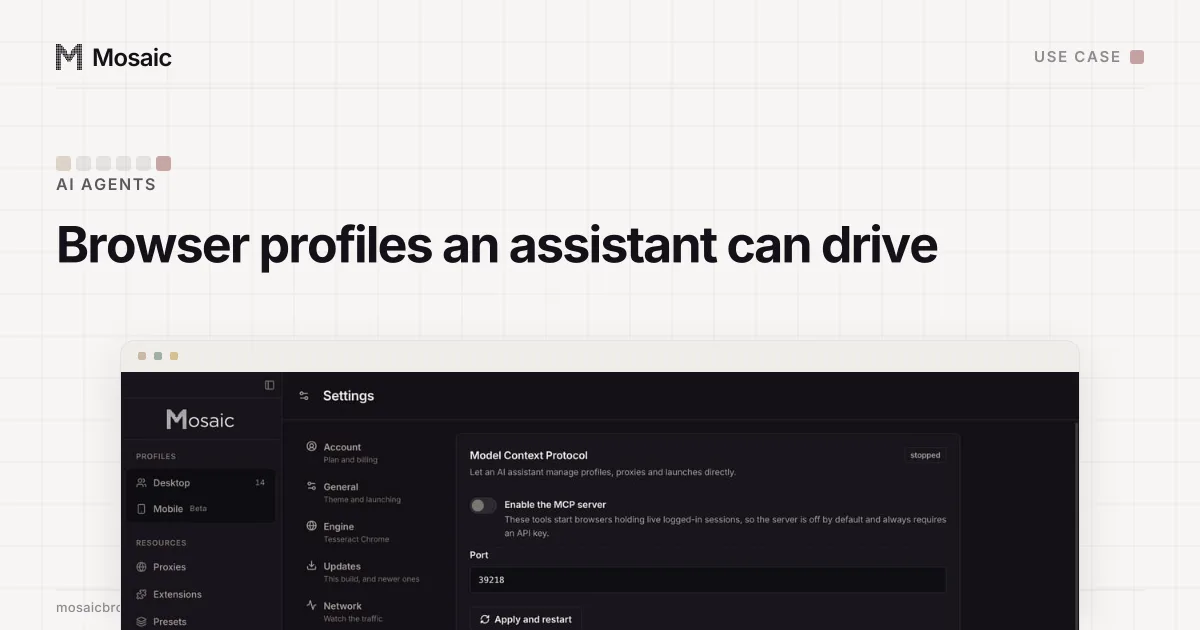
An agent that works in a website on your behalf needs what you need when you sign in: a browser that keeps its cookies between sessions, comes from a sensible address and looks like one ordinary computer. When the agent works across several of your accounts, each one needs that separately, or the agent becomes the thing that joins them. Mosaic gives every account a profile and lets an agent create, start and drive those profiles through a Model Context Protocol server built into the app.
What the sites you automate allow
Automation rules belong to each site, and they differ. Instagram's Terms of Use, for one, forbid accessing or collecting information "in unauthorized ways", including in an automated way, without Instagram's express permission (Instagram Help Center, read 2 November 2026). Read the terms of the site your agent works in before you point it there. Mosaic is for automating your own accounts within those terms. It keeps accounts you are entitled to run apart; it does not change what a site allows, and we do not build for scraping behind a login you were not given or for making accounts in bulk.
Why a hosted or headless browser is the wrong default
A common setup gives the agent a fresh Chromium for each task, often headless, run locally or by a hosted service. That is fine for reading public pages. It goes wrong for signed-in work for three reasons. A headless Chrome names itself in its User-Agent and drops the real GPU. A fresh browser every run has no cookies, so the site sees a new device each morning and asks for a code. And a hosted browser comes out of its host's addresses unless you give it a proxy of your own.
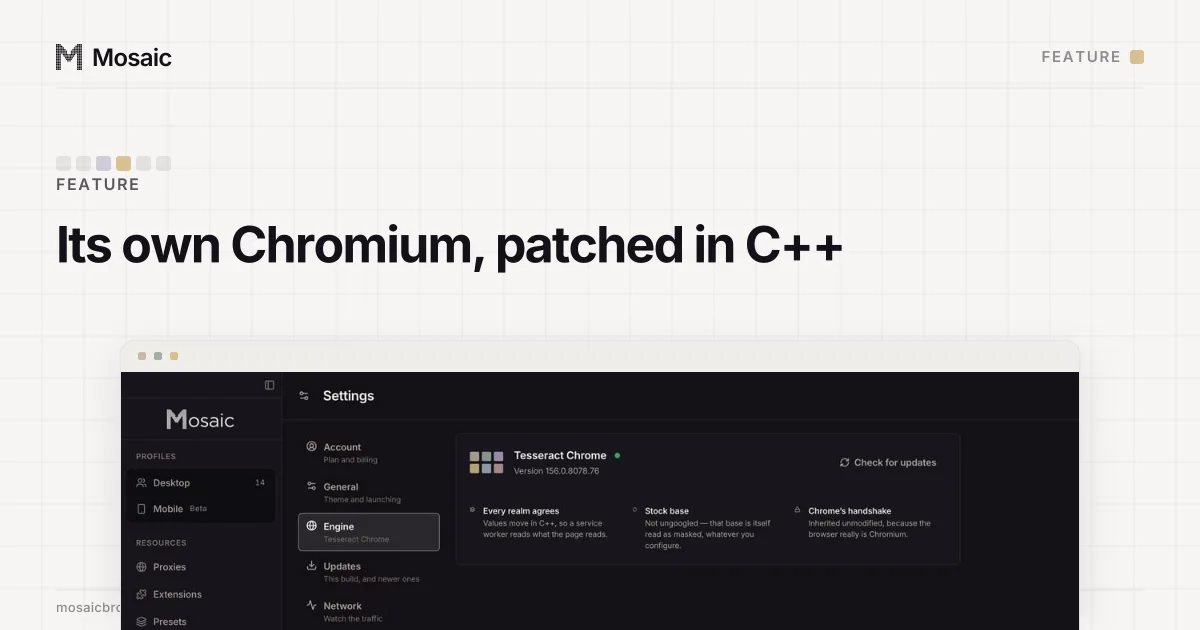
Mosaic profiles are the opposite on each count. The browser is Tesseract Chrome, our own Chromium with fingerprint values changed in C++ inside the engine, headed, on your computer. The profile keeps its cookie jar between runs. Its proxy is its own, checked before every launch, and its timezone and language follow the exit. Background work can run off-screen: the window is parked outside the visible desktop, and the browser stays headed, with the real GPU.
An AI assistant can make, start and drive your profilesIn Mosaic: MCP server. Let an AI assistant create, launch and drive profiles. Free holds 3 profiles. Pro is $49 a month for any number.
Mosaic is a desktop app
Email yourself the link and open it on your computer.
Two ways in: MCP and the REST API
MCP, for an assistant
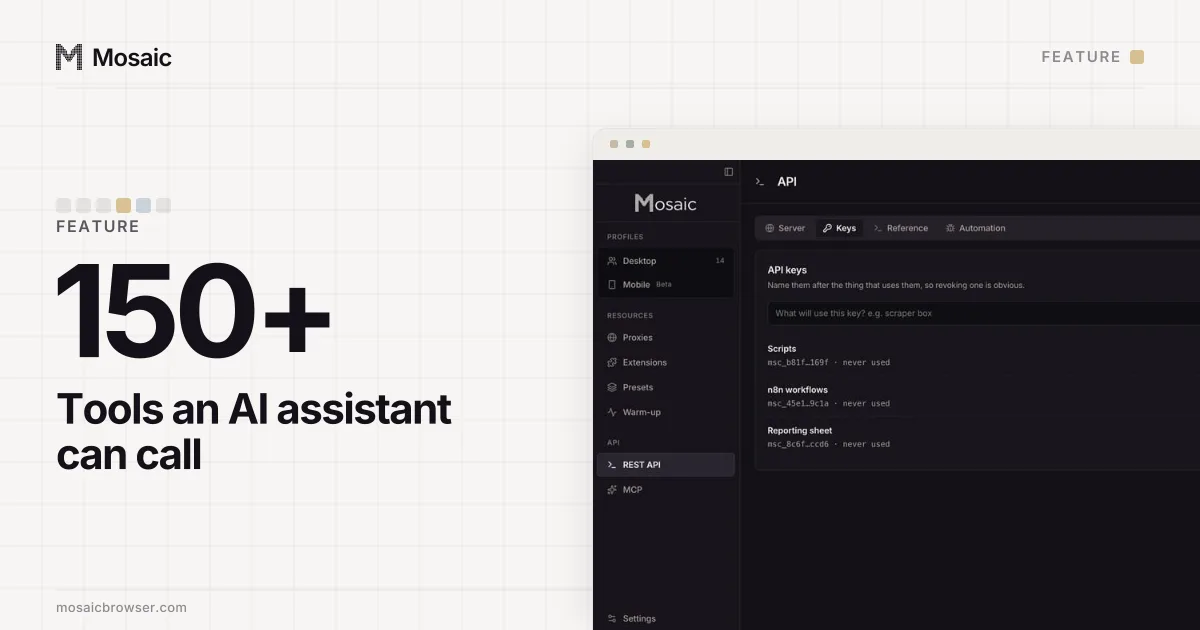
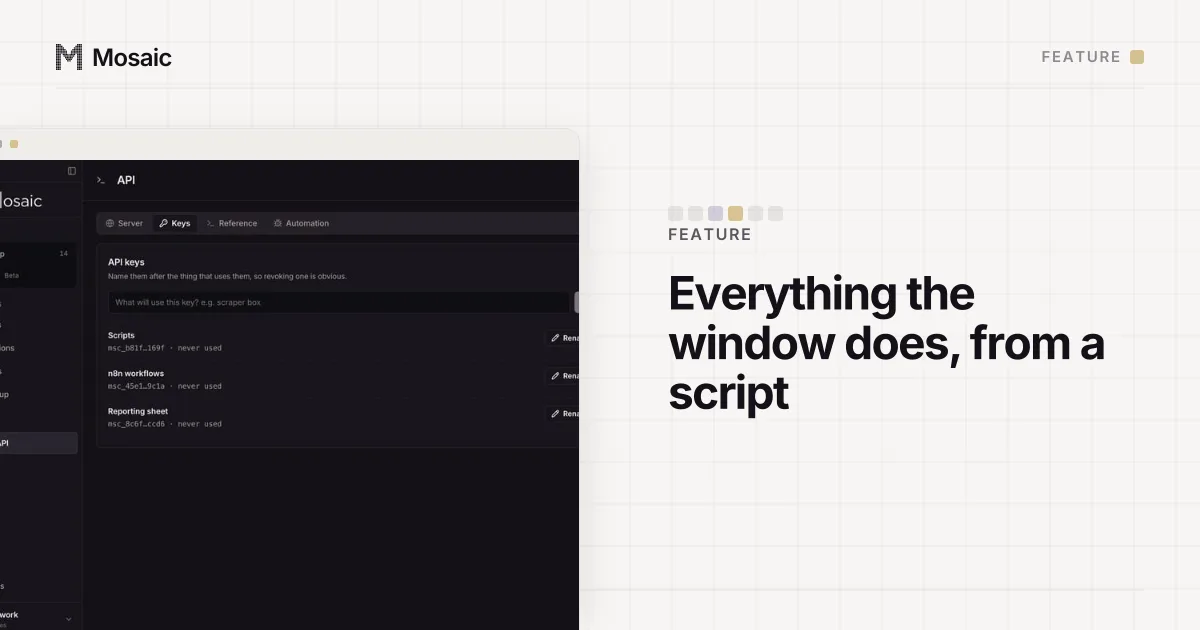
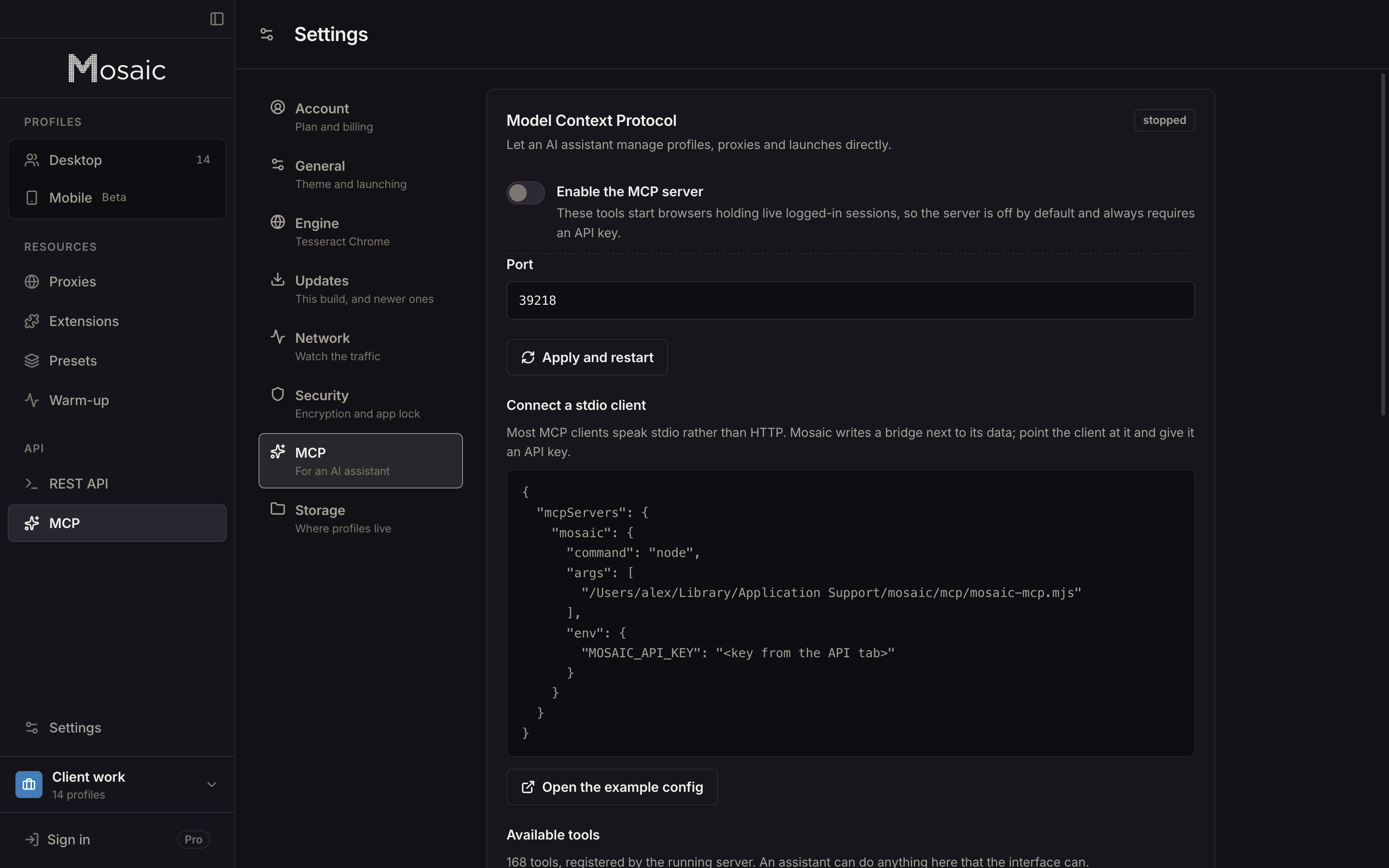
Turn the server on in Settings › MCP, make an API key on the API screen and paste the config block into your client. The server registers more than 150 tools: profiles and projects, proxies and providers, cookies and two-factor codes, and the live page. The MCP server page lists them by group. The Model Context Protocol itself is an open standard for connecting AI applications to tools and data (modelcontextprotocol.io, read 2 November 2026).
REST, for your own agent code
The local REST API runs at http://127.0.0.1:7317/api/v1. POST /profiles/:id/start returns a wsEndpoint, and Playwright's connectOverCDP attaches to it (Playwright docs, read 2 November 2026), so a framework that already speaks Playwright gets a browser with the profile's fingerprint, proxy and cookies applied.
How the agent reads and clicks a page
page_snapshot returns the page as a tree of roles, names and states, with a ref on everything the agent can press or type into. That is a few hundred lines where the HTML is tens of thousands. A ref belongs to the snapshot that made it, so after a navigation an old ref is refused by name instead of landing on whatever now sits in that spot.
None of the page tools enable the DevTools Runtime domain. We measured that one call flipping a bot detector to its bot verdict, and Playwright turns it on as soon as it attaches, which is why the page tools are a separate implementation. Snapshots and queries run in an isolated world the page cannot see. Clicks go through a cursor that travels to the element, keys are typed with human timing, and scrolling uses a real wheel.
Guard rails for an agent with your sessions
An agent with access to logged-in browsers can do real damage, so the server starts switched off and every request needs an API key. Calls appear on the API activity screen under the key that made them. A destructive call with no scope, such as emptying the trash without naming what to empty, is refused rather than read as "all of it". An unknown field is refused with the field named, because a model cannot ask what was meant.
Limits
Both automation surfaces are Pro only. Mosaic is a desktop app: no Docker, no headless server mode, no hosted endpoint, and the API answers on 127.0.0.1 alone, so the agent runs on the same computer. Profiles stay on that computer too, as local first explains. Free covers 3 profiles; Pro is $49 a month with a 14-day free trial, on the pricing page.
Sources
- Model Context Protocol: What is MCP?, read November 2, 2026
- Playwright docs: BrowserType.connectOverCDP, read November 2, 2026
- Instagram Help Center: Terms of Use, read November 2, 2026