Google's own help page has the example: you search from a computer in San Francisco, your ad targets Los Angeles, and the ad does not appear (Find your first ads, read 2 November 2026). Nothing is broken. Google is doing what the campaign asked. There are two ways to see Google ads in another location such as Los Angeles: Google's preview tool, or a browser that really is in Los Angeles. They answer different questions.
How Google decides where you are
Location targeting, in Google's words, "is based on a variety of signals, including users' settings, devices, and behavior on our platform", and it is a best effort with no promise of 100% accuracy (Target ads to geographic locations, read 2 November 2026). Your IP address is one signal. Your Google sign-in, its location history, your browser's language and your device's clock are others.
Two campaign settings change what a place sees, too. Advertisers can target a whole country, a region, a city, a postcode in some countries, or a radius of at least 1 km. And on Search, Google recommends "Presence or Interest", which reaches people who are in a place or have shown interest in it. So an ad for a Lisbon hotel can show to someone in Leeds who has been searching for Lisbon, and a check from Leeds can find ads you thought were only for Portugal.
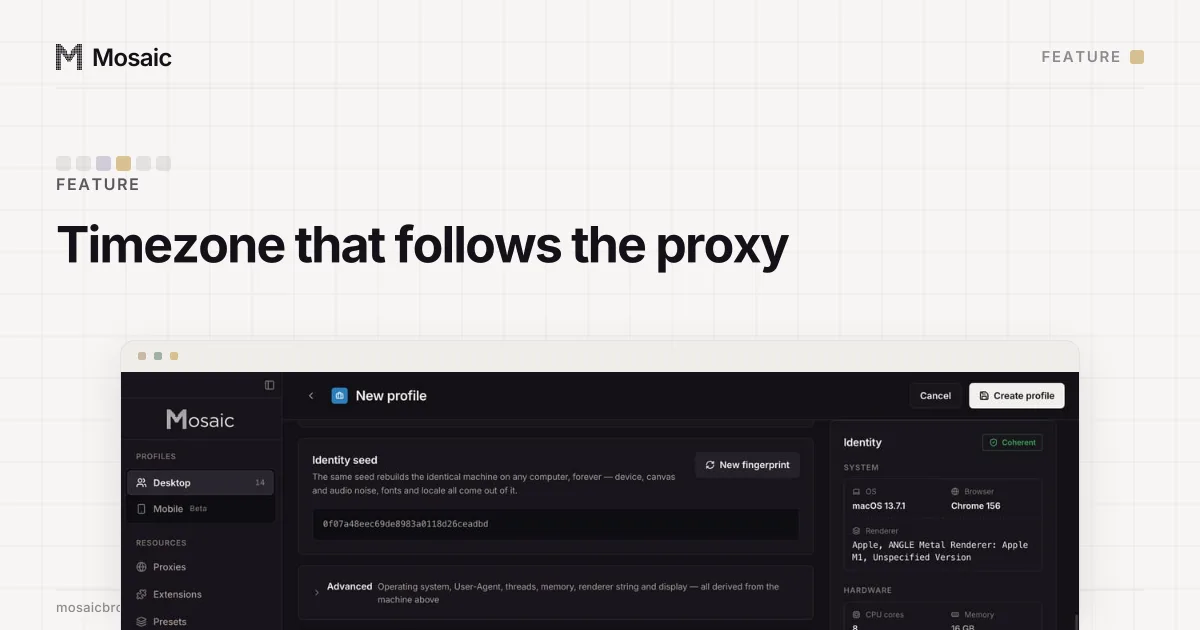
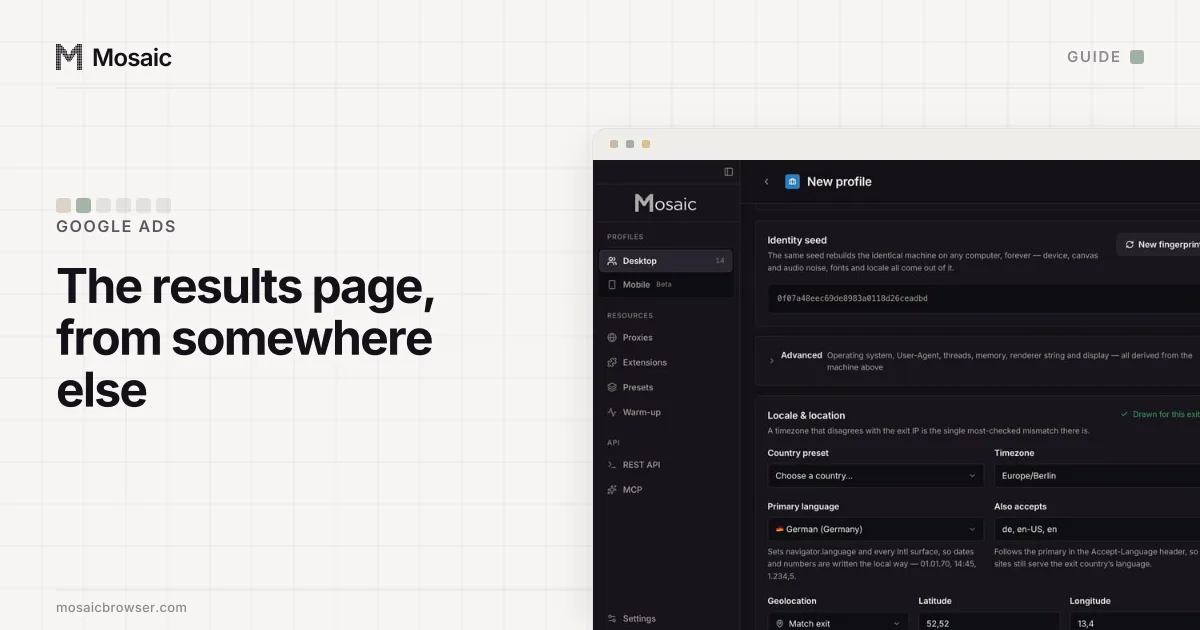
Timezone, language and location come from where the proxy comes outIn Mosaic: Matched to the exit. Timezone, language and location follow the proxy. Free holds 3 profiles. Pro is $49 a month for any number.
Mosaic is a desktop app
Email yourself the link and open it on your computer.
How it works: Matched to the exit
How to see Google ads in another location with Ad Preview and Diagnosis
For your own campaigns, this is the tool Google wants you to use:
- In Google Ads, open Tools, then the Troubleshooting menu, then Ad preview and diagnosis.
- Along the top, set the location. Type the city, not only the country, if the campaign is city-targeted.
- Set the language and the device.
- Type the keyword. The tool shows which ads it triggers there and, if yours does not show, says why.
Google says the tool is better than searching yourself because it "avoids accumulating ad impressions and impacting your performance statistics" (About the Ad preview and diagnosis tool, read 2 November 2026). Its Share this search link sends the same preview to a client. It may not reflect all campaign activity, and a preview of an ad can disappear once the campaign has spent its daily budget.
The preview shows the whole results page for that keyword, so the other advertisers in that city are there too. For a competitor's ads by country, without needing an account, the Ads Transparency Center is quicker; how to see competitor Google ads in other countries covers it.
See the live page from that city
A preview is Google's simulation, and it stops at the ad. When you need the real results page, the map pack and what the landing page does for a visitor from that city, you need a browser that every signal places there.
A VPN changes one signal. Your normal Chrome still sends your language list, your clock and, if you are signed in, your account, which is why a VPN check often lands half in the new city and half at home. Incognito changes none of them.
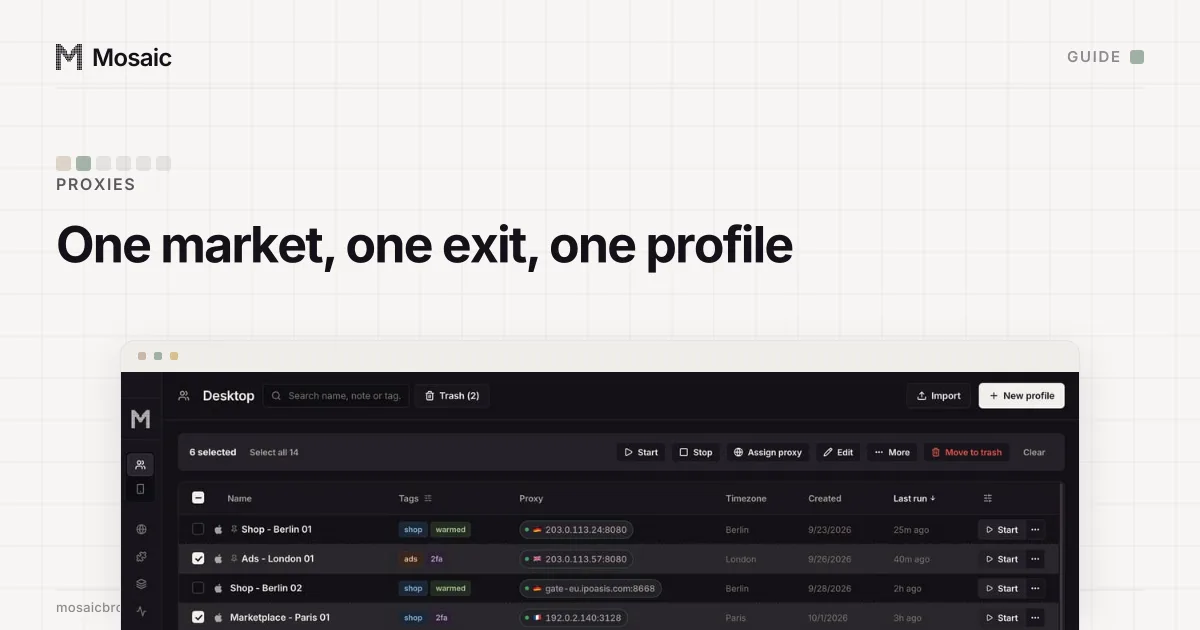
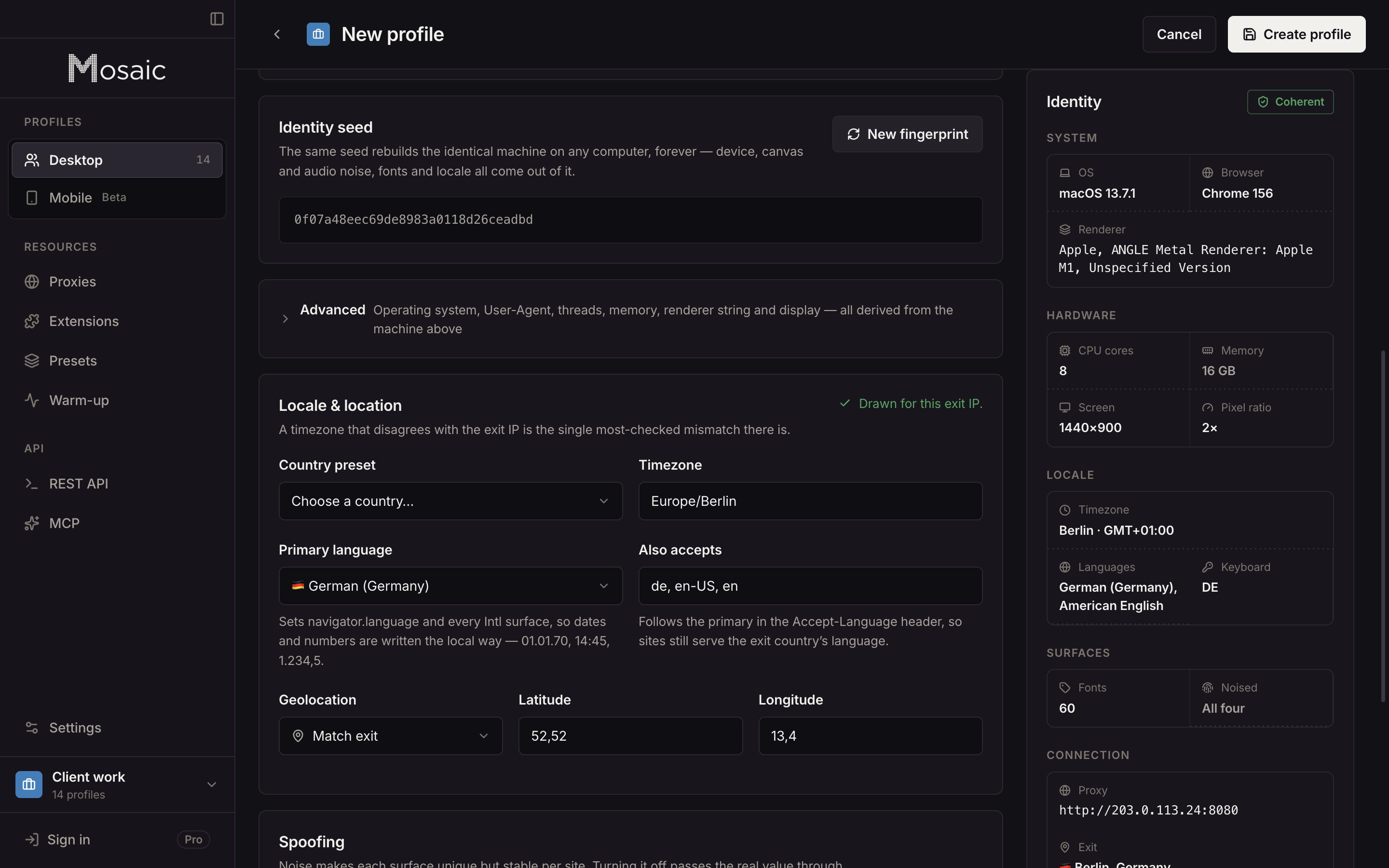
In Mosaic, a profile is that browser. Its exit is the proxy you give it, and its timezone, language and geolocation are drawn from the exit Mosaic measured, not typed in by hand, as exit matching describes.
- Add your proxy seller once under Proxies › Add provider by pasting one gateway line.
- Click New profile, set Source to the provider and pick the Country. Pick the City too where your seller's line format has a word for it; a city a seller cannot spell is refused by name, not quietly dropped.
- Start the profile. Mosaic checks the proxy answers and tunnels before the browser opens, so the page never comes from your own address by mistake.
- Look at the exit's location on the proxy before you trust the results. City-level geolocation of an IP address can be off by a town, and the next city over can be a different target.
- Search signed out, as a local would, and visit landing pages by typing their address rather than clicking the ad.
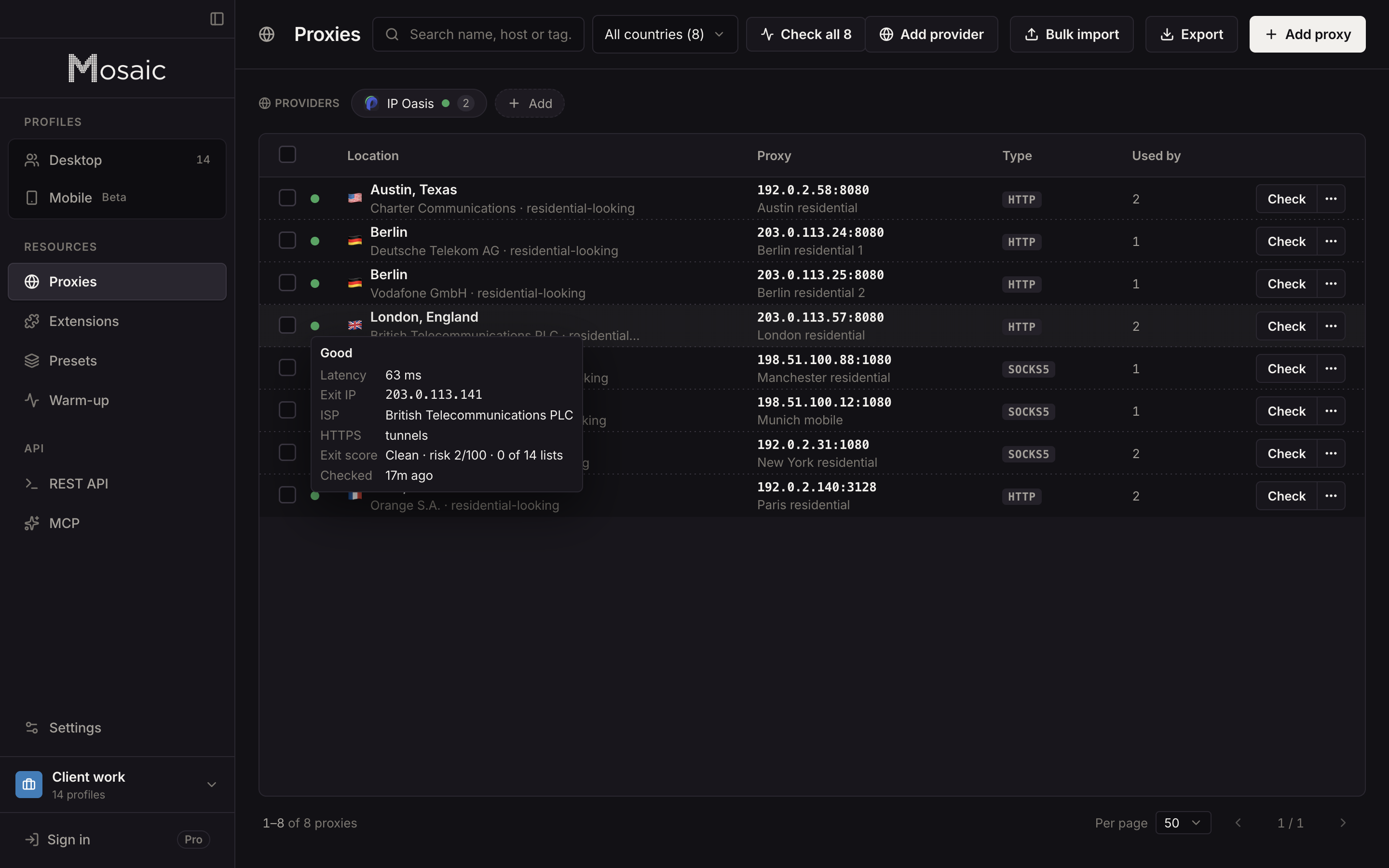
A residential exit is the better choice for this, since a page may treat a hosting-company address differently from a household; proxies for ad verification sets out which kind fits which check. Do not click your own ads or a competitor's from these profiles: a click you make is a cost to somebody, and Google lists "competitors who manually click to increase your spend" as invalid traffic (About invalid traffic, read 2 November 2026).
Checking several places at once
One profile per place keeps the results honest, because each has its own cookies and never carries one city's searches into another. To check a client's campaigns in five cities every week, keep five profiles and open them together. The wider version of this, with Meta's Ad Library and landing-page checks across countries, is in how to check your ads in different countries.
Free covers 3 profiles and 10 profile creations, enough to watch five places by hand; on Pro, a script can use the local REST API to start each profile and save a screenshot per place on a schedule. How agencies use this for client campaigns is in Mosaic for agencies.
Sources
- Google Ads Help: Find your first ads, read November 2, 2026
- Google Ads Help: About the Ad preview and diagnosis tool, read November 2, 2026
- Google Ads Help: Target ads to geographic locations, read November 2, 2026
- My Ad Center Help: About advertiser verification, read November 2, 2026
- Google Ads Help: About invalid traffic, read November 2, 2026